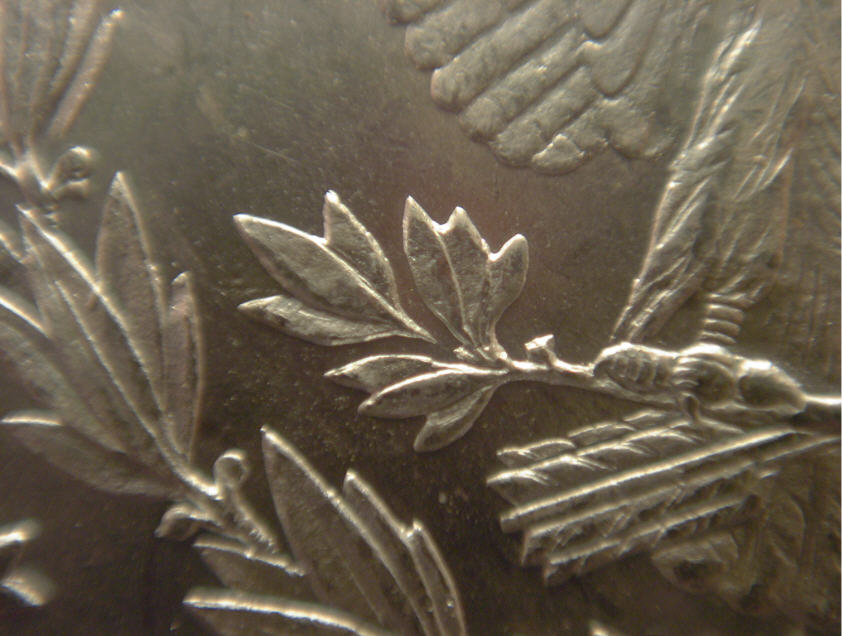
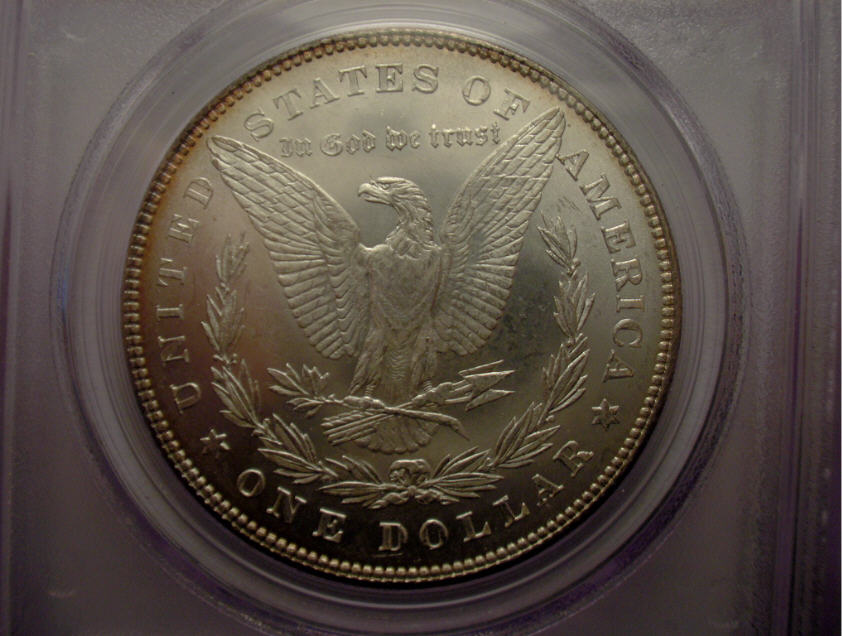
There is no real secret. Most people don't realize how powerful their scanners are. I can't speak for all scanners but this scanner (Epson Perfection 4180 PHOTO) has three modes 1.) Full Auto Mode. 2.) Home Mode. 3.) Professional Mode. The Profession Mode is like using a 4-Speed transmission option in a car - it puts you more in control of the operation. One important option is resolution were you can go from 72 dpi to 12,800 dpi. The date on this 1882-O/S
Morgan dollar VAM-5 was scanned at 3200 dpi (It's for sale on
ebay now). For scanning the whole coin, 300 to 600 dpi works good. I scan a coin and then up-load the image to Adobe Photoshop for sizing, cropping and adding any arrows and descriptions etc.
One quick tip is to make sure you "select" the area to be scanned, like just out side the limits of the coin, or just the date area. Many frist timers forget to do this and end up scanning the whole scanner bed at 600 dpi, or worst yet at 3200 dpi and end-up getting a memory overflow.
Give scanning a try, and experiment with it - you will like the results. If you look at my current
ebay Auction images (user ID hensteethhunter) you can get an idea of the quality of images you can obtain with this type of scanner.
Edited by Danester
04/09/2011 04:43 am








 Posted 04/02/2011 4:12 pm