| Author |
 Replies: 175 / Views: 33,278 Replies: 175 / Views: 33,278 |
|
|
|
|
New Member
United States
13 Posts |
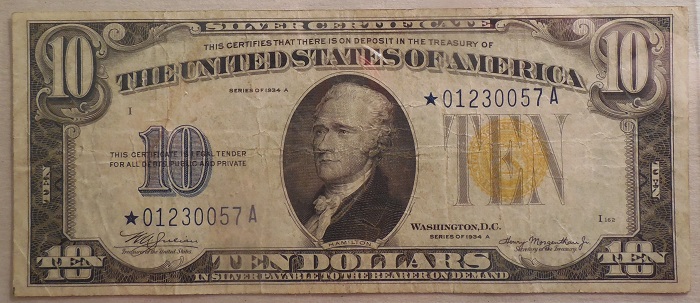
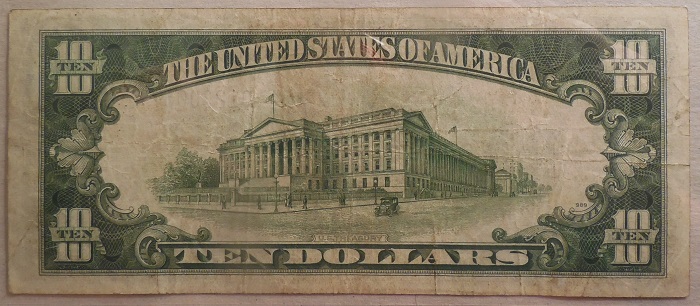
Really rough bill. But one of my favorites anyway. 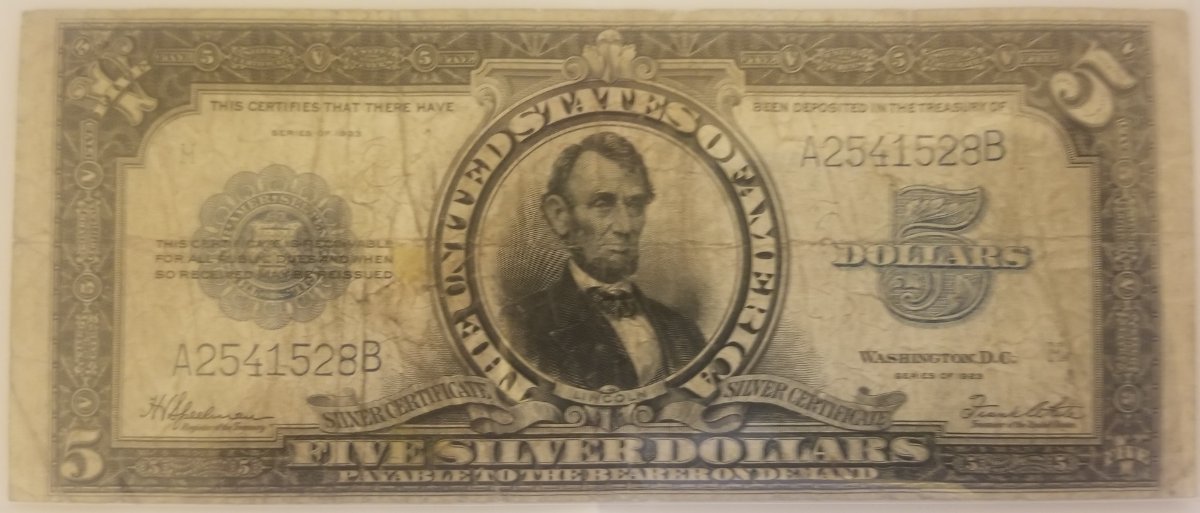 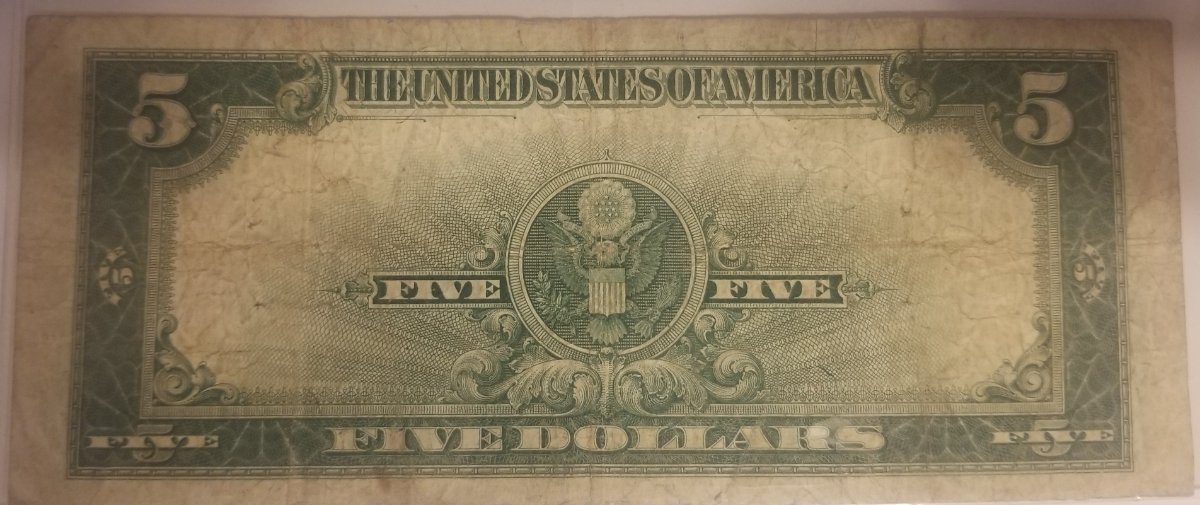 |
|
Bedrock of the Community
United States
94367 Posts |
Tough note in any grade.  to the CCF! Edited by Coinfrog
09/11/2021 7:07 pm
|
|
Bedrock of the Community
United States
94367 Posts |
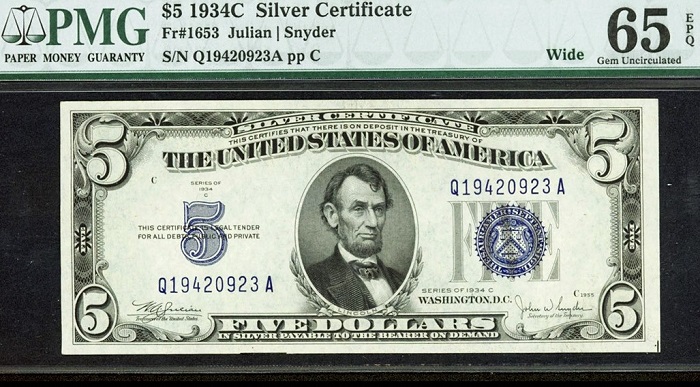
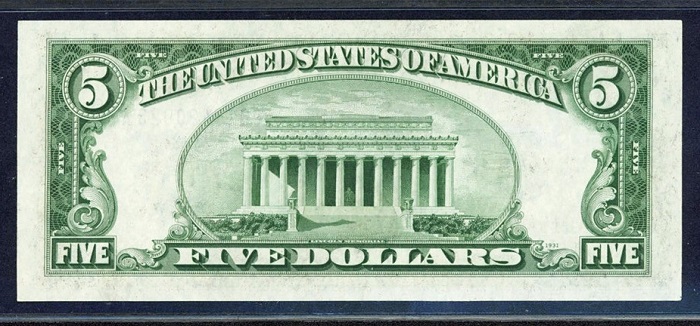
An early Educational Ace, now cut and out for grading at PMG - 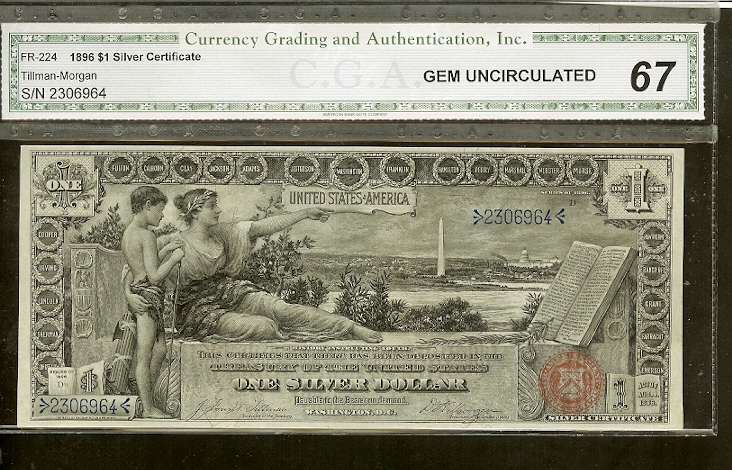 |
|
New Member
United States
11 Posts |
/forum/topic.asp?TOPIC_ID=216568#3431946
Are these wides?
|
|
Bedrock of the Community
United States
94367 Posts |
"Are these wides?" Question not understood.  |
|
New Member
United States
11 Posts |
The 1935 D MG block $1 silver certificates.
You can't reply to a post in this forum?
|
|
Bedrock of the Community
United States
94367 Posts |
How would we have known which thread/post you were referring to?
Edited by Coinfrog
09/11/2021 9:08 pm
|
|
New Member
United States
11 Posts |
That's what I'd like to know
|
|
Bedrock of the Community
United States
94367 Posts |
Edited by Coinfrog
09/11/2021 9:06 pm
|
|
Pillar of the Community
United States
2238 Posts |
Edited by mikev50
09/11/2021 10:56 pm
|
|
New Member
United States
11 Posts |
I'm also scratching my head about a forum without a reply button. This place must be old.
I am still wondering if those 1935D MG block silver certificated are wide or narrow. The wide ones are pretty rare.
|
|
Pillar of the Community
 United States
2399 Posts |
@Bwm...Then how did you reply?
smat
Edited by smat45
09/12/2021 07:07 am
|
|
Pillar of the Community
United States
4637 Posts |
Quote:
You can't reply to a post in this forum? Then how do explain this ? If you're logged in, just start typing your post in the Quick Rely box. Edited by SteveInTampa
09/12/2021 07:09 am
|
|
Valued Member
Netherlands
153 Posts |
I have a nice one!   |
|
Moderator
 United States
196278 Posts |
Quote:
You can't reply to a post in this forum? No, but you can quote the text of the reply like I did here. How to QuoteIf you are using the Quick Reply box... 1. Type [qu
2. Paste the text you want to quote
3. Then type [/qu If you are using the Reply to Topic link... 1. Paste the text you want to quote 2. Highlight it 3. Then press the 'Insert Quote' button:  So this... [qu ote]Quoted Text[/qu ote] Looks like this... Quote:
Quoted Text |
|
|
Replies: 175 / Views: 33,278 |
|








 First Page
 Previous Page


 Posted 09/11/2021 7:07 pm