| Author |
 Replies: 27 / Views: 1,284 Replies: 27 / Views: 1,284 |
Page 2 of 2
|
|
|
|
Moderator
 United States
105133 Posts |
But if you want to make an image that has both pictures in one file, Download " PhotoScape X Pro" it is free and it has a 'combine feature where you can easily drag and drop images then save it.
|
|
Pillar of the Community
United States
1075 Posts |
I'll be looking into the editor Dearborn has suggested, but I just wanted to point out that Irfanview is simple enough that I've been able to stitch together some pretty complex panoramas, like this one: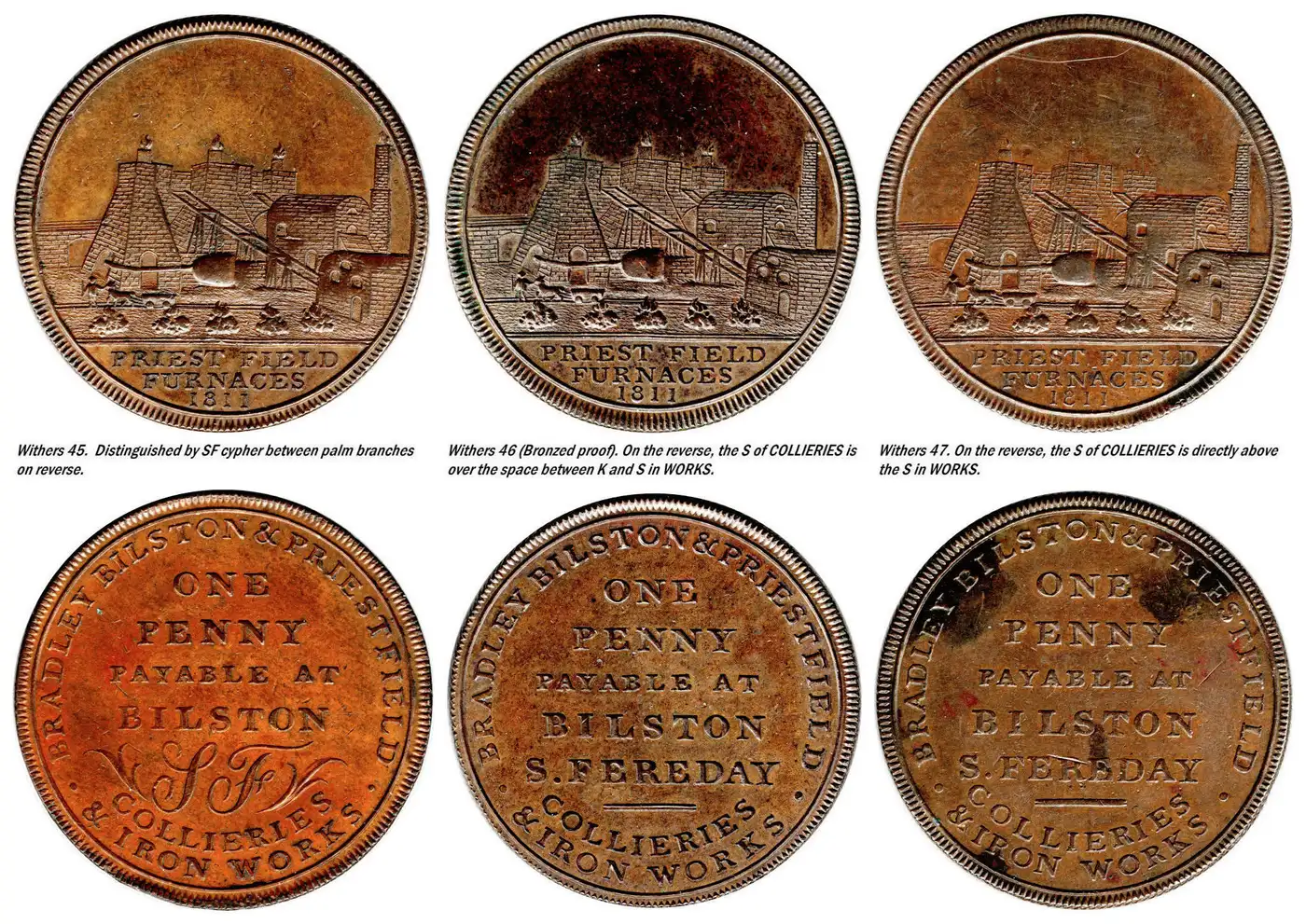
"If everything seems to be under control, you're just not going fast enough."
--- Mario Andretti
|
|
Pillar of the Community
United States
634 Posts |
Looks good, Daltonista.
Too close to bedtime for me to play much with it, but I downloaded and installed.
Pleased to report it didn't complain about my Win7, and appears to be functioning.
|
|
Moderator
United States
34531 Posts |
"If you climb a good tree, you get a push."
-----Ghanaian proverb
"The danger we all now face is distinguishing between what is authentic and what is performed."
-----King Adz
|
|
Pillar of the Community
 Canada
9588 Posts |
Quote:
But I did answer you mcshilling - you asked that question in the "Post Your..." Gallery Topics. and Now I can't find which one you asked it in... I'm currently looking for it. Sorry dearborn I didn't see it , forgot where I put it. Going to try your method. |
|
Pillar of the Community
United States
634 Posts |
Pretty easy learning curve on Irfanview, but I can see its capabilities go beyond what I'll likely use. My first clumsy attempt... 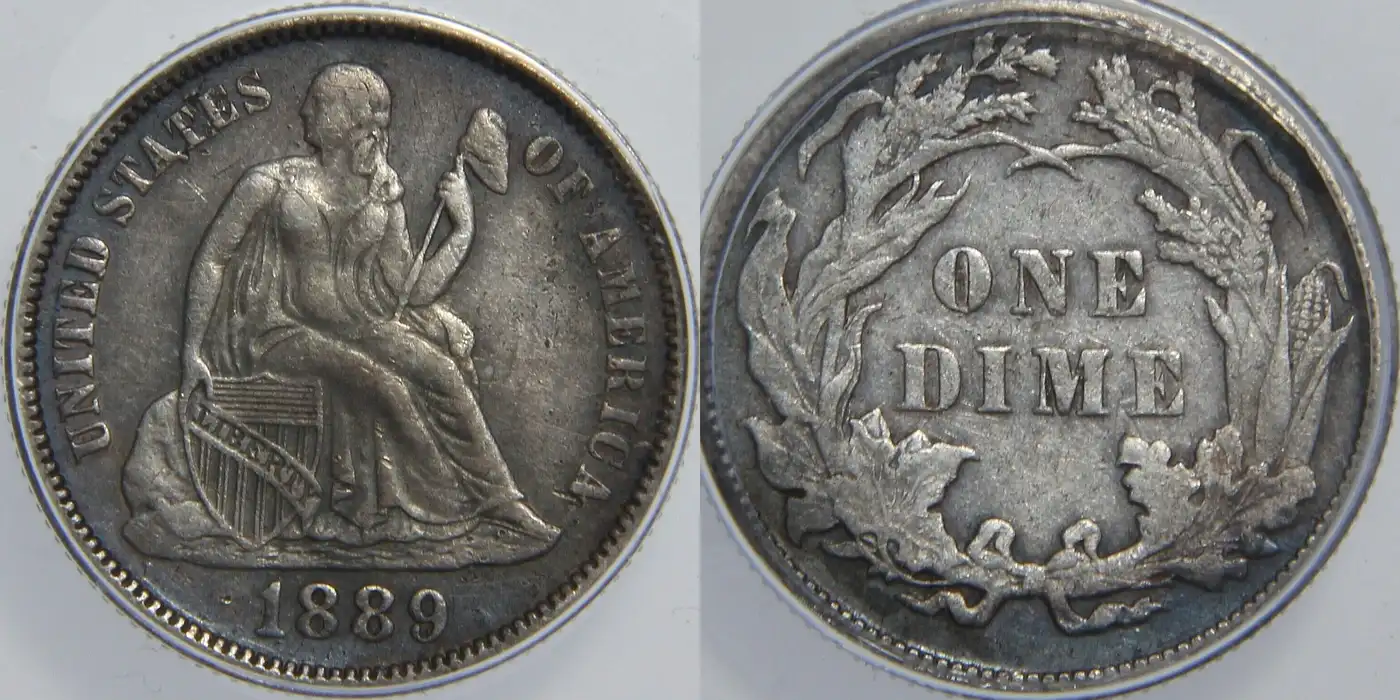 And thanks, Spence!Quote:Yep, right here: https://goccf.com/f/1 Edited by Vector Ze
03/02/2026 5:06 pm
|
|
Moderator
United States
194485 Posts |
Not bad.  |
|
Pillar of the Community
United States
634 Posts |
Yeah, a little sloppy on my cropping, jbuck, but that's something I know how to do better.
|
|
Moderator
United States
194485 Posts |
You will get there. |
|
Moderator
United States
105133 Posts |
practice makes perfect - as they say..
|
|
Pillar of the Community
United States
2131 Posts |
mcshilling--did you try using paint--works for me--very easy--
|
|
Pillar of the Community
Canada
9588 Posts |
mikev50 - I have been using Paint.net for quite a few years now and yes it does work good.
|
|
Moderator
United States
194485 Posts |
Quote:
I have been using Paint.net for quite a few years now and yes it does work good.  |
|
Pillar of the Community
United States
3456 Posts |
I use Photoshop. First I created a background I liked. Then I took both the obverse and reverse shots. I then sized the images so that they would fit my new backdrop. I copied and pasted them into the new backdrop. You must make sure that the DPI of the two coin shots match that of the backdrop. You end up with something like this.  |
|
Valued Member
Canada
229 Posts |
I'm new to coin photography and have gotten some good tips here in this subforum.
I have an iPhone 16 and a Windows laptop running Windows 10. I use the iPhone 16 and an app called Yamera to take my pictures. Then I use a combination of the Windows Photos app and GIMP (both free) to get the side-by-sides. I use Photos to crop, resize, and set the background for my obverse/reverse pictures and then use GIMP to stitch them together.
The steps I use are repeatable, and fairly simple. Per coin the process takes maybe 5-10 minutes. Definitely room for improvement but I'd be glad to provide more details if desired.
|
|
Page 2 of 2
|
Replies: 27 / Views: 1,284 |
Page 2 of 2
|







 First Page


 Posted 03/01/2026 11:14 pm


