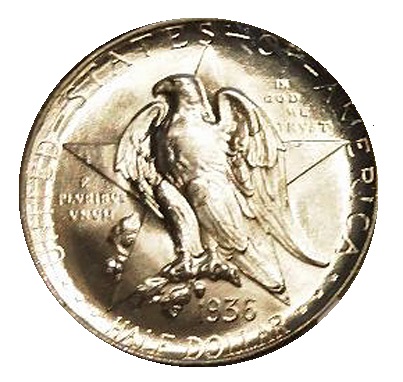
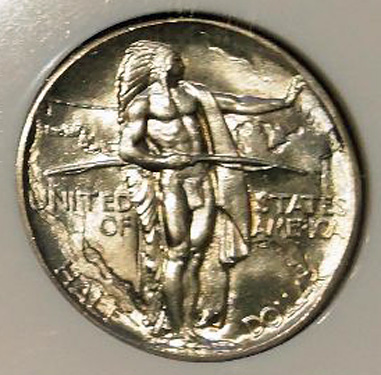
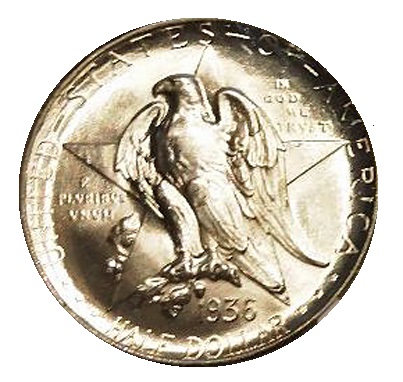
You do this yourself in the tab that says Tools at the top under the banner "What's in your pocket?" Then click on Manage your Profile Then sign into your Profile with the same log in to CCF info Then choose an avatar from the drop down list under avatar selection. Then click submit.
If you want something that isn't in the selection, I suggest you hang around awhile and establish yourself here in the forum. The staff has a lot of other things to do, but they might let you have a custom avatar if you have some patience and follow the instructions for submitting. It needs to be 96x96 pixels in size.
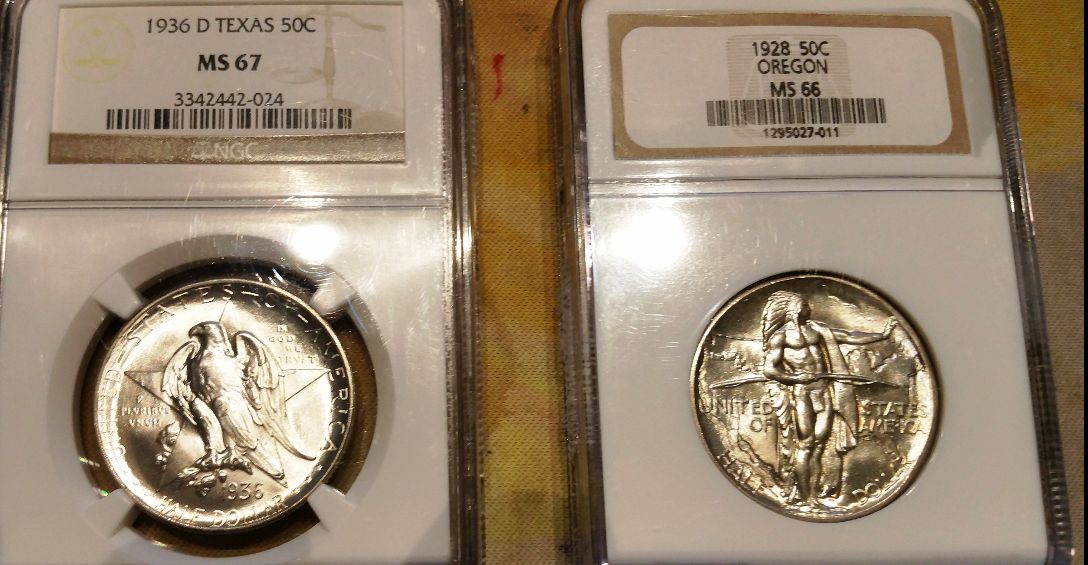
I understand that the staff is busy and that I have to have patience. Thank you for telling me this. When and if the admins have some time the smaller condensed version that a kind forum member cut down to size would be awesome. Thank you in advance and as always enjoy what remains of your day.
Disclaimer: While a tremendous amount of effort goes into ensuring the accuracy of the information contained in this site, Coin Community assumes no liability for errors. Copyright 2005 - 2026 Coin Community Family- all rights reserved worldwide. Use of any images or content on this website without prior written permission of Coin Community or the original lender is strictly prohibited. Contact Us | Advertise Here | Privacy Policy / Terms of Use










 to CCF
 Posted 09/25/2017 10:40 am