Coin Community Family of Web Sites Join Thousands of Coin, Bullion, & Money Collectors
Royal Estate Auctions - $1 Coin AuctionsVancouvers #1 Coin and Paper Money Dealer Specializing in Modern Numismatics Royal Canadian Mint products, Canadian, Polish, American, and world coins and banknotes. Coin, Banknote and Medal Collectors's Online Mall 300,000 items to help build your collection! Join Thousands of Coin, Bullion, & Money Collectors


Username:
Password:
Save Password
Forgot your Password?


This page may contain links that result in small commissions to keep this free site up and running.

Welcome Guest! Registering and/or logging in will remove the anchor (bottom) ads. It's Free!

Posting Photos Error

To participate in the forum you must log in or register.
Author Replies: 21 / Views: 345Next Topic
Page: of 2
Forum Dad
Learn More...
bobby131313's Avatar
United States
24217 Posts
 Posted Yesterday   7:48 pm  Show Profile   Bookmark this reply Add bobby131313 to your friends list Get a Link to this Reply
Do you know how big they are?
Pillar of the Community
United States
3172 Posts
 Posted Yesterday   11:35 pm  Show Profile   Bookmark this reply Add jerryc39 to your friends list Get a Link to this Reply
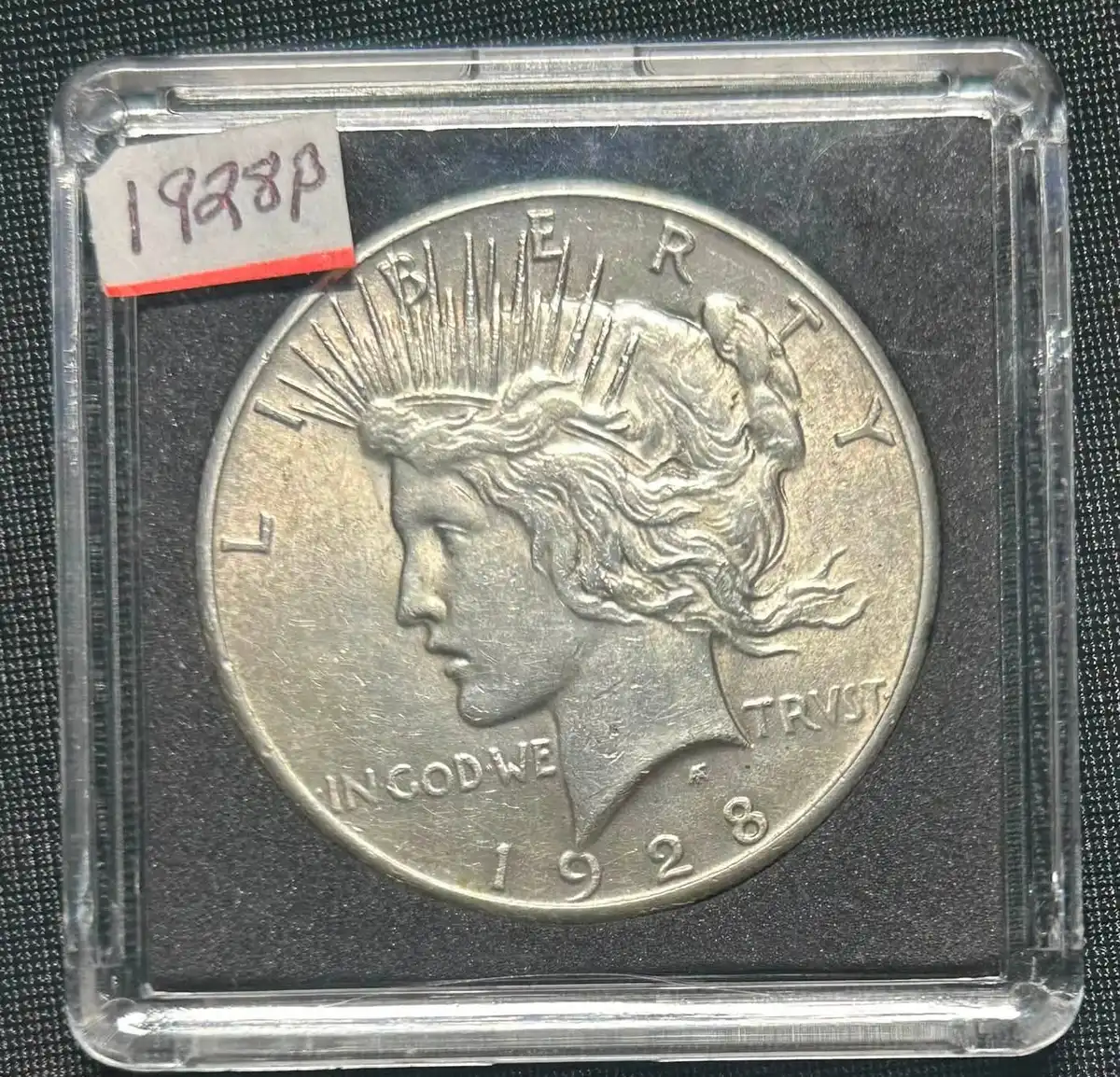
no but it won't let me upload pictures I have already successfully posted on here. Tried restarting computer with no luck too.

Posting-Photos-Error
Edited by jerryc39
Today 2H 14M ago
Pillar of the Community
Learn More...
igwt79's Avatar
United States
1501 Posts
 Posted Today  2H 58M ago  Show Profile   Bookmark this reply Add igwt79 to your friends list Get a Link to this Reply

Quote:
I have no idea where you got....

i think that's a temp location used by macOS Photos...

Try this:


Open Photos on your Mac.
Find the pic you want to upload and click it to select it.
At the top of the screen, click File, then select Export.
In the export window select:
Photo kind or type as: JPEG
quality: Medium
Don't worry about size for now...
Click Export... you should have to choose a location to export the file to...
Select Desktop as your export to location and click Export.
That should leave you with a .jpg file sitting on your Desktop.
Select upload image on the forum and select that file you exported that is sitting on your desktop.

it's worth a shot

Pillar of the Community
United States
3172 Posts
 Posted Today  2H 13M ago  Show Profile   Bookmark this reply Add jerryc39 to your friends list Get a Link to this Reply
Thanks for the tip. That worked.
Pillar of the Community
Learn More...
igwt79's Avatar
United States
1501 Posts
 Posted Today  1H 47M ago  Show Profile   Bookmark this reply Add igwt79 to your friends list Get a Link to this Reply
you're welcome, I'm happy it worked for you
Moderator
Learn More...
jbuck's Avatar
United States
193681 Posts
  Replies: 21 / Views: 345Next Topic
Page: of 2

To participate in the forum you must log in or register.


Disclaimer: While a tremendous amount of effort goes into ensuring the accuracy of the information contained in this site, Coin Community assumes no liability for errors. Copyright 2005 - 2026 Coin Community Family- all rights reserved worldwide. Use of any images or content on this website without prior written permission of Coin Community or the original lender is strictly prohibited.
Contact Us  |  Advertise Here  |  Privacy Policy / Terms of Use

Coin Community Forum © 2005 - 2026 Coin Community Forums
It took 0.22 seconds to rattle this change. Forums