| Author |
 Replies: 32 / Views: 3,775 Replies: 32 / Views: 3,775 |
Page 3 of 3
|
|
|
|
Moderator
 United States
196702 Posts |
Quote:
I'd open all of 'em. But that's just me. I wouldn't be able to sleep otherwise. Truth! I would stay up all night looking through them if I could.  |
|
Moderator
United States
196702 Posts |
|
|
Valued Member
 United States
141 Posts |
Apologies,
I'm having trouble getting this new setup working. Secondly, I went to storage (where I -thought- all my wheaties were...) and it turns out I forgot about several pounds of silver and just totally random -awesome- stuff! Now I'm just stuck looking at new old coins lol. I'm sure you can all understand. I will keep trying to get the new setup to work, please be patient.
Thanks,
CoinAdvocate
|
|
Moderator
United States
196702 Posts |
Take your time. We will be here when you are ready!  |
|
Pillar of the Community
United States
3535 Posts |
 No hurry. I'll just fill up on popped corn here. |
|
Valued Member
United States
141 Posts |
Hey, This is the best I could do with the new set up. I'm really having trouble getting a quality image to upload when restricted to 300kb. I've followed the tutorials on this site and even am using an app to cut down the size but am still having trouble...300kb is just so small. 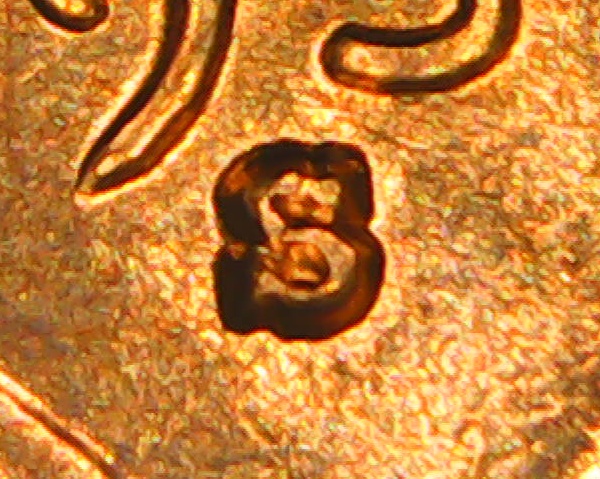 Thanks, CoinAdvocate |
|
Pillar of the Community
United States
3535 Posts |
It takes alot of experimentation to get the photo thing right. Trial & error is the best way to iron out the bugs, but it
is definitely doable. You photo of the mint mark is clear & in focus but the light source and resulting shadows
are not ideal to see a possible RPM, ie; shadows are on all 4 sides. keep trying on the photos, it is the best way
to see errors on coins, and to get help here on the site.
|
|
Valued Member
United States
141 Posts |
Thanks for the encouragement, I've invested in several different devices and just can't seem to get the right look out of the images. I'll keep trying!
|
|
Bedrock of the Community
United States
20057 Posts |
Quote:
I've invested in several different devices and just can't seem to get the right look out of the images. I'll keep trying! What are you taking the pictures with? My camera is under $100 on ebay: https://www.ebay.com/sch/i.html?_nk...600&_sacat=0I suspect your using a MUCH higher MP than 6, but that's all I personally need for web pictures. I crop and resize to about 1000x1000 pixels and the file size is always under 200k. Your pictures have been highly compressed to the point where they're blocky. I use Paint Shop Pro to edit my pictures - it's very easy and the program is cheap on ebay. Light is also important, I use one of these: https://www.amazon.com/gp/product/B...ie=UTF8&th=1Edited by BadThad
10/15/2024 7:43 pm
|
|
Bedrock of the Community
United States
20057 Posts |
Lincoln Cent Lover!VERDI-CARE™ INVENTOR https://verdi.care/
Edited by BadThad
10/15/2024 7:48 pm
|
|
Bedrock of the Community
United States
20057 Posts |
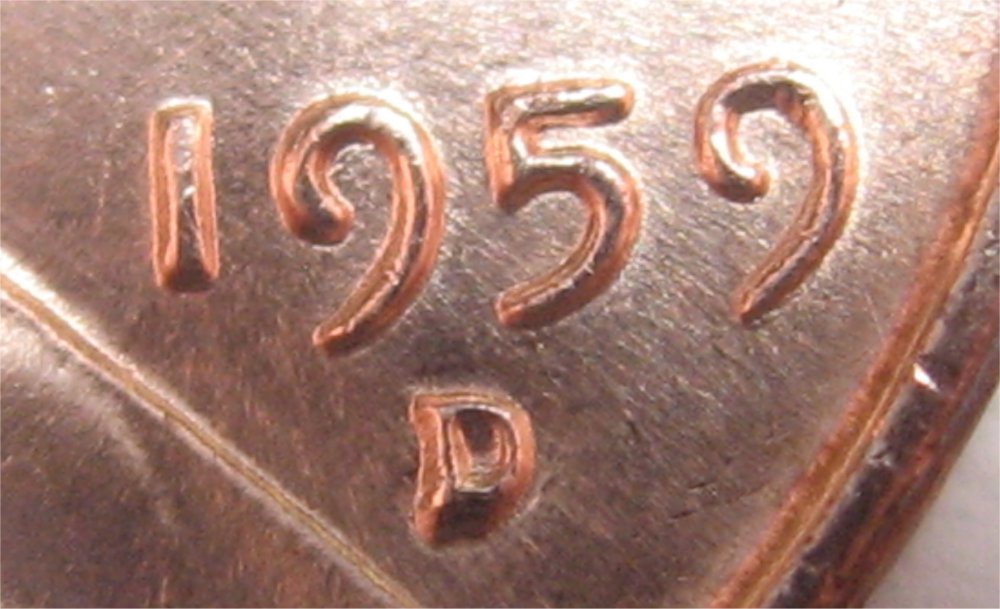
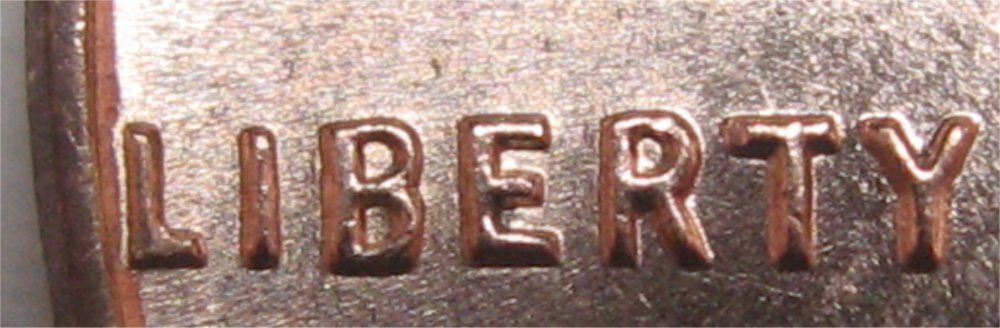
My full size pictures typically look like this - same camera, same setup, same crop and resize to 1000x1000 pixels: 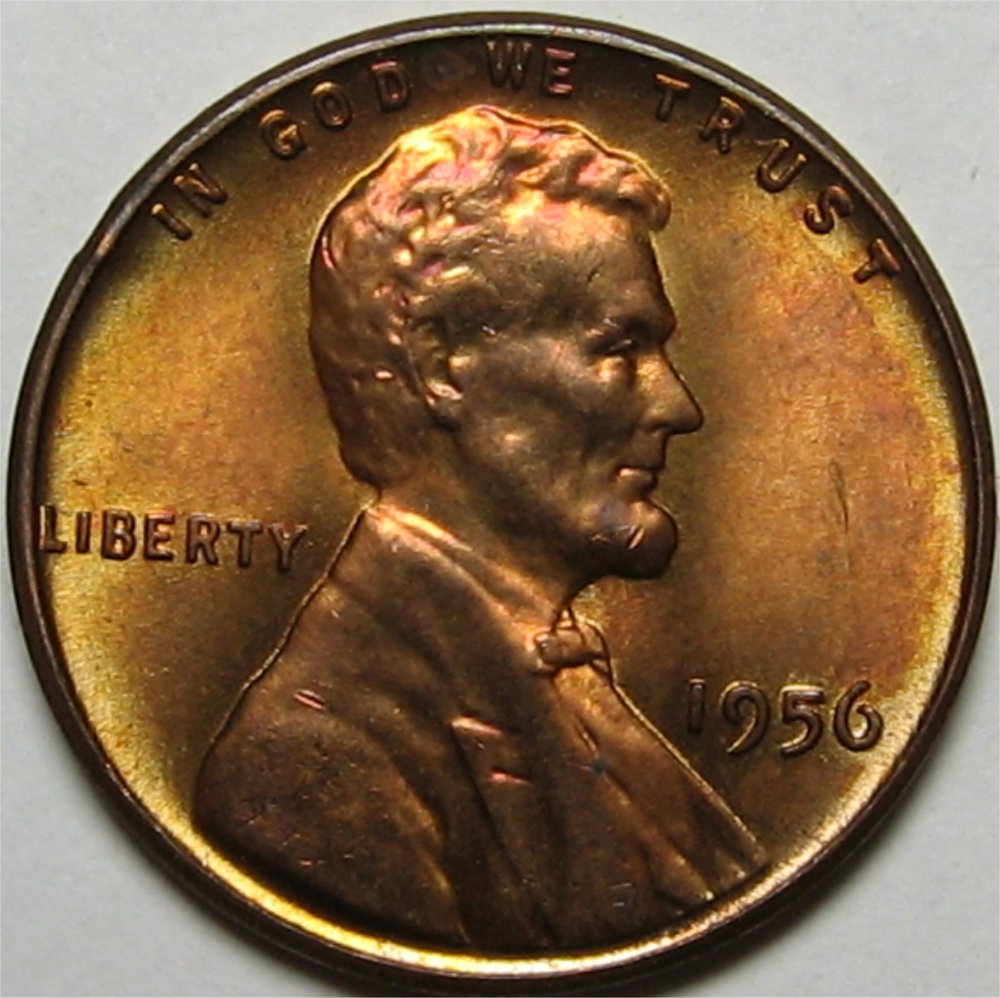 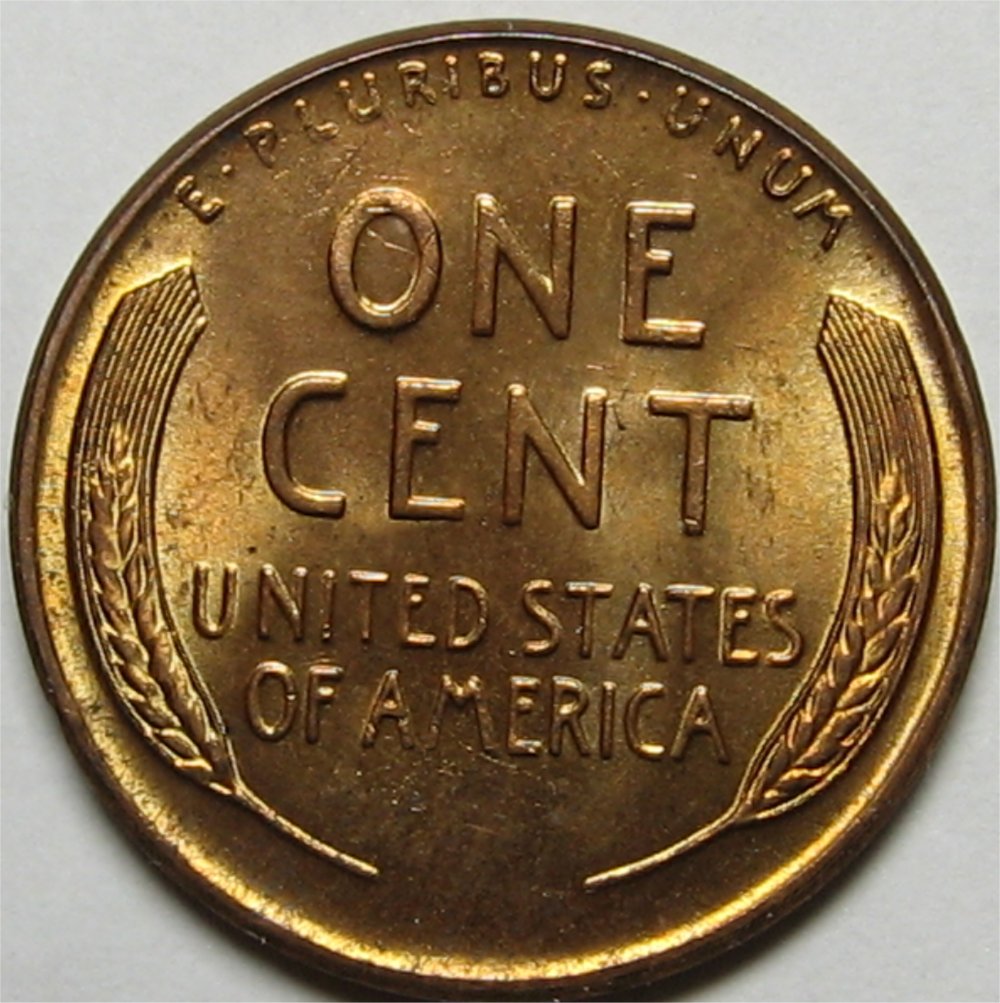 Edited by BadThad
10/15/2024 7:53 pm
|
|
Valued Member
United States
141 Posts |
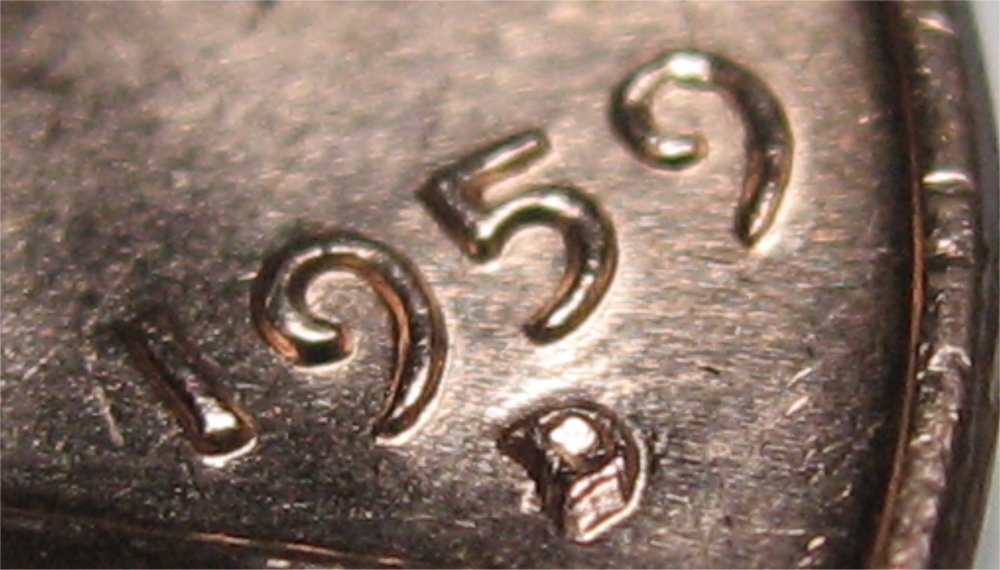
Using my S23+ and then shrinking them down with an app on the phone. For really close up shots I have a little coin microscope I bought, looks like this: 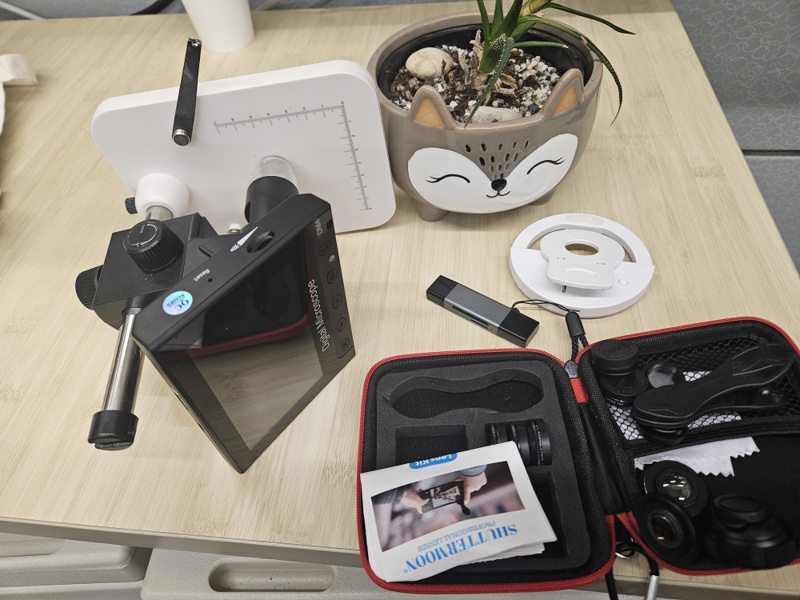 As you can see I've bought a few things to try and help... Most importantly: my succulent in a hedgehog pot |
|
Bedrock of the Community
United States
20057 Posts |
Do you have a PC for image editing? Obviously the phone app is hurting you. As I said before, if you serious about quality coin pictures, for under $200 you'd have everything you need.
|
|
Valued Member
United States
141 Posts |
|
|
Pillar of the Community
United States
1196 Posts |
What did you end up doing with these rolls?
|
|
Page 3 of 3
|
Replies: 32 / Views: 3,775 |
Page 3 of 3
|





 First Page
 Previous Page


 Posted 10/10/2024 09:36 am