|
This page may contain links that result in small commissions to keep this free site up and running.

Welcome Guest! Registering and/or logging in will remove the anchor (bottom) ads and the security checks. It's Free!
To participate in the forum you must log in or register. | Author |
 Replies: 5 / Views: 1,122 Replies: 5 / Views: 1,122 |
|
|
Valued Member
United States
186 Posts |
Hi, I am relatively new to this forum but one thing I have noticed is how inconvenient it is to post with images here. I know how old this place is so more than likely this has been discussed before, but I will still ask.
First, a system where it would automatically optimize images would be so much more convenient. The pop-up screen for uploading images would say "NOTE: Any images above 300kb will be automatically optimized." So, like it says, uploading an image above 300kb would optimize it to as close to but not over 300kb as possible. The separate optimizer can still be used in case you want to make it way smaller than 300kb or something. This would save the time of optimizing the photos separately.
Second, It would be very useful to include a way to scale down or up images using the forum code, by percentages. I have seen things like this on other forums. Since you can't use html when posting here, there are limited options for photos. The forum code, as far as I know, only has the option to post an image. You can use HTML to rescale images, but you can't use the forum code to rescale images. For example, maybe it might be
[#119155;img][scale = 50%]coin.png[#119155;/img]
and the image shows up as half the size it would normally be. This would be so useful in picture-intensive posts: it makes the images smaller so easily.
Thanks
|
|
|
|
Forum Dad
 United States
24239 Posts |
Quote:
So, like it says, uploading an image above 300kb would optimize it to as close to but not over 300kb as possible. The separate optimizer can still be used in case you want to make it way smaller than 300kb or something. Sorry, will never happen. That will just encourage people even more to be lazy and not crop images. We'd have TONS of 298KB images 1200 pixels wide where the coin is only 15-20% of the image like this...  Or you would have cropped images 2500px square that get adjusted to 30% compression to get under 300KB and they'd look like this..... 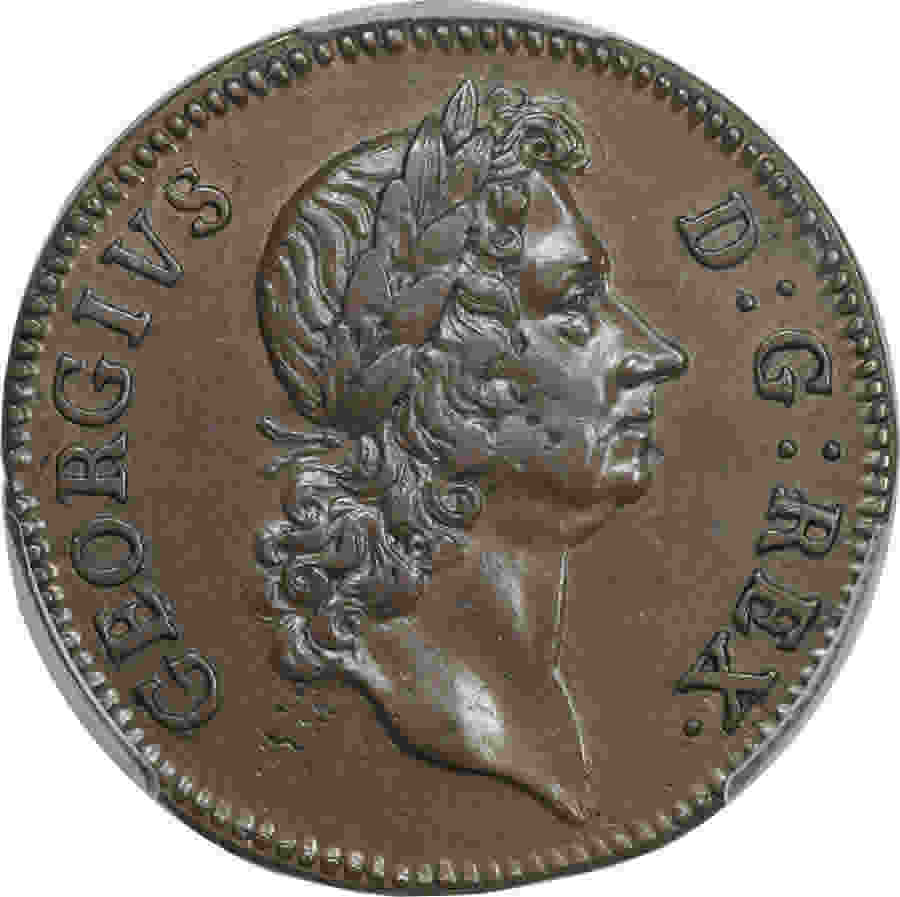 I just took one members uploads earlier today and downloaded them. All I did was crop them to the coin and rotate if they weren't oriented correctly. I did not adjust any compression or resize them at all. I just resaved them with the same compression used originally. The folder size went from 12.1 MB to 5.31 MB. A 56.11% waste of space from one user and a piddly 55 images. Horrible. If I did as you suggest I can just about guaranty that all 55 images would have been JUST under 300KB since he wouldn't have have had to do anything with them at all to upload them. 300KB is serious overkill by the way, It's being very generous. This image is under 150 KB, why you you need any more than that? 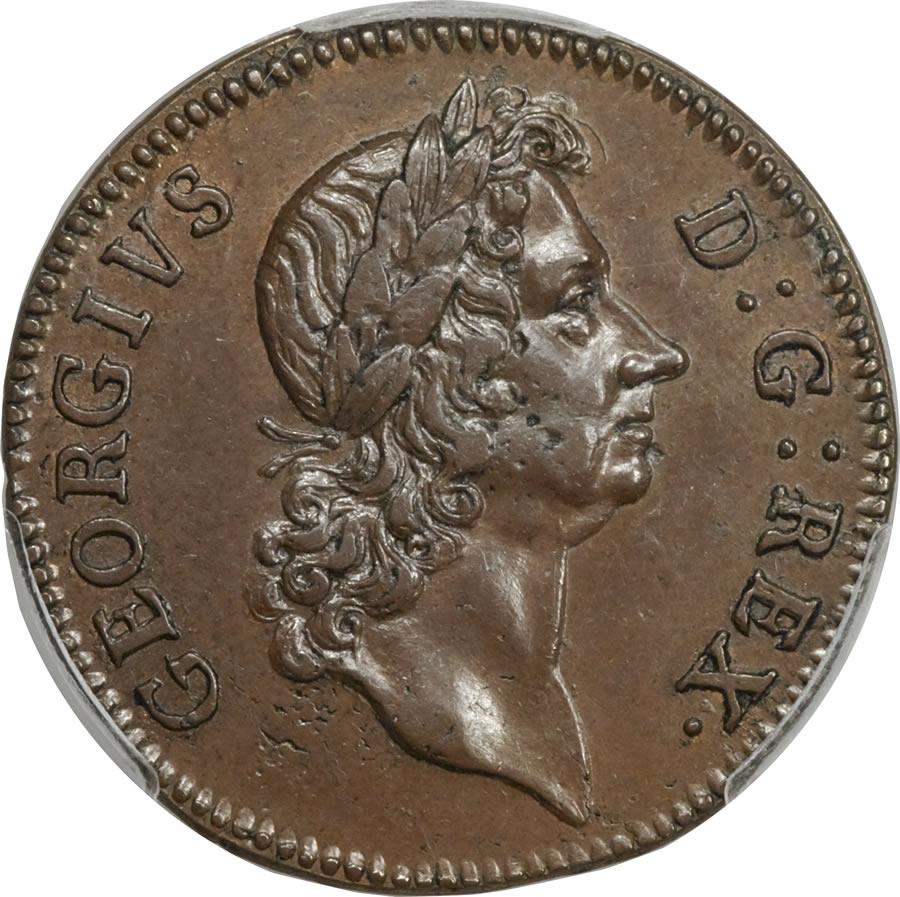 Quote:
Second, It would be very useful to include a way to scale down or up images using the forum code, by percentages. I have seen things like this on other forums. Since you can't use html when posting here, there are limited options for photos. The forum code, as far as I know, only has the option to post an image. You can use HTML to rescale images, but you can't use the forum code to rescale images. That's already done automagically. |
|
Valued Member
 United States
186 Posts |
Ah I see what you mean. Quote:
That's already done automagically. I know it's done to some level automatically, but what if you want to make the image even smaller on your post? I don't know of any better way to do that. What if I want to post a lot of images that don't need to be that big? Resizing it manually would allow you to make the pictures smaller. |
|
Forum Dad
United States
24239 Posts |
Only the physical dimensions (height and width) would be smaller not the file size. It would have zero effect on load times, bandwidth, or disk space used.
The automagic resizing the forum does eliminates side to side scrolling by resizing to a percentage of the visitors window width. When resized it also automagically creates a click to enlarge link.
|
|
Valued Member
United States
186 Posts |
Quote:
Only the physical dimensions (height and width) would be smaller not the file size. It would have zero effect on load times, bandwidth, or disk space used.
Well, the point wouldn't be to eliminate the file size, loading, or anything. The point would be to make the dimensions smaller on the screen just so that you don't have to scroll so far through images that don't need to be so tall. |
|
Forum Dad
United States
24239 Posts |
To me it's pointless. You'd just be forcing more people to click to enlarge with no added benefit at all. Most people like images bigger, I just wanted to eliminate left to right scrolling and that has been accomplished. Is scrolling up and down really that difficult? I mean people are quite used to doing it on just about every web page on the internet.
|
| |
Replies: 5 / Views: 1,122 |
|
To participate in the forum you must log in or register.
- How Far Back Can We Go? Ninth Edition!
- 1795 Liberty Cap Large Cent, PCGS AU-58+, S-76 Struck Over 1794 S-71, Jeff Garrett Discovery
- 1974 San Marino 20 Lire, PCGS MS-67, San Marino, Lobster
- 2026 P Nickel: Low Potential DDR
- All Members, Post Your Most Recent US Coin Purchases!
- Continuing List To Show Everyones Latest Acquisitions
- 1988 Mexico - 50 Pesos, 10-15% Off-Center Strike
- Post Your Coins With Coats Of Arms, Shields, Crests, Crowns, Etc.
- 1944-D Lincoln Cent Altered To Be A 1914-D Lincoln Cent - 100% Authentic
- Around The World With Coins - A Coin Geography Game
- G L B 49's Random Silver Coins
- Post Your Bird Coins
- Yet Another Forum Game - Numismatic Go Fish!
- Post Your Coins With Stars
- Post Your Coin Or Medal With Flora
- Post Your Coins Representing The Animal Kingdom.
- Post Your Lion Coins!
- Post Your Coins Depicting Weaponry!
- Post Your Coins With Hats
- Post Your "coins With Hands"
Disclaimer: While a tremendous amount of effort goes into ensuring the accuracy of the information contained in this site, Coin Community assumes no liability for errors. Copyright 2005 - 2026 Coin Community Family- all rights reserved worldwide. Use of any images or content on this website without prior written permission of Coin Community or the original lender is strictly prohibited.
Contact Us | Advertise Here | Privacy Policy / Terms of Use
|
| Coin Community Forum |
© 2005 - 2026 Coin Community Forums |
| It took 0.47 seconds to rattle this change. |
 |
|
| |
| |




 Posted 07/21/2017 7:43 pm


