| Author |
 Replies: 5,707 / Views: 531,932 Replies: 5,707 / Views: 531,932 |
|
|
|
Bedrock of the Community
 United States
12917 Posts |
Ooooh, pretty!  I love the yellow, green and blue combination on the front of the NA notes. Get a scanner, will ya? I wanna see the detail on this guy!  |
|
Bedrock of the Community
United States
94367 Posts |
CK - That IS a scanned image at 20 sharpness and around 72kb, which is the best the new system will allow me to post after many attempts.
Any advice would be appreciated, I am totally lost.
|
|
Bedrock of the Community
United States
12917 Posts |
I was wondering, CF, since it wasn't your usual tilted image. You know... I haven't tried to upload an image since all the changes were made but now that I'm trying, I'm having the same issue as you. Here's my latest, a 1953C $2 USN PMG 66EPQ: 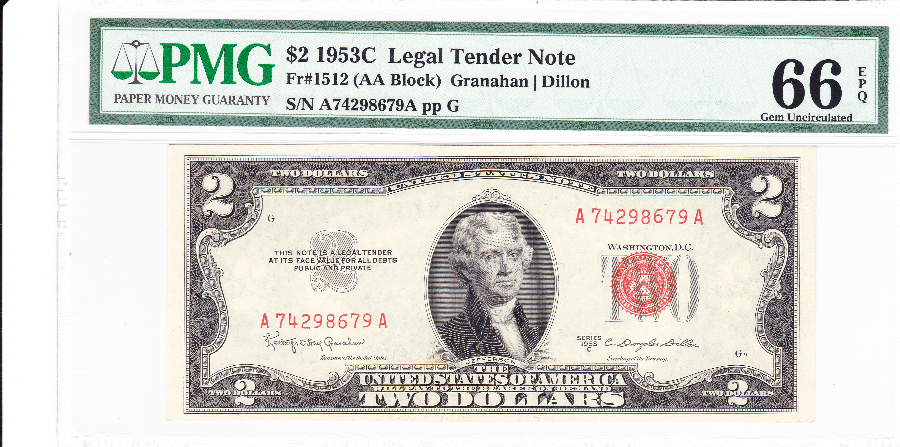 It's probably me. |
|
Bedrock of the Community
United States
94367 Posts |
Right. My scanned image above, for a TPG small note ($10 North Africa), was 600W and 20 sharpness, for abound 72kb. Your image is slightly larger, so I'm guessing you didn't sharpen it. For a raw small note, you can get a larger image up to around 660W and 20 sharpness, or again slightly larger if you don't sharpen it (your image appears slightly blurry to me). I have worked out similar parameters for large notes. I appreciate that other forum members have been posting much larger scanned (?) paper money images and I know any tips would be appreciated by the rest of us. Edited by Coinfrog
07/26/2017 6:52 pm
|
|
Pillar of the Community
United Kingdom
2624 Posts |
Well I was scuppered by Microsoft. I bought an excellent scanner and when they released windows 10 there were no drivers compatible for it and none of the generic ones work. Luckily with camera's on phones being so much better than they were I just photo it and crop and optimise and find that does the trick good enough.
|
|
Pillar of the Community
United States
2858 Posts |
Is the image being resized and compressed when uploading to the CCF? I never use the uploader provided here -- I always use an image hosting site (postimage.io) to add my photos here. That always seems to keep them at full resolution.
|
|
Bedrock of the Community
United States
12917 Posts |
@Wheat: my images are straight from my scanner -- which means they're fairly large. Perhaps in the upload process they are scaled down somehow, sacrificing quality. I'll play around with it some more.
|
|
Bedrock of the Community
United States
12917 Posts |
I used a fourth-party image optimizer and here's the comparison: Original 4th party (700px width) 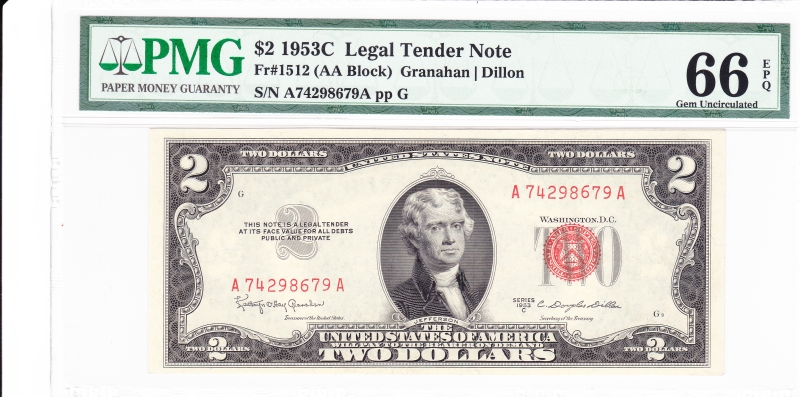 Thoughts? |
|
Pillar of the Community
United Kingdom
2624 Posts |
The second is much better but I can't figure what's going on with the first, its nerfed. I use the sites image optimiser, don't touch sharpness. ( just crop, click apply to all then save) it creates a 1200 pixel wide image which is around the 300kb limit.) The only thing is I have to do it on Firefox rather than my regular browser because it is buggy. The result looks like this. 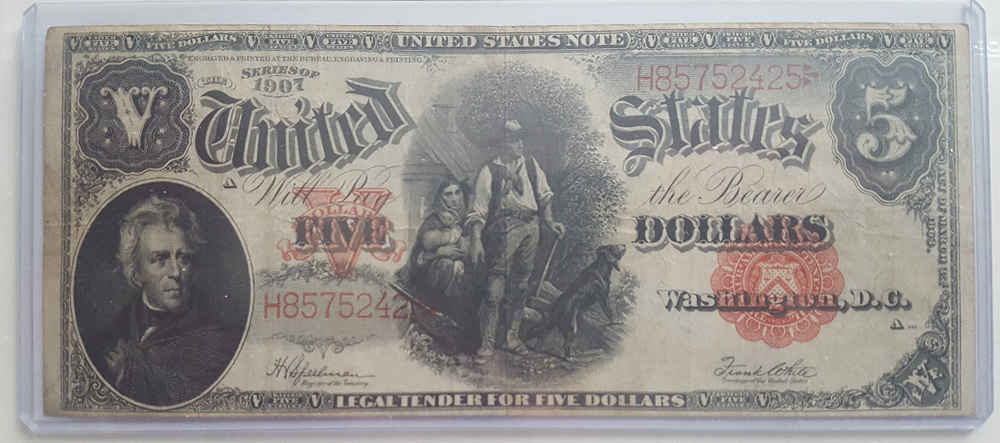 This is from an image originally 4.3m |
|
Pillar of the Community
United States
4637 Posts |
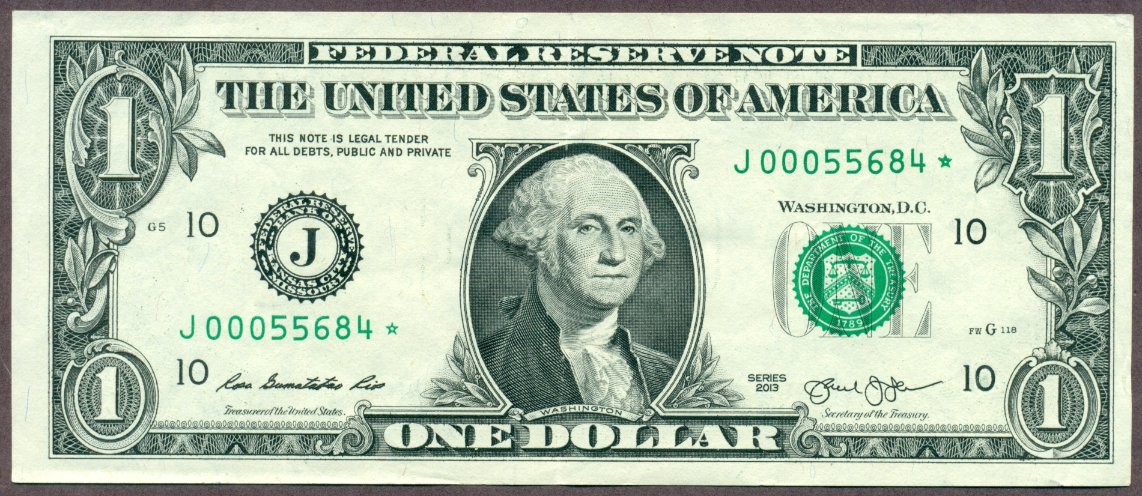 Hopefully a photo of my 2013 $1 Kansas City star note.... |
|
Bedrock of the Community
United States
12917 Posts |
So that's what $100 looks like. |
|
Bedrock of the Community
United States
94367 Posts |
Steve - Now is that an old saved image that you've already shown, or one using the new system?
|
|
Pillar of the Community
United States
4637 Posts |
That is my attempt with the new system on my Sony laptop......I am still unable to post photos on the new system using my iPad.
|
|
Bedrock of the Community
United States
94367 Posts |
Nice! So this is a scan of a note we have not seen to your laptop using Windows 10, or...?  Edited by Coinfrog
07/27/2017 6:12 pm
|
|
Pillar of the Community
United States
4637 Posts |
Last week, I tried to post a photo here using my Sony laptop using Windows 10 and hosted by Photobucket. The photo was rejected because CCF no longer supports Photobucket.
The photo I posted today of the KC* also came from laptop but using the CCF image optimizer software.
|
| |
Replies: 5,707 / Views: 531,932 |








 First Page
 Previous Page


 Posted 07/25/2017 8:16 pm


