| Author |
 Replies: 5,707 / Views: 531,940 Replies: 5,707 / Views: 531,940 |
|
|
|
Moderator
 United States
195742 Posts |
Quote:
Picked this up over the weekend. Crisp paper, great centering and deep embossing, slated for PMG submission. Very nice!  |
|
Bedrock of the Community
United States
94367 Posts |
Thanks - looks brand new from ten feet away!
It's interesting to note that much of the Series 1918 FRBNs (of all denominations) were printed to replace Silver Certificates. These, redeemable in silver coin, were being withdrawn from circulation because of the first Pittman Act, which authorized the melting of $350 million in silver dollars and the sale of much of this to the UK. This withdrawal brought the statutory relationship between the Treasury's silver holdings and silver-backed paper money back into balance.
|
|
Moderator
United States
195742 Posts |
Interesting bit of context providing history there.  |
|
New Member
United States
3 Posts |
Would love to post pictures, having trouble getting them below 300KB either with Compression software through here, or via the web.
|
|
Pillar of the Community
United States
4637 Posts |
|
|
Moderator
United States
195742 Posts |
|
|
Pillar of the Community
United States
1812 Posts |
I also had problems at first with the Free Image Optimizer with photos downloaded still over 300k. I found if you change the Width (currently 1200 in box) with the minus button under; Quote:
Click to open file picker or drag and drop images here. it actually shrinks the photo and lowers the size. I keep hitting the minus button until around 250k, then save it and download it to my laptop. I tried doing this on my phone & couldn't do it, but works quite well on the laptop. |
|
Bedrock of the Community
United States
94367 Posts |
I had similar difficulties trying to use the Free Image Optimizer (everyone on the forum knows I'm a dork), so I turned to http://www.online-image-editor.com and now have no problems at all. Just upload your pic to the easy-to-use entry page, resize it to suit (I usually use 1K or 1.2K Wide), save it back to your pic file with an amended name and - bang! - it will upload to your CCF reply box when you later click on it every time. See my pic of the San Francisco FRBN at the bottom of the prior page as an example. PM me if you need any help. Edited by Coinfrog
05/08/2018 7:41 pm
|
|
Bedrock of the Community
United States
37152 Posts |
I agree Frog, I've tried the Free Image Optimizer here and could never get it to work. Thanks for the link. I'm in the dork class with you. Computer's were never my strong subject. That's why I'm still banging away on my old Dell using XP.
|
|
Bedrock of the Community
United States
94367 Posts |
Here are the simple steps for those interested in using http://www.online-image-editor.com - First, scan your note to your pic file (I use Windows 10). Then, on the Image Editor site: 1) Browse your photo file and upload the pic to be resized. When it appears (wait a bit), click the "Resize" box above. Wait a sec or two. 2) When the image reappears, in the Width box, type in 1000 for TPG notes or 1200 for raw notes. 3) Click anywhere in an open field and the correct Height number will automatically appear. 4) Click the "Apply" box and wait a few secs for the new smaller image to appear. 5) Right click and save this new image back to your photo file with an amended name. Bingo. Edited by Coinfrog
05/08/2018 8:08 pm
|
|
Pillar of the Community
United States
4637 Posts |
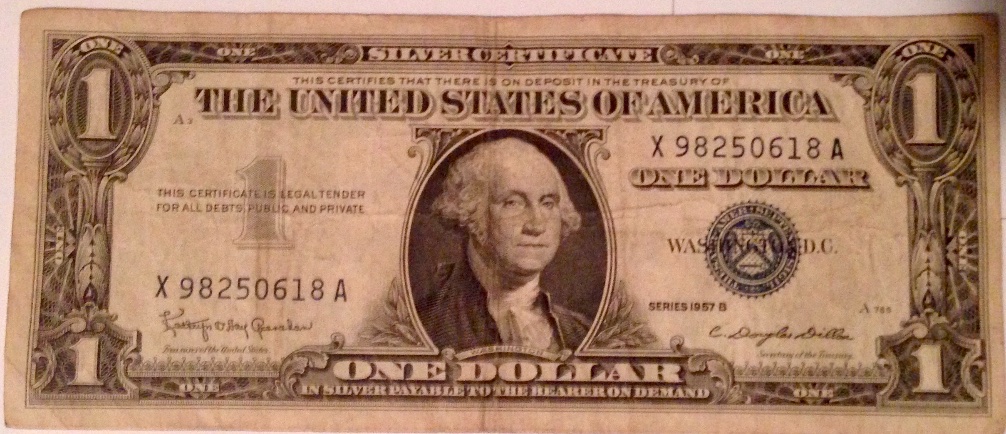
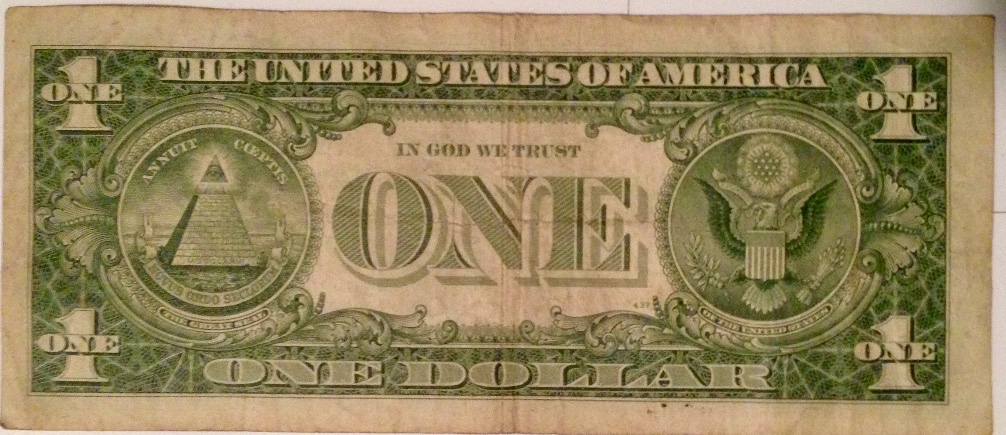
It's from a fairly low print run of 640,000 and was advertised as UNC. Doesn't even qualify as AU.....maybe XF +. Seller refunded all but $10 in an effort not to have it returned. 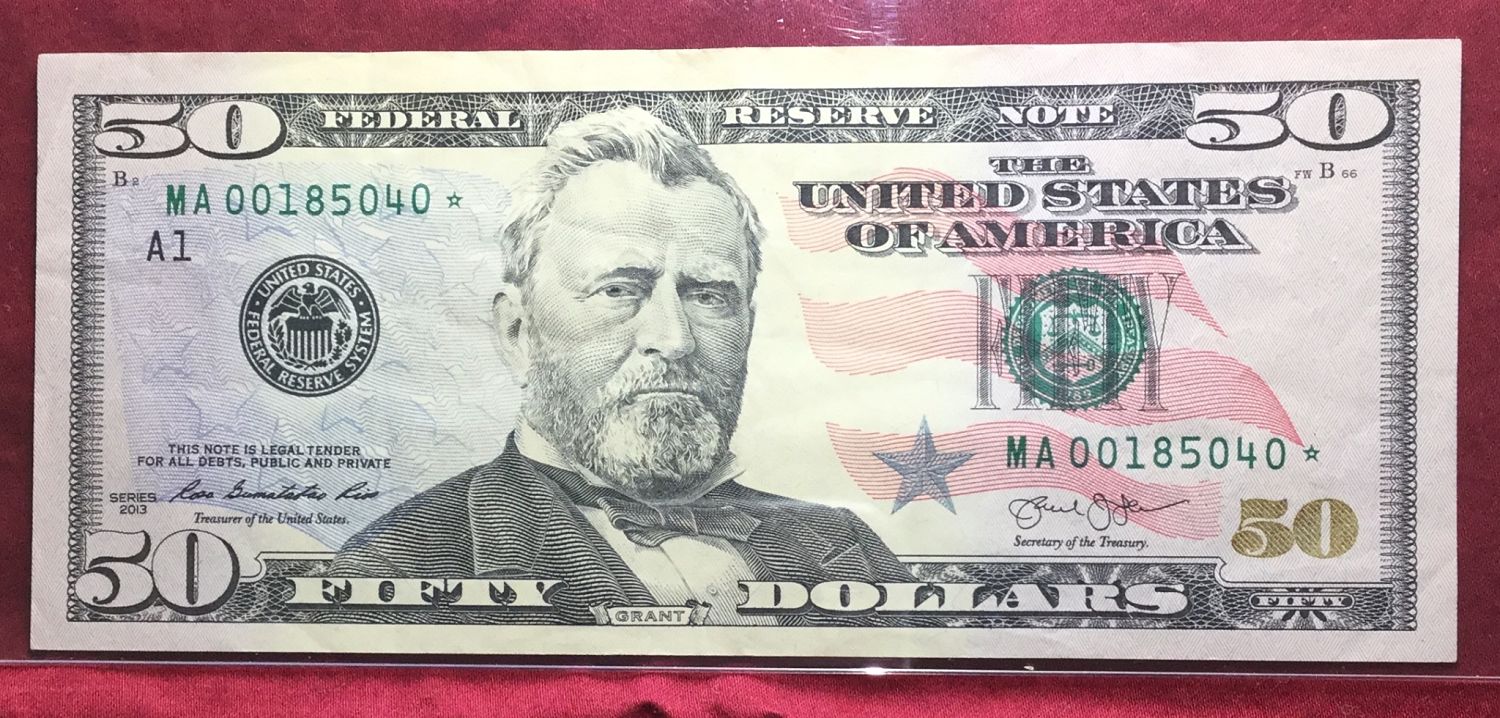 |
|
Valued Member
United States
140 Posts |
i don't know if it count's brought it A while ago but only got it back today from PCGS 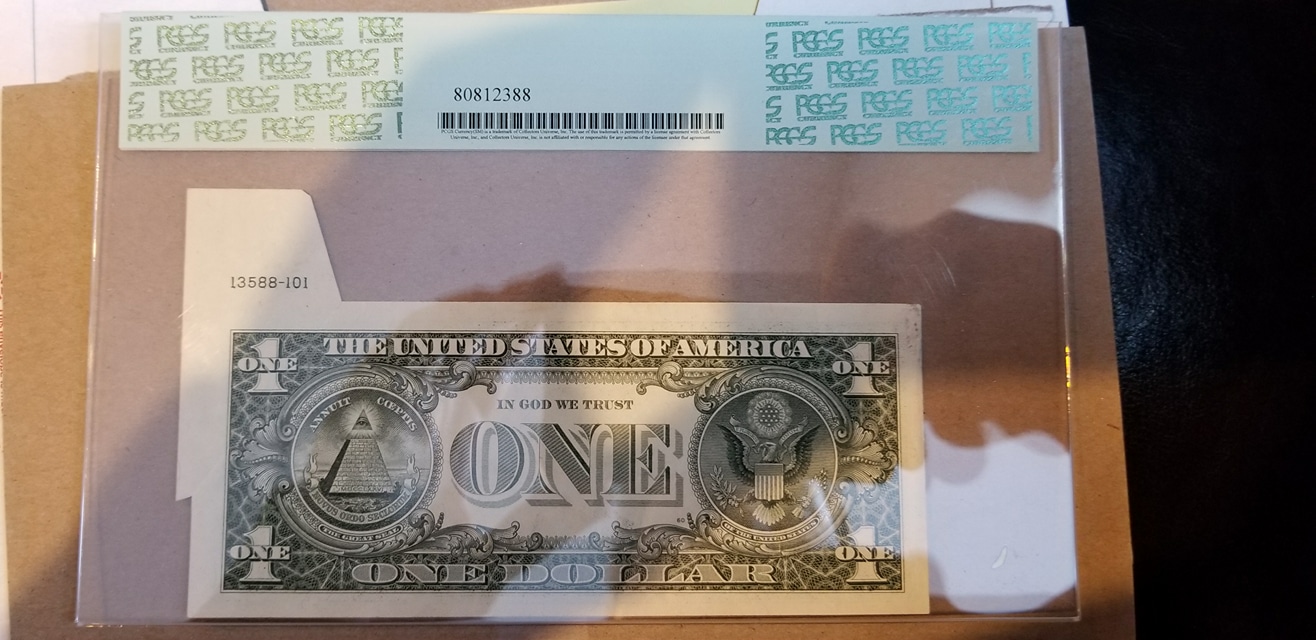 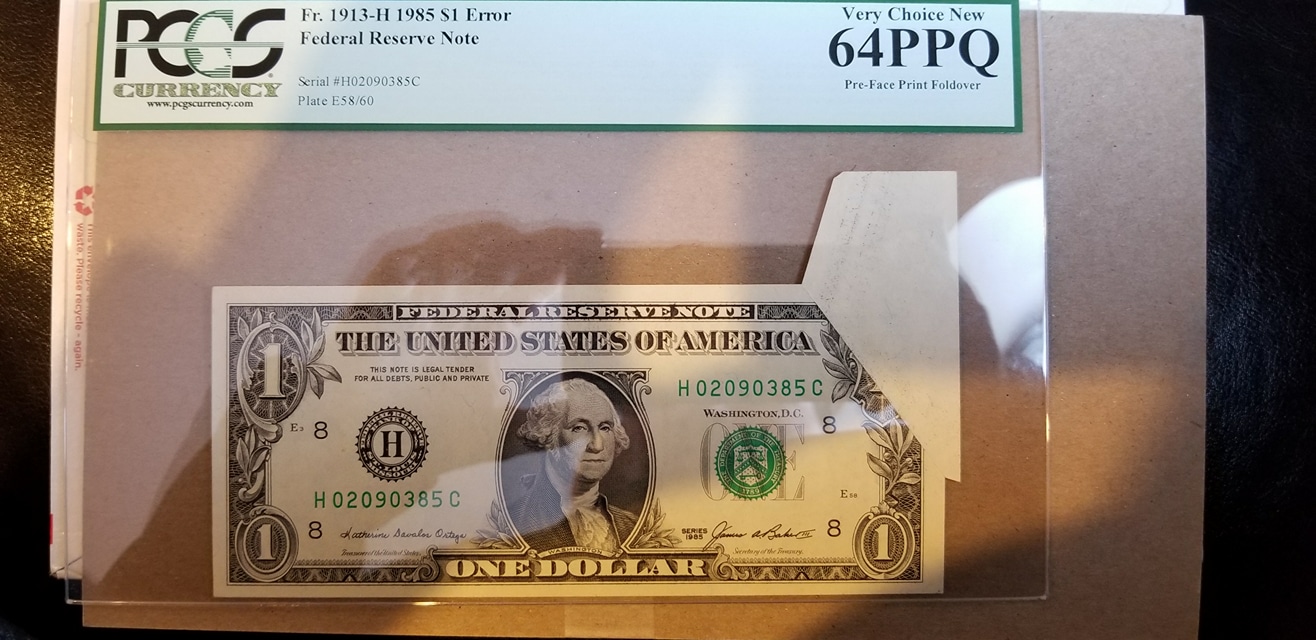 |
|
New Member
United States
39 Posts |
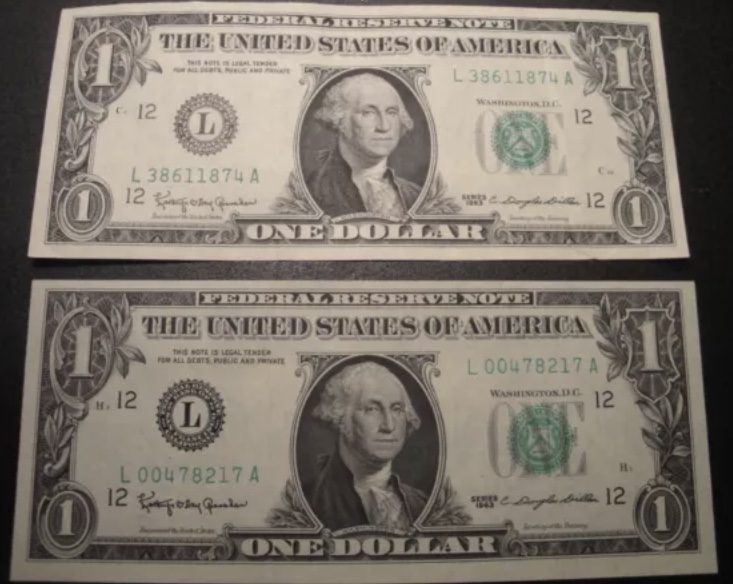
Edited by Series1976
05/10/2018 01:05 am
|
|
Pillar of the Community
United States
4637 Posts |
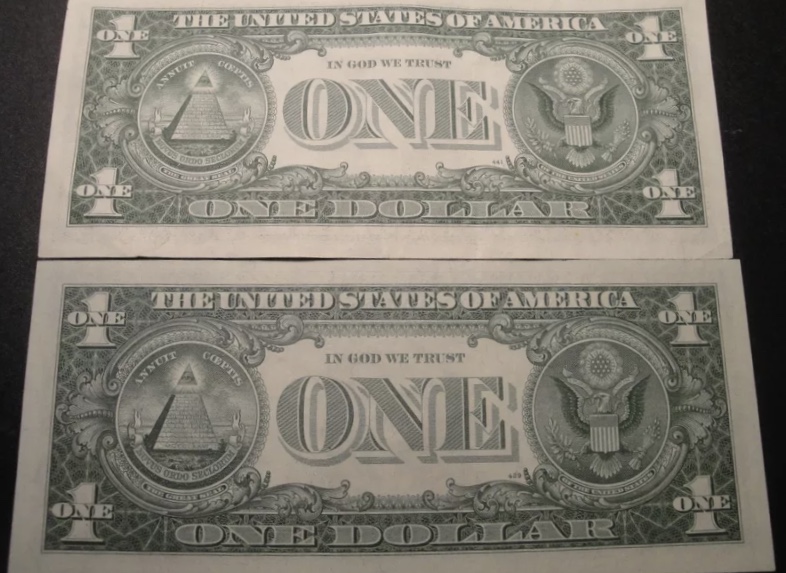
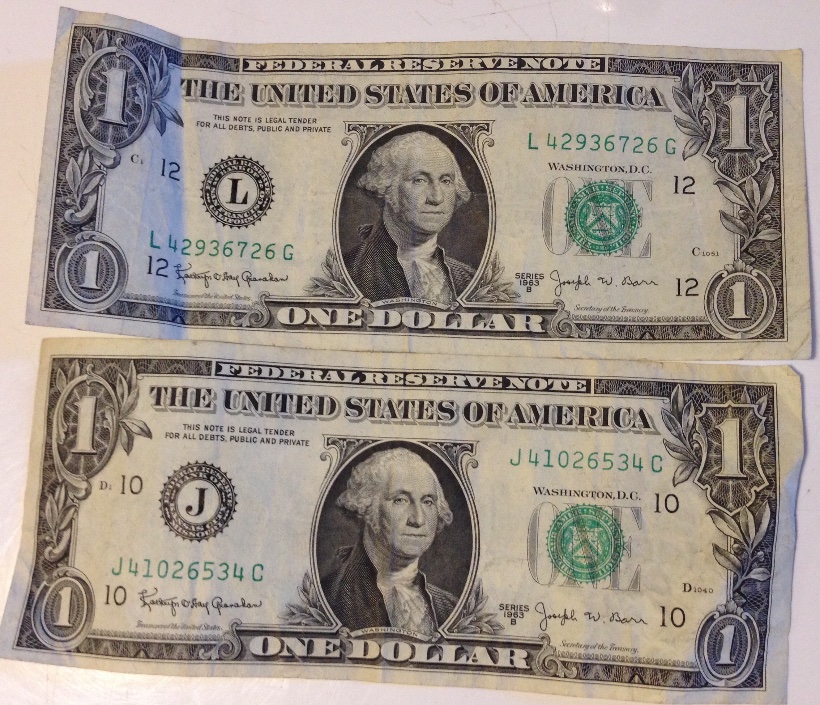
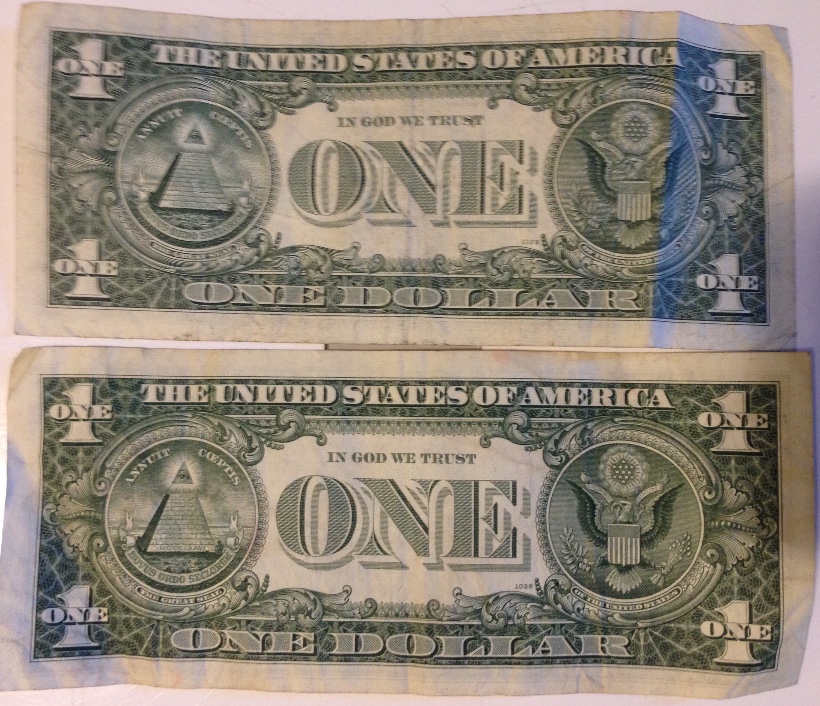
Your series 1963 Aces have BP #'s 429 & 441, which makes them mules.
|
|
Bedrock of the Community
United States
94367 Posts |
Series1976 - Nice notes, and -  to the Paper Money Forum! |
| |
Replies: 5,707 / Views: 531,940 |






 First Page
 Previous Page


 Posted 05/07/2018 6:48 pm