| Author |
 Replies: 17 / Views: 3,200 Replies: 17 / Views: 3,200 |
Page 2 of 2
|
|
|
|
Pillar of the Community
United States
4846 Posts |
try going to the button PICTURE, then go all the way down to compress, and then click(on the right bar) web pages, and finally click OK
|
|
Pillar of the Community
United States
1534 Posts |
Lafaa's idea is a good one. Or, you can upload it to Photobucket and use the link they give you to post here. Then there's no size limit. These are much large than 90KB but I still posted them via Photobucket.   |
|
Pillar of the Community
United States
4846 Posts |
well, I don't have a photobucket account soooooo......
|
|
Pillar of the Community
United States
4846 Posts |
by the way, nice double die! (or is that MD?)
|
|
Pillar of the Community
United States
1534 Posts |
A Photobucket account is completely free and signing up is easy.
A double die? I have no clue. It was part of some silver I sold a while ago.
|
|
Pillar of the Community
United States
4846 Posts |
|
|
Forum Dad
 United States
24231 Posts |
Contrary to popular belief, 90K is plenty big enough... 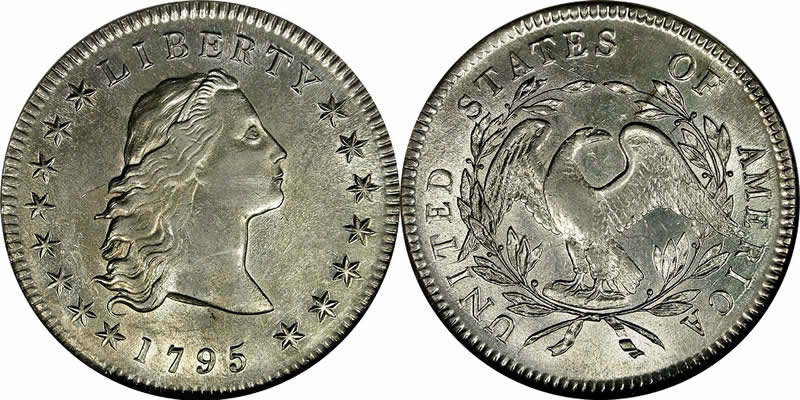 Even for obverse and reverse.  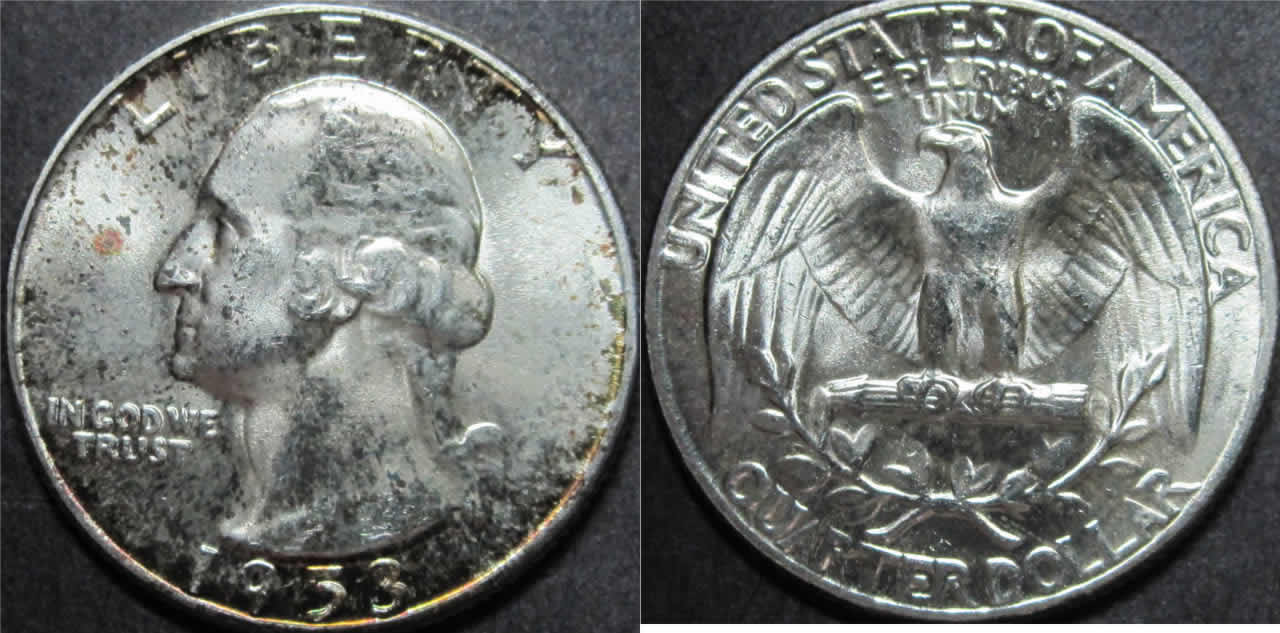 |
|
Pillar of the Community
United States
4846 Posts |
yes, but my scanner will have 0 chance of making scans that large....
|
|
Forum Dad
United States
24231 Posts |
|
|
Moderator
Australia
17002 Posts |
We prefer people don't use Photobucket or other image hosting sites to post pics, because pictures there often expire - which makes the thread useless in a year or two's time. Once an off-site picture is deleted, the link is broken and it's deleted from here as well. Try shrinking it down and uploading it into your post, if at all possible.
Some tips for shrinking it down:
- make sure it's saved as a JPEG (.jpg) file. Windows bitmaps are way too big.
- use a graphics editor to crop away everything that isn't coin, like wheatguy has done. We don't really need to see more of the background than is absolutely necessary.
- now use the compression option in your photo editor program to reduce the size, if necessary. A resolution between 300x300 and 500x500 pixels is plenty for the forum and should easily fit into the 100kb file size limit.
Lafaa: I scan coin pics at 300 or 600 dpi resolution to get pics that size. I'd be surprised if your scanner can't go that high.
Once you get to 50 posts, you can apply for a space in the CCF Gallery, where the file size restrictions are much more generous.
Don't say "infinitely" when you mean "very"; otherwise, you'll have no word left when you want to talk about something really infinite. - C. S. Lewis
|
|
Pillar of the Community
United States
2150 Posts |
Quote:
try going to the button PICTURE, then go all the way down to compress, and then click(on the right bar) web pages, and finally click OK  Could you explain this more thoroughly, I am kinda lost? |
|
Valued Member
 United States
132 Posts |
I have a Mac, and I'm not sure that Iphoto has a compression feature. Does anyone know how to do this on a MAC?
|
|
Pillar of the Community
United States
1534 Posts |
Alright, maybe I won't use Photobucket, since it seems to take up too much of the forum's bandwith. I've gotten used to posting pictures via Photobucket, but maybe I'll have to change that now. Is the main problem with the pictures expiring, or the taking up of too much bandwith?
Lafaa, I'm not sure, most likely the doubling is a side effect of the photos.
|
|
Forum Dad
United States
24231 Posts |
Quote:
Alright, maybe I won't use Photobucket, since it seems to take up too much of the forum's bandwith. Photobucket doesn't use any of the forum's bandwidth. The reason that there is a limit on the uploads is to preserve disk space. If I allow big uploads then people will upload photos right out of their camera or off their scanner which as I've shown, is a complete waste of space. 100K will do what a MB will do just fine on a computer monitor. Now if your printing at 600 DPI, that's a different story. |
|
Pillar of the Community
United States
1534 Posts |
I think I'll resize my photos on Photobucket then post them here. The size you (Dad) used was perfectly fine, and it's a bit hard to resize the photos to attach them to my posts, so I'll just make them smaller through Photobucket.
Is that okay?
Edited by wheatguy
04/05/2010 4:37 pm
|
|
Page 2 of 2
|
Replies: 17 / Views: 3,200 |
Page 2 of 2
|








 First Page


 Posted 04/04/2010 11:18 pm


