| Author |
 Replies: 27 / Views: 2,466 Replies: 27 / Views: 2,466 |
|
|
|
Pillar of the Community
 United States
801 Posts |
|
|
Moderator
 United States
56855 Posts |
What are you using to take your pics?,they look good. John1  |
|
Pillar of the Community
United States
801 Posts |
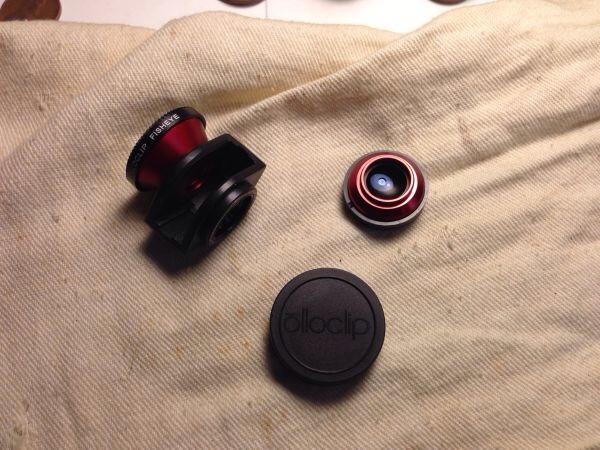
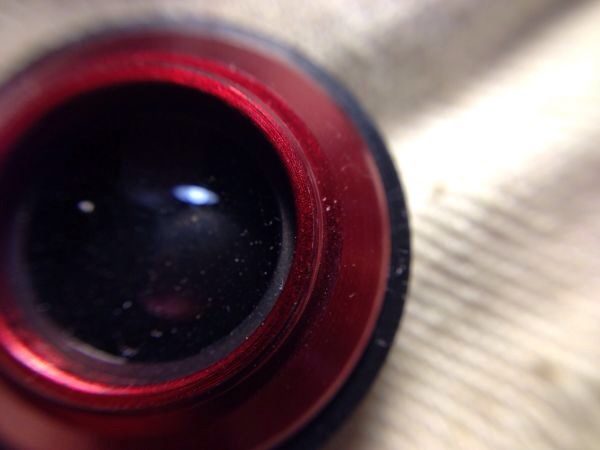
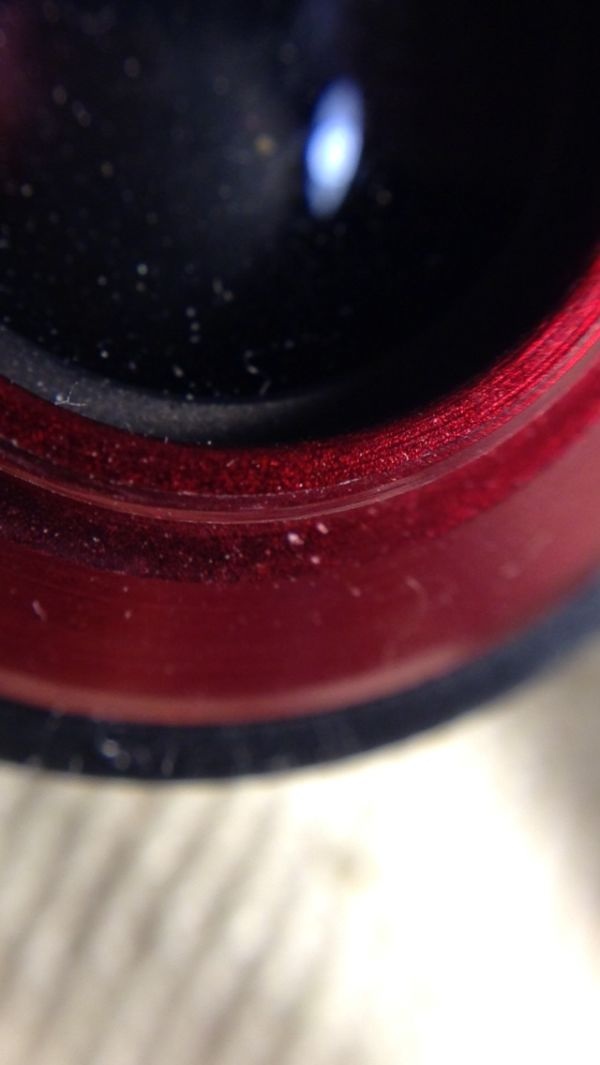
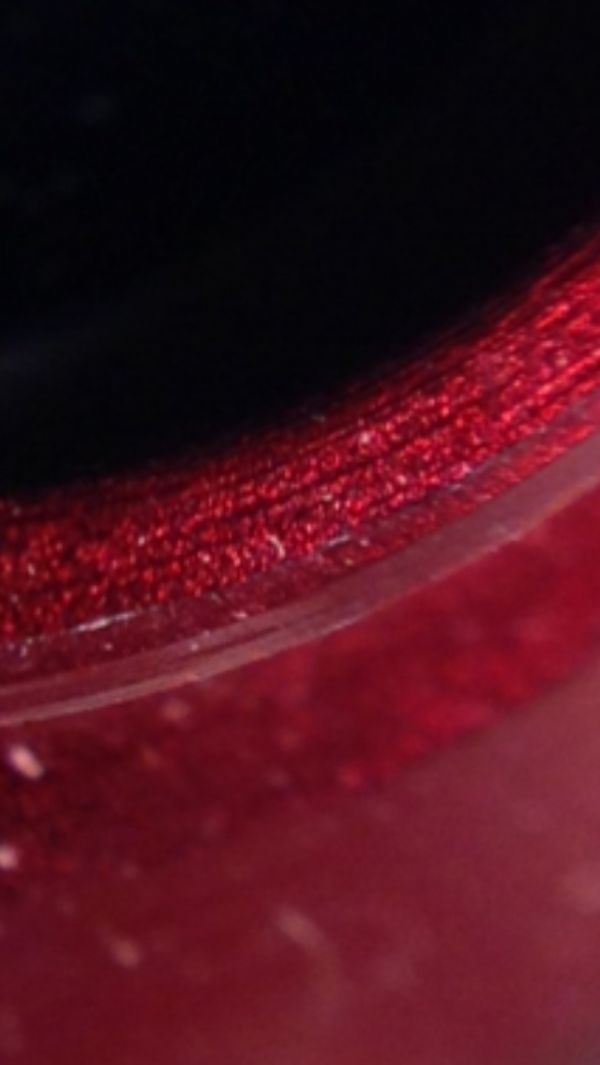
Believe it or not I'm doing everything with my iphone. I've got one of those "over the phone lens" that has both micro and macro lens'. I get the best focused picture taken then use the iPhone's capability to zoom in, then I take a "screen shot" and viola, a perfect shot. Most of my pics are the same picture just zoomed over and over. Simple, quick and uploadable immediately.
So time me: from this posted time I'll take pics of my lens, zoom in on the same picture in different spots and the post. Look at how fast it is.
AMB
|
|
Pillar of the Community
United States
801 Posts |
Would you know it...the forums image optimizer is giving me problems so disregard the "how fast I can do it thingy" 😁😳
|
|
Pillar of the Community
United States
801 Posts |
|
|
Pillar of the Community
United States
801 Posts |
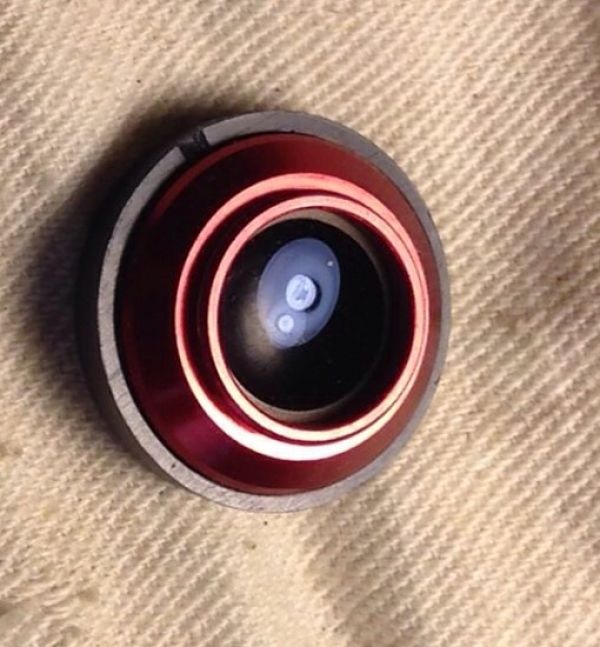
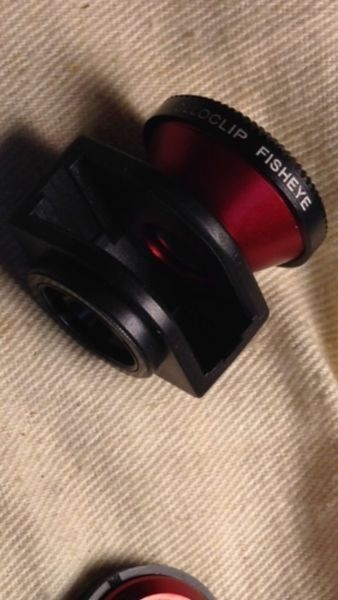
Putting the lens over the iphone one directions give me a no benefit fish eye...turning it over gives me the micro lens.
|
|
Pillar of the Community
United States
801 Posts |
|
|
Moderator
United States
56855 Posts |
Wow,cool. You should post this in the photog section.I noticed a bit of dust on the lens  John1 |
|
Pillar of the Community
United States
801 Posts |
It's quick enough too, just for examining coins. You can take several photos of multiple coins all at once, blow them up and see way more than a magnifying glass...then delete them. No harm no foul.
Edited by AMB
07/25/2014 12:49 am
|
|
New Member
United States
41 Posts |
Wait, can you post the steps for me? I just got those clip on lens. Those look amazing for a phone. Can you give me a brief order of steps to use? No need to explain each step in detail, just what to do - in order.
It would be much appreciated, AMB!
|
|
Pillar of the Community
United States
801 Posts |
Sure: make sure you've got the micro lens and get as close as possible to the coin as long as the picture is completely clear. Snap your picture. Then open the image on your iphone and use your fingers to zoom in. At that zoomed position push the home button and sleep button at the same time. That will take a new picture of your screen at that zoomed level. That new picture will be on your "camera roll". Find it and zoom in again if you need too and repeat the process. Let me know if that works or if you need help.
AMB
|
|
Pillar of the Community
United States
4809 Posts |
Nice tip AMB! Nice quality shots.
Looks like worn MD specimen but as noted, the MD is rather extreme. I would save that one for sure!
|
| |
Replies: 27 / Views: 2,466 |








 First Page


 Posted 07/24/2014 06:27 am