| Author |
 Replies: 182 / Views: 49,724 Replies: 182 / Views: 49,724 |
|
|
|
Pillar of the Community
Canada
2784 Posts |
wow ham nice coins. yes this should help you. I see what you mean. more diffusion will help to.
|
|
Pillar of the Community
United States
1305 Posts |
Thanks, rocky. Not positive what you are describing with the black paper. If you could show via photo,it would help. Basically, you would want the black paper to surround the coin on all sides?
|
|
Pillar of the Community
Canada
2784 Posts |
ham do you remember the old flat charcoal art paper. we use to use this a school for arts and craft. you can buy a whole book of it for pennies. charcoal . orange . yellow green. blue. its really cheap any where they sell school supplies. I fold a sheet in thirds them open the sheet up. that way I have to sides and one bottom. I place the coin in the middle point my two janjos lamps at 2 and 10. here what I get for a photo of a very bright nickel. 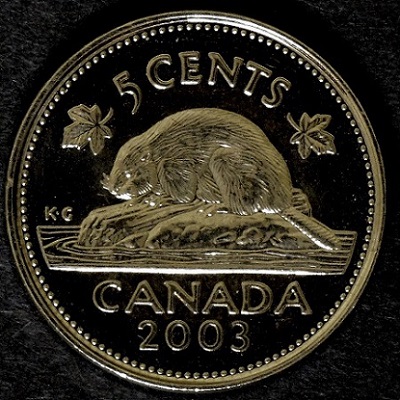 |
|
Pillar of the Community
Canada
2784 Posts |
ham see the light on the bottom of the nickel that is reflecting off my tripod. I can get rid of that by holding a sheet in front of the tripod. see the texture of the old art paper it works great. the off blue sheet has a different affect on coins. try some it works great
|
|
Pillar of the Community
United States
1305 Posts |
Rocky. I tried your suggestion, and didn't have much luck. Do you have the angle at 90 degrees (right angle)? I can not get anything close to Darth's photos. Maybe due to the PCGS holder.
|
|
Pillar of the Community
Canada
2784 Posts |
ok ham I thought I should not give you advice with out trying my own camera phone. all I did was put the paper the way I did for my other camera. lowered my tripod jammed my phone against the mount. which is not easy. I know on ebay they sell mounts for your cellphone to tripod that would be a good idea. all I did was set the janjso lamps at 2 and 10 used the Kleenex doubled secured the Kleenex with a pair of military boot bands. they would be the same as if your lady uses to put her hair in ponytail. yes and I stood a piece of abs pipe next to my diving goose. the coin is in cellophane here's what I got for my first image. I don't think its to bad for the first try. you just have to keep trying new things. I like my canon I find know its so easy to get good shots that I like 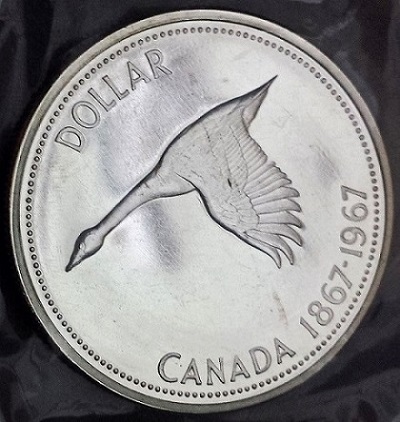 |
|
Pillar of the Community
Canada
2784 Posts |
this coin is pristine the marks are on the outside of the cellophane. I will say thou the camera phone does do a good job.
|
|
Pillar of the Community
United States
3552 Posts |
Quote:
...Not positive what you are describing with the black paper. It was a bit unclear if the make-up or functionality of the 18% gray card was at issue here. Therefore, in an attempt to add a bit more clarity here an 18% gray card balances its reflectivity so that the primary colors have relatively equal prominence. In some cases an image may appear to contain excessive red or green colors, for example, which can sometimes emanate from an overly reflective and unbalanced background substrate. Some white-colored background plates, for example, may even emit excessively sharp fluorescing colors originating from the type of surfactants utilized to process the raw paper etc. The bottom line is that the ideal gray card possesses essentially uniform spectral emissions resulting in better color harmony on the photo. |
|
Pillar of the Community
United States
3552 Posts |
If one wishes to ensure that their background card passed essential QC (quality control) for reflectivity etc. the following professional photographic company has a reasonably-priced 4" x 5", 18% gray card whose consistency outshines a 20 cent piece of construction paper any day: http://www.bhphotovideo.com/c/produ..._Card_4.htmlfyi |
|
Pillar of the Community
United States
1305 Posts |
Thanks rocky and mdpmedia. I'll keep experimenting with all the information you have supplied.
|
|
Pillar of the Community
United States
1305 Posts |
I have tried and tried, and cannot eliminate the "hot spots". I have used tissue paper, paper towels, tracing paper, in all combinations, and still have these spots. I am using an iPhone 5S, if that makes any difference? Maybe I need a 4S? Any other suggestions. Thanks.
|
|
Pillar of the Community
United States
1305 Posts |
Most recent photos. 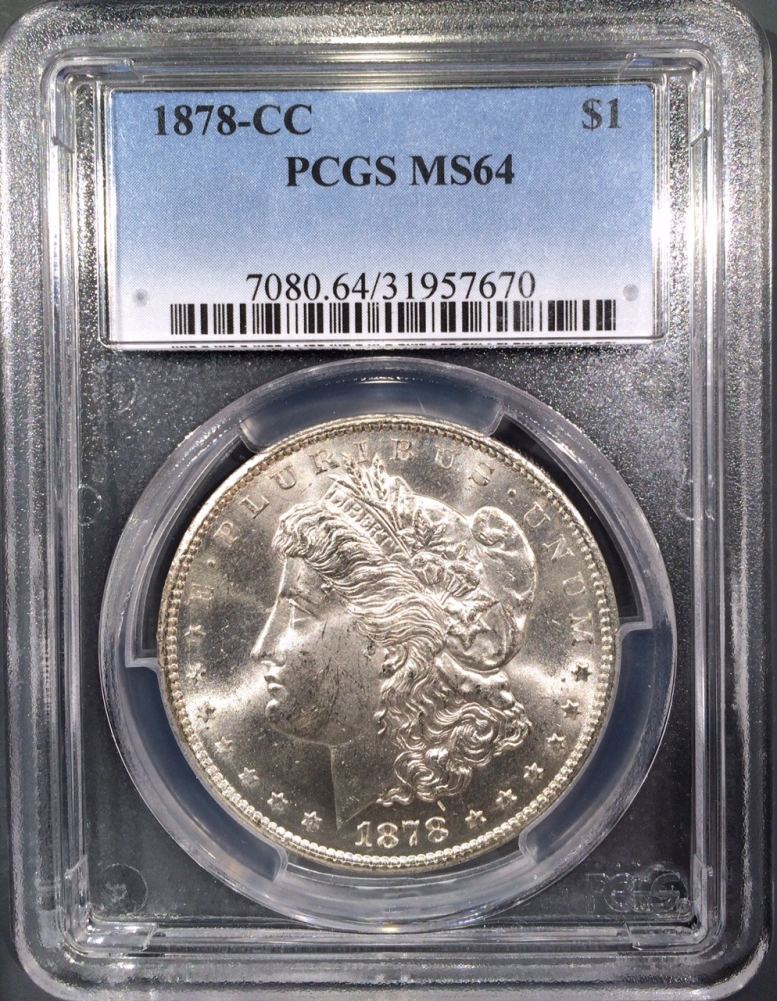 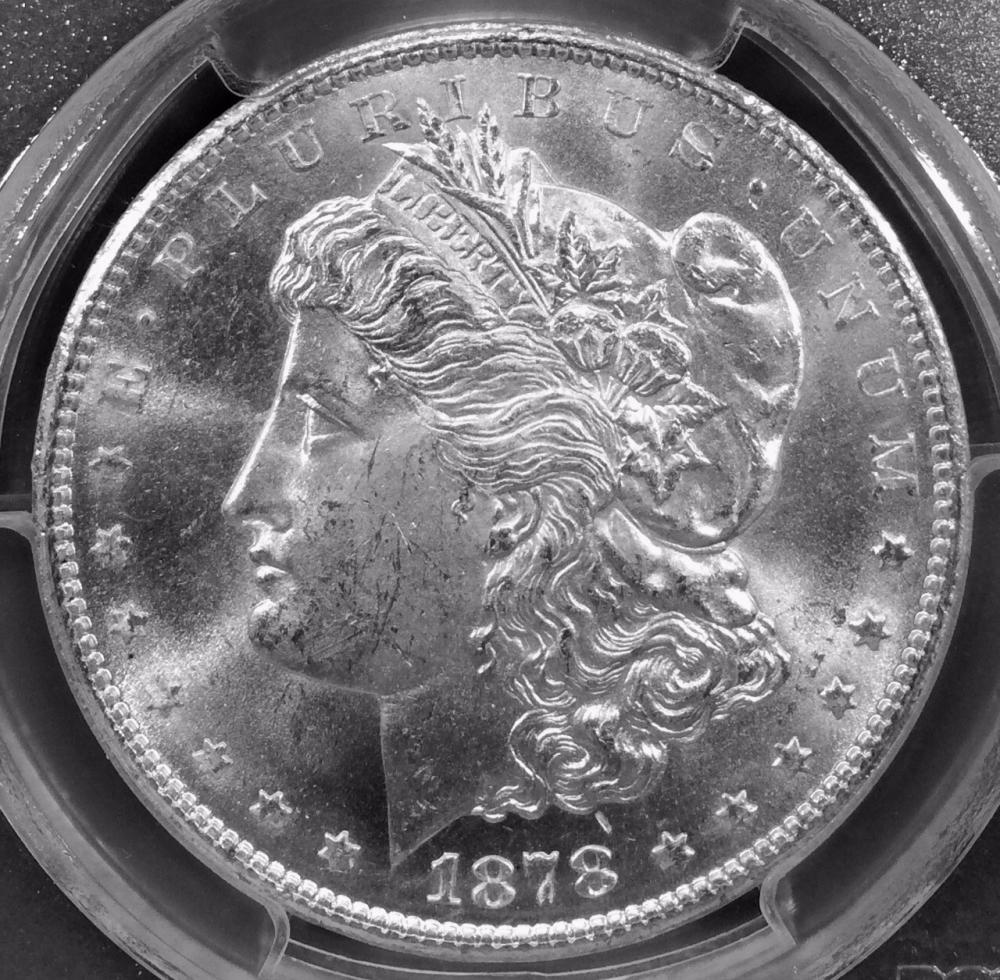 |
|
Pillar of the Community
United States
3552 Posts |
Quote:
...still have these "hot" spots. I can understand and appreciate your anger and frustration  but don't throw your 5S out the window just yet. May I suggest that you first recall that 'the angle of incidence equals the angle of reflection' while clicking on the following URL. This CCF thread discusses what appears to be a situation similar to yours: https://goccf.com/t/182610&SearchTe...f+reflectionAnd please get back with us after implementing some of the multiple applicable suggestions that eventually eliminated the hot spots on the shiny Jeff. nickel in that thread. good luck |
|
Pillar of the Community
United States
1305 Posts |
Thanks,mdpmedia. I'll take a couple days to work on this.
|
|
Pillar of the Community
United States
1305 Posts |
Here's is the reverse shot a couple days ago. 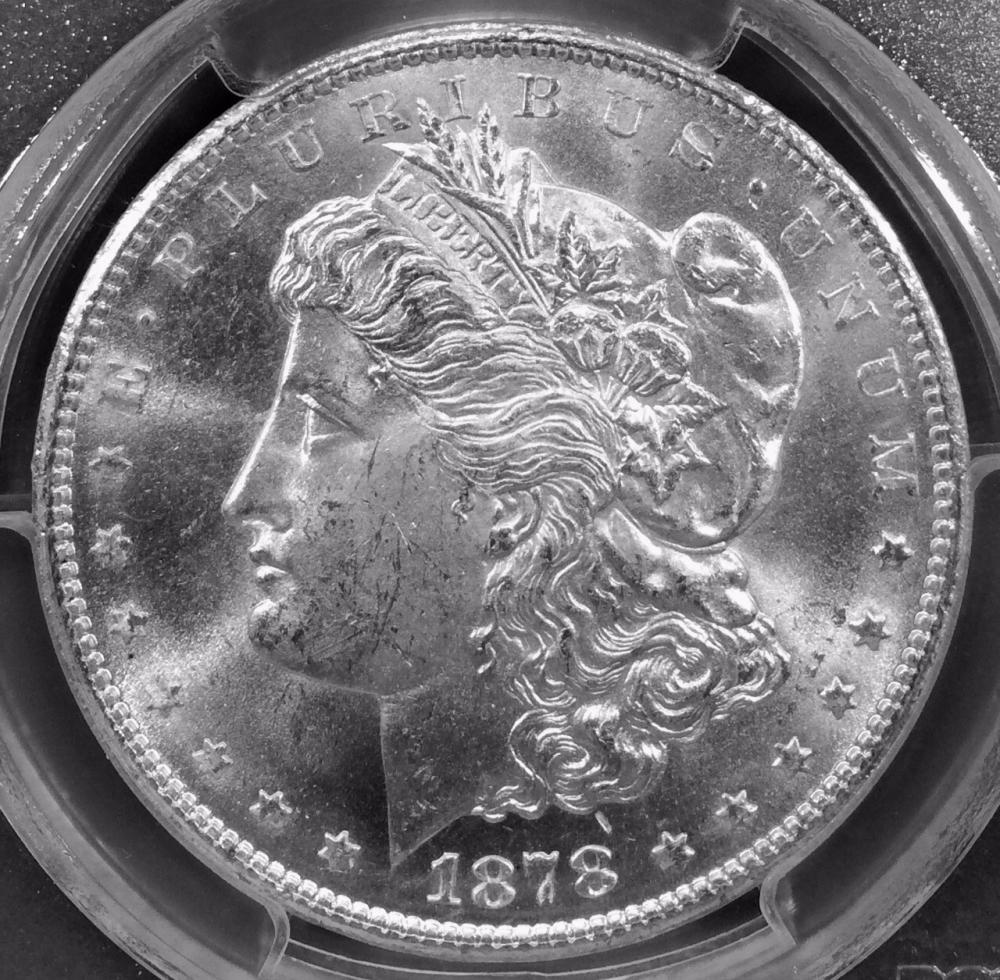 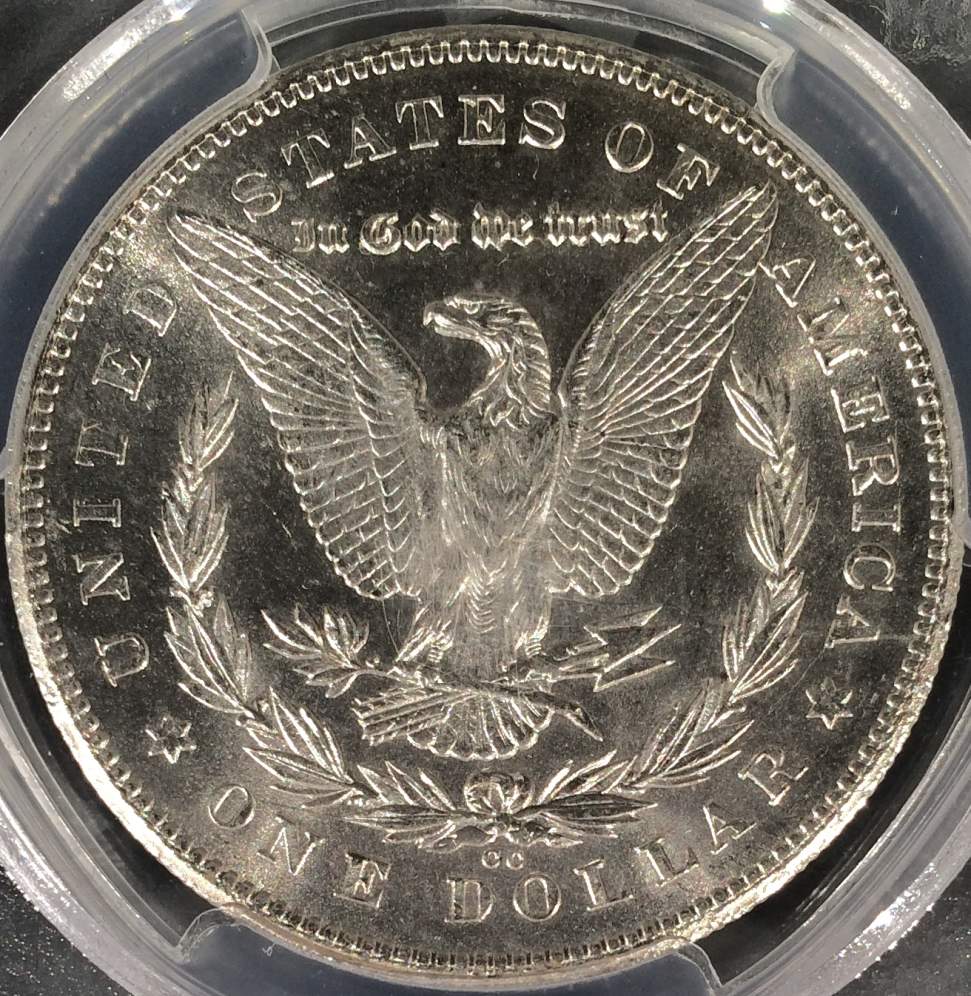 |
| |
Replies: 182 / Views: 49,724 |







 First Page
 Previous Page


 Posted 07/20/2015 07:12 am





