| Author |
 Replies: 120 / Views: 15,020 Replies: 120 / Views: 15,020 |
|
|
|
Pillar of the Community
Canada
9889 Posts |
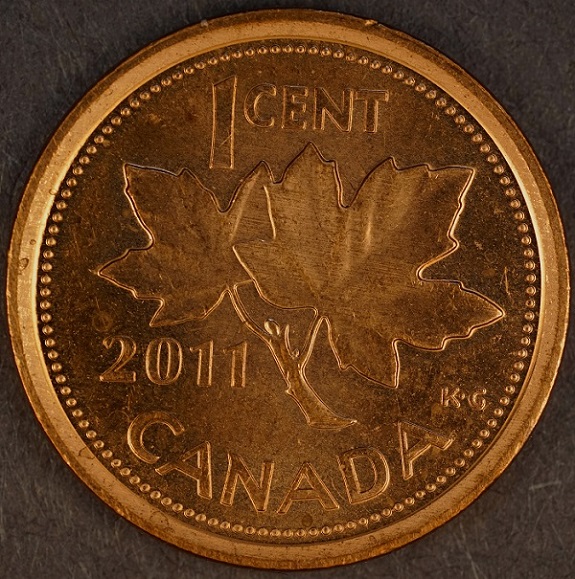
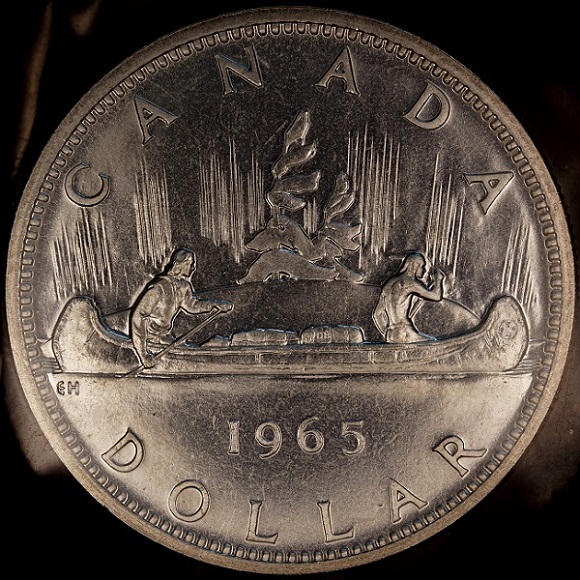
Does the Canadian cent have the dark areas on the top and bottom? If it does then they all look good.
|
|
Pillar of the Community
 Canada
2784 Posts |
mcshilling yes they are just as they look in hand. I have 1 more lens that I will take a few photos with. when I used it with the canon t1i silver, nickel, toonie and loonie came out really good. so I will a few with that lens later this evening. I have to find another way to filter the light. you have a great one
|
|
Pillar of the Community
Canada
2784 Posts |
ok so I tried the Minolta 100mm f4 bellows lens. there is no difference. between the Minolta 100mm f4 Rodenstock 75mm Olympus 80mm bellows lens or the Lantar 90mm macro lens. they all come out the same. I will need to find a way to filter the light. so that I am not doing so much darkening. I will say this camera is over the top. there is no doubt the Sony a7r mark II is one of the best camera out there its very easy to use. very easy to light your coins. if anything one will have cut light and try to find a balance in lighting. I took a couple of photos with the janjo lamps. the images was very good they were just a little brighter. I would like to see ray or dave try one of these. there experience. would no doubt help a myself and anybody else with these type of camera. because understand the working of cameras. that what I lack. well have a great one.
|
|
New Member
United States
43 Posts |
Rocky. Your images are looking good! But one concept you need to learn is how exposure works. Exposure is the balance of shutter speed, aperture and ISO. When you are shooting in P mode, the camera does all the calculations for you. The camera will figure out the best aperture, shutter speed and ISO setting for a given situation. In all it will try to make an overall exposure of around 18%. 18% is the average tone of most scenes. It's up to the photographer to tell the camera how to make adjustments. Here is what the camera is trying to expose for.  When shooting a dark coin, the camera will adjust the exposure up to brighten it. This is to bring it up to the 18%. The opposite happens with bright coins, they get underexposed. My suggestion for the problem you are having is not to filter the light coming in on the coin. It's to tell the camera to make an "Exposure Compensation" From what I can see with your camera, it has an Exposure Compensation dial on top of the camera that will turn from +3 - -3. For coins that are turning out too bright, adjust the dial to -1 or -2 and see how that looks. For coins that are coming out too dark go the opposite way. You should see how this affects the exposure in live view. One thing that may be causing an issue, is the camera probably has no idea of what the actual aperture setting of the lens is. If it's similar to my Nikon, there should be a menu where you can tell the camera what the actual aperture setting is. This will help the camera to set a more accurate exposure. From there you can then go to a much better exposure mode on the camera, such as Manual (my recommendation) or to Aperture Priority. With these modes you can set the ISO to the lowest setting (to achieve low noise or graininess). With Manual Mode you will set the shutter speed and aperture. Remember though, the aperture setting will not change unless you change it on the lens. If you change it on the lens, then you will need to adjust it in the camera menu system. With Aperture Priority Mode the camera will take the Aperture you assigned and the ISO level you assigned and calculate an appropriate shutter speed. Again the appropriate shutter speed will be whatever is needed to achieve 18% grey. So again you may need to dial in exposure compensation. If your not sure how to make some of these adjustments, then I would suggest you consult the cameras manual. I am not familiar with the Sony cameras. |
|
Pillar of the Community
United States
1037 Posts |
Very nice pictures indeed.
Nice camera too.
|
|
Pillar of the Community
Canada
2784 Posts |
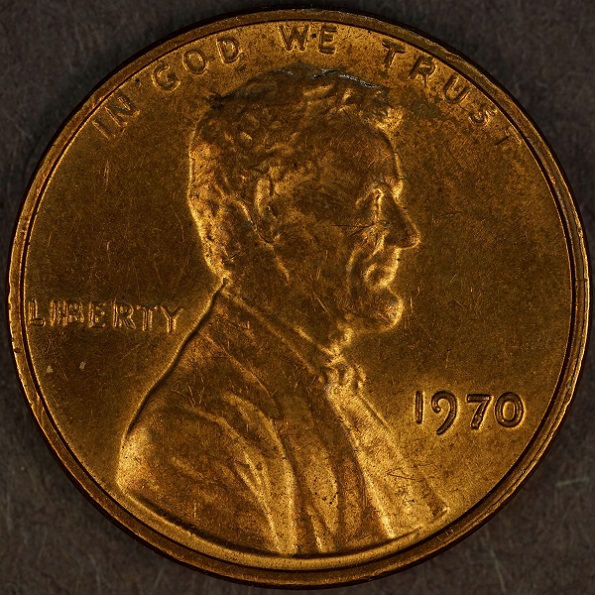
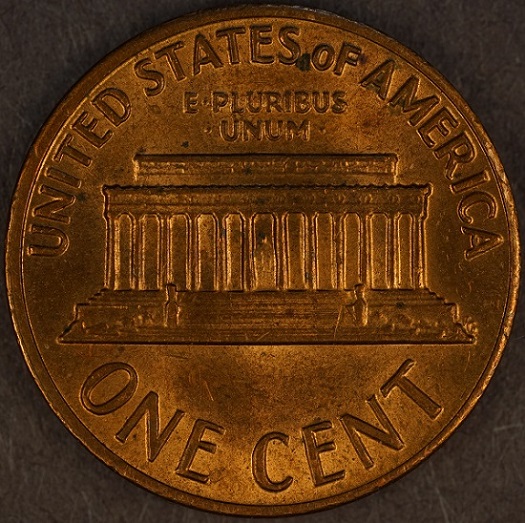
jtlee321 than you for the help. I did exactly what you said. it was very easy to make the changes thank you so much. welder thank you this camera is very easy to use. I think any of the a7 series would due. with what we want them to do with coins. jtlee is right I had to do was turn the top dial to minus 1. well this is a very bright coin looks good to me. what I like is no added lights just room lighting. 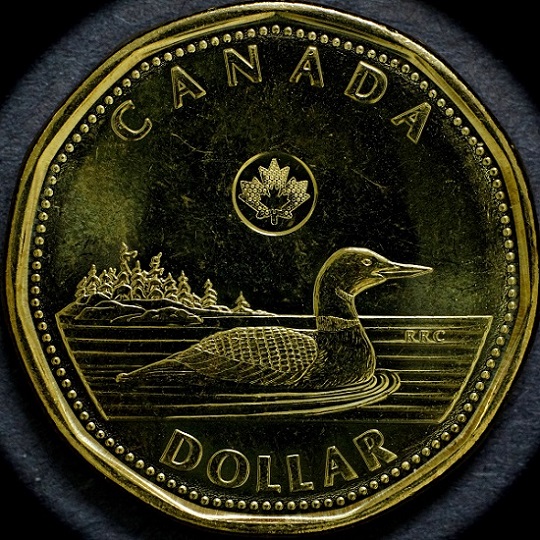 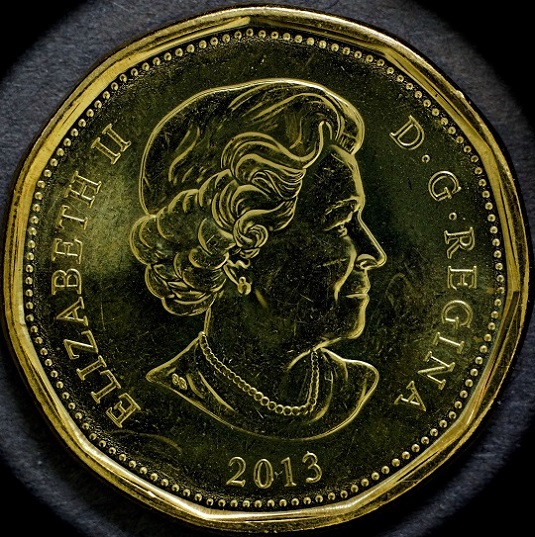 |
|
Pillar of the Community
United States
9395 Posts |
Quote:
ok so I tried the Minolta 100mm f4 bellows lens. there is no difference. between the Minolta 100mm f4 Rodenstock 75mm Olympus 80mm bellows lens or the Lantar 90mm macro lens. they all come out the same. That's pretty much what I found when testing out the 75mm APO Rodagon D 1x, the 80mm Olympus, and the 75mm EL-Nikkor at 1x, with a test target. The central resolution is limited by the pixel size of the camera (T6s) sensor, and not the quality of the lens. The smallest details you can resolve are about 3 pixels, perhaps because of the anti-aliasing filter? |
|
Pillar of the Community
Canada
2784 Posts |
pepactonius yes you are right. I did what jltee told me to try with the other dial and that worked for lighting. I understand why ray wants us to light the coin. that way we control the light and how much. so to use this camera. one has to basically tent it. to keep out the surrounding light. then use the janjo lamps heavy diffused. pepactonius you would not believe the focus magnifier on this camera. you have agreat one
|
|
Pillar of the Community
Canada
2784 Posts |
|
|
Pillar of the Community
Canada
2784 Posts |
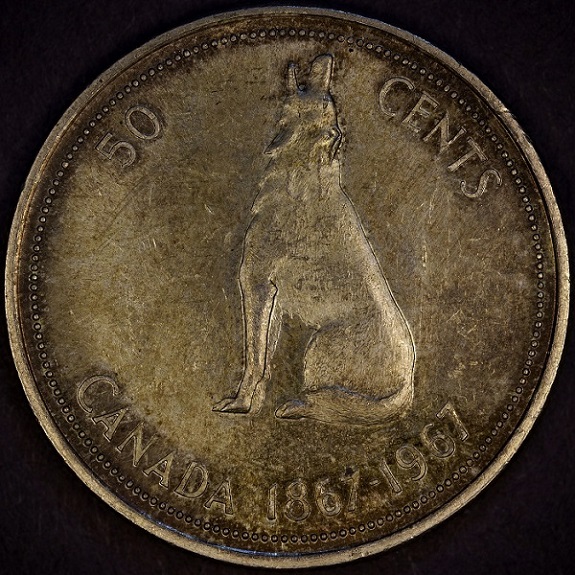
ok here is a fifty cent piece 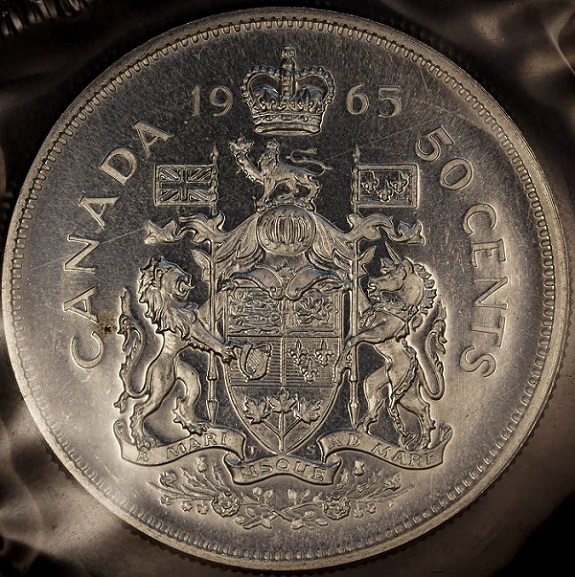 |
|
Pillar of the Community
Canada
2784 Posts |
toonie still need a little work. but I am getting there 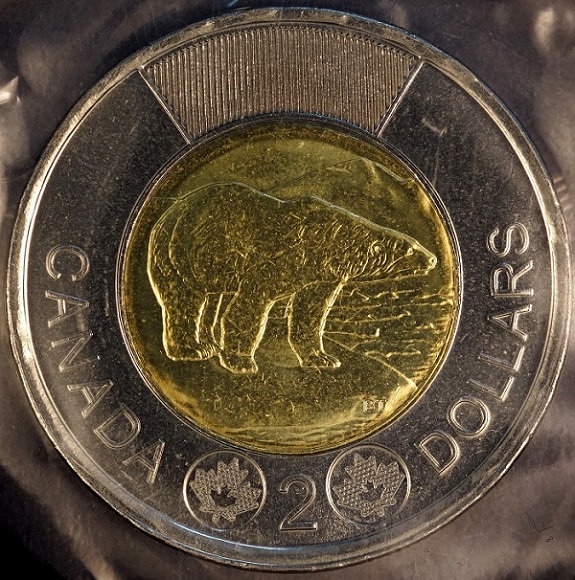 |
|
Pillar of the Community
Canada
2784 Posts |
here is a 1984 nickel dollar it had been in circulation. 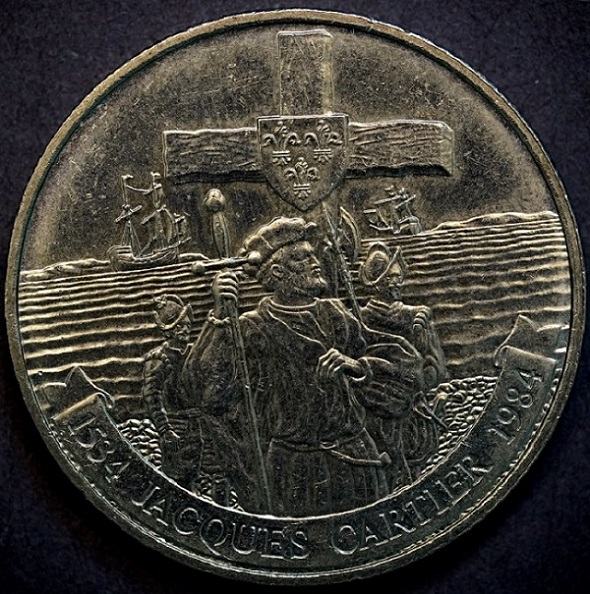 |
|
Pillar of the Community
United States
9395 Posts |
Nice pics -- I especially like the 50 cent piece.
|
|
Pillar of the Community
Canada
2784 Posts |
|
|
Pillar of the Community
United States
9395 Posts |
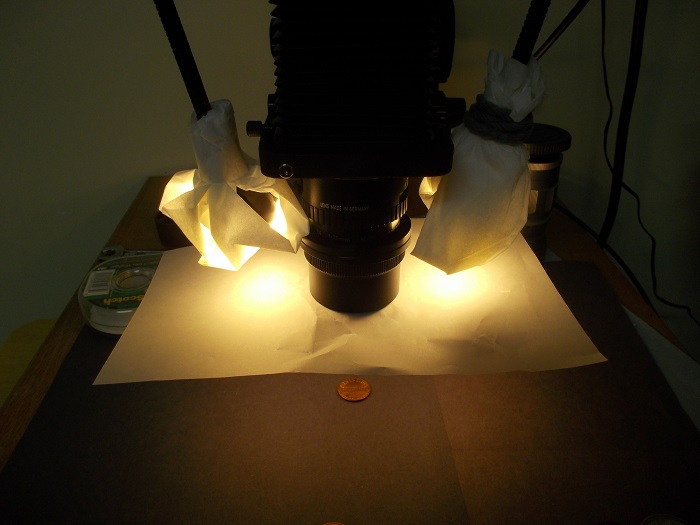
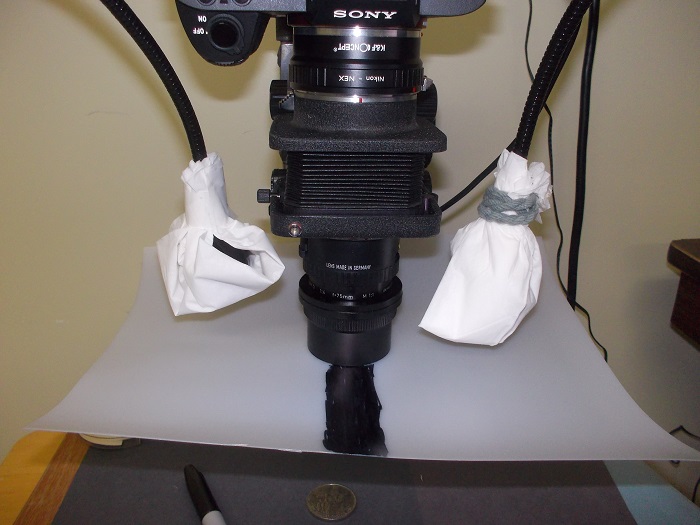
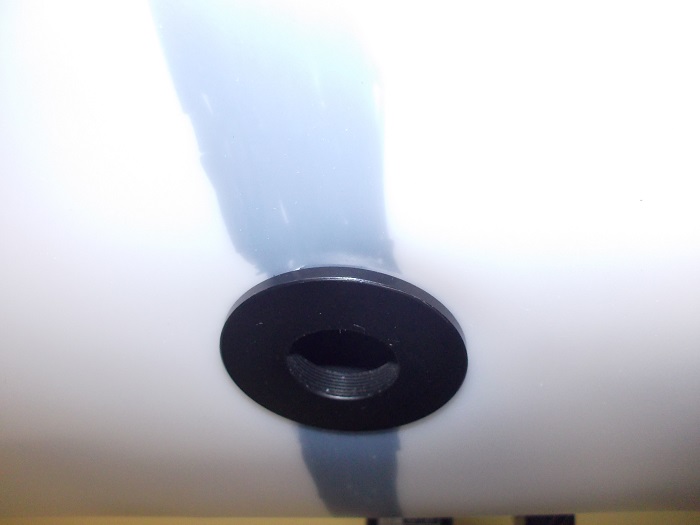
Your lighting setup looks great. In my case, I don't have any diffusing paper attached directly to the Jansjo lights. I let the Canson Opalux paper attached to the step up/down rings do all the diffusing. You can vary spot diameter and the amount of diffusion by just moving the Jansjo lights closer or farther away from the Opalux.
|
| |
Replies: 120 / Views: 15,020 |








 First Page


 Posted 12/13/2015 10:11 am