| Author |
 Replies: 120 / Views: 15,024 Replies: 120 / Views: 15,024 |
|
|
|
Pillar of the Community
 Canada
2784 Posts |
attached the SK 80mm F4 to my Sony A7R mark II. trying this with axial lighting. single ottlite here is the results 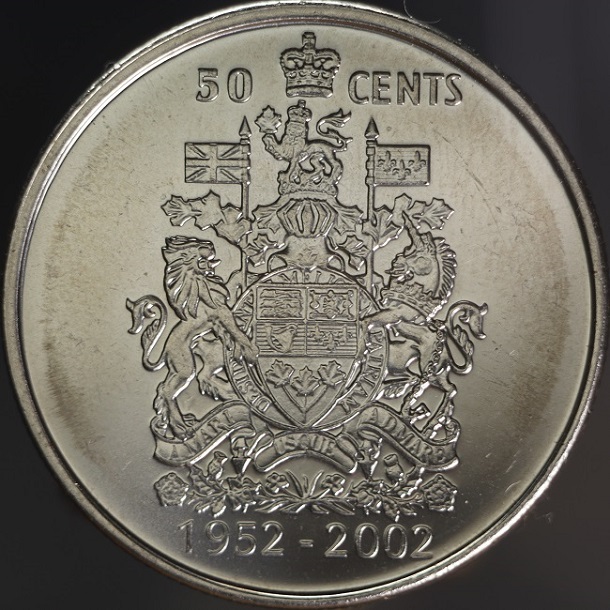 |
|
Pillar of the Community
Canada
2784 Posts |
this image taken with the sony and the 75 mm el nikkor lens 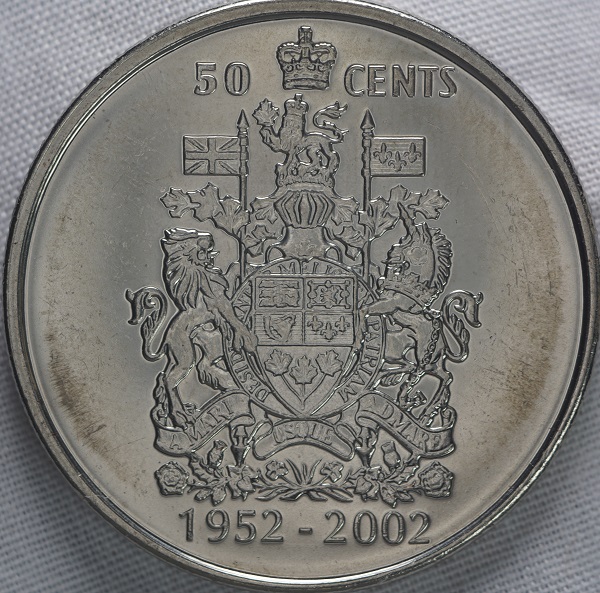 |
|
Pillar of the Community
Canada
2784 Posts |
|
|
Pillar of the Community
2087 Posts |
|
|
Pillar of the Community
Canada
2784 Posts |
austrokiwi thank you very much for the updates. the Sony firmware is all up to date. I am wondering is there anybody here. using the new canon editing program. that took DPP place. I have started to use the new program. it is a lot more detailed. but I can tell you if you dont have it. if you upload that program. it will over ride your DPP program. so think about it before you do. DPP is a great program . I like it very much.just thought I would pass this on to anyone who reads this.
|
|
Pillar of the Community
2087 Posts |
SonyAlpha rumours has just posted the possibility that Zeiss will be producing a Batis 60mm macro later this year. Would be great if its true. Although Zeiss may have a challenge if they aim to produce a lens better than Sony's FE 90mm macro
|
|
Pillar of the Community
Canada
2784 Posts |
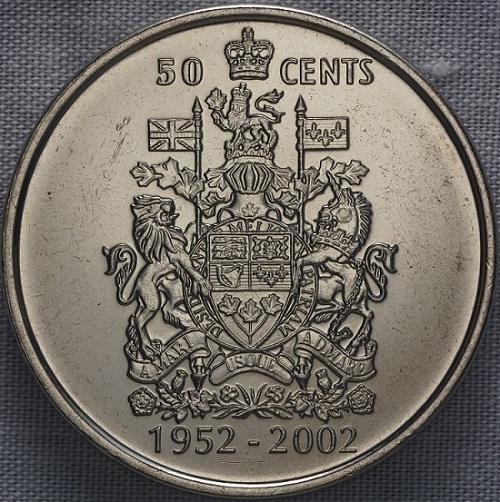
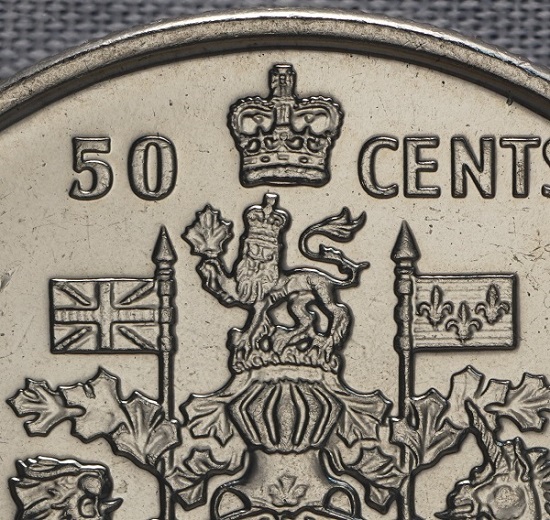
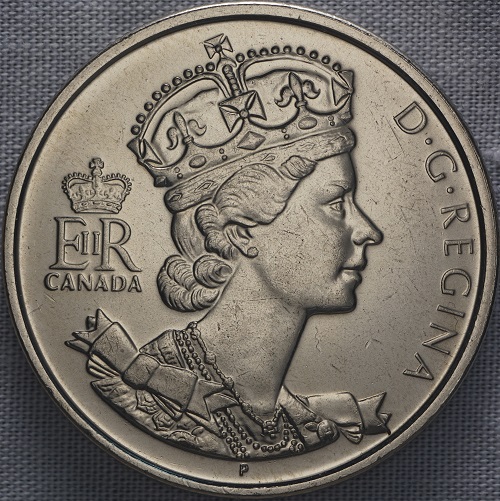
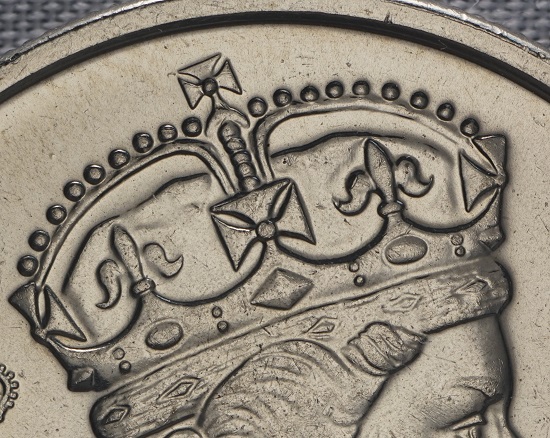
i wanted to try this piece of glass with the Sony camera. the lens I used is the rodenstock 75 mm M 1:1 enlarger lens. I think this piece of glass preformed very well. here is a couple of coin images. no editing 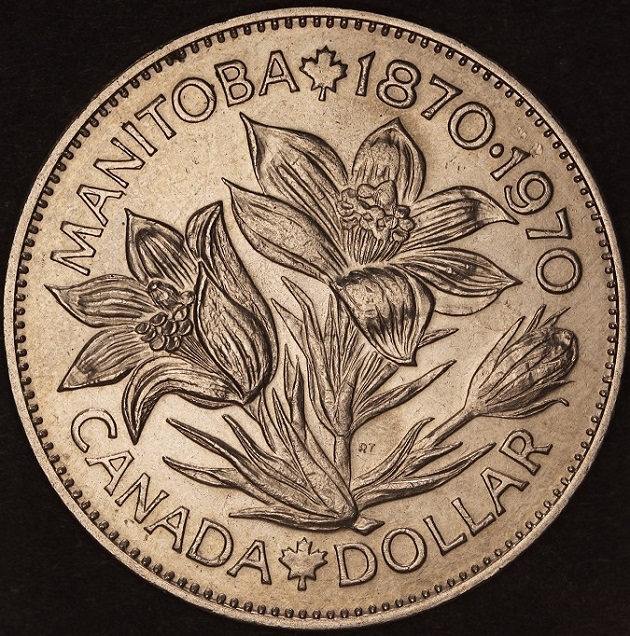 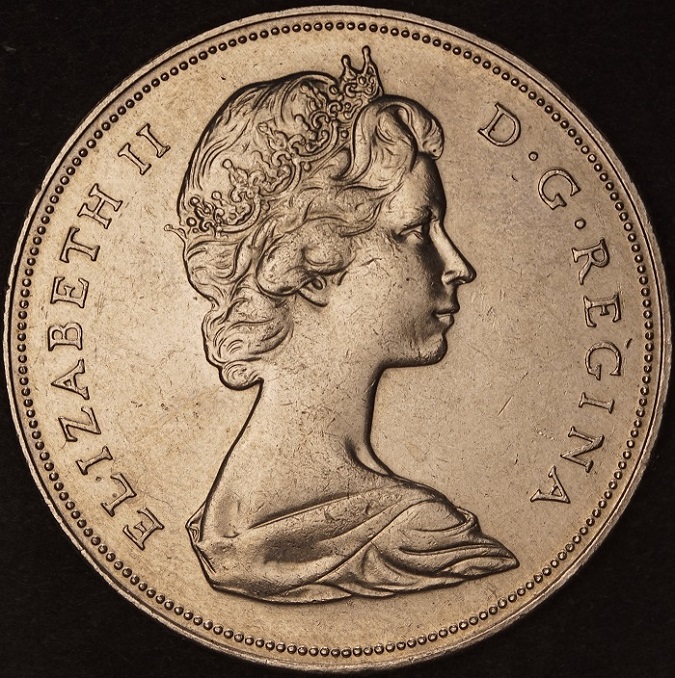 |
|
Pillar of the Community
Canada
2784 Posts |
wanted to try a slabbed coin. with this little piece of glass. you dont have much room to work. I think it turned out ok. I am buy the lighting on ebay. that should work with this glass. when the lighting arrives. I should be able to light the coins more evenly. 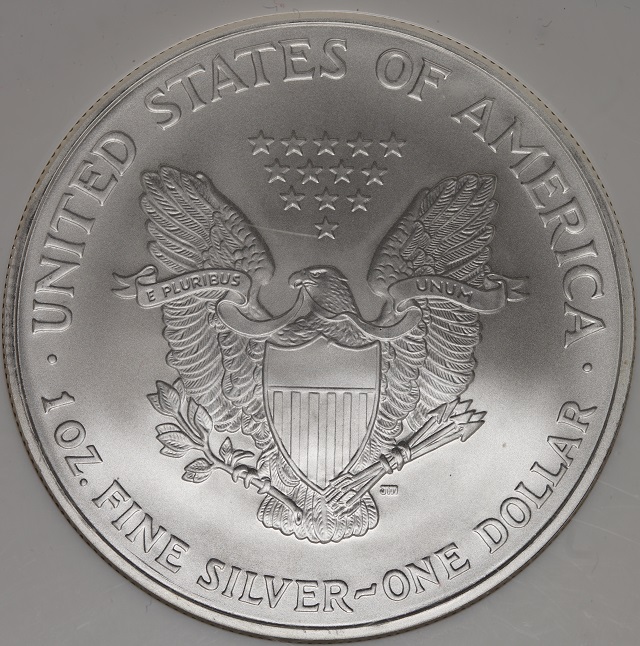 |
|
Pillar of the Community
2087 Posts |
Out of interest what camera settings were you using? In particular which shutter settings( Normal, EFCS, or Silent shutter)?
|
|
Pillar of the Community
Canada
2784 Posts |
DSC00277.jpg
File Size 13.8MB
Camera Model Name ILCE-7RM2
Shooting Date/Time 2016-08-30 7:51:34 PM
Tv (Shutter Speed) 1/60
Av (Aperture Value) 0.0
Exposure Compensation 0
ISO Speed 160
Image Size 7952x5304
Color Space sRGB
Comment this was the setting austrokiwi
hope fully this is what you are looking for. austrokiwi I never make very many changes on the camera. I set the camera to P mode. I let the camera do the rest. works for me. have a great one
|
|
Pillar of the Community
2087 Posts |
IF it works for You Rocky then that's all that's required. One suggestion at least set the camera to EFCS. with that on You should find a significant jump in sharpness of your coin photos. To turn on EFCS (e-Front Curtain shutter as sony labels it) press menu scroll to the cog wheel symbol press down. Find the 5th submenu, fourth option down is to turn on the electronic Front Curtain shutter.
Edit: your picture file size looks a little low. You can get higher quality by using RAW, but if you decide to stick to Jpeg then you can up the picture quality to X.Fine. Produces much higher quality shots. {menu "camera Icon" submenu no "1" third option allows you to set picture quality}
If you use Raw then for really High resolution shots set the camera to uncompressed Raw( 14 bit) however you will have massive files
Edited by austrokiwi
08/31/2016 3:08 pm
|
|
Pillar of the Community
Canada
2784 Posts |
austrokiwi thank you so much. I made the changes. see austrokiwi the only changes. I ever make are what you and ray tell me. I have looked through the camera many times. I have checked out the functions plus setting. I really like this camera. thank you austrokiwi again for the sugestions on the setting 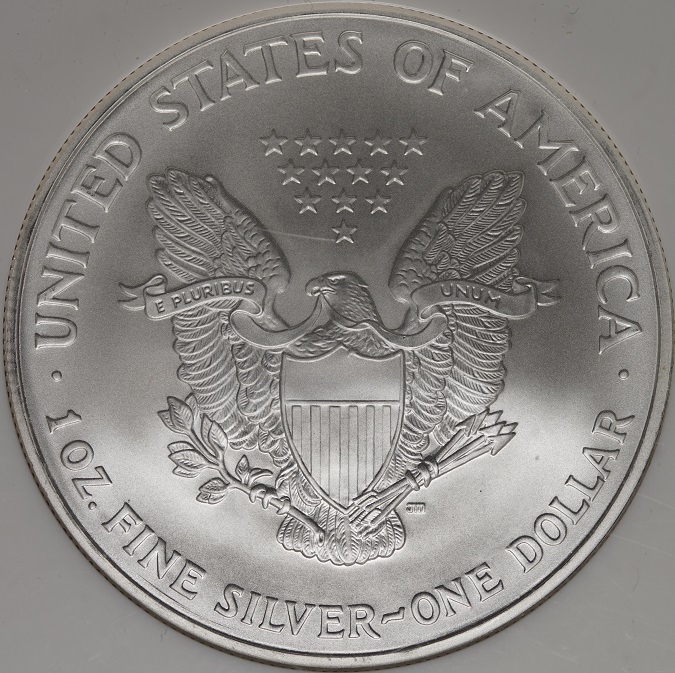 |
|
Pillar of the Community
Canada
2784 Posts |
here is the new lucky loonie 2016. 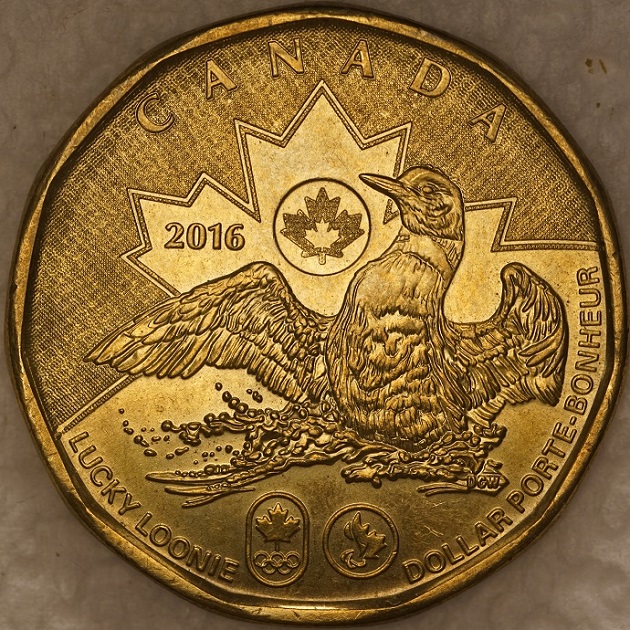 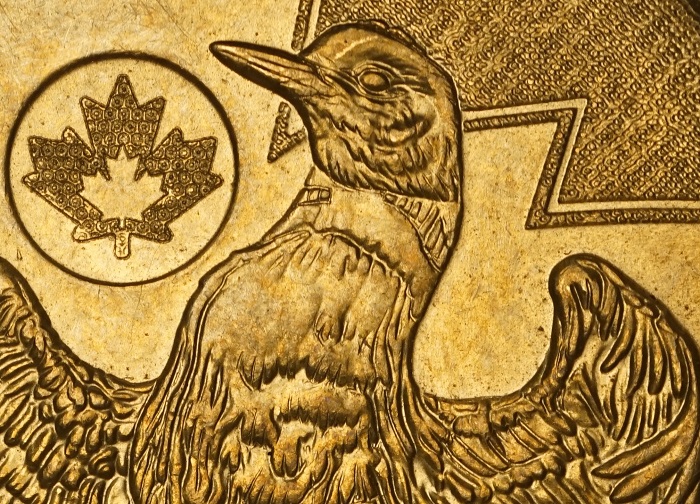 |
|
Pillar of the Community
2087 Posts |
I hope you can see the difference I certainly can!!
I gather from your post that you may not have turned on focus peaking. With all your use of Manual focus lenses it really should be used. To find it: Menu, Cog symbol, sub menu 2, fourth option down labelled "Peaking level". For coins you need to set the level to "High".
The fifth option down is Peaking color you will have a choice of three: red, yellow, and white. For coins White is not good. For my old eyes I prefer red. It will take some getting used to if you have never used peaking before. The image you will see in the cameras screen or view finder will end up showing red highlights( if that is the color you pick) when in focus. It is great for showing what is , and what is not, in focus. I have focus peaking turned on all the time... but I use a lot of manual focus lenses.
The A7rII is a high end enthusiasts camera. The factory settings will give average performance( I believe this applies to all manufacturers not just Sony). Macro photography is well outside the average parameters the Sony designers anticipated. To really get the highest quality coin shots you do need to to adjust the cameras settings your self. I also have set certain functions to particular buttons as follows:
C1 = White Balance
C2 = Manual focus assist
C4 = Electronic zoom ( However I have never used it and I am thinking of changing it to turn on Zebra)
For Auto focus I have shifted the focus function to the AEL button. This means the half shutter press no longer activates Auto focus. Instead I activate AF focusing with an AF lens with a thumb press of the AEL button. This is not necessary for macro photography, although it helps when using an AF macro lens for coin photography. Effectively my camera, with an AF lens, has "focus hold" on until I turn it off.
When I have meet with other A7rII users I find those users have difficulty adjusting to my camera due to how I have customized it likewise I find their cameras a bit of a challenge due to how they have customized their examples.
Edited by austrokiwi
09/01/2016 12:57 am
|
|
Pillar of the Community
Canada
2784 Posts |
thanks so much austrokiwi for the advice. all the setting are made. that is a great way to check focus. thank you
|
| |
Replies: 120 / Views: 15,024 |





 First Page
 Previous Page

 Posted 05/30/2016 12:44 pm