| Author |
 Replies: 45 / Views: 6,460 Replies: 45 / Views: 6,460 |
|
|
|
Pillar of the Community
 United States
721 Posts |
Hi Gluggo! well I got the camera set up. I got my laptop back from the shop, but it is acting well not right. I took pics, and used my sd card. Now I cant figure out how to reduce the pics to 300k. I googled this this stuff and of course just added frustration. I'm gonna have to take this thing back to the shop. I am however gonna try and upload a couple pics here and see how they look. Still need to figure out the lighting.
|
|
Pillar of the Community
United States
721 Posts |
System just crashed. ok lets see if this works. This might be a possible indent so see what it looks like here first. 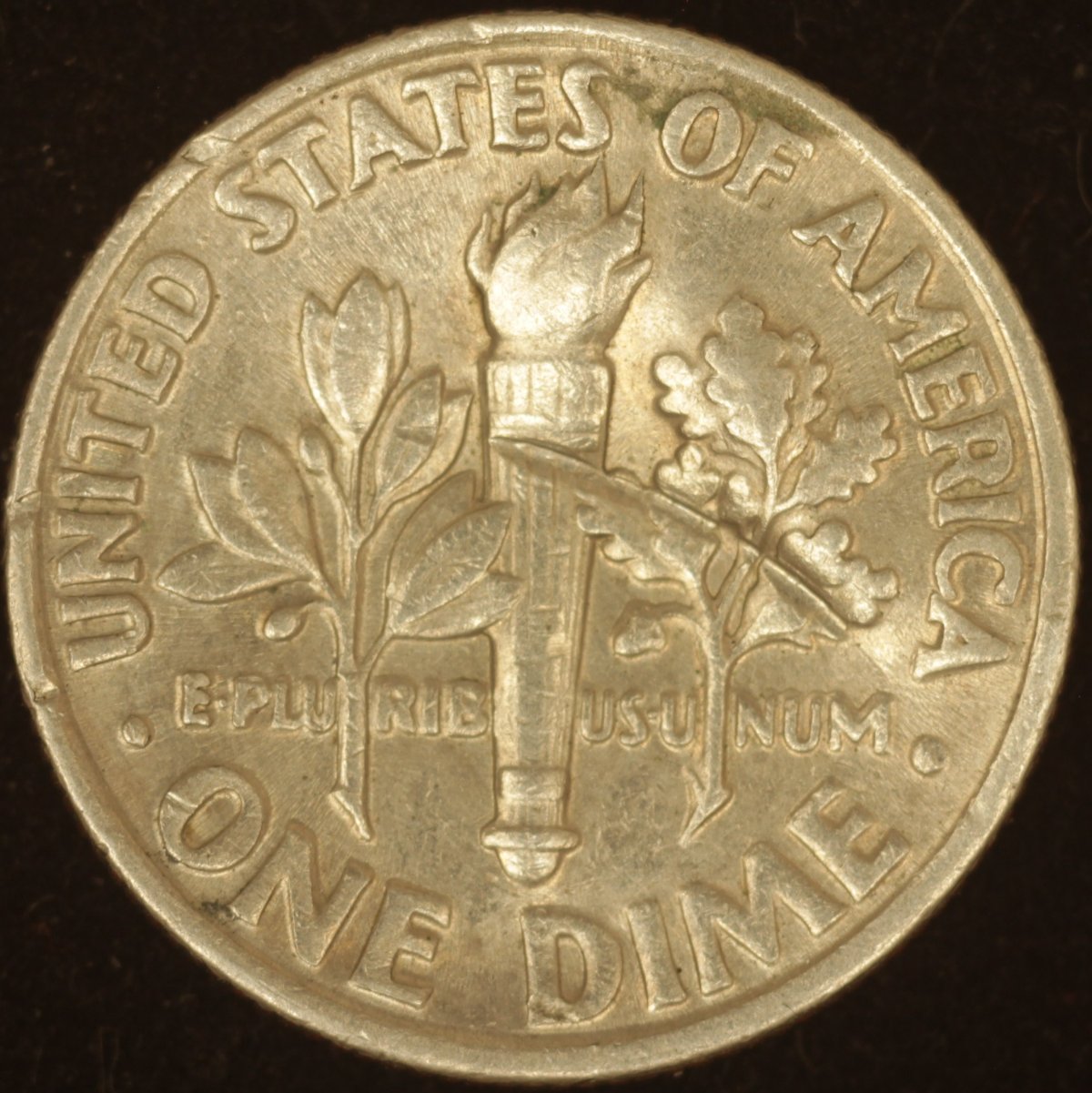 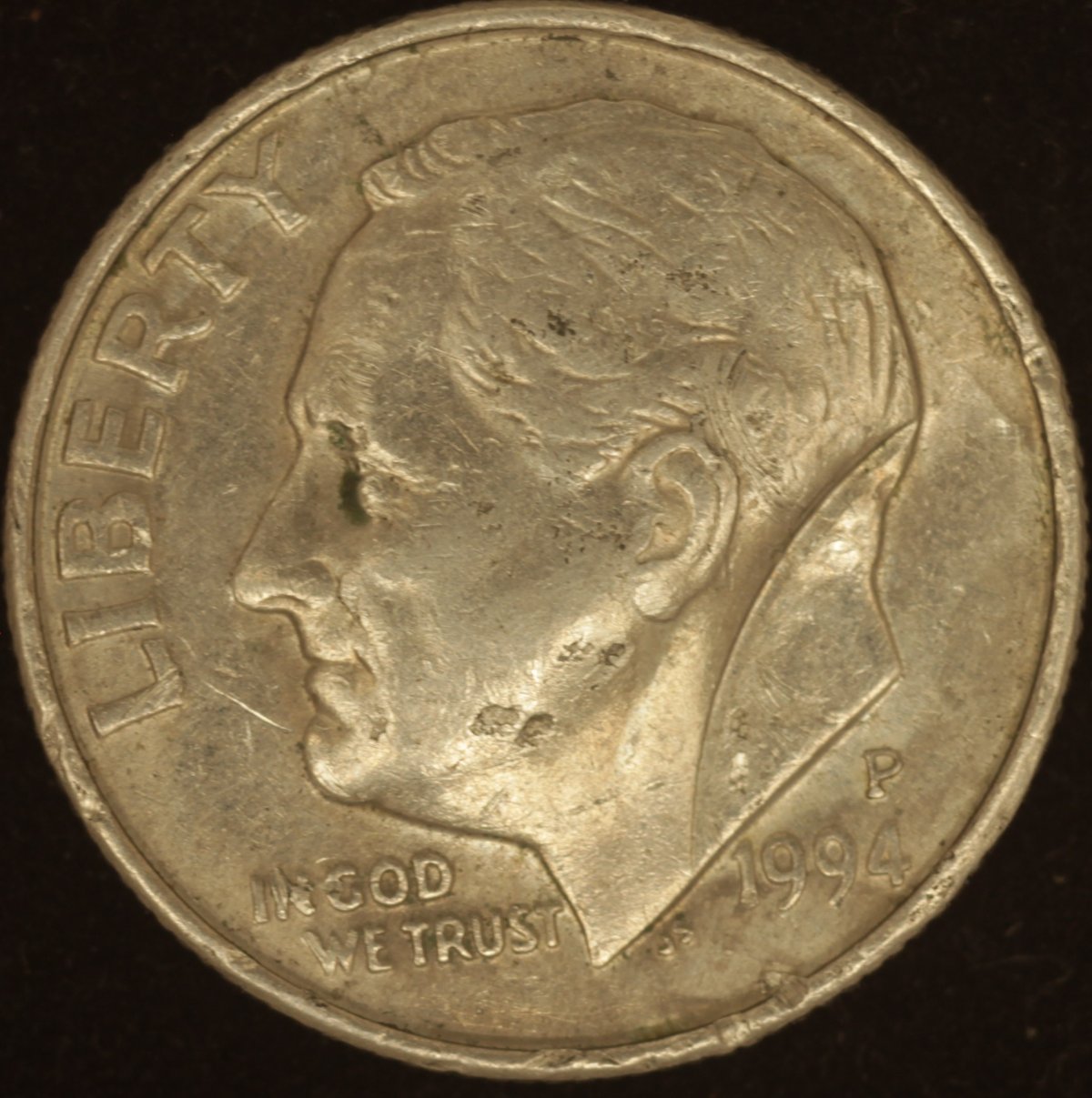 |
|
Pillar of the Community
United States
721 Posts |
Let me know how it looks on your end. I like it. Did not blur when I zoomed in.
|
|
Valued Member
United States
81 Posts |
I like it. I am no expert just a amateur but well done. I am sure there are some who can give their opinions but I would say your well on your way to snapping your coin pics.
|
|
Pillar of the Community
Canada
9718 Posts |
Do you have the soft ware for the Canon? If not get it it's free.
With the soft ware connected to the camera and computer EVERY THING is done with the mouse that's focusing, taking the pic, cropping and resizing then putting it where you want.
|
|
Pillar of the Community
United States
721 Posts |
@mcschilling I dont. Just hook it up to tje computer like Gluggo described right and it should offer it?
|
|
Pillar of the Community
United States
721 Posts |
I bought this camera used, and it did not come with the manual or software. For me to download the software I need the serial #. I cant find it anywhere on the camera. I thought this was going to be fun.
Edited by Minnimarine
04/06/2021 9:47 pm
|
|
Valued Member
United States
81 Posts |
Mini marine what model camera did you get. Maybe someone here will know where that number resides.
|
|
Valued Member
United States
81 Posts |
I did some simple searches looks like lots of information out there. Here was one cannons site I did a copy and paste. EOS Cameras The serial number for your EOS camera will generally be 12 digits long, however for some older models the serial number may be 6 or 10 digits long. It can be found in the following locations which are highlighted in the images below - On the bottom of the camera printed in black, grey or white Behind the LCD screen On a white sticker on the box your camera came in Here is a link to a cannon support where people were asking the same question. As for spending a lot of time on a camera yes it's work that's why I take so long learning. Just takes time. https://community.usa.canon.com/t5/.../td-p/247941Edited by Gluggo
04/06/2021 11:21 pm
|
|
Pillar of the Community
United States
721 Posts |
Connon Rebel T3i. Sorry had to go take a walk.
|
|
Valued Member
United States
81 Posts |
|
|
Valued Member
United States
81 Posts |
I think this link will help you https://www.cambridgeincolour.com/f...28c3d0ff9875I got some more information. I have two cameras so I did a experiment. If you have Adobe photoshop you can get the serial number. follow along. 1. Open up the photo in Adobe Photoshoe. 2. Then go to File and scroll down to " File Inforation " and it will open up to reveal your serial numbers. I tried it on both phots where I knew which camera shot the picture and there they were. I have a cannon 6ti so I am almost certain the 3ti will be the same. Now if you do not have photo shop I will try a few other programs which opens up photos and see if they can also retrieve the serial numbers. Edited by Gluggo
04/07/2021 5:05 pm
|
|
Pillar of the Community
United States
721 Posts |
Hey Gluggo! I got it and downloaded the software. Now I'm trying to figure that out. Yall are a huge help. Very much appriciated.
|
|
Valued Member
United States
81 Posts |
Minnimarine that is great news ! Makes my week knowing you got the software. Now do everything in order upload the software. Follow the manual I plug a USB cord to my camera and the USB goes to the computer. Turn on the computer then turn on the camera. If everything talks your computer should recognize the software. The rest is figuring how to get to the live view. Just off of memory the first screen will eventually open up another screen which will have " Open live view ". Once you do that you should see the coin show up on the screen of the computer. The rest is focus and find the majic black button to shoot the camera. If you have problems let me know I can throw some screen shot of how my computer does it but I do not think you will have any issues.
|
|
Pillar of the Community
United States
721 Posts |
I will let you know. My computer I got back from the shop says I'm not the administrator on this device. So I'm thinking he redownlaoded someone else registered operating system or I got someone's motherboard named Kelly. So this is the issue I'm having. Some of my programs wont run and files wont open because of this administrator issue. It might just be he used his and did not reset the administrator.
|
| |
Replies: 45 / Views: 6,460 |







 First Page
 Previous Page

 Posted 04/05/2021 11:56 pm





