| Author |
 Replies: 25 / Views: 2,629 Replies: 25 / Views: 2,629 |
|
Forum Dad
 United States
24243 Posts |
You no longer have to resize your images. You MUST crop, though, it's even more important now. Every phone I've ever had has had a built-in crop function. Even my JG Model (Jethro Gibbs) Motorola rubber-coated flip phone had a 1MP camera and a crop function. If you don't know how to do it, please Google it. Please take a few minutes to figure it out.  JPG, JPEG, and PNG file extensions are supported for upload. The image below was 3000 pixels square and 2 MB on upload. Now it's roughly 1400px square and just over 300 KB Keep in mind, large images such as this can take up to 30 seconds to upload and process, so be patient. 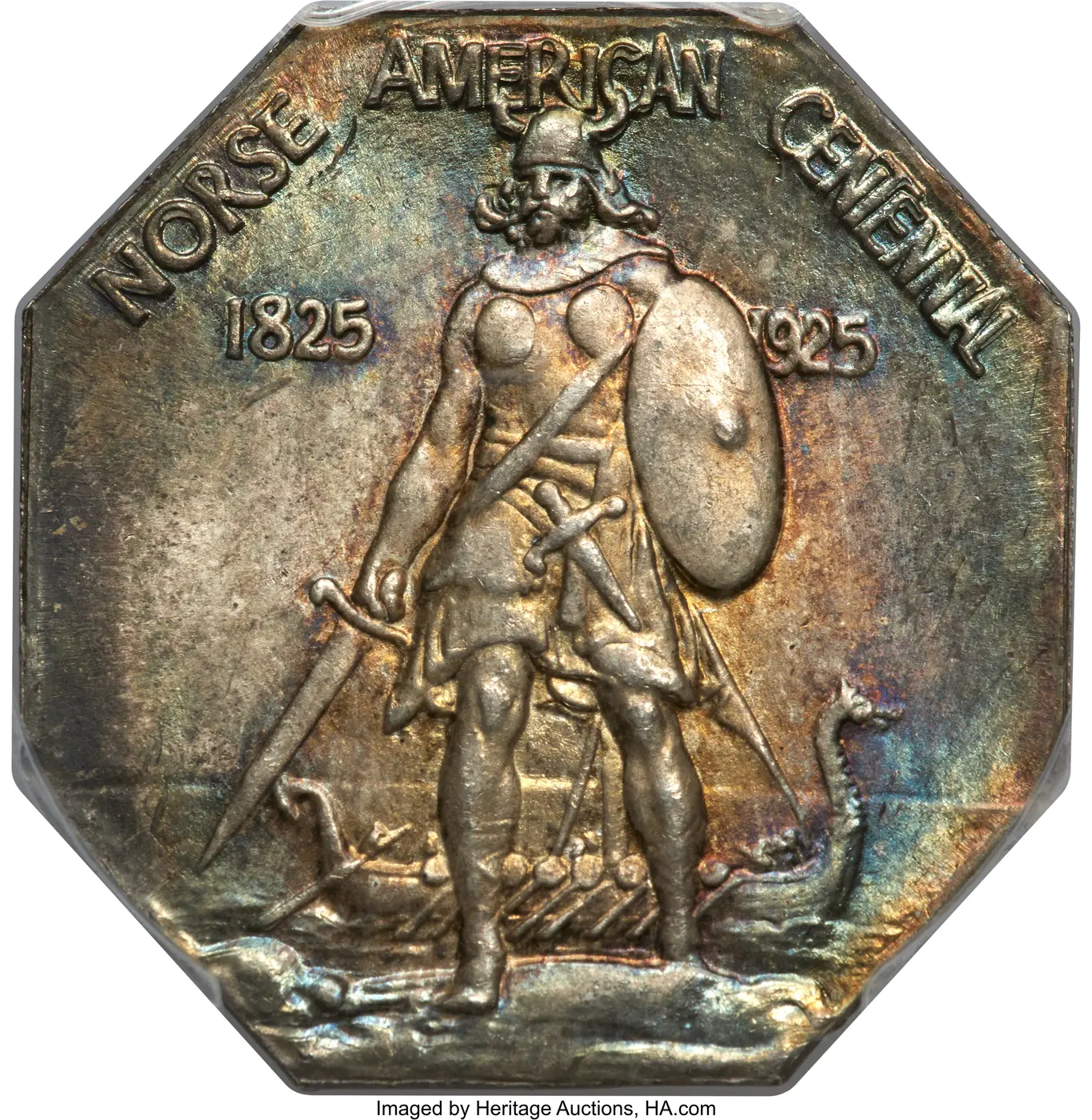 |
|
|
|
Bedrock of the Community
United States
27514 Posts |
That's great, Bobby! Hopefully this will put an end to the noob complaints about difficulty with uploading images.
Inordinately fascinated by bits of metal with strange markings and figures
|
|
Pillar of the Community
United States
3346 Posts |
 Appreciate your efforts to make things easier for us technologically challenged old fogies! I was able to post pics using my labor-intensive method, but this will be quicker and may result in better photos overall.  "Nummi rari mira sunt si sumptus." - Filius Scotiae
|
|
Moderator
United States
15997 Posts |
I'm glad to learn of this Bobby!
Way too many newbies complain about difficulty of uploading photos, hopefully this change solves that for them.
|
|
Pillar of the Community
United States
1892 Posts |
Congrats on the great feature implementation and thanks for the great site!
|
|
Pillar of the Community
 United States
2200 Posts |
Nice feature. . .thanks for the implementation
|
|
Pillar of the Community
United States
2481 Posts |
Thank you, Bobby, for making it easier to upload pictures on here... Even though I was able to upload, I was always shaky about it. Quote:
The image below was 3000 pixels square and 2 MB on upload. Now it's roughly 1400px square and just over 300 KB So is it now the system doing the downsizing? Edited by CoinForMe
01/09/2026 5:50 pm
|
|
Forum Dad
 United States
24243 Posts |
Yes, all you have to do is crop the image to just the coin.
|
|
Pillar of the Community
United States
2481 Posts |
Quote:
Yes, all you have to do is crop the image to just the coin. Very good, thank you ! |
|
Bedrock of the Community
United States
10601 Posts |
Oh, I'll be darned - I just posted some pictures that I'd thought for sure I would have to resize but they posted no problem - just took a little longer to upload like you said. Nice.
|
|
Moderator
United States
15997 Posts |
I'm going to really stress test it.  Photo is another angle of my avatar. A box I made recently. Original file is 3228x4000 pixels at 72dpi. File size is 6.9MB. It's somewhat cropped in that the image is centered. If the new optimizer can handle this it can handle anything a newbie will throw at it. Let's see what happens (I'm counting seconds) 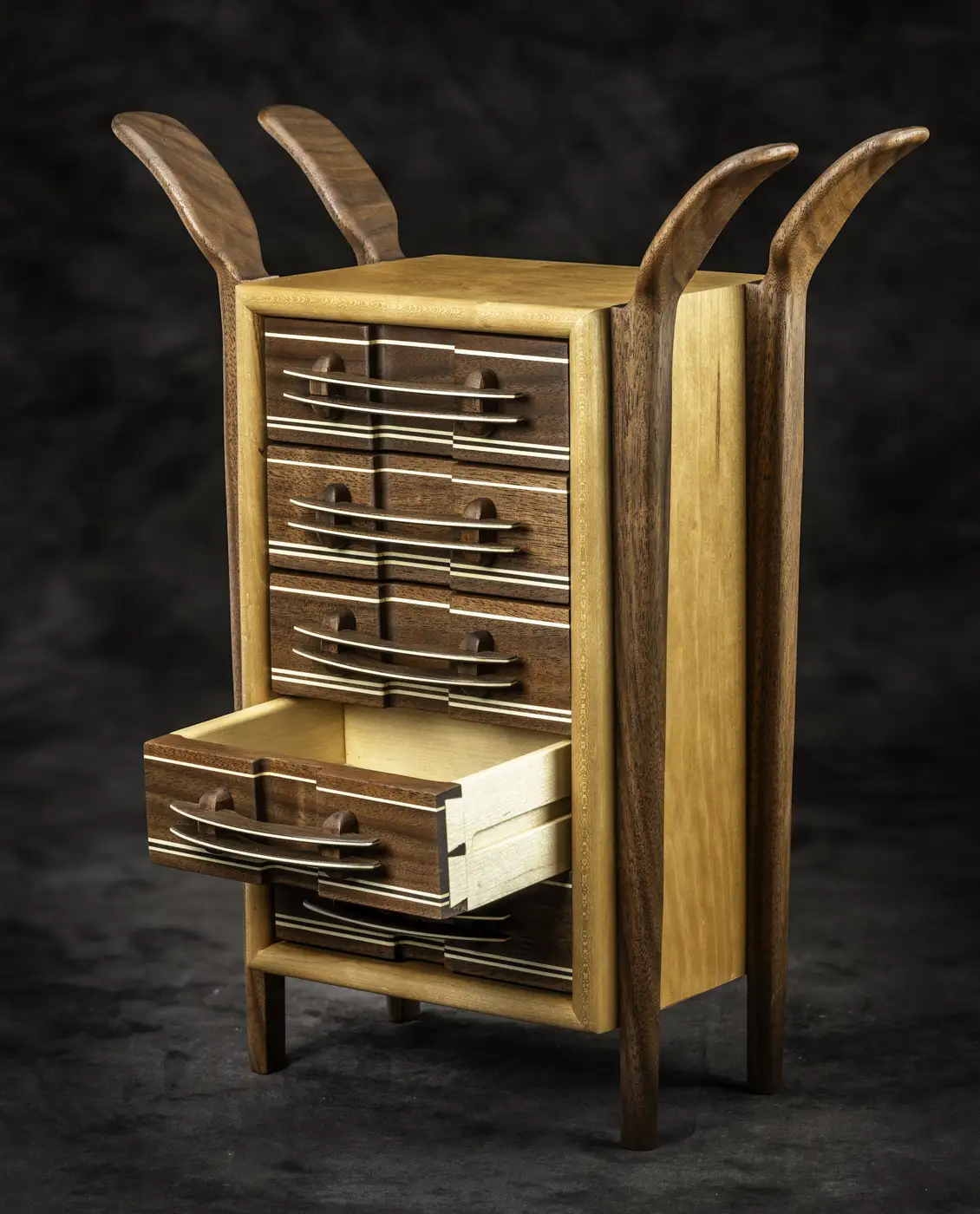 Take a look at my other hobby ... http://www.jk-dk.art |
|
Moderator
United States
15997 Posts |
Wow, it actually worked. It took 39 seconds but the optimizer did exactly what Bobby said it would do. Amazing. Great job Bobby. We'll never again need to hear grumbling about photo file sizes.  Edited by nickelsearcher
01/10/2026 08:17 am
|
|
Forum Dad
United States
24243 Posts |
Unfortunately, there's no way to speed it up. But it's definitely worth it. Not a lot of files will be 6.9 MB after cropping, so it shouldn't be that long for most.
The time it takes will be directly related to the image size and your available upload speed.
|
|
Moderator
United States
15997 Posts |
I'm not concerned about the upload time Bobby. I'm simply amazed that you can handle a 6.9MB file.
This is going to be a great asset for the CCF members
|
|
Pillar of the Community
United States
1780 Posts |
|
|
Forum Dad
United States
24243 Posts |
Everyone should be working now. Please report any bugs you may see in the support forum.
|
| |
Replies: 25 / Views: 2,629 |







 Posted 01/09/2026 10:30 am


