| Author |
 Replies: 18 / Views: 15,334 Replies: 18 / Views: 15,334 |
Page 2 of 2
|
|
|
|
Pillar of the Community
United States
936 Posts |
I use the milk carton technique. Take a milk jug, cut the bottom out, then a hole on the top so the camera lens can get through. Take your light source and shine it at the milk jug, the jug will diffuse the light and give a softer feel and you get less shine. I use this for proof coins and ones with highly reflective surfaces.
|
|
Pillar of the Community
 United States
827 Posts |
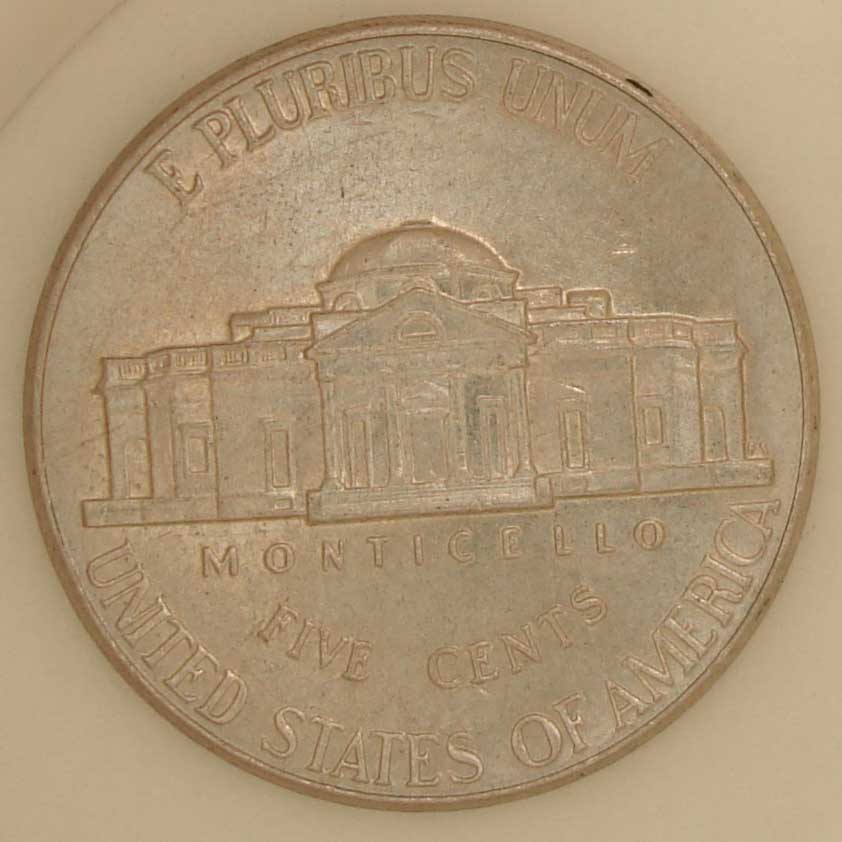
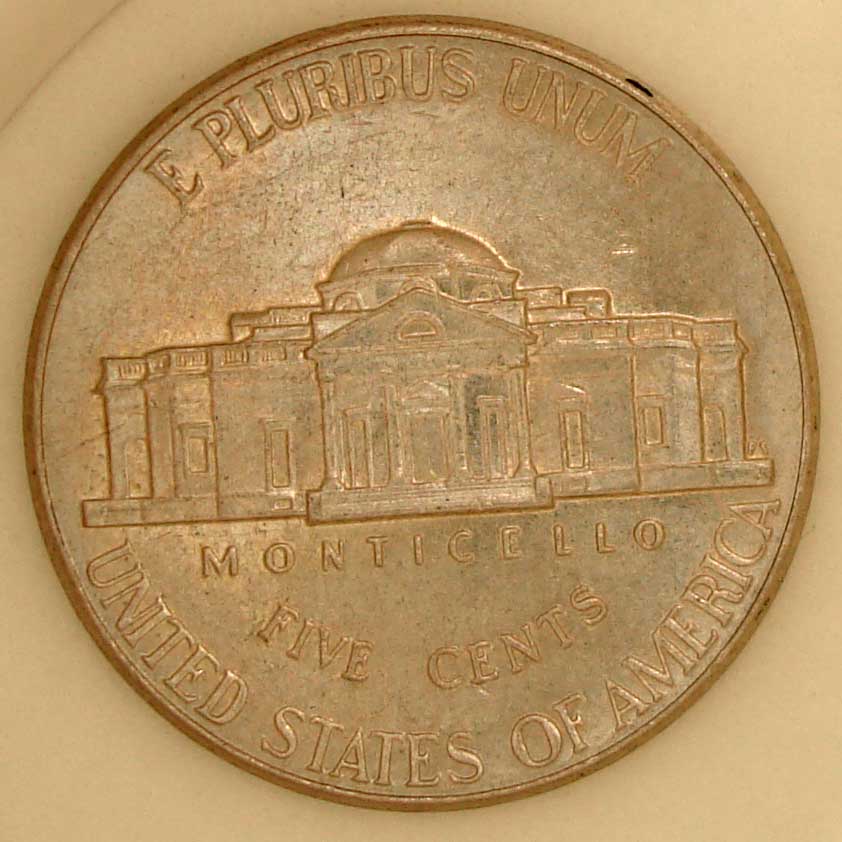
thanks triggersmod for that link  chrsb, I've tried something similar to that, I took white paper and rolled a tube form out of it, lenght from coin to the camera. and then tried that out, it works out better but it's bulky or sort of in the way and not real good, I think it's the way I am doing it I guess? I tried that right now with a different nickel, couldn't find the one I originally used, first pic it without image editing, second one has a #35 increase in contrast. Image:  0contrast.jpg 0contrast.jpg50.17 KB Image: contrast35.jpg69.9 KB |
|
Pillar of the Community
United States
936 Posts |
Sleaklight,
To me the lighting looks a little funny in those photo's. It almost looks like a regular incandescent lamp?
|
|
Pillar of the Community
United States
827 Posts |
the last two? camera flash as well for the first one. I'm still tinkering around with this at least untilI can get a lamp which should be probably next week.  |
|
Forum Dad
 United States
24234 Posts |
Lower the light, raise the ISO. Play with it and you'll find that magic setting. Then for Pete's sake......
Write it down! |
|
Forum Dad
United States
24234 Posts |
Oh, and forget about the flash please. |
|
Valued Member
United Kingdom
91 Posts |
Yes don't use the flash. You could also try using two differnt lights one at each side and see if your camera has a function to tone down the brightness on it.
|
|
Forum Dad
United States
24234 Posts |
When I say lower the light, I mean less light, not a lower angle.
Too much light causes reflection, so use less.
The higher ISO setting lets more of the available light to the camera sensor to compensate.
It will work, you just have to play with it for a little bit to get it right for your particular setup.
|
|
Pillar of the Community
United States
827 Posts |
I can't adjust ISO, without flash it wont focus at all, all I get is a blob of fuzzy picture lol. First pic in first post had flash but flash covered up so it would not add to the environment, then I diffused it and so on, trying various methods.
|
|
Forum Dad
United States
24234 Posts |
quote:
I can't adjust ISO,
 What camera do you have? |
|
Pillar of the Community
United States
827 Posts |
|
|
Forum Dad
United States
24234 Posts |
According to Sony, you can change it. It's probably factory set on auto, you just need to figure out how to set it to manual. You should then be able to choose between 64, 100, 200, 400, or 800. I would cut the light in half (or move it considerably further away), then try 200 to start. Then work from there.
|
|
Pillar of the Community
United States
827 Posts |
Pardon my photo ignorance, but would ISO be related to thw things that in my camera say, "trilight", "twilight portrait", "candle" , "soft snap" , "landscape" , "beach" , "snow" , "fireworks" ?
|
|
Forum Dad
United States
24234 Posts |
No they're presets for your fstop and shutter speed. There should be a setting that just says ISO. Time to stop the testosterone flow and get out the manual. |
|
Pillar of the Community
United States
827 Posts |
oh man, I need a ladder to get the box down, can't do it the way my back is, lol. I'm gonna have to find someone to do it for me. Maybe I get it tonight or tomorrow. Thanks bobby, I'll report back with what I get but I just went through all my camera settings and nothing said ISO. -edit- It is dark outside thus inside being dark, I used over head lights, they're like 3-40watt normal bulbs and no flash and got this, it isn't bad but it's blurry and if you see on the top left side of the rim it looks blue. I dunno why, hopefully I can find the ISO settings later on or tomorrow and play with that, thanks. 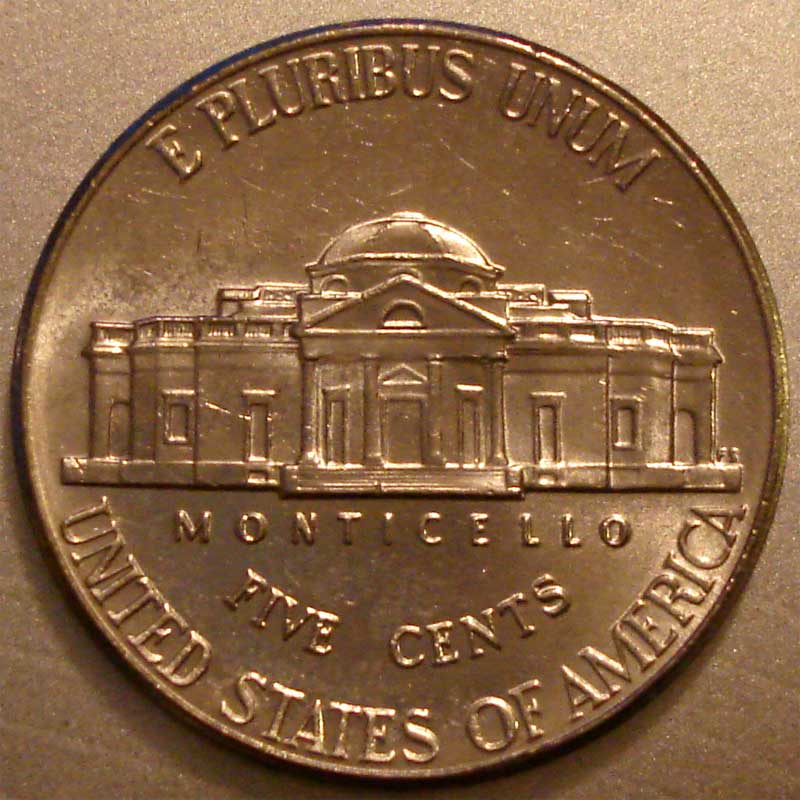 Edited by Sleaklight
10/11/2007 9:53 pm
|
|
Page 2 of 2
|
Replies: 18 / Views: 15,334 |
Page 2 of 2
|








 First Page


 Posted 10/09/2007 9:39 pm


 0contrast.jpg
 contrast35.jpg


