Quote:
So, like it says, uploading an image above 300kb would optimize it to as close to but not over 300kb as possible. The separate optimizer can still be used in case you want to make it way smaller than 300kb or something.
Sorry, will never happen. That will just encourage people even more to be lazy and not crop images. We'd have TONS of 298KB images 1200 pixels wide where the coin is only 15-20% of the image like this...
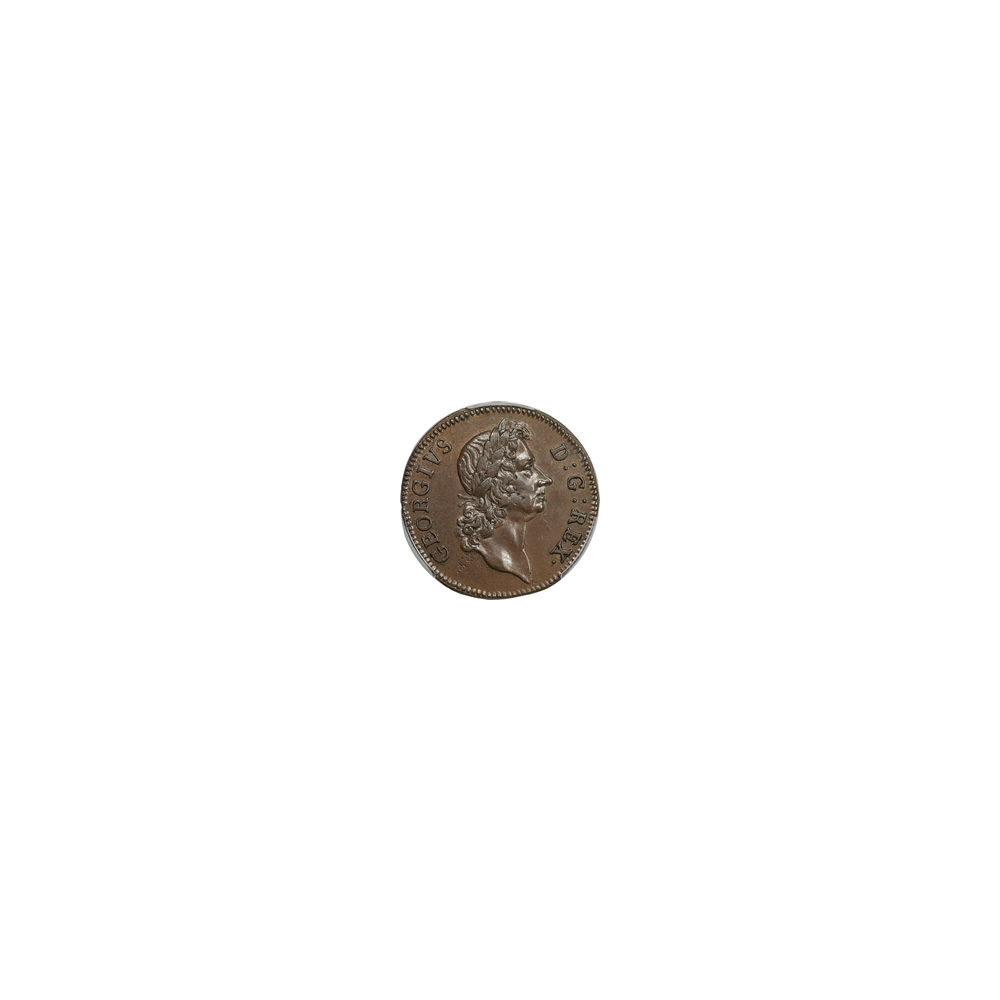
Or you would have cropped images 2500px square that get adjusted to 30% compression to get under 300KB and they'd look like this.....
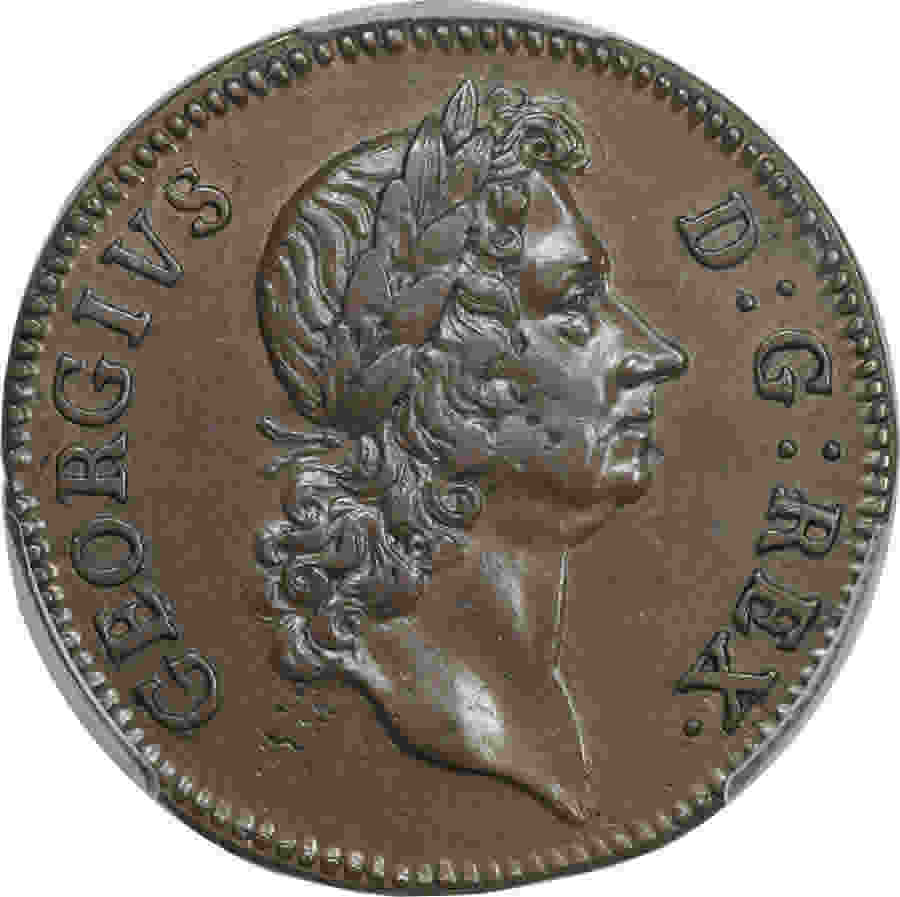
I just took one members uploads earlier today and downloaded them. All I did was crop them to the coin and rotate if they weren't oriented correctly. I did not adjust any compression or resize them at all. I just resaved them with the same compression used originally. The folder size went from 12.1 MB to 5.31 MB. A 56.11% waste of space from one user and a piddly 55 images. Horrible. If I did as you suggest I can just about guaranty that all 55 images would have been JUST under 300KB since he wouldn't have have had to do anything with them at all to upload them.
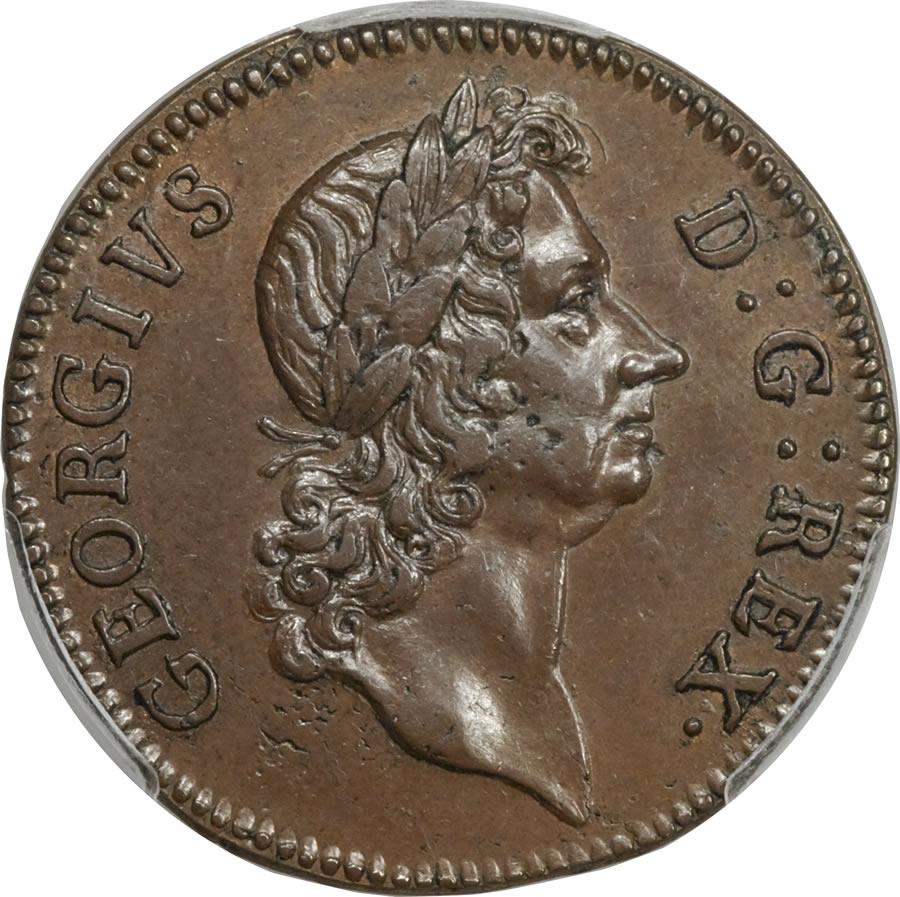
300KB is serious overkill by the way, It's being very generous. This image is under 150 KB, why you you need any more than that?
Quote:
Second, It would be very useful to include a way to scale down or up images using the forum code, by percentages. I have seen things like this on other forums. Since you can't use html when posting here, there are limited options for photos. The forum code, as far as I know, only has the option to post an image. You can use HTML to rescale images, but you can't use the forum code to rescale images.
That's already done automagically.









 Posted 07/21/2017 7:43 pm


