| Author |
 Replies: 12,285 / Views: 856,828 Replies: 12,285 / Views: 856,828 |
|
|
|
Pillar of the Community
United States
7063 Posts |
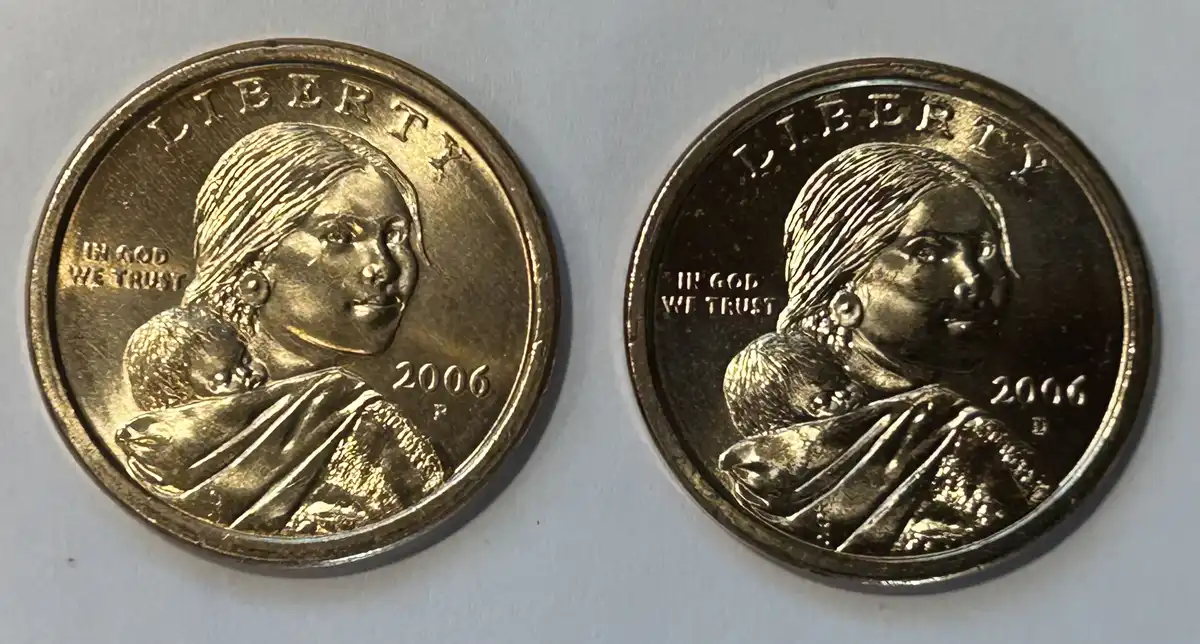
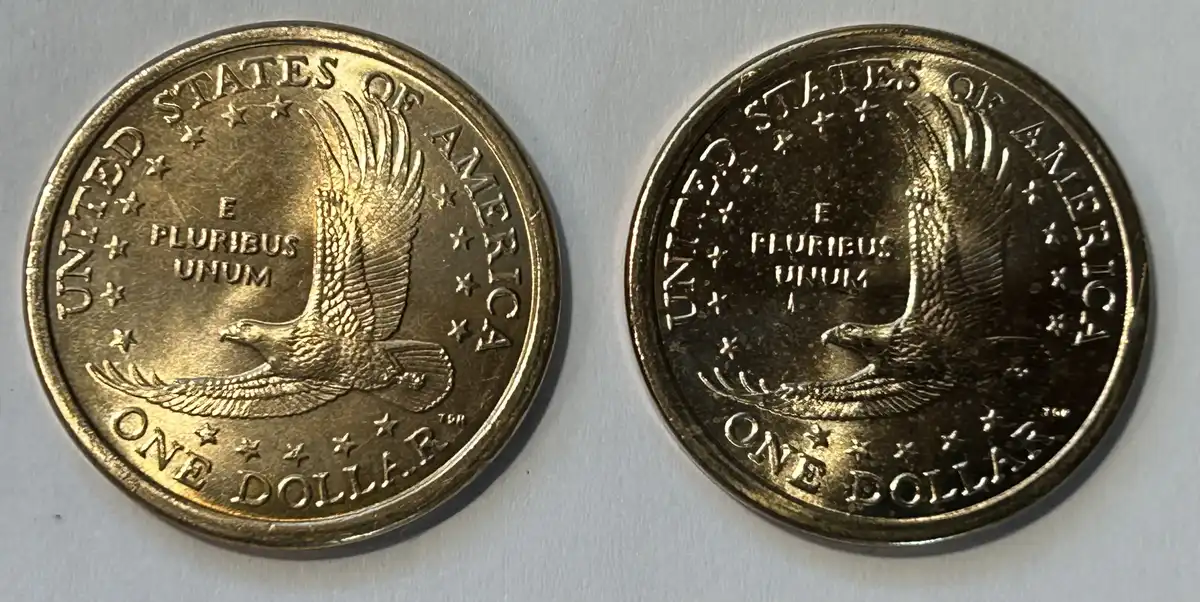
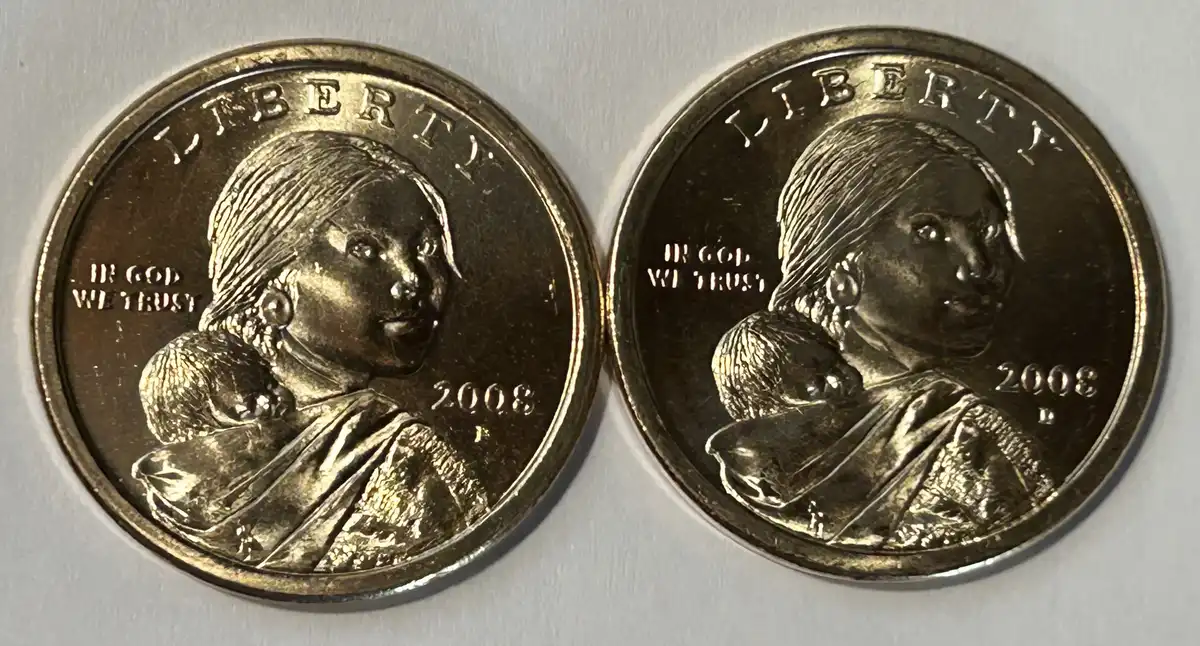
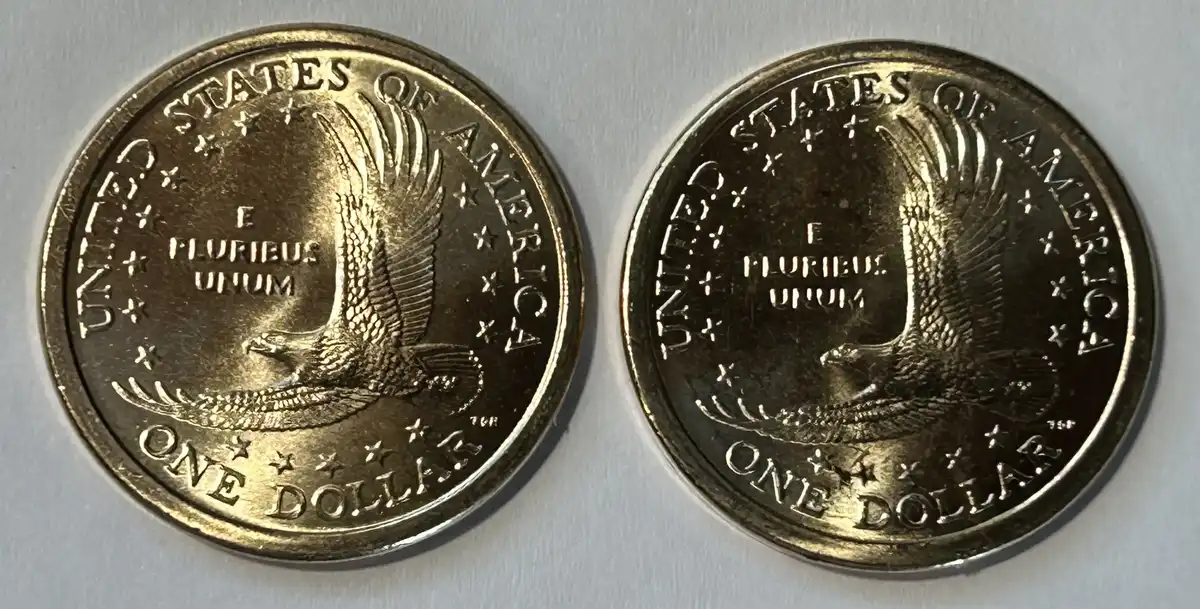
These 2 are somewhat recent This one I paid just a little over spot  Oh heck can't fool you all. A few days after I received it the Mint had more to offer and at 300 less..  I called them but got nowhere. 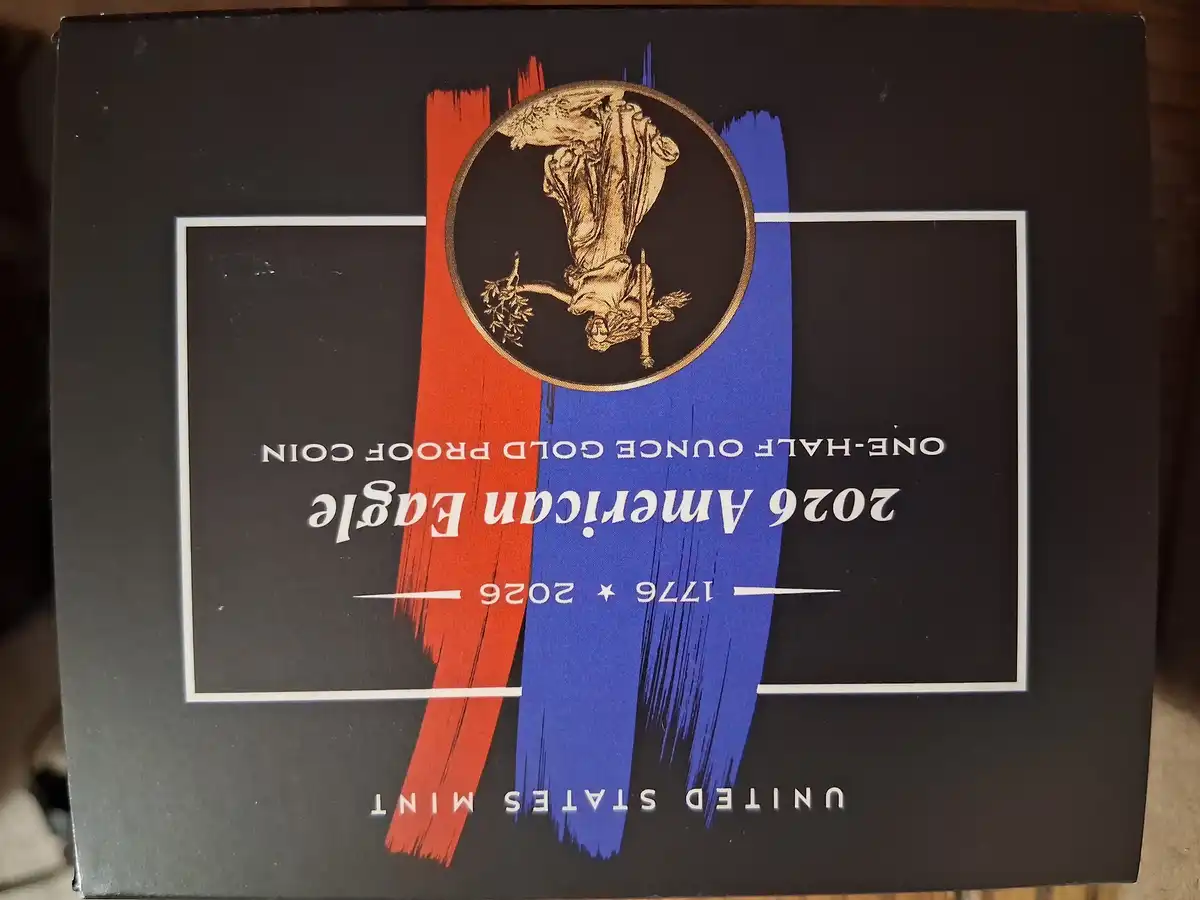 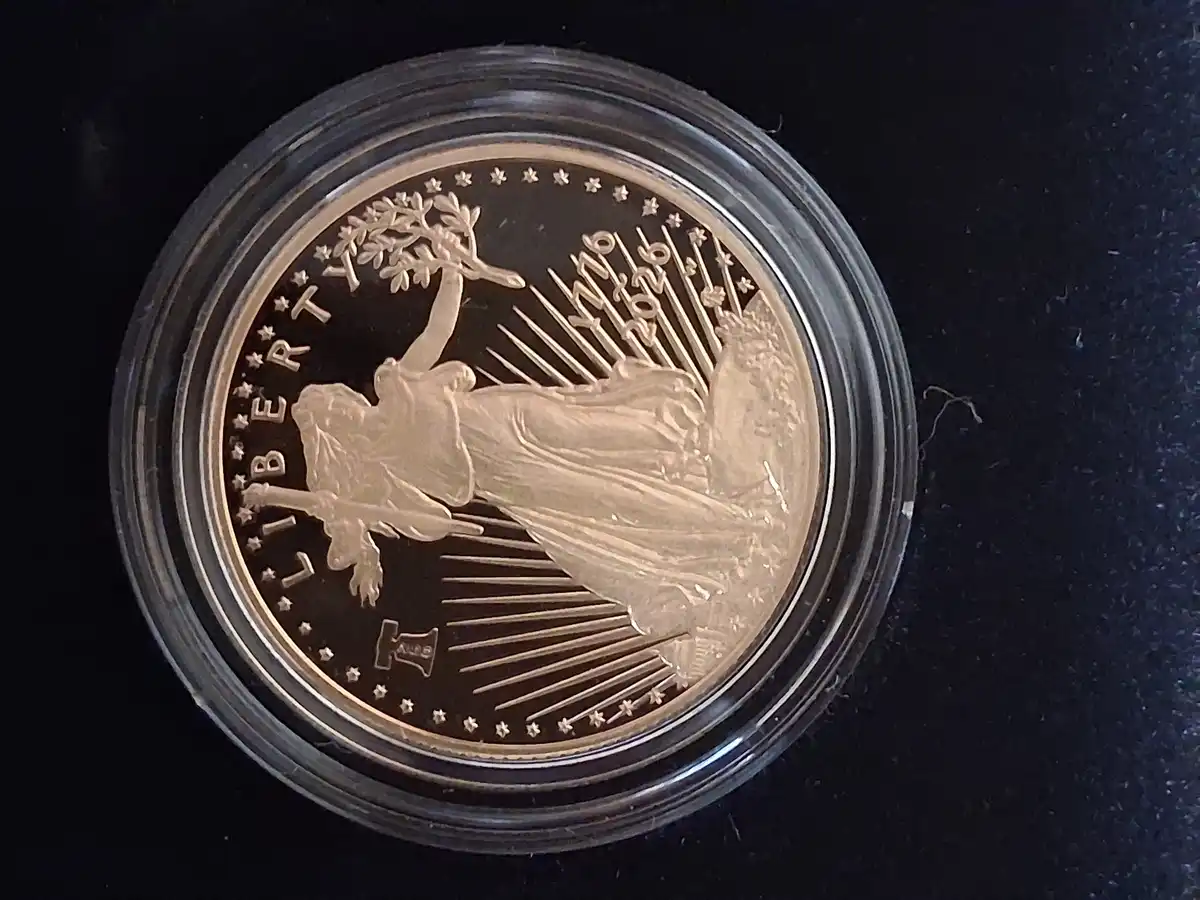 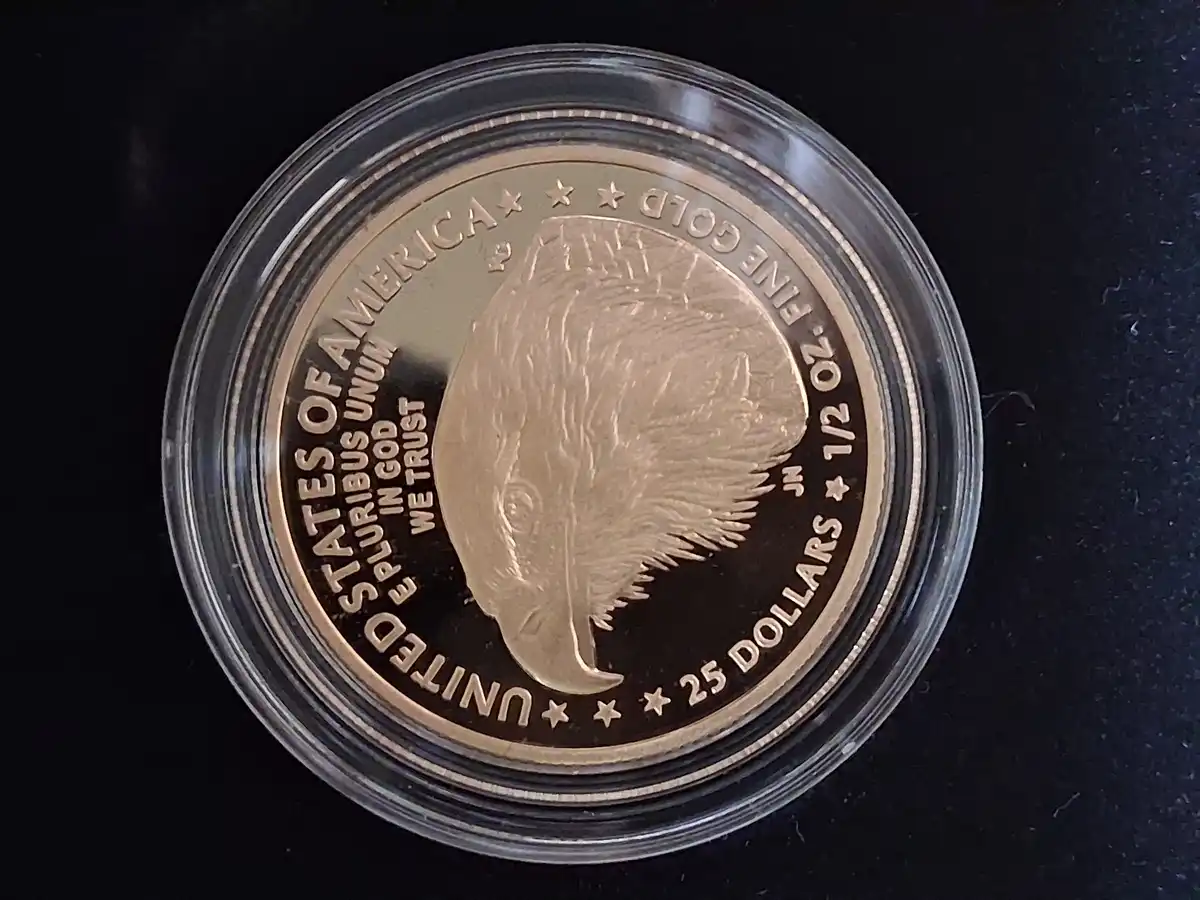 Then I never knew about this one until I saw it and did some research, seems the reverse was the design agreed upon and designed by Felix Schlags wife, but it was changed because she was a woman (if I remember correctly) People why are these sideways? 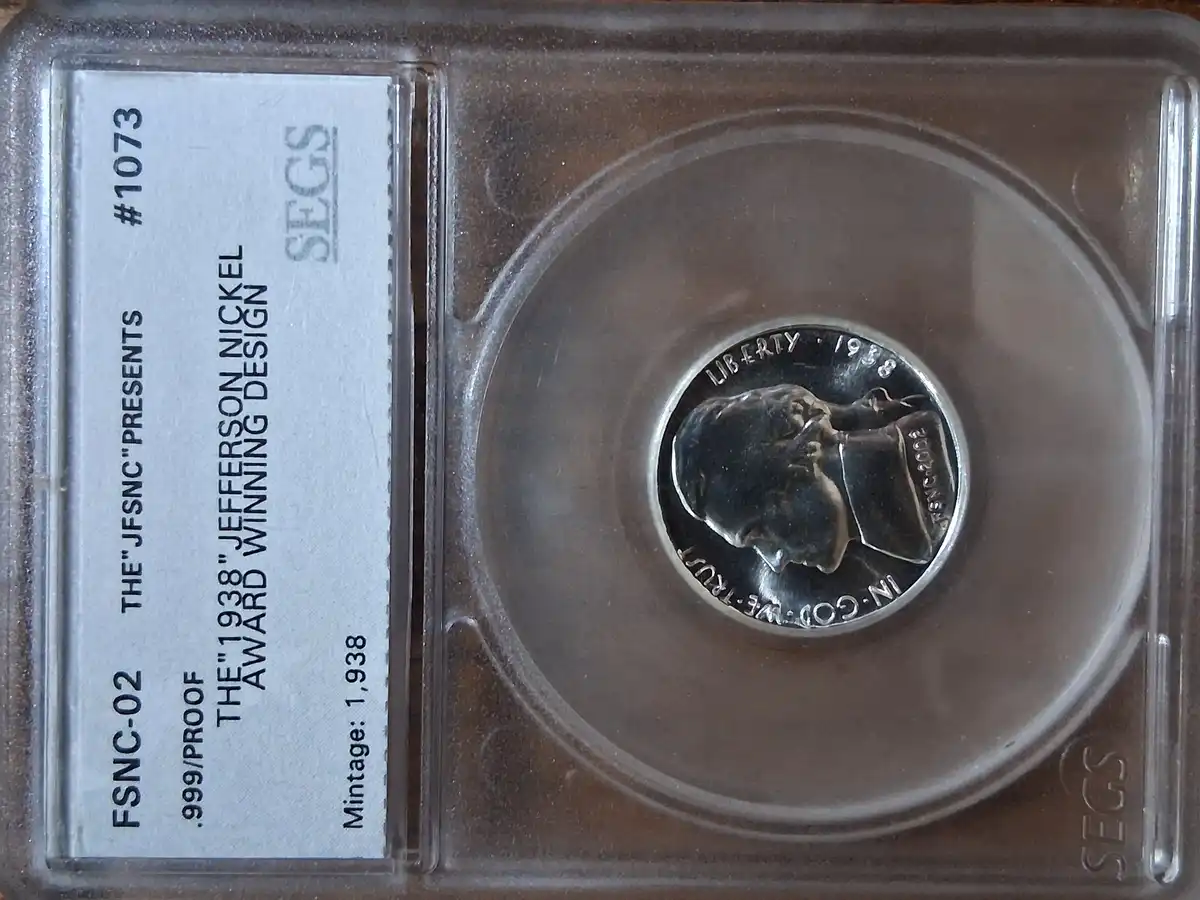 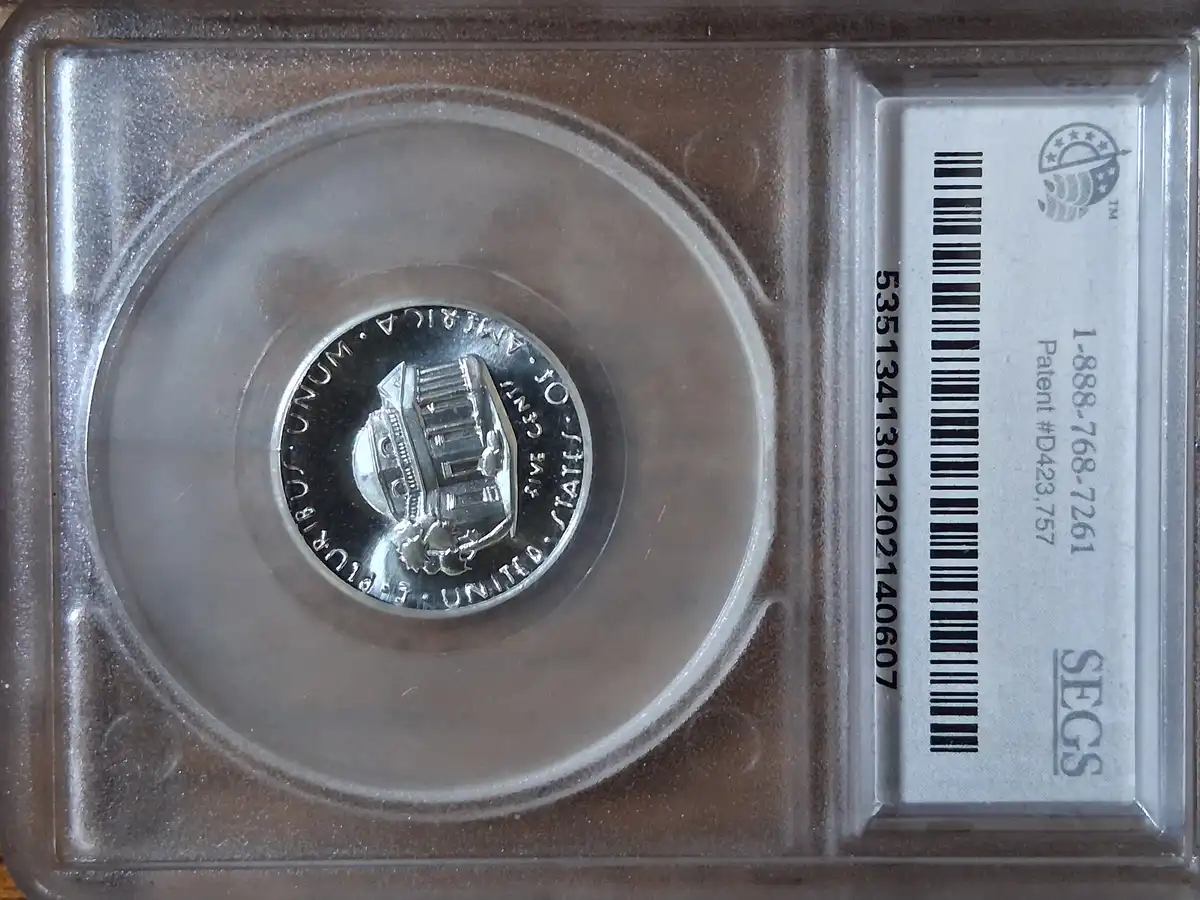 |
|
Bedrock of the Community
 United States
26396 Posts |
Greasy Fingers, I use the editing program that came with Windows to crop and resize. There is also a tab that rotates the image until it is upright.
My American Silver Eagle collection http://goccf.com/t/448125My random silver coin collection http://goccf.com/t/449270My MS-70 silver coin collection https://goccf.com/t/490829My dragon silver coin collection https://goccf.com/t/490859My silver Libertad collection https://goccf.com/t/491087 |
|
Bedrock of the Community
United States
74717 Posts |
Nice purchases, Greasy Fingers!  Errers and Varietys.
|
|
Moderator
United States
97314 Posts |
very nice coins Greasy! The reason your images are turned sideways or upside down, is because you are holding your phone horizontal, maybe too flat and the 'auto rotate' on your phone think that you are holding it sideways. When I take image with my phone, I always hole it straight up first then lower id to take the picture, BUT I never let my phone ho completely foal ,(I keep the top of the phone slightly elevated so the auto rotate won't turn my images. OR you can just turn off auto rotate and get your images you need.  |
|
Pillar of the Community
United States
507 Posts |
Dearborn, couldn't CC forum be instructed to ignore the images' meta data? That's surely the source of the rotation, and should be undesirable when posting photos anyway. https://reformatly.com/resources/wh...otos-rotatedEDIT: After fully reading that article, I realize I may have gotten that bass ackwards. Edited by Vector Ze
04/25/2026 02:12 am
|
|
Bedrock of the Community
United States
26396 Posts |
IMO, members should not rely on the forum to edit their images. They should crop, resize and rotate (if necessary) using their computer's editing program before posting images.
Quote...
"Built-in Tools: Both Windows (via Photos app) and macOS (via Preview) have native, easy-to-use rotation features."
It works for me.
My American Silver Eagle collection http://goccf.com/t/448125My random silver coin collection http://goccf.com/t/449270My MS-70 silver coin collection https://goccf.com/t/490829My dragon silver coin collection https://goccf.com/t/490859My silver Libertad collection https://goccf.com/t/491087 |
|
Pillar of the Community
United States
507 Posts |
GLB49, agreed. But the issue seems to be the EXIF or other meta data embedded in the cell phone's photos reorienting images that the poster viewed as properly oriented. Check the article I linked to in my post, above.
According to that article, cells store photos in landscape mode, regardless of how the phone was being held when the photo was taken, and then for display, the phone orients it according to the EXIF data. So, if the forum software isn't reading the meta data correctly, or isn't reading it at all, maybe a photo that was taken in portrait mode, and looks fine on the person's phone, could display in landscape mode on the forum, as the photo was stored by the camera. It would then show on the forum turned 90°.
It even has a section on "Developer Solutions for Websites", with coding example.
Do you take your coin photos with a cell?
Edited by Vector Ze
04/25/2026 01:36 am
|
|
Bedrock of the Community
United States
26396 Posts |
Yes, I use my cell phone to take pictures. I don't know what the settings are on my cell.
When I upload an image from my cell to my computer and open the editing program my computer takes over and it doesn't matter what settings are on my phone. After editing always remember to hit save before closing the program. If you don't save the edited image before closing it will go back to what it was and you will have accomplished nothing.
Also, when I post an image on the forum I always hit preview first. A smaller window opens up and I can review the image(s) and any text I've added. Only then do I post the image.
My American Silver Eagle collection http://goccf.com/t/448125My random silver coin collection http://goccf.com/t/449270My MS-70 silver coin collection https://goccf.com/t/490829My dragon silver coin collection https://goccf.com/t/490859My silver Libertad collection https://goccf.com/t/491087 |
|
Pillar of the Community
United States
907 Posts |
Great additions Greasy Fingers. Cool nickel, I kinda like that reverses design better.
When you look at your photos on your phone's gallery are they sideways there? I'll rotate or crop them before posting. I don't post from my phone but I email the photos to myself and then download them onto my laptop and then rotate and crop them if I didn't already do them on my phone and then post them from my laptop.
|
|
Pillar of the Community
United States
507 Posts |
I've only recently learned about the FSNC 2002 Strike, Award Winning Design. One of those 'coins' that would be sooo welcome to my collection, but that I know I'll never have, due to price. Cool, though.
|
|
Moderator
United States
97314 Posts |
Ok lets cover what the auto rotate does to 'finished' images The images of the coin pictured was taken looking straight down, but the first upright image I held the phone 'slightly' upright (top up a teensy bit) to tell the phone that the top of the phone is up. I circled key points to look at on each imagePictures is a screen capture and the final image 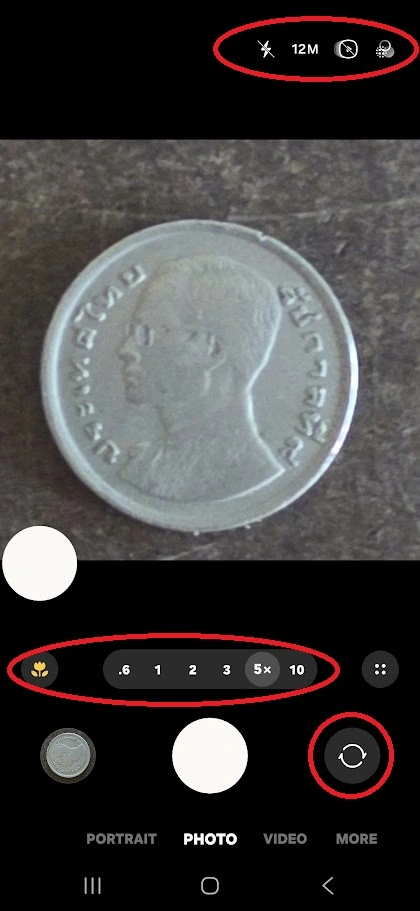 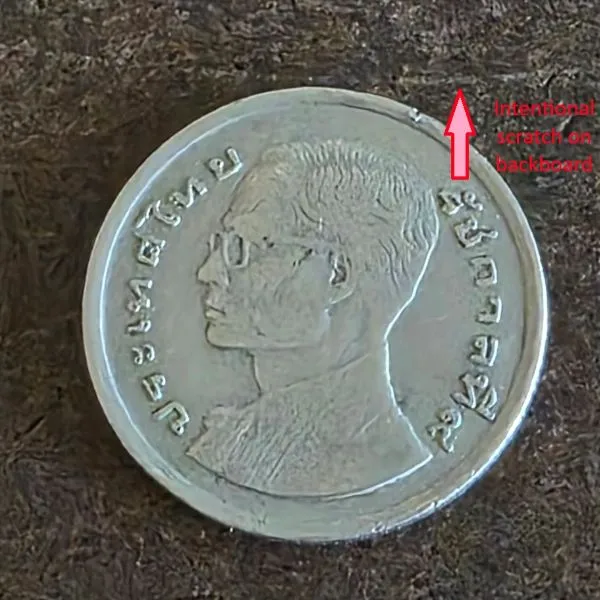 the following is a screen cap and final image with the phone slightly tilted left. 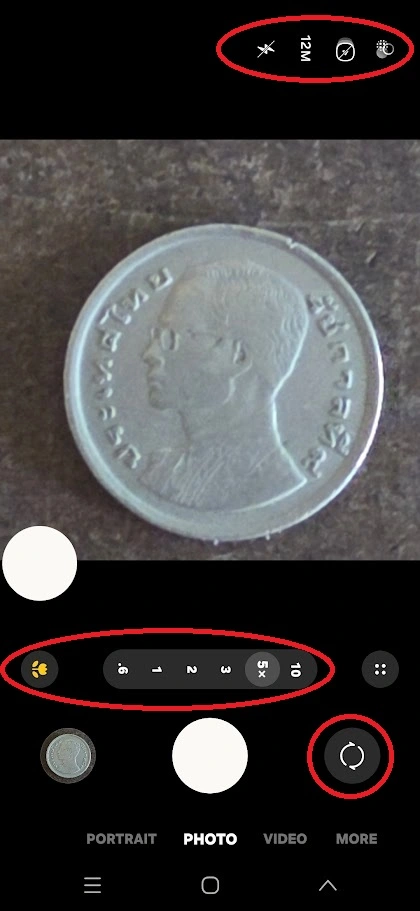 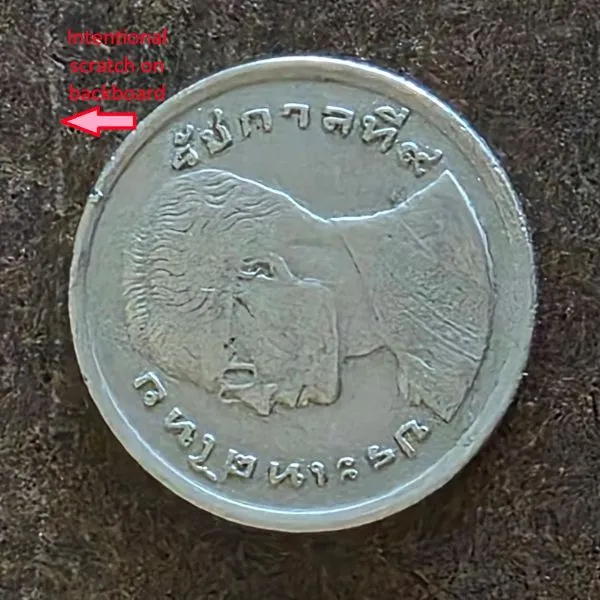 The last image below is showing my Image gallery on my phone and note the direction of the coin image 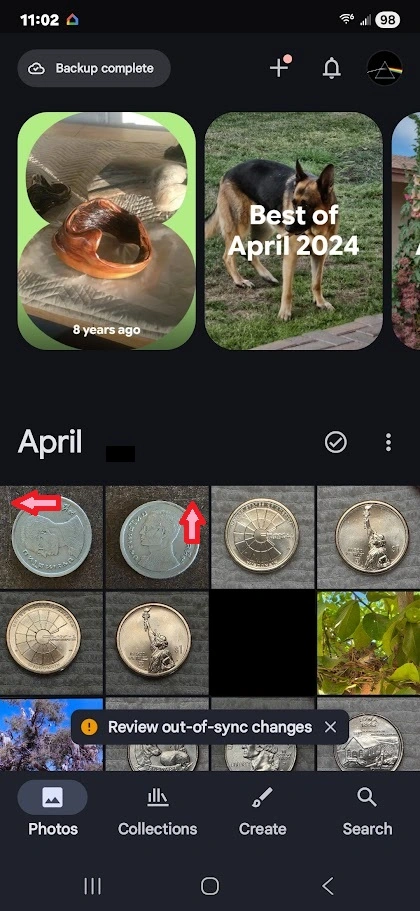 |
|
Pillar of the Community
United States
7063 Posts |
Quote:
One of those 'coins' that would be sooo welcome to my collection, but that I know I'll never have, due to price. Cool, though. VectorZE keep your eyes open for it, I found mine on ebay and the price really wasn't that bad. Maybe less than 2x of what your 31S cost you. As far as my sideways photos go, I think I'll try Dearborns suggestion. I had my (new) phone lying flat on a stack of books and took several photos of different coins without hardly touching it. |
|
Moderator
United States
189340 Posts |
Nice acquisitions! And nice tutorial, Dearborn.  |
|
Moderator
United States
97314 Posts |
Quote:
As far as my sideways photos go, I think I'll try Dearborns suggestion. yeah, it took me a while to catch on what was happening on the phone - luckily for me, I post from my computer and noticed the rotation before I posted them. let us know how it works out for you.. and... Thank you Jbuck (twice) |
|
Pillar of the Community
United States
907 Posts |
|
| |
Replies: 12,285 / Views: 856,828 |








 First Page
 Previous Page


 Posted 04/24/2026 11:43 pm