| Author |
 Replies: 73 / Views: 17,373 Replies: 73 / Views: 17,373 |
|
|
|
Pillar of the Community
Canada
2784 Posts |
Justwalking could you show a image of this setup. very well done excellent photos. I find this very interesting. that you can stack a pair of objectives. very well done
|
|
Valued Member
 Russian Federation
172 Posts |
Here is it Rocky. I'm glad that you are interesting. Construction in working position with csmera on stand: 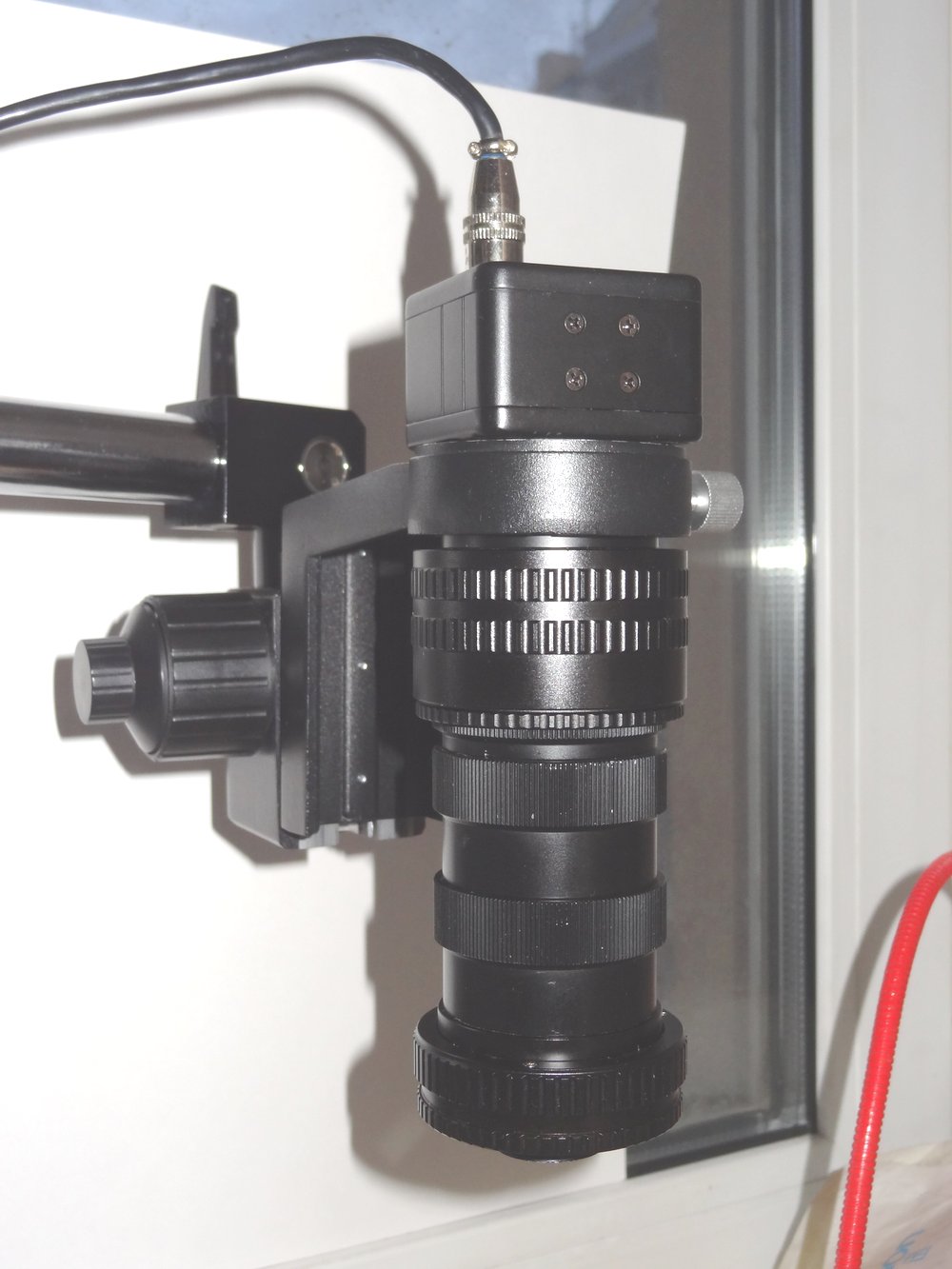 And inside to be assembled. On the left is upper lens 10X and low lens (4X) on the right. Yes, second lens is in inverted position. Both objectives are inside helicoids mounted by self-made adapters. 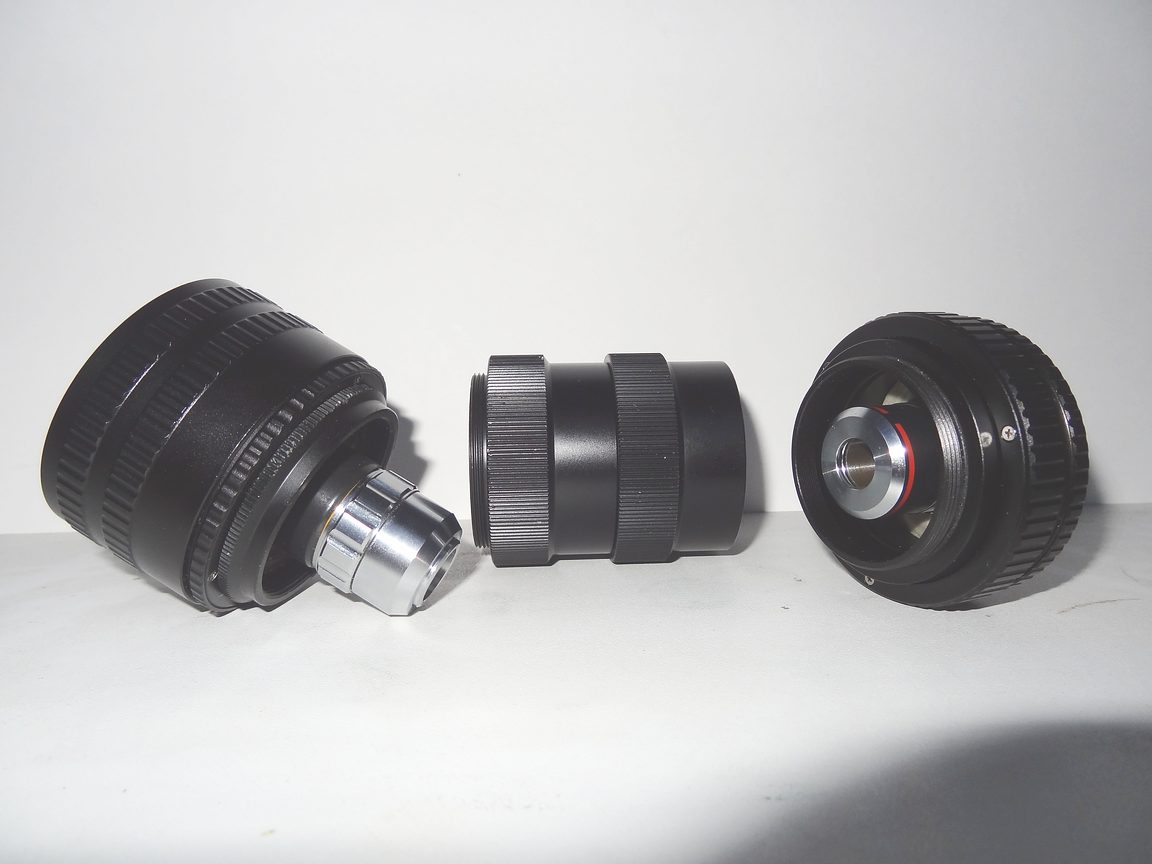 Edited by Justwalking
04/14/2017 12:46 pm
|
|
Pillar of the Community
Canada
2784 Posts |
wow Justwalking I like how you think. I to like to build stuff. I have a little project on the go as well. if it works like I think it will. I will share here with you. great way to do that Justwalking excellent
|
|
Valued Member
Russian Federation
172 Posts |
Thanks Rocky. Would be nice to see your project here. Btw I found that two 4X works better in pair in terms of flexibility of scale and DoF Here is RAM module across short size at 45 degree full frame without stacking 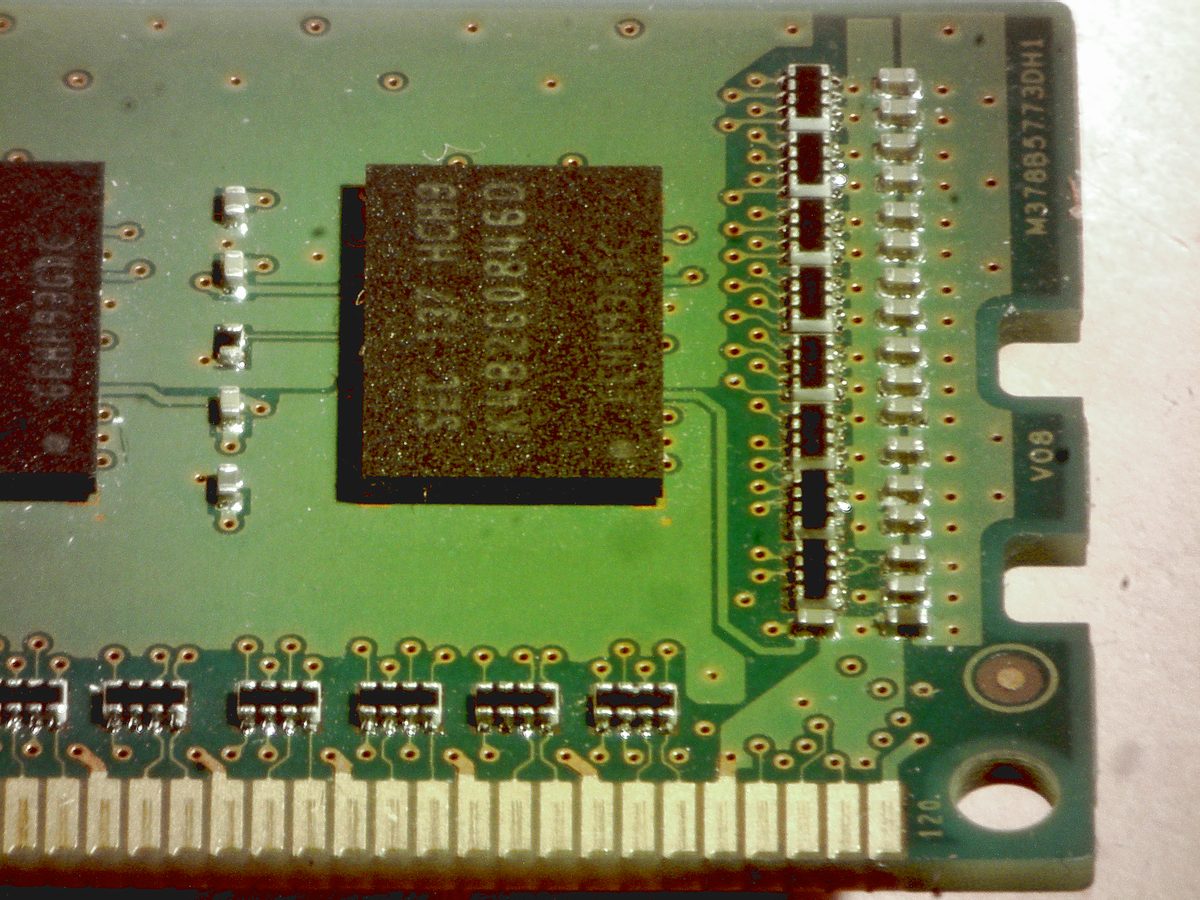 Edited by Justwalking
04/15/2017 6:46 pm
|
|
Valued Member
126 Posts |
|
|
Valued Member
Russian Federation
172 Posts |
Now 16MP USB 1/2,3" camera with industrial 35mm C-mount lens 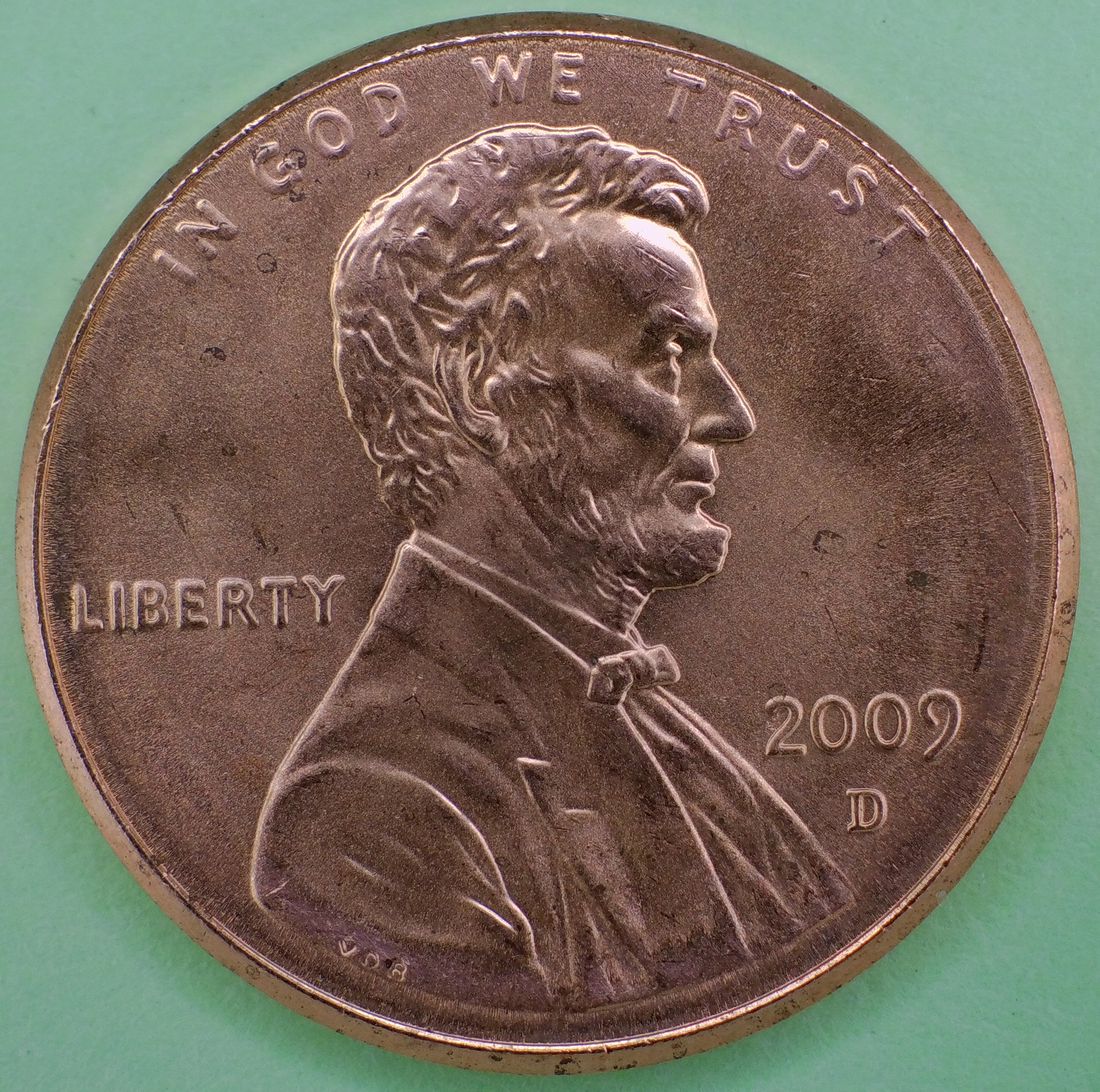 Edited by Justwalking
11/17/2017 6:05 pm
|
|
Pillar of the Community
Canada
2784 Posts |
Justwalking totally excellent photo. very well done. you do great work with these cameras. Heres one taken with a Sony A7R mark II plus a 100 mm macros lens. if you look closely at the image. I took it shows me that the camera lens is not perfectly parallel to the coin. all I have to do is use a trick ray told me to try. place a mirror where the coin lays. that will show me what I have to adjust. here is the image as you can see. I want to show exactly what my coin looks like in hand. the only editing just resizing. 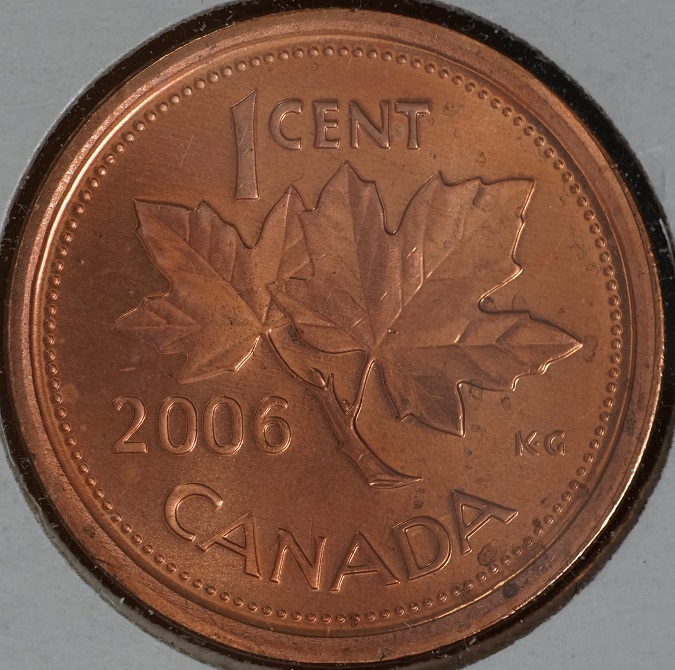 |
|
Valued Member
Russian Federation
172 Posts |
Thanks for advise Rocky. Can you link me to this trick, please? Will try it at big magnification. My coin is totally crashed at close look )) 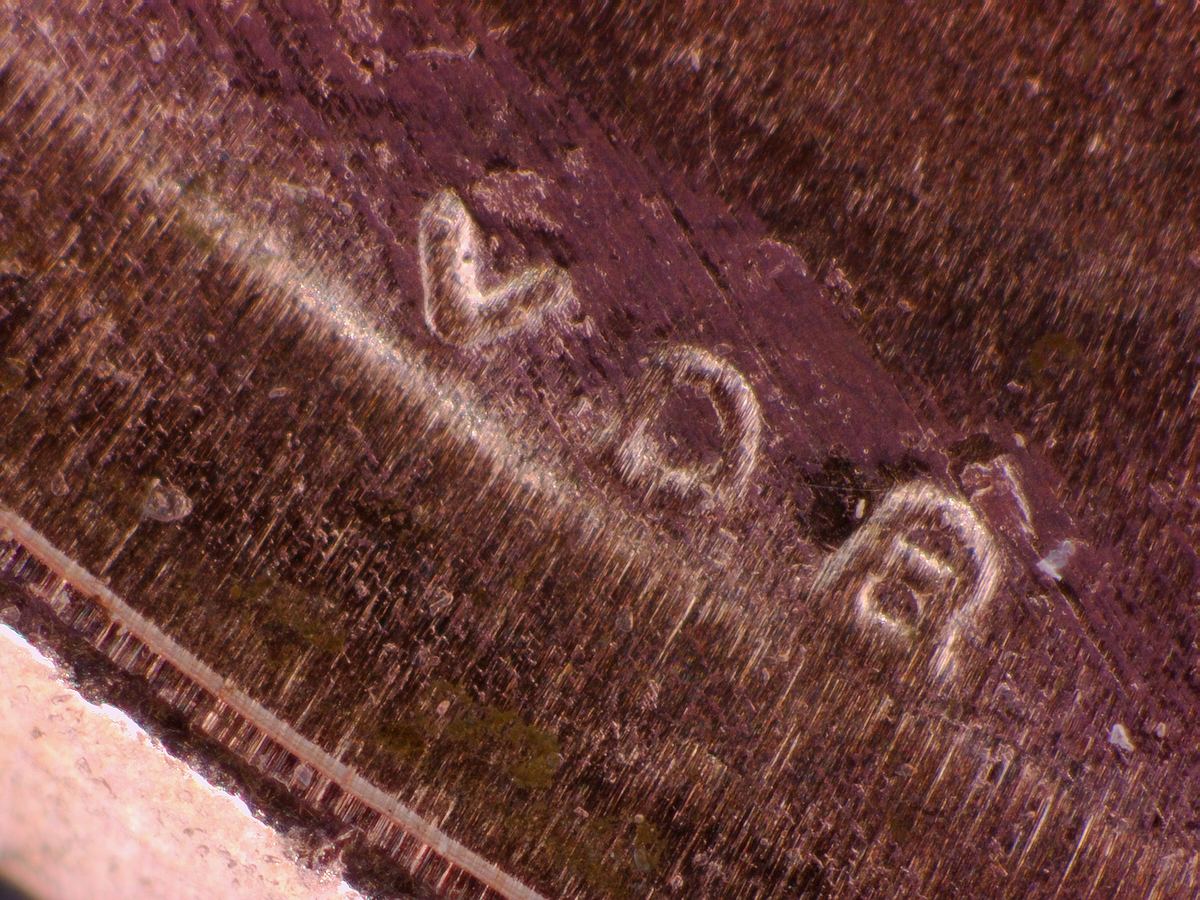 |
|
Valued Member
Russian Federation
172 Posts |
Same lights, just different angel, no more color editing. Don't know which one is correct to show the coin. 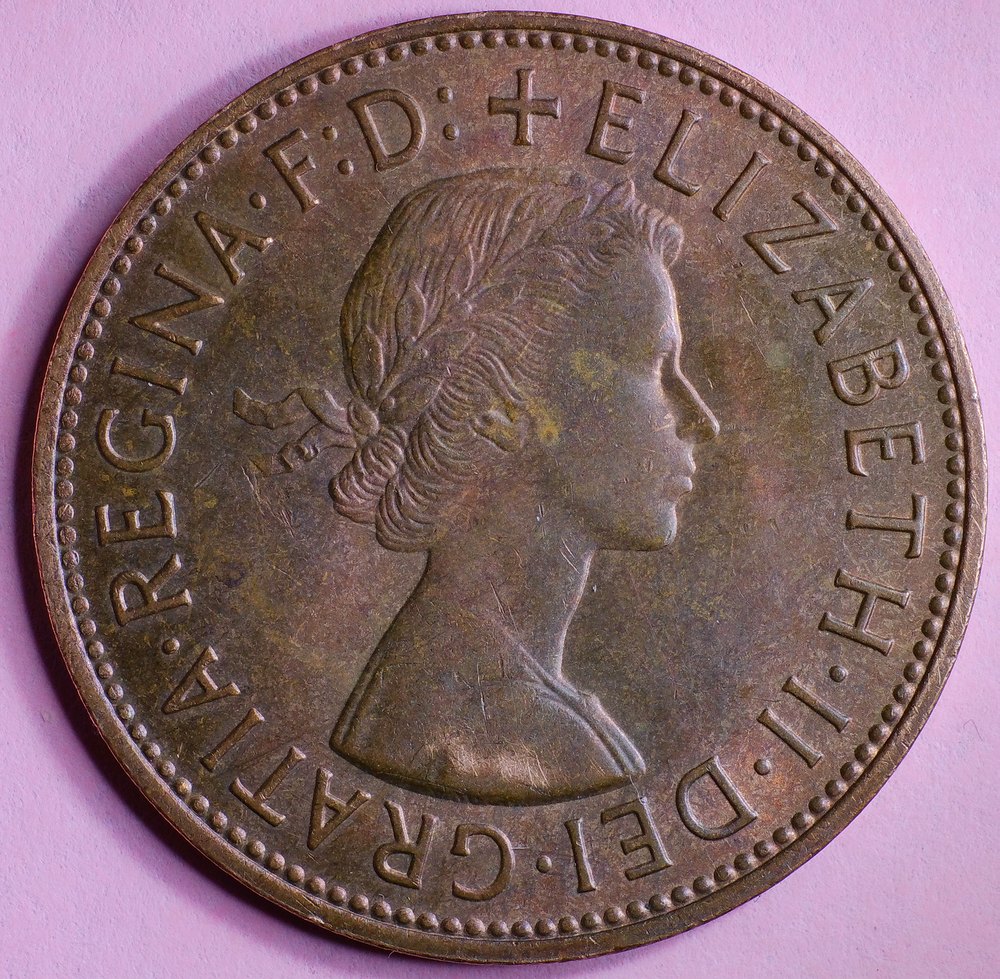 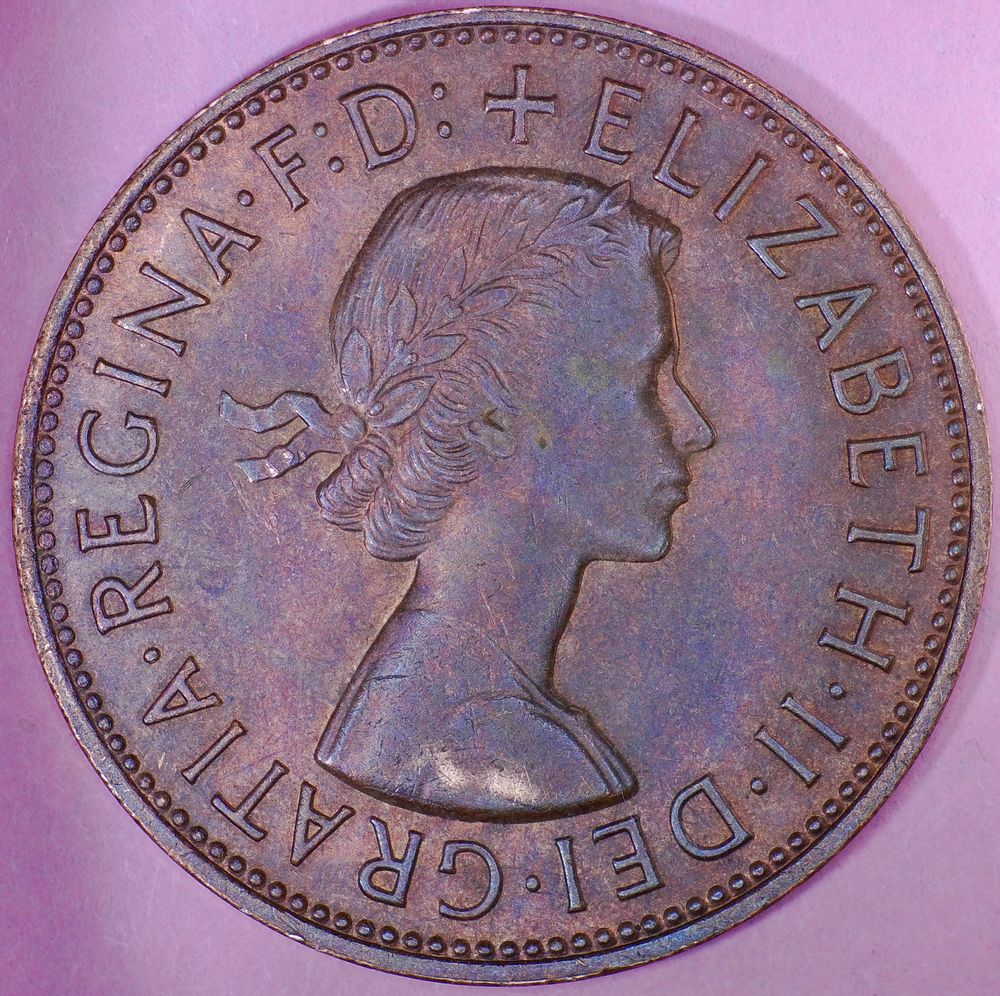 As for me the fist one is more natural. |
|
Moderator
 United States
23522 Posts |
Switch to a white background. It's virtually impossible to be sure of color correction without a "known good" to compare to. But, if you use a plain white background and color-correct until it's white on your monitor, even if my monitor color settings are different and I don't see it as "white," I can correct on my own either subjectively in my head or by downloading and postprocessing your image on my own.
|
|
Valued Member
Russian Federation
172 Posts |
Good idea, I did it. Unfortunatelly plain white background on photo correspond to lights temperature and luminosity, so I did not achieve plain white on my monitor. But coins are close to their original colors om my monitor as it seems to me. Btw I see that shadow colors are slightly different on the paper. It tells than LED's temperature are differrent also. Both identical lights was bought from one seller at same time. 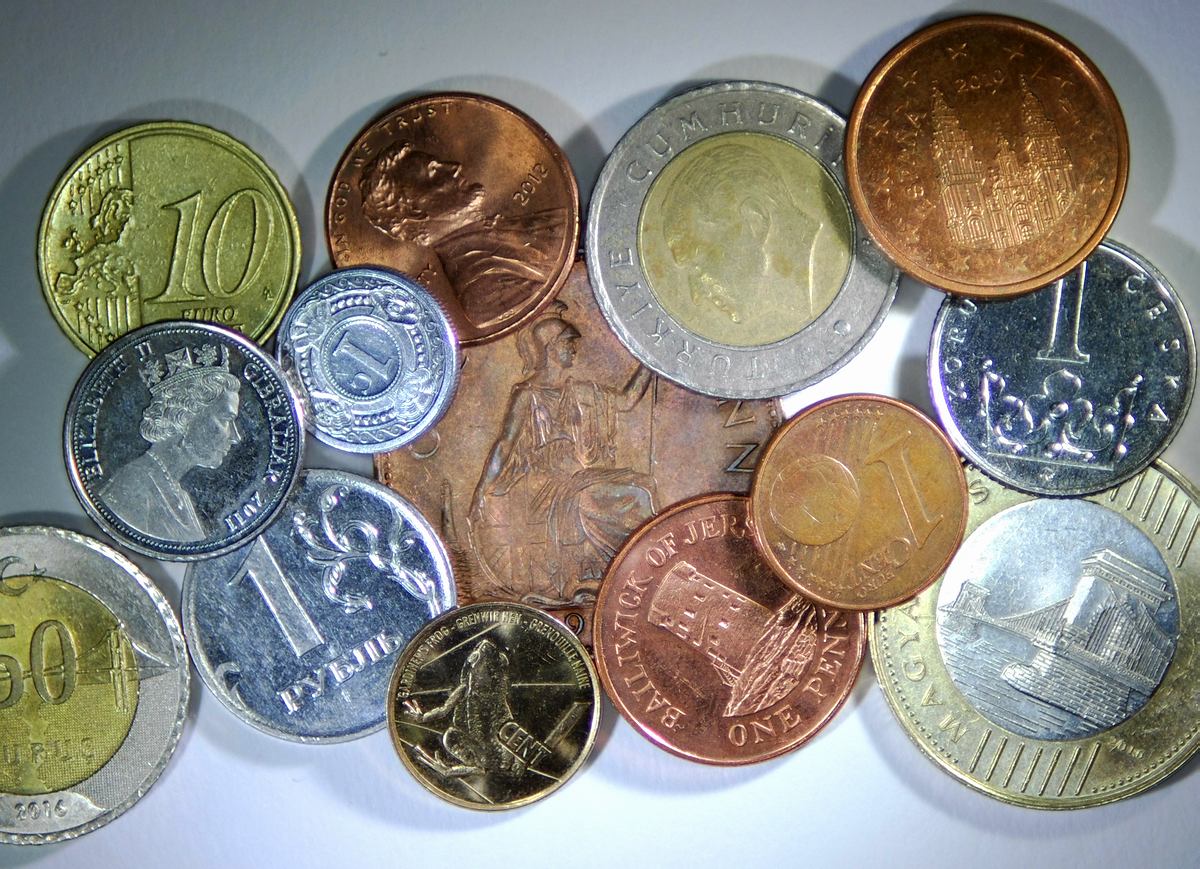 Edited by Justwalking
11/19/2017 5:48 pm
|
|
Moderator
United States
23522 Posts |
Quote:
Unfortunatelly plain white background on photo correspond to lights temperature and luminosity, so I did not achieve plain white on my monitor. It does, however, give you a baseline for which you can correct in postprocessing. 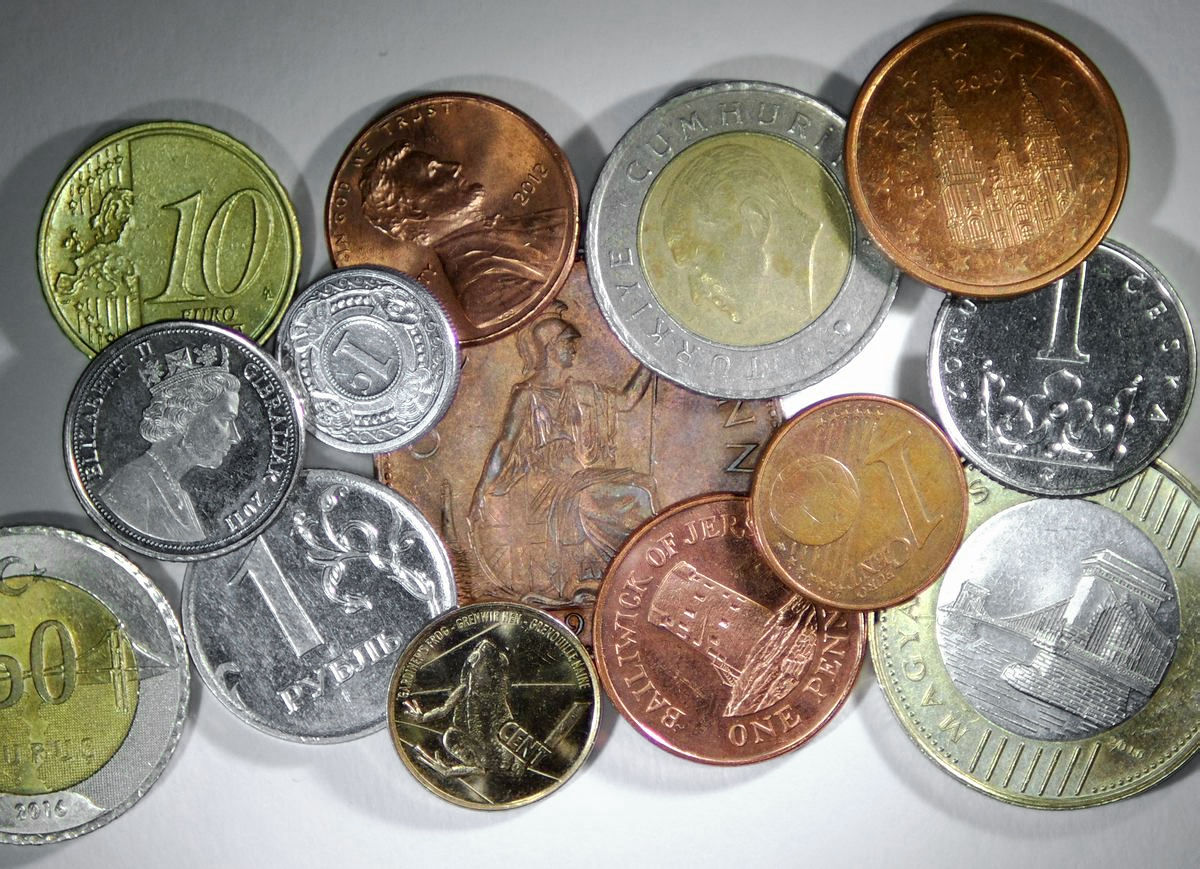 |
|
Valued Member
Russian Federation
172 Posts |
SSuperDdave, I'm so sorry for my misunderstanding.
I did not any postprocessing on photo, just resized and pack to .jpeg
Let's say previous two pics with one penny and different lighting have white paper background instead pink and what I need to do to ask someone which one is better?
|
|
Pillar of the Community
Canada
2784 Posts |
Justwalking I use white muslin white fabric. it is the purest white you can you can buy. the cost is very cheap per meter. I also use it to cut my light for shadowing . I do that when I bring light in from another angle. I try to not do any editing of my coins. I want when I go to sell these coins. I want the image to show the coin. exactly as it looks in hand. actually you can not see some of the imperfection that lens reveals by your eye alone. Justwalking your images are out standing.
|
|
Moderator
United States
23522 Posts |
Quote:
SSuperDdave, I'm so sorry for my misunderstanding.
I did not any postprocessing on photo, just resized and pack to .jpeg
Let's say previous two pics with one penny and different lighting have white paper background instead pink and what I need to do to ask someone which one is better? The gist of my message - and it's likely my own fault for not explaining myself more clearly - is that color will always be a problem in the absence of universal monitor color standards. And, it's also a personal problem for those of us who shoot coins because we don't always look at coins in-hand under the same lighting we image them with. So, it's always my policy to adjust color - be it in-camera via White Balance adjustment or in postprocessing - to a place where a known color quantity (most easily white) looks correct on my monitor. If the camera's getting that right, by definition it's also getting the coin colors right, and that negates what might be my conflicting experience looking visually at coins under differing light color temperature. Most of what I shoot for public consumption is on a black background, because, well, I like a black background.  But I've used this specific equipment set so much, and control to identical circumstances each time, (I don't even shoot during daylight) that I know the color corrections necessary. |
| |
Replies: 73 / Views: 17,373 |






 First Page
 Previous Page


 Posted 04/14/2017 12:46 pm


