| Author |
 Replies: 305 / Views: 24,656 Replies: 305 / Views: 24,656 |
|
|
|
Rest in Peace
United States
10625 Posts |
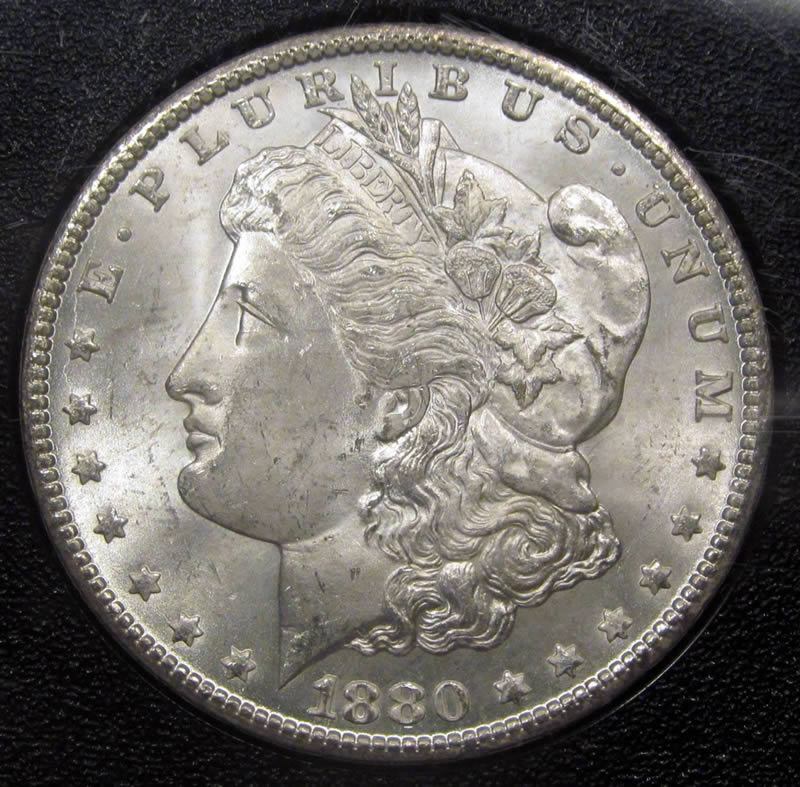
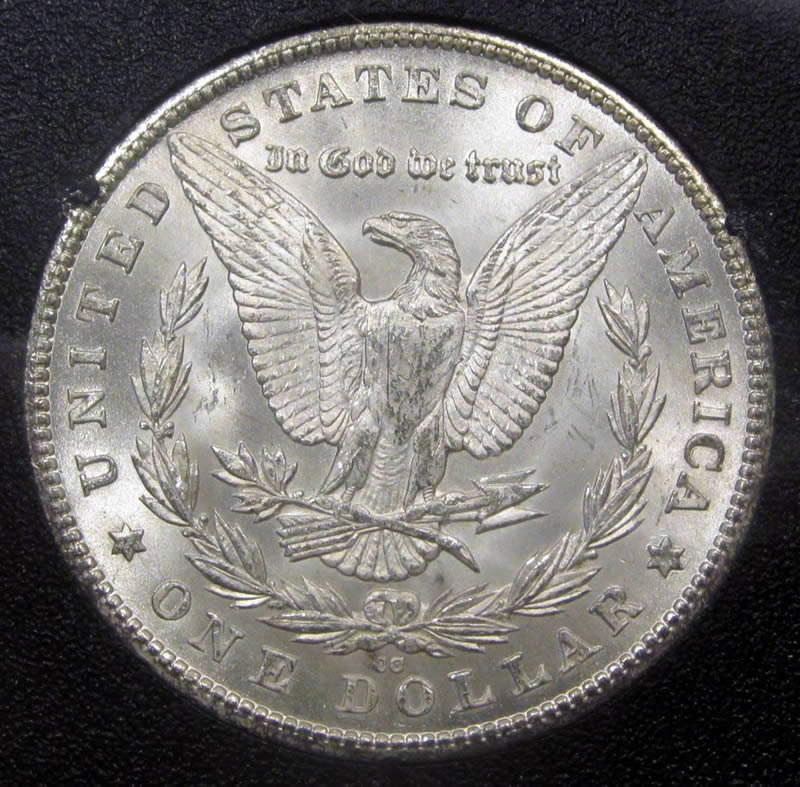
Quote:1880 CC Morgan dollar (Not the greatest, but here she is!!) I'm right there with you Moe!  1880-CC VAM-4 (rev of '78) former NGC F-15 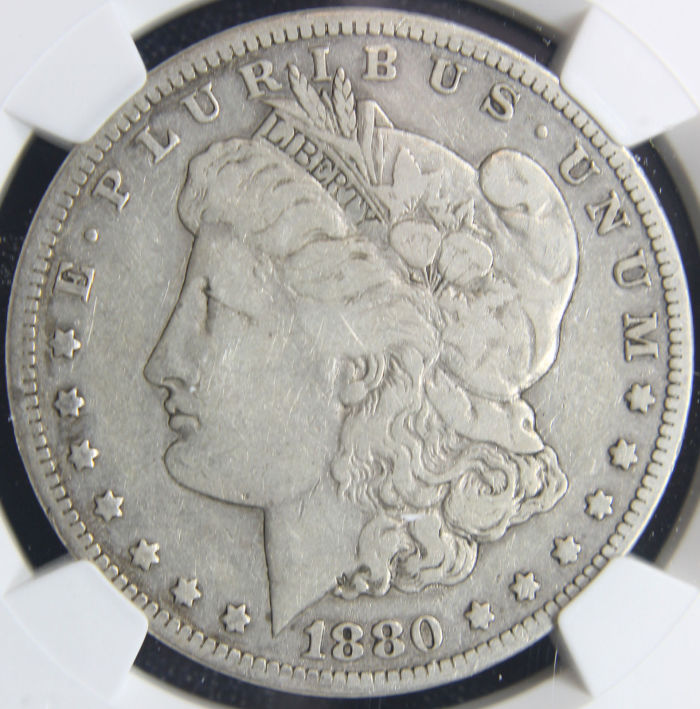 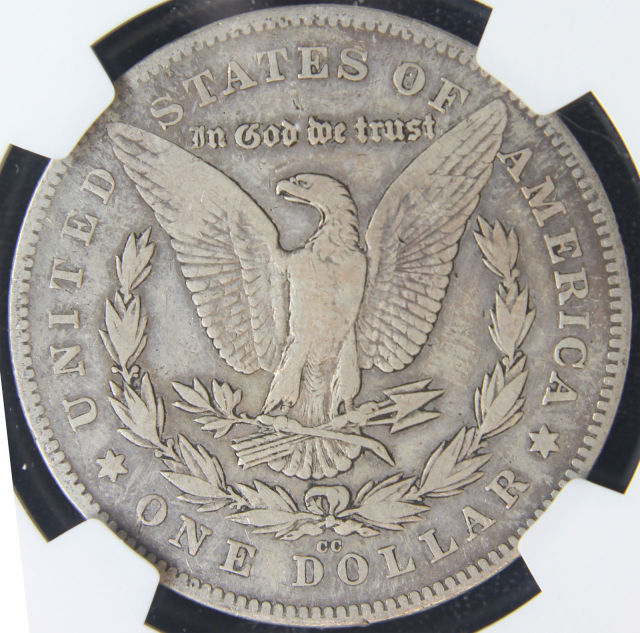 |
|
Pillar of the Community
United States
3546 Posts |
|
|
Pillar of the Community
United States
3546 Posts |
|
|
Pillar of the Community
United States
3546 Posts |
|
|
Pillar of the Community
United States
3210 Posts |
|
|
Pillar of the Community
United States
1700 Posts |
|
|
Formerly coinlover1899
 United States
3058 Posts |
Wow! This page is full of lustrous gem morgans!
I'm loving this!
www.InGodWeTrustCoins.com
|
|
Pillar of the Community
United States
2815 Posts |
Quote:
Can you show us an example?
Also, have you tried optimizing and resizing with a program like Paint.NET? Here's an example. The image is very grainy, like the sharpen tool was applied excessively. There is a waffle pattern on the label which is artifact. The original image is very smooth and clear. It's puzzling. I didn't have this problem before.  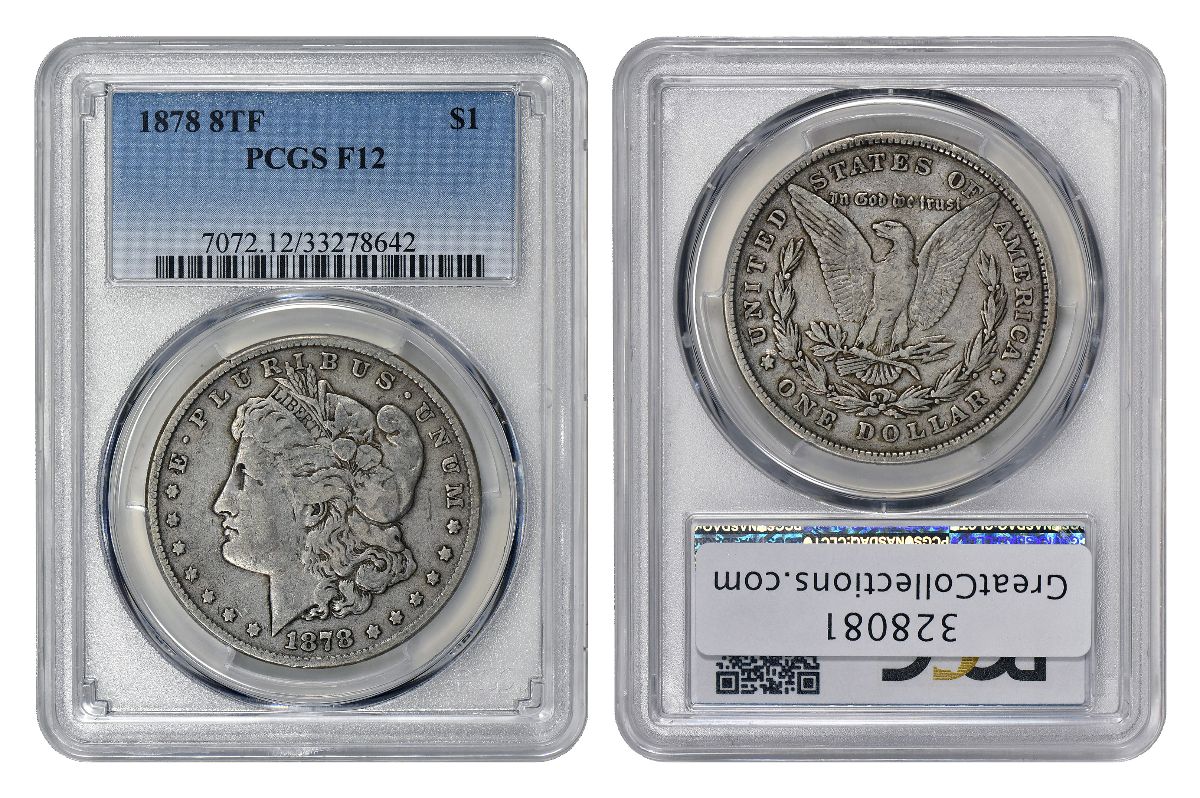 Below is a simple screen shot I uploaded, without optimization, but doing it this way makes the image too blurry. It's weird that the optimization/resizing is creating this distortion when it didn't before. 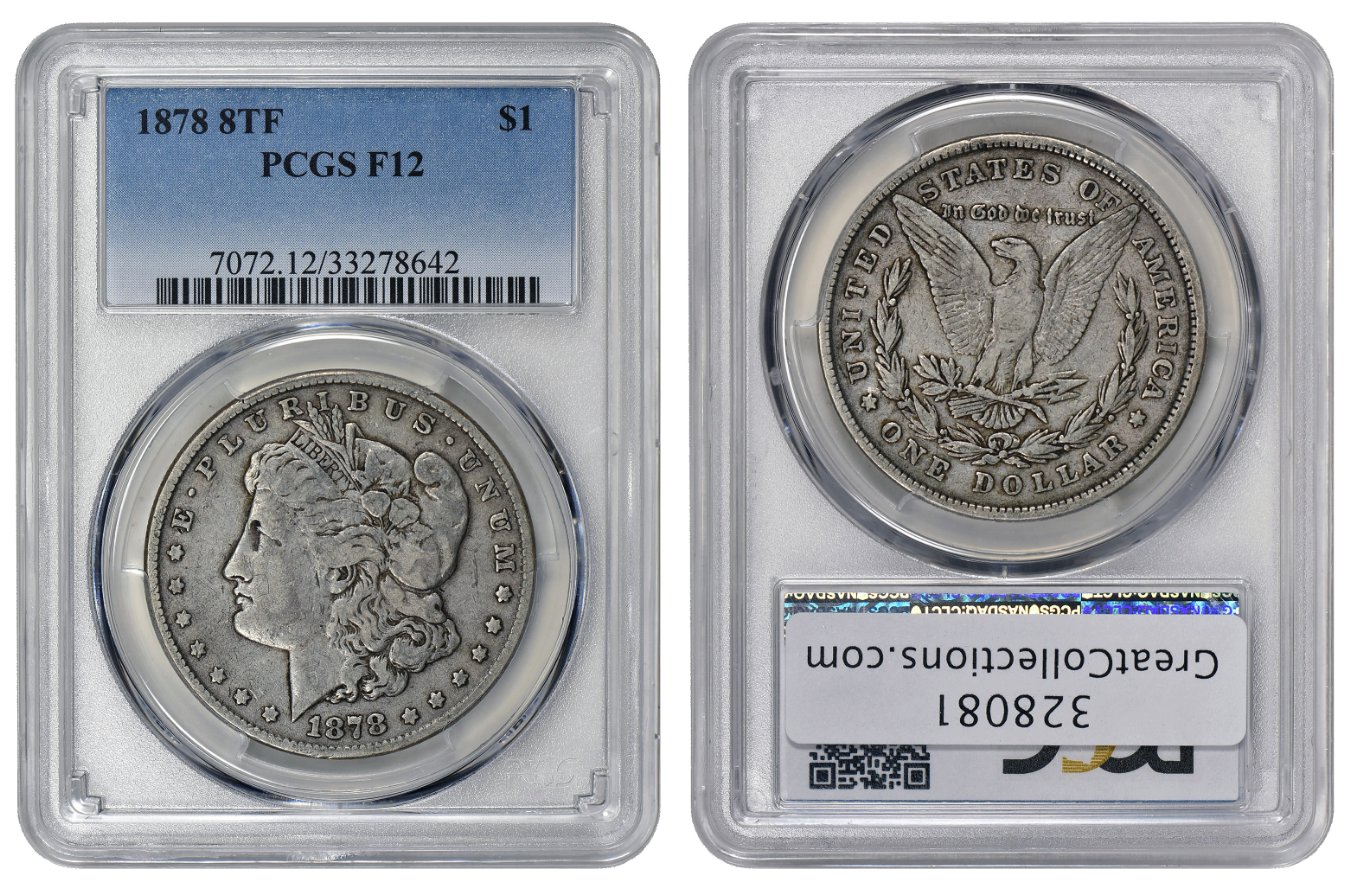 Edited by Darth Morgan
08/23/2017 9:18 pm
|
|
Bedrock of the Community
United States
12057 Posts |
I use Photoshop CS to size and optimize all of my images, instead of CCF Optimizer. This way I can make sure my images stay under the 300K limit without needing to sacrifice quality. I'm sure that there are free alternatives (such as gimp to name one) that will let you do the same thing for your existing images without having to deal with the Optimizer program which greatly reduces quality.
Member ANA - EAC - TNA - SSDC - CCT #890 "Most of the things worth doing in the world had been declared impossible before they were done." -- Louis D. Brandeis |
|
Pillar of the Community
United States
2815 Posts |
Quote:
I use Photoshop CS to size and optimize all of my images, instead of CCF Optimizer. I use PS CS5. I can change the pixel size in CS5 to lower than required on the Optimizer, but when I try to upload the image the optimizer says that it's still too large. So I optimize the already reduced image, and it still comes out distorted. Now, If I go even lower, to a 700 pixel width, for example, then the image will be correct, but it will then be too small overall. It's crazy. I guess I'll just have to play with it a bit. |
|
Pillar of the Community
Canada
4944 Posts |
That's odd Darth, can't say I've had that problem before.
|
|
Bedrock of the Community
United States
12057 Posts |
When you save the file in Photoshop, choose Save for Web, or save it as a .jpg -- when you choose to save it as a JPG it should pop up a box with quality information. Adjust the slider from 8-11 or so until you see a displayed file size of 275k or less (I use CS2 and it tends to underestimate by about 25k.) Save for Web uses ImageReady to convert your .PSD to a .jpg and allows you to also see the file sizes. I find that image sizes of 1000x1000 or less work best. The "pixellation" effect is a function of DPI or dots per inch. Most pictures I run across tend to be around 75dpi. I shoot in 300dpi. The higher the DPI, the more scalable the image is - you can make it, say, 2000x2000 and not lose detail vs 1000x1000, whereas some low-DPI images can be great at 300x300 and look like Minecraft at 600x600. This screenshot shows you the Save As -> .jpg slider. It may be different appearance in CS5 but the functionality should remain present in some form. 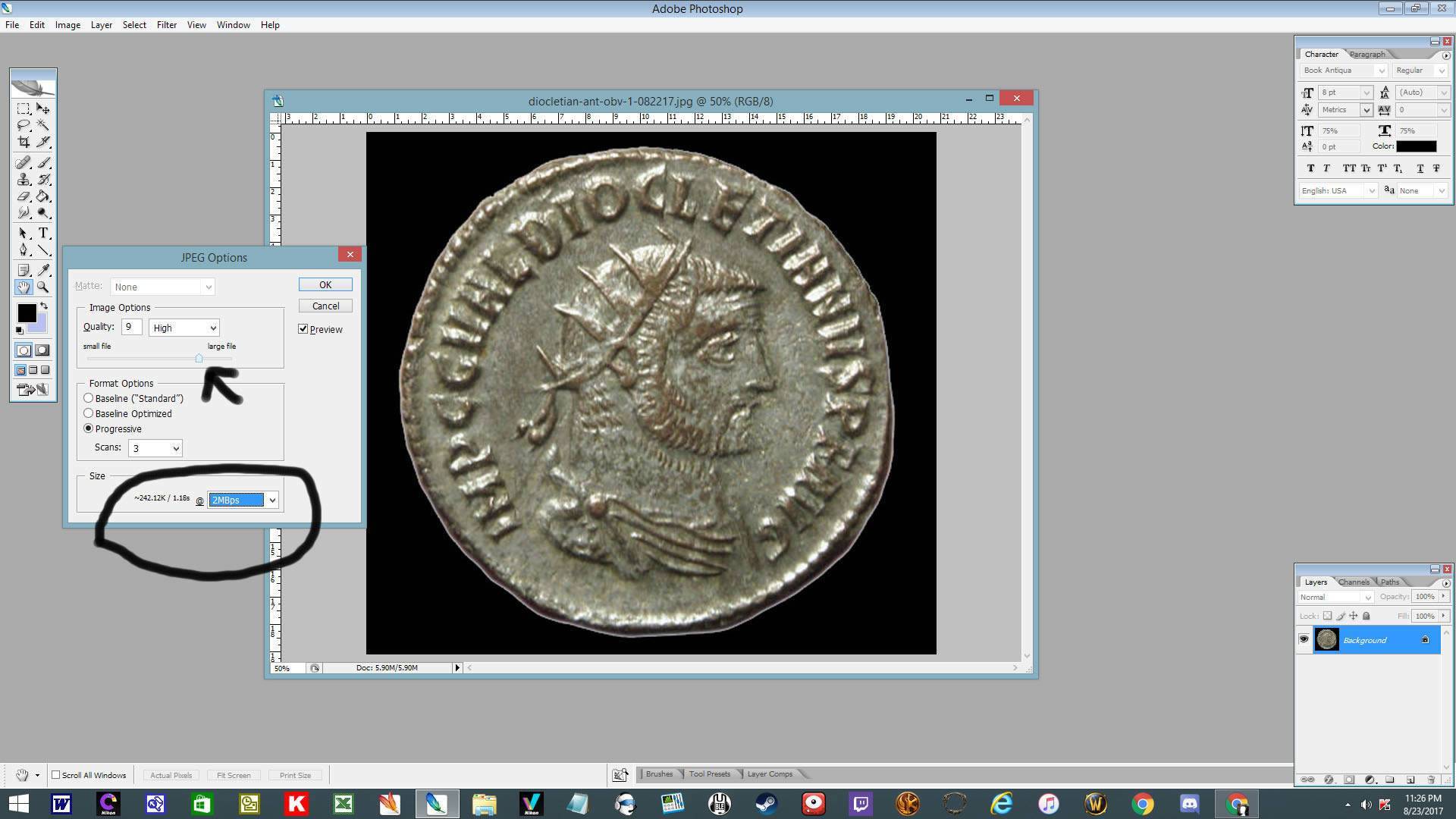 Member ANA - EAC - TNA - SSDC - CCT #890 "Most of the things worth doing in the world had been declared impossible before they were done." -- Louis D. Brandeis |
|
Bedrock of the Community
United States
12057 Posts |
1881 New Orleans. VAM 10.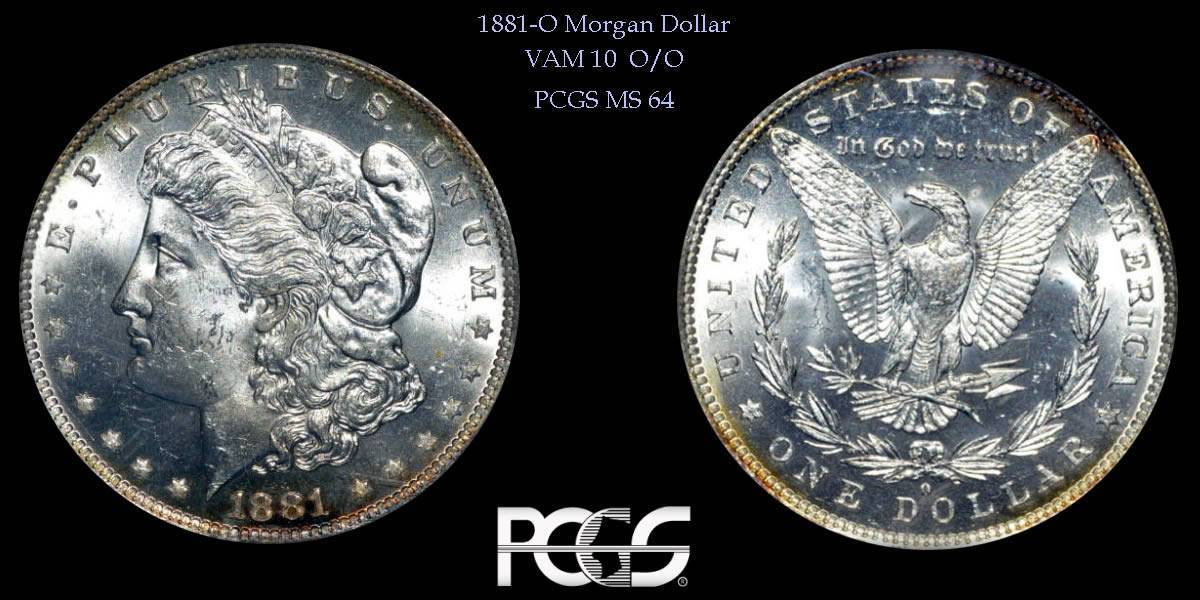 1881 San Francisco. VAM 20. 1881 San Francisco. VAM 20.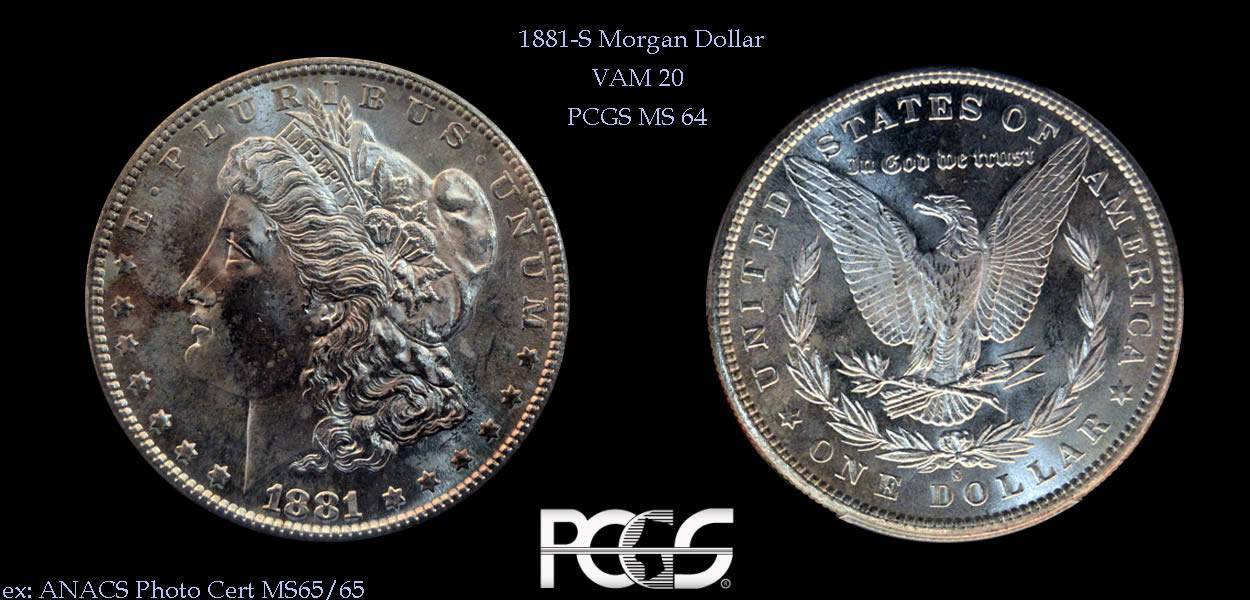
1881 San Francisco. VAM 41.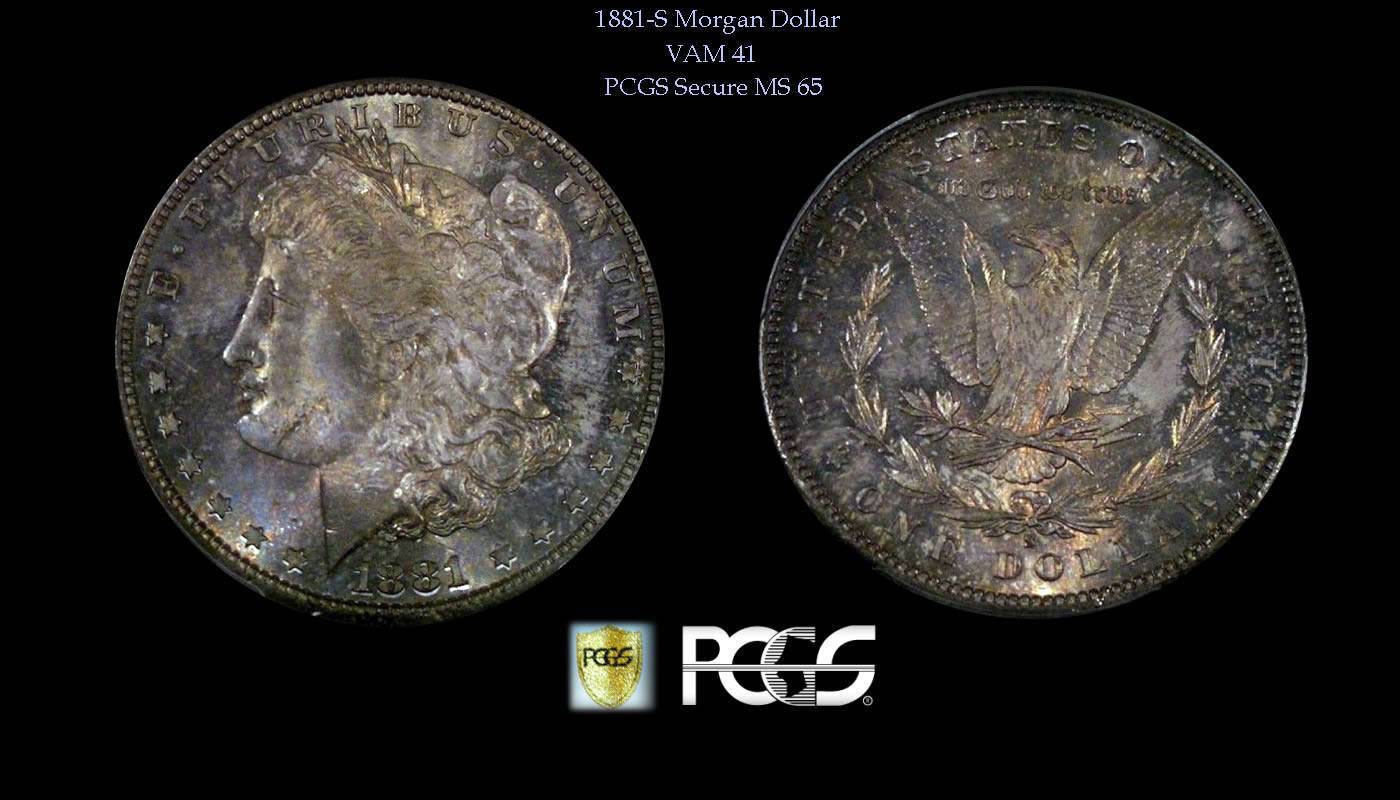 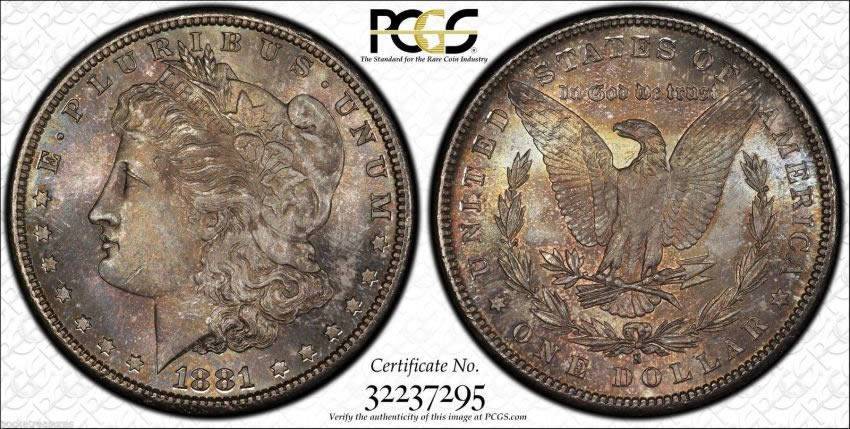 1881 Philadelphia. Unknown VAM. 1881 Philadelphia. Unknown VAM.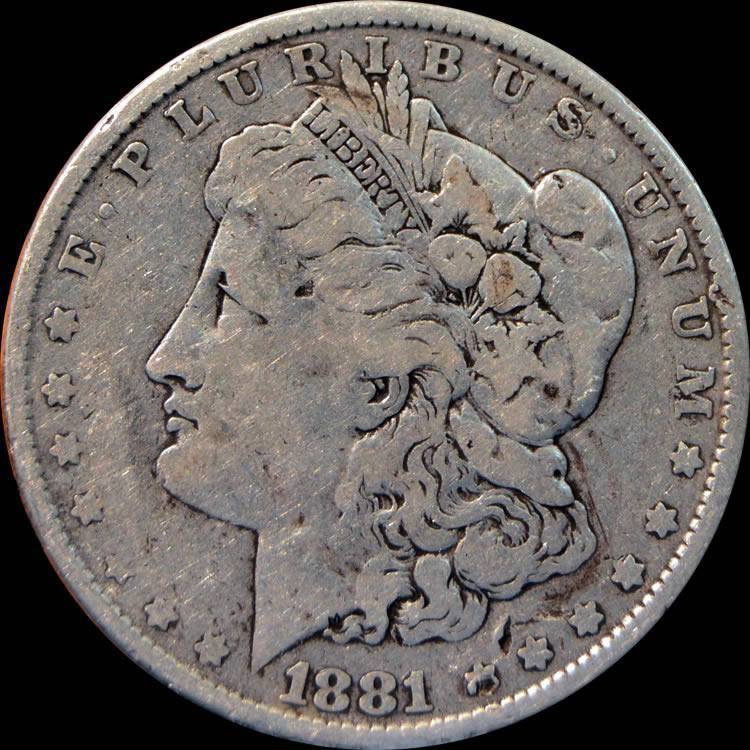 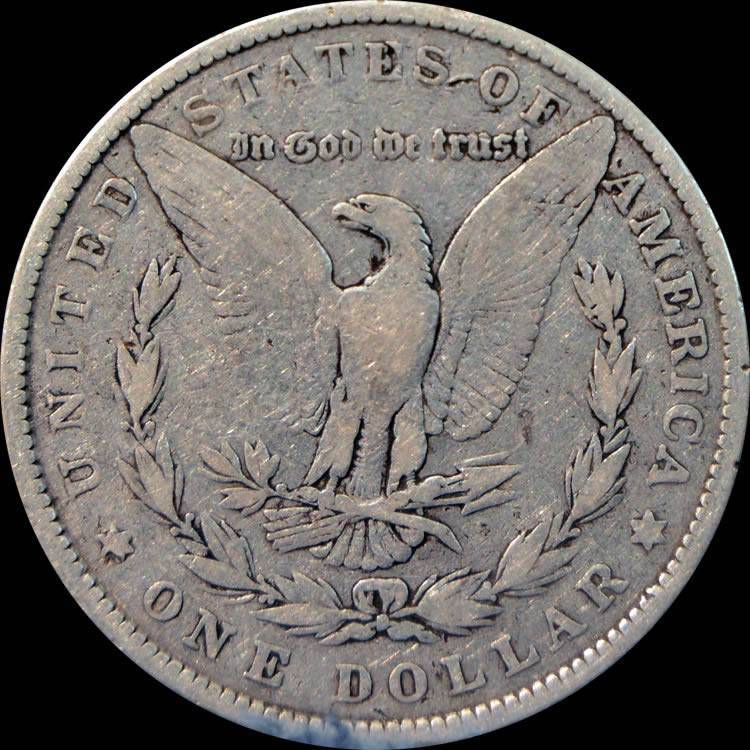
Member ANA - EAC - TNA - SSDC - CCT #890 "Most of the things worth doing in the world had been declared impossible before they were done." -- Louis D. Brandeis |
|
Valued Member
Finland
265 Posts |
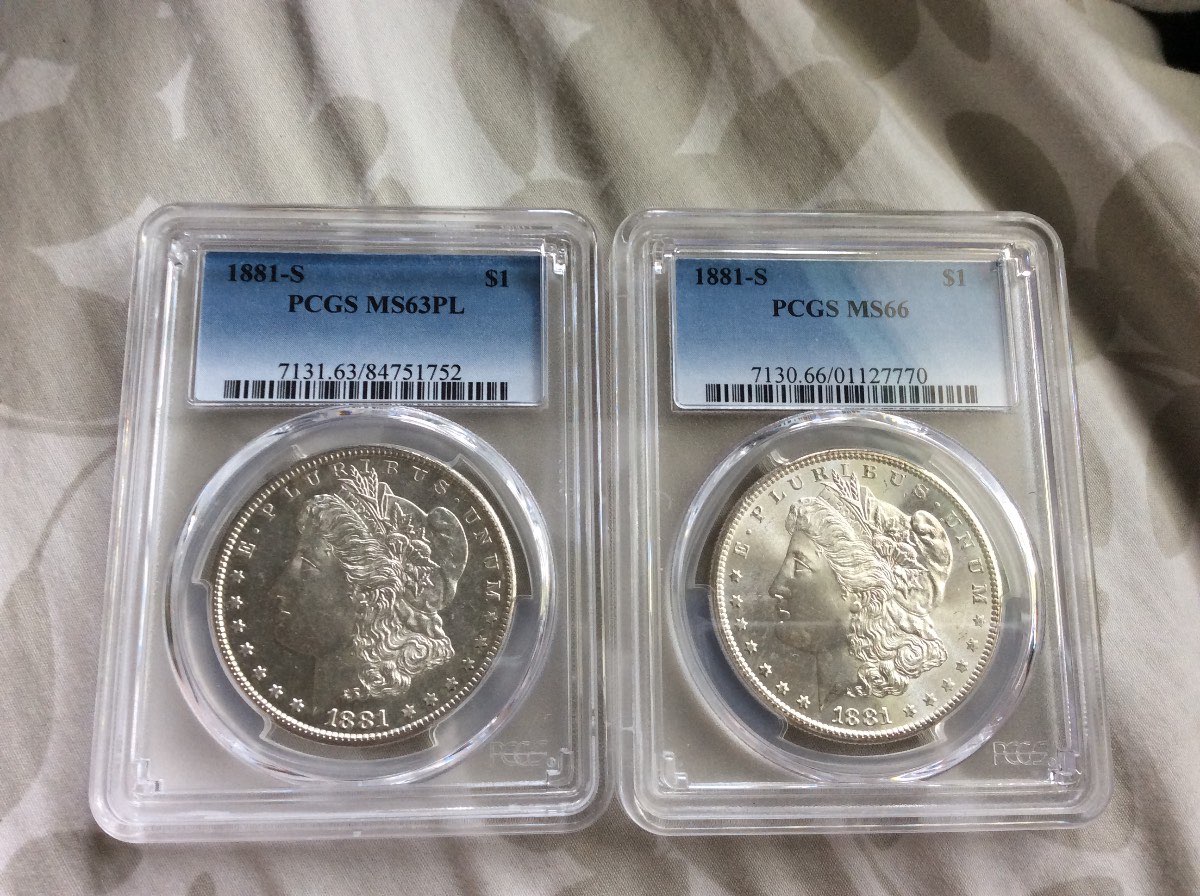
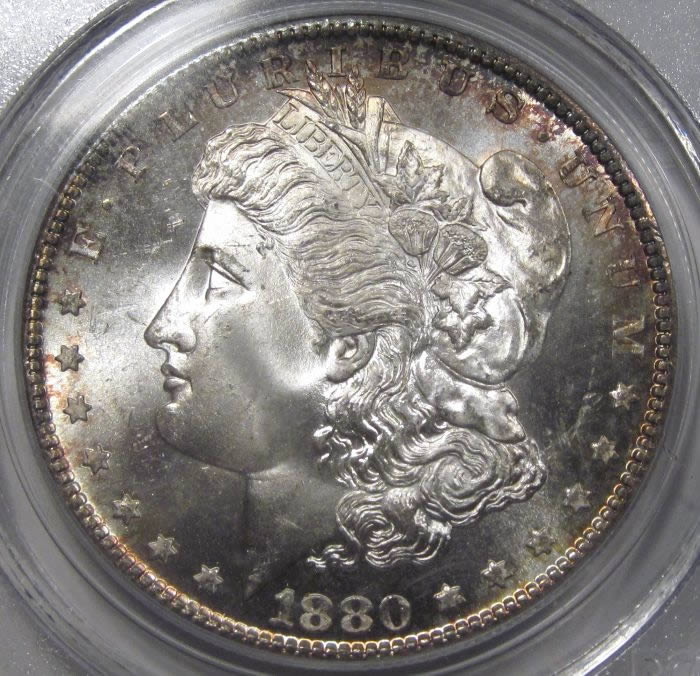
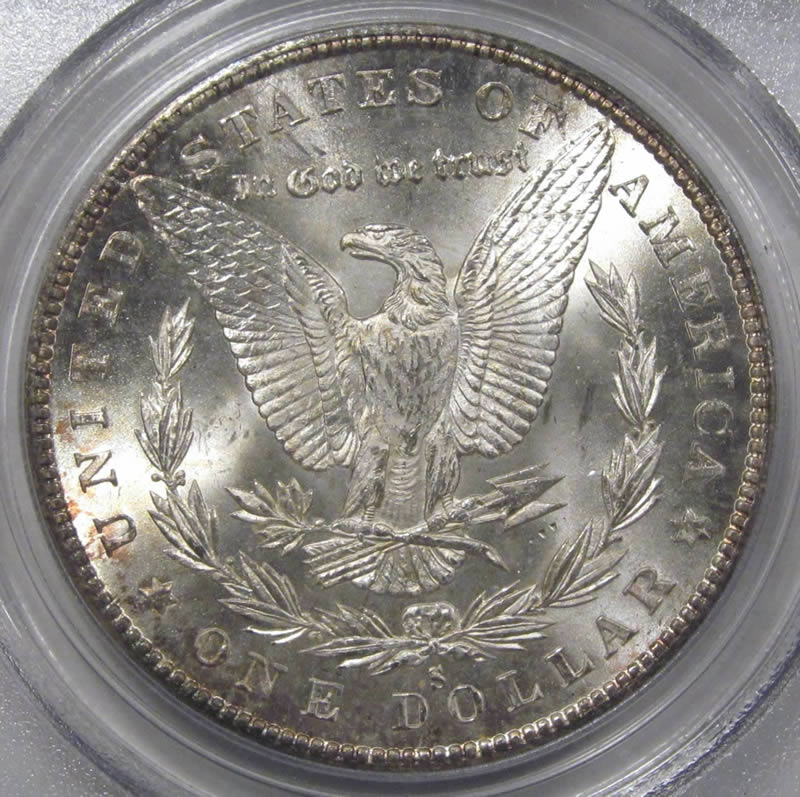
1881-S PCGS MS-66 CAC 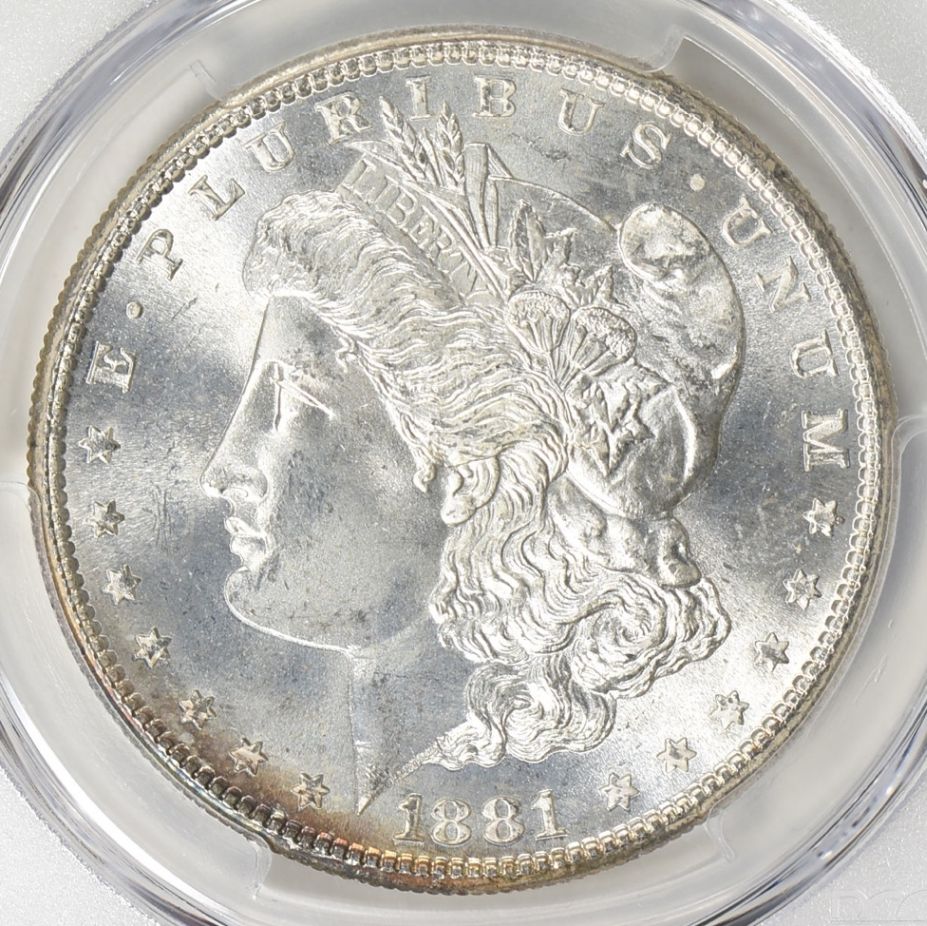 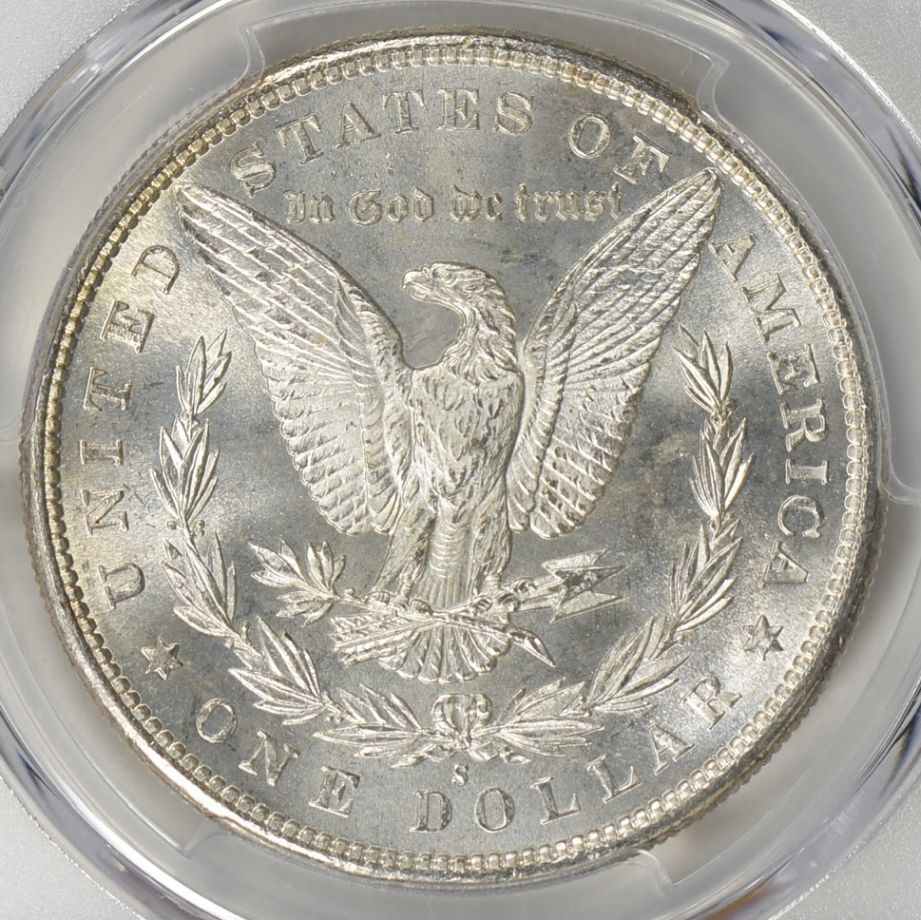 |
|
Pillar of the Community
Canada
4944 Posts |
When you use the CCF image optimizer, is sharpen set to 0? It should default there, but worth checking anyway.
|
| |
Replies: 305 / Views: 24,656 |






 First Page
 Previous Page


 Posted 08/23/2017 1:53 pm