| Author |
 Replies: 14 / Views: 1,269 Replies: 14 / Views: 1,269 |
|
|
Forum Dad
 United States
24243 Posts |
I am very aware of Pixler issues. I'm ticked off too. I spent almost 2 days putting together tutorials and a month later they screwed it up. But listen up.... There are a gazillion free online image editors and apps. Yes, A gazillion. Most phones and PCs have on-board capability already. I'm 60 years old and have had cell phones since my Motorola Flip Phone (Think Jethro Gibbs). Even that had a camera with the ability to crop images. Every Windows computer has had Paint. I'm gonna have to pay someone (which I already did once and people screamed) to code the site to resize and compress images during upload and that will lead to a whole new group complaining instead of this complaining. We get Damned if I do, damned if I don't. I'm not Facebook, I don't have the money for a warehouse full of servers to store 8MB images straight from people's phones which is EXACTLY what would happen if I lifted the limit. We'd get multiple 6MB images instead 300KB images that look like the image below. So please... is it too much to ask that you put a little effort in? Spend an hour and find an online editor or an Android/Apple app that you like and use it in the meantime. 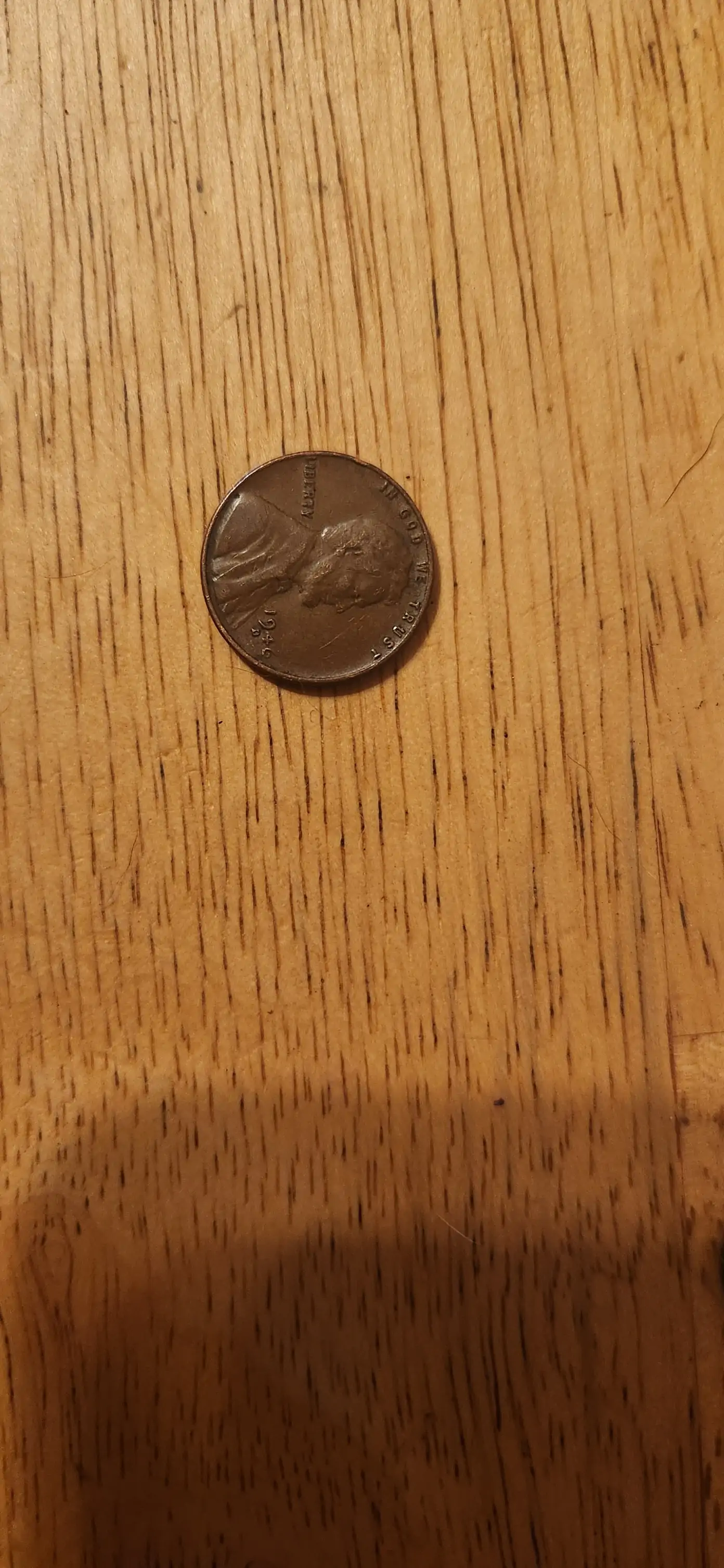 |
|
|
|
Moderator
United States
56855 Posts |
Please crop and rotate photos properly before posting  From: JC Stevens I use two free windows apps to edit my images.
Gimp GIMP - Downloads
For cropping and color correction of images I use Gimp.
Irfanview Download Irfanview
For resizing cropping and editing images I use Irfanview.
To post image to CCF, I just upload the resized image(s) from the post a reply page.http://cuds-on-coins.com/attributio...-what-to-do/ |
|
Forum Dad
 United States
24243 Posts |
|
|
Pillar of the Community
Russian Federation
5186 Posts |
I have just confirmed that the (currently deprecated) old CCF Image Optimizer still works on my machine. (Firefox 119 under Windows 10.) Hadn't tested in other browsers yet, though. Maybe worth returning back to that one... why did you switch to a paid service of all things in the first place? 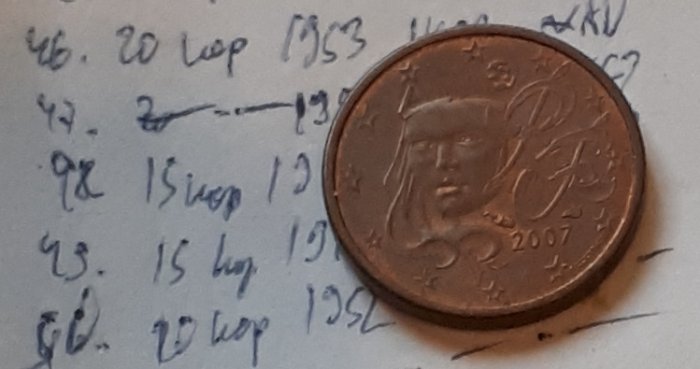 (The picture is a cropped small section of my circa-2013 handwritten collection catalog - I found and photographed the paper in 2021, and took some extra pics with a euro cent for scale. For this thread I was looking for coin-related pics that I hadn't cropped yet, and decided that this one made for a good proof of concept.) EDIT: Quote:
I'm gonna have to pay someone (which I already did once and people screamed) to code the site to resize and compress images during upload and that will lead to a whole new group complaining instead of this complaining. I would definitely join the screaming if that happens. It's hard enough to upload line art images (and/or screenshots) in legible format as it is... Edited by january1may
12/05/2023 3:08 pm
|
|
Forum Dad
United States
24243 Posts |
Quote:
why did you switch to a paid service of all things in the first place? I didn't, read the OP again. |
|
Pillar of the Community
Russian Federation
5186 Posts |
Quote:
I didn't, read the OP again. ...oh. I looked it up and apparently the switch to Pixlr was in April 2022 (due to apparent temporary problems with the old optimizer, though it worked for me throughout) and they started asking for money in January or February 2023, so it wasn't yet a paid service when you switched to it. Not sure why you hadn't switched to something else then, though (unless all of your other options were even worse). The problem with Irfanview is that it requires installation, which significantly restricts the options. (FastStone and Paint.net have the same problem.) As it is, the old optimizer is a major part of what still keeps me on CCF (and each time I use it I'm hoping that it doesn't get shut off as unneeded, and each time I mention it I'm worried that you might shut it down because I reminded you that it still existed, but it's just so good that I can't stop recommending it whenever problems with the Pixlr versions come up). |
|
Forum Dad
United States
24243 Posts |
Quote:The problem with Irfanview is that it requires installation, which significantly restricts the options. What are you talking about? I installed it and has more features than any other program I've ever used. Ever. I use it all day, every day. I just downloaded a 3MB 3500px square image from Heritage and used Irfanview to get it CCF ready in less than 15 seconds from the right-click save as from Heritage to clicking Upload Image. The image below is 97KB.  What's the problem? There are so many stinkin' options I can't believe it's an issue. https://letmegooglethat.com/?q=free...image+editorhttps://play.google.com/store/searc...iting&c=apps |
|
Pillar of the Community
Russian Federation
5186 Posts |
Quote:
which significantly restricts the options I meant the options for where I can use it. Couldn't just post some pics to CCF from a friend's laptop - I've done that before on the old optimizers. It also means that any new arrivals would have to go through the whole process of installing an app to be able to post photos - and between that and locking threads without pics, we're probably going to start scaring people off, and/or might see a big up-turn in embeds from external sites (with corresponding problems for webpage sizes). |
|
Forum Dad
United States
24243 Posts |
Quote:
would have to go through the whole process of installing an app You've got to be kidding me. I can install an app in literally seconds. But here you go, there are literally hundreds of them you can bookmark ... https://letmegooglethat.com/?q=free...image+editorQuote:
I would definitely join the screaming if that happens. It's hard enough to upload line art images (and/or screenshots) in legible format as it is... What do you think all the other forums and social media does? Photobucket is converting old images to webp and compressing it. Reddit converts to webp on the upload. Go see this topic... http://goccf.com/t/67920Old photobucket image right? Check the source code... it's a jpg file right? Now right-click save-as... What is it now? WebP. They are just using a url rewrite module to fool you, the images are converted to webp regardless of what you upload. |
|
Pillar of the Community
Russian Federation
5186 Posts |
Already bookmarked one - https://www.coincommunity.com/image-optimizer/  But I checked it on mobile and it doesn't allow moving the crop area, so it's less convenient than I thought (OTOH on a phone I can just crop the pic manually in the gallery). I'll check out some of those links. I see a lot of apps, paid services, and Pixlr, but also others that might be workable, and maybe I'll start recommending some of those too. |
|
Valued Member
United Kingdom
418 Posts |
Sorry if I opened a can of worms here! Just so disappointed at what has happened to Pixlr. Playing with other editors (Snapseed looks promising). It's a learning curve, and I'm an old dog.
|
|
Bedrock of the Community
United States
19675 Posts |
I understand this isn't terribly helpful...
As an off-and-on photography enthusiast I have Photoshop Elements (PE) installed on a desktop. Within PE I accomplish all my photo manipulation--white balance tweaks, rotating, cropping, image file resizing, jpeg output adjustments, etc. Once I have the jpeg file just under the 300MB threshold and the image looks adequate, I upload. Yes, I do know that not everyone has or wants to use PE.
|
|
Valued Member
United States
72 Posts |
I have been emailing myself (on an iPhone) my pictures. You can then choose what size you want the picture to be sent as. I choose smaller than the 300kb. Then save back to my phone and upload.
|
|
Pillar of the Community
United States
1648 Posts |
Looks like they are charging 1.99 per month now for a PLUS to get unlimited saves and ad free if doing monthly on pixlr. How about trying https://picresize.com/ ? That has a max filesize when saving I just noticed, and crop. Needs to be tested. The easier it is to resize and not get closed threads when not posting photos the more users you may have. I understand people don't prefer to install apps, I still find Faststone image viewer my choice and I could explain as its quite easy to use. https://www.faststone.org/ but Irfanview and others all work as do most of those online choices just need to do some testing. Edited by datadragon
12/11/2023 11:54 pm
|
|
Valued Member
United Kingdom
418 Posts |
@koigirl808. That's my preferred way of doing it too. Seems pretty straightforward most of the time.
|
| |
Replies: 14 / Views: 1,269 |
|




 Posted 12/05/2023 2:17 pm





