| Author |
 Replies: 9 / Views: 693 Replies: 9 / Views: 693 |
|
|
Pillar of the Community
United States
6959 Posts |
I guess the first question to ask is, do you use a gray card with coin photos? If yes, my next question is what is the actual process? As I am tethering my camera, I have manual control over settings. Do I use the gray card to calibrate first, then connect tethering? Or is it something that I use to post-process images with software.
It's probably a dumb question, but I've never used a gray card before.
|
|
|
|
Moderator
 United States
197783 Posts |
Giving this a bump to get some eyes on it.  |
|
Pillar of the Community
 United States
6959 Posts |
Thanks, jbuck. I used an index card as my temporary coin pedestal background, and you can definitely see that the camera makes it a hazy gray instead of white. 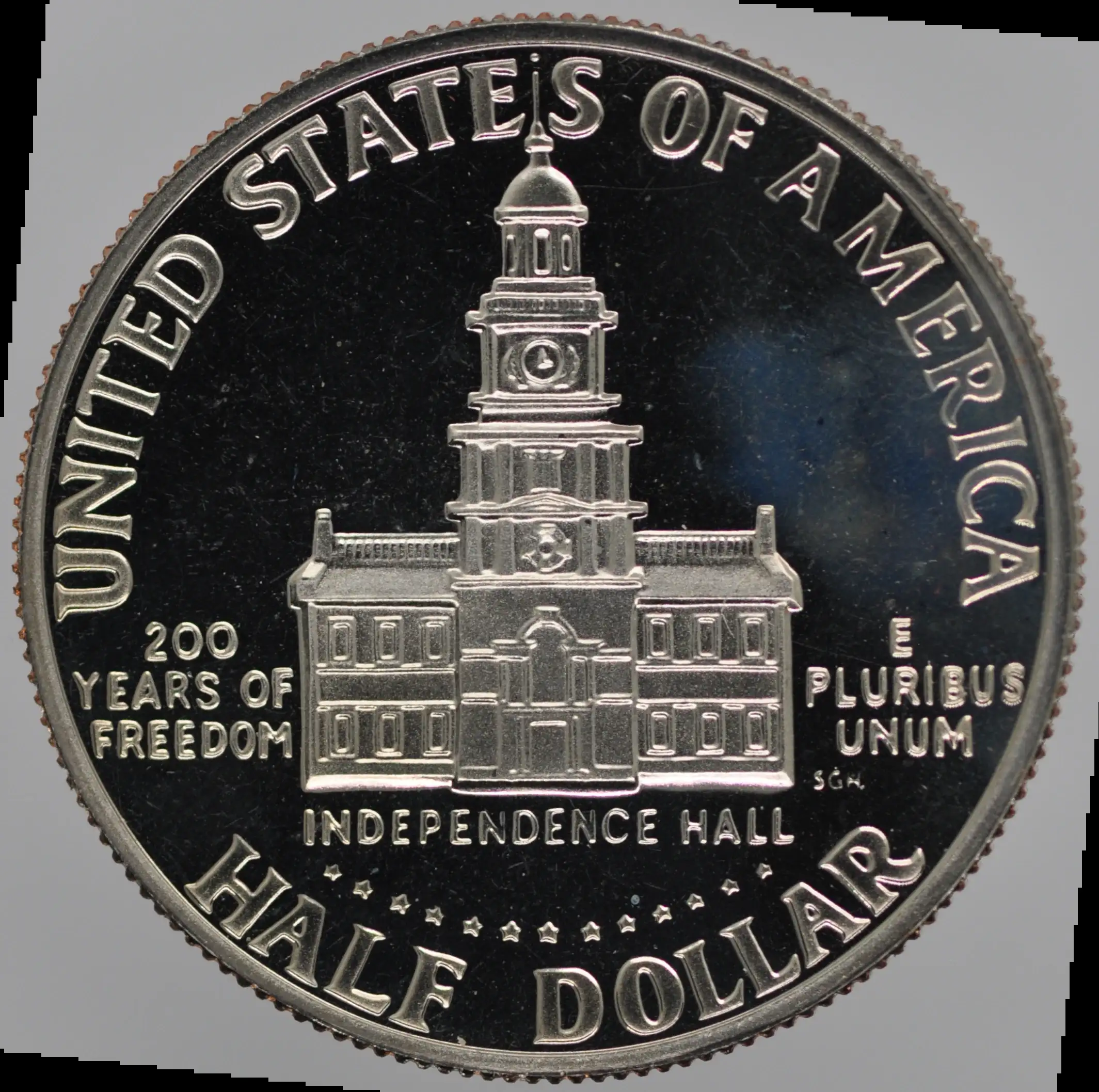 |
|
New Member
Greece
45 Posts |
Take a picture of grey card in auto mode.
Then use the photo to balance colors in settings of your camera.
|
|
Pillar of the Community
 United States
5725 Posts |
I assume you're using the Nikon D90, so here's how to do it with that camera. Go to White Balance in the shooting menu. Scroll down to PRE (preset manual). Select d-0, then press and hold the WB button on the back of the camera for a few seconds, until "Pre" flashes on the top display. Quickly take a photo of your gray card using the exact same lighting you'll use for coins. If you see "good" show on the display, you're WB is set for that particular lighting. This should largely eliminate the need for color adjustments in editing. If your lighting changes (from new lamp bulbs, a ceiling light, or daylight from a window), the color may be off slightly, so try to avoid lighting changes, or just reset the WB with the gray card again.
|
|
Pillar of the Community
United States
6959 Posts |
That makes sense, I can see that's the normal process for calibrating white balance. Maybe where I'm stuck is how to do that process while tethered. I have the drop downs for the histogram profiles, including Automatic, and I can also load my own. I assume this is where I would do the white calibration, but I can't find Entangle documentation on that procedure. None of the camera menus are available when the camera is tethered, at least to my basic understanding.
I will play with it some more. Maybe I need to run the color calibration untethered, and then connect. I'm not sure that the software won't just bypass the camera though.
If I did want to post-process the color, how does that work? I guess that's something I could research further myself, too.
|
|
Pillar of the Community
United States
4051 Posts |
I usually do white balancing before but occasionally after shooting. Both my Canon and Sony tethering programs have white balance function, so it's easy to just put the gray card in place and press a button. If your tethering software doesn't have white balancing function, you should get different software.
I use Canon's Digital Photo Professional for simple post-processing tasks. It has a white balance "eyedropper" so is easy to white balance in post, but you need to make sure you have an accurate reference. When I know I'll be doing white balance in post I stick a gray sticker on the holder, or sometimes will even shoot the coin on top of a gray card as a background. Then just hit that area with the eyedropper and the whole photo is properly white balanced.
Contact me for photographic equipment or visit my home page at: http://macrocoins.comEdited by rmpsrpms
02/15/2026 5:32 pm
|
|
Pillar of the Community
United States
5725 Posts |
If you're using Entangle for your tethering software, I guess it depends on whether that supports WB control for your particular camera. I'd start by adjusting WB with the gray card manually in camera while untethered, then connecting. Hopefully that works.
|
|
Pillar of the Community
United States
1918 Posts |
I have white black gray and tan.
|
|
Pillar of the Community
United States
6959 Posts |
Thanks for the help, guys. I have been experimenting with the gray card. Even just having it in the frame changes the resulting pictures slightly. I did use the eye dropper in GIMP, but the color balance barely changed (and the gray card was already reading almost equal RGB numbers. As the tool has black and white droppers, I will experiment with those next.
|
| |
Replies: 9 / Views: 693 |
|




 Posted 02/13/2026 11:52 am





