| Author |
 Replies: 27 / Views: 1,425 Replies: 27 / Views: 1,425 |
|
Bedrock of the Community
Canada
10030 Posts |
|
|
|
|
Bedrock of the Community
 United States
27514 Posts |
mcshilling, I make my images to show both sides. But if you have separate images of obverse and reverse, try putting the [img ] tags on the same line of your post.
Inordinately fascinated by bits of metal with strange markings and figures
|
|
Pillar of the Community
United States
659 Posts |
HondoB, what software or app do you use to combine the faces into one image file?
If it's a smartphone app, it won't work for me, but most people use them.
Thanks!
|
|
Pillar of the Community
Australia
9888 Posts |
I don't know if there is easier ways, but I just put both my images side by side on a Word document page, drag them together and resize, and then just use the snipping tool to save the complete image.
|
|
Pillar of the Community
United States
1080 Posts |
If you use, or can use, Irfanview (a free download) as your photoeditor on your computer, I can give you a brief tutorial that will enable you to merge separate images into panoramas like this in about 90 seconds, once you've saved and trimmed the pics: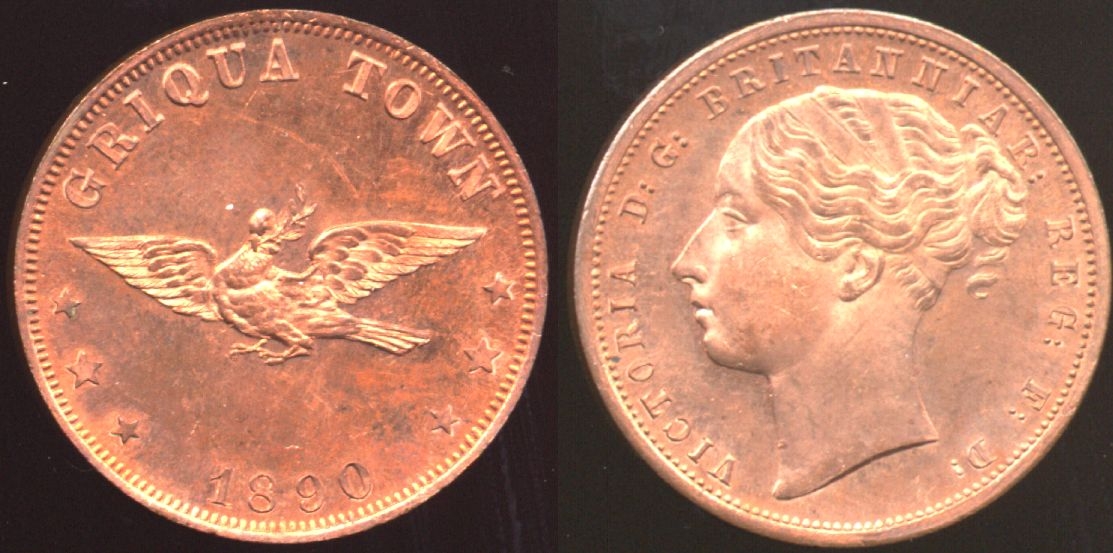 However, if you're trying to stitch images together on your phone, I'm useless. However, if you're trying to stitch images together on your phone, I'm useless.
"If everything seems to be under control, you're just not going fast enough."
--- Mario Andretti
|
|
Bedrock of the Community
United States
27514 Posts |
Quote:
what software or app do you use to combine the faces into one image file? I'm using an ancient (> 25 years) version of Photochop on a pc. There are many ways to do it on a computer. But like daltonista, I can't help you to do it on those newfangled communicators. Inordinately fascinated by bits of metal with strange markings and figures
|
|
Bedrock of the Community
 Canada
10030 Posts |
daltonista I do that side by side all the time, the one dearborn has , has a space between the pics , making it 2 pics.
|
|
Pillar of the Community
United States
659 Posts |
Quote:
But like daltonista, I can't help you to do it on those newfangled communicators. Funny you'd quote me, heh! I am one of the few remaining people on the planet who doesn't own any type of mobile phone. I might try that Irfanview mentioned by daltonista. I know the forum doesn't permit photos of screens, but what about screen captures? That would make it easy, photos taken with my scope, displayed side-by-side on screen and captured/cropped? Not photographed from a screen. Edited by Vector Ze
03/01/2026 10:20 pm
|
|
Pillar of the Community
United States
2284 Posts |
right click on image--left click edit--drag horizontal and vertical--click on paste (left side of screen)--select ''paste from''--add pic--move next to photo--save--hope this helps--if not do a search on internet (how to make side by side photos using '' paint ''---
|
|
Pillar of the Community
United States
7390 Posts |
Quote:
I am one of the few remaining people on the planet who doesn't own any type of mobile phone. I don't feel so alone anymore...there's 2 of us...  |
|
Moderator
United States
109641 Posts |
Quote:
Dearborn has them and I did ask him but didn't get an answer. But I did answer you mcshilling - you asked that question in the "Post Your..." Gallery Topics. and Now I can't find which one you asked it in... I'm currently looking for it. |
|
Moderator
United States
109641 Posts |
But essentially all you have to do is delete the space at the end of the first image string (place the cursor at the end of the [/img] and hit Delete ONE time
[img]uploaded/Dearborn/20250621_1826-sardinia---5-centesimi.jpg[/img]Put cursor here then hit delete Once
[img]uploaded/Dearborn/20250621_1826-sardinia---5-centesimi1.jpg[/img]
So it looks like this:
[img]uploaded/Dearborn/20250621_1826-sardinia---5-centesimi.jpg[/img] [img]uploaded/Dearborn/20250621_1826-sardinia---5-centesimi1.jpg[/img]
|
|
Pillar of the Community
United States
659 Posts |
I tried that, Dearborn. And in preview mode it showed two images vertically stacked. Is there a sandbox where I can experiment?
And maybe delete failures?
|
|
Moderator
United States
109641 Posts |
But if you want to make an image that has both pictures in one file, Download " PhotoScape X Pro" it is free and it has a 'combine feature where you can easily drag and drop images then save it.
|
|
Pillar of the Community
United States
1080 Posts |
I'll be looking into the editor Dearborn has suggested, but I just wanted to point out that Irfanview is simple enough that I've been able to stitch together some pretty complex panoramas, like this one: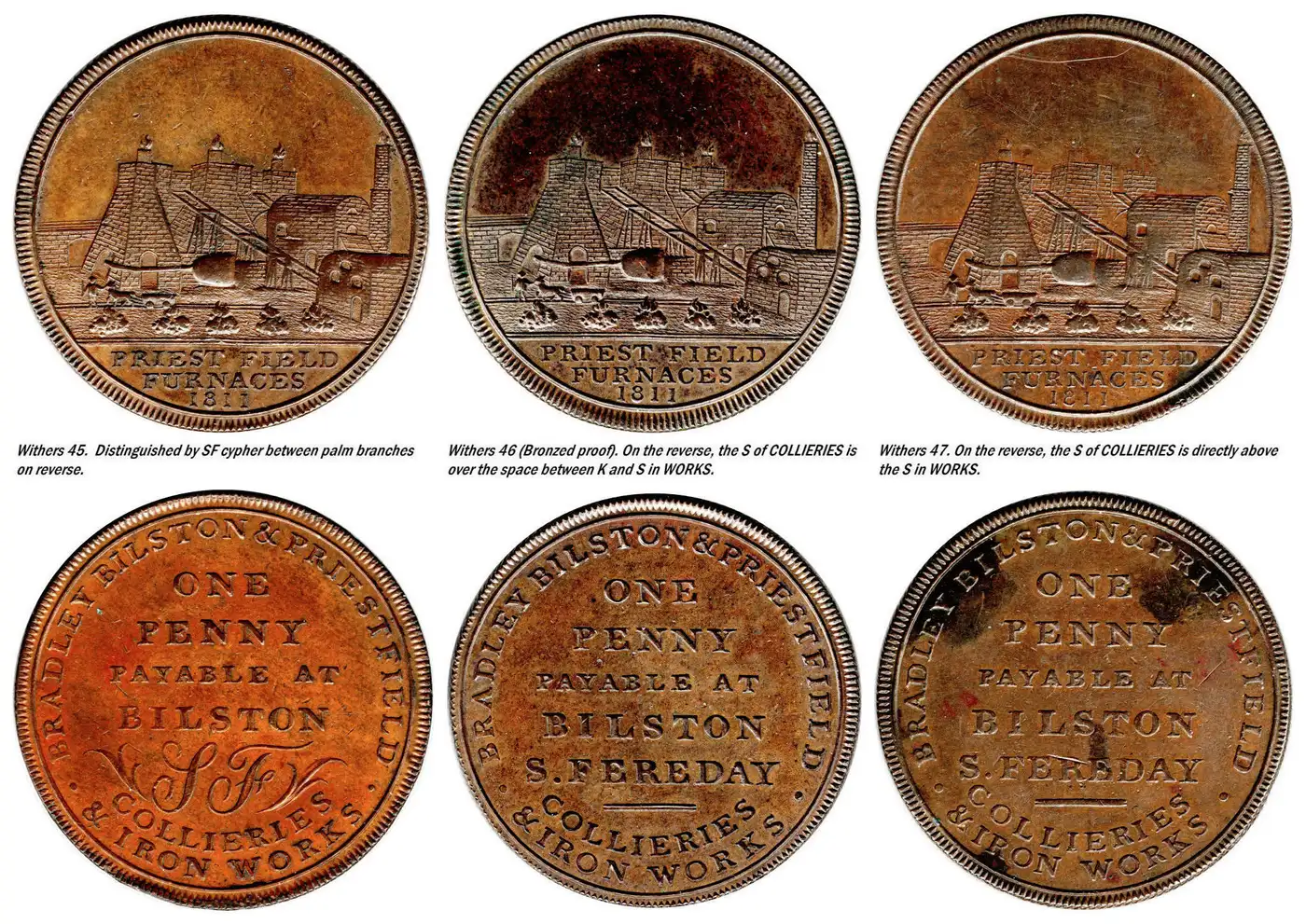
"If everything seems to be under control, you're just not going fast enough."
--- Mario Andretti
|
|
Pillar of the Community
United States
659 Posts |
Looks good, Daltonista.
Too close to bedtime for me to play much with it, but I downloaded and installed.
Pleased to report it didn't complain about my Win7, and appears to be functioning.
|
| |
Replies: 27 / Views: 1,425 |







 Posted 03/01/2026 5:13 pm


