Coin Community Family of Web Sites Join Thousands of Coin, Bullion, & Money Collectors
300,000 items to help build your collection! Join Thousands of Coin, Bullion, & Money Collectors Coin, Banknote and Medal Collectors's Online Mall Vancouvers #1 Coin and Paper Money Dealer Royal Canadian Mint products, Canadian, Polish, American, and world coins and banknotes. Specializing in Modern Numismatics Royal Estate Auctions - $1 Coin Auctions


Username:
Password:
Save Password
Forgot your Password?


This page may contain links that result in small commissions to keep this free site up and running.

Welcome Guest! Registering and/or logging in will remove the anchor (bottom) ads. It's Free!

I Need A Little Help?

To participate in the forum you must log in or register.
Author Previous TopicReplies: 5 / Views: 2,074Next Topic  
Valued Member

United States
465 Posts
 Posted 09/04/2010  12:49 am Show Profile   Bookmark this topic Add rh13 to your friends list Get a Link to this Message Number of Subscribers
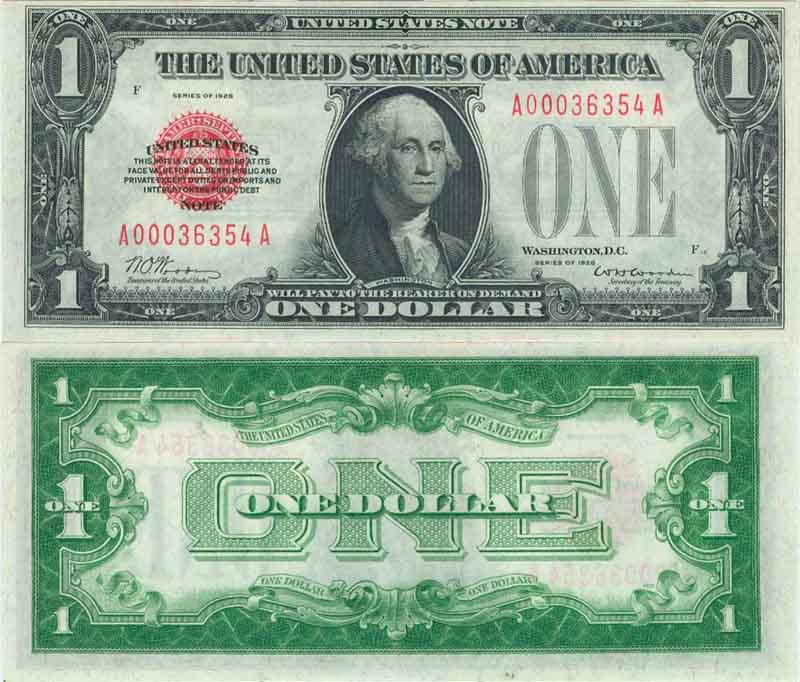
I cant seem to get my scans of paper to the correct size?I have no trouble with coins,,any help for a idiot?It took me an hour to get this,,thanks,lets see how this looks,thanks again for your patients

I-Need-A-Little-Help?

I-Need-A-Little-Help?
Valued Member
United States
465 Posts
 Posted 09/04/2010  12:55 am  Show Profile   Bookmark this reply Add rh13 to your friends list Get a Link to this Reply
It says scans should be under 90 kb,Im missing something,maybe my brain
New Member
Bobo_Jenkins's Avatar
United States
15 Posts
 Posted 09/04/2010  01:44 am  Show Profile   Bookmark this reply Add Bobo_Jenkins to your friends list Get a Link to this Reply
I made a tutorial on how to scan modern currency. You can adjust the resize step to a smaller dimension if that will help.

http://www.mymoneycollection.com/scan.php
Pillar of the Community
Nickelman's Avatar
United States
1397 Posts
 Posted 09/04/2010  01:45 am  Show Profile   Bookmark this reply Add Nickelman to your friends list Get a Link to this Reply
Best way is to use Photoshop (or similar) to reduce the quality so you can have a larger pic.


I-Need-A-Little-Help?
Pillar of the Community
arthrene's Avatar
United States
1713 Posts
 Posted 09/04/2010  10:45 am  Show Profile   Bookmark this reply Add arthrene to your friends list Get a Link to this Reply
I personally like to upload them to an outside site first like photobucket.com and then just paste the link here. That way I don't have to worry about the size.
Valued Member
United States
465 Posts
 Posted 09/05/2010  03:19 am  Show Profile   Bookmark this reply Add rh13 to your friends list Get a Link to this Reply
thanks alot,,
  Previous TopicReplies: 5 / Views: 2,074Next Topic  

To participate in the forum you must log in or register.


Disclaimer: While a tremendous amount of effort goes into ensuring the accuracy of the information contained in this site, Coin Community assumes no liability for errors. Copyright 2005 - 2026 Coin Community Family- all rights reserved worldwide. Use of any images or content on this website without prior written permission of Coin Community or the original lender is strictly prohibited.
Contact Us  |  Advertise Here  |  Privacy Policy / Terms of Use

Coin Community Forum © 2005 - 2026 Coin Community Forums
It took 0.22 seconds to rattle this change. Forums