| Author |
 Replies: 21 / Views: 3,598 Replies: 21 / Views: 3,598 |
Page 2 of 2
|
|
|
|
Valued Member
India
265 Posts |
please buy a scanner, to scan coins and notes. it might a lot easier
warm wishes.
|
|
Pillar of the Community
 United States
844 Posts |
After tonight I am done with work until after the new year. I promise I'll get back on this issue.
|
|
Pillar of the Community
United States
844 Posts |
|
|
Pillar of the Community
United States
844 Posts |
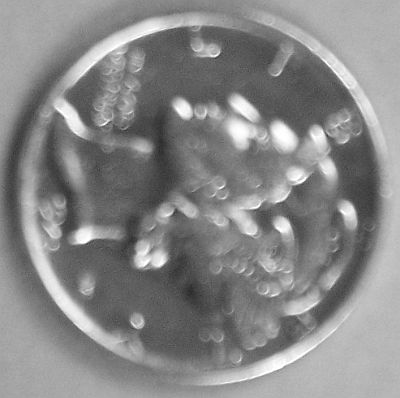
I've been messing around with the camera some more and so far this is the best I could get. I think now it is a lighting issue. Still not sure what the exposure bracketing is. 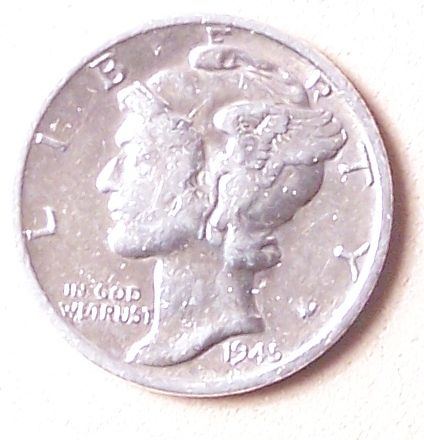 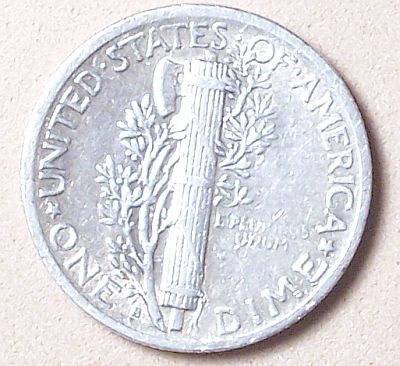 |
|
Moderator
 United States
23522 Posts |
Much better.  It's more an exposure issue than a lighting issue. The exposure time needs to be cut in half, all other things staying the same. I think you'll find the pics a little washed-out on the left of the face and fasces when you get the exposure speeded up, but we can nibble at that problem then. |
|
Pillar of the Community
United States
844 Posts |
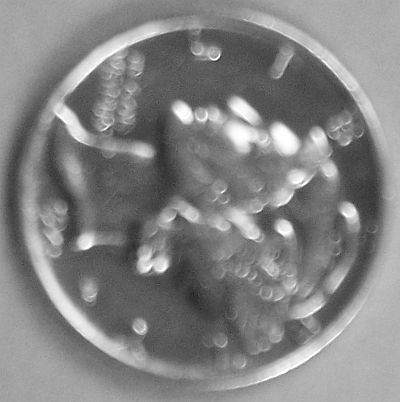
Got it to where the "s" is visible. I have the exposure bracketing set at +/- 0.3 I also messed around with the white light setting and found that it had a better result with it in auto. 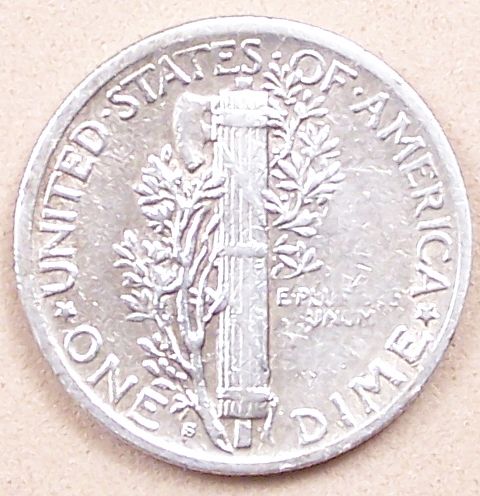 |
|
Moderator
United States
23522 Posts |
Run the exposure bracketing up to the maximum, and expect the (minus) setting to return your best result.
|
|
Pillar of the Community
United States
844 Posts |
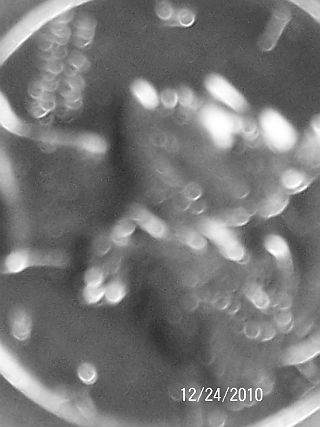
Ok. The first picture is with exposure bracketing all the way up. The second is with it about half way or a little more. 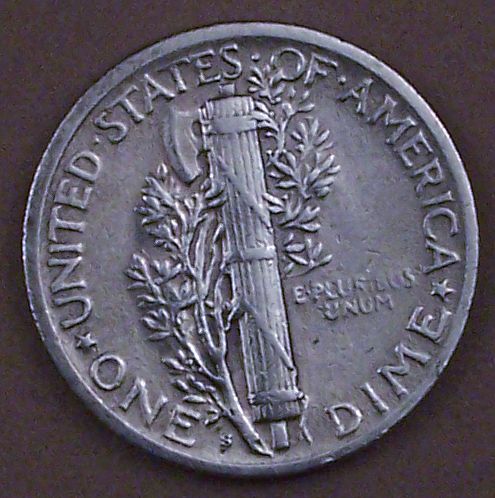 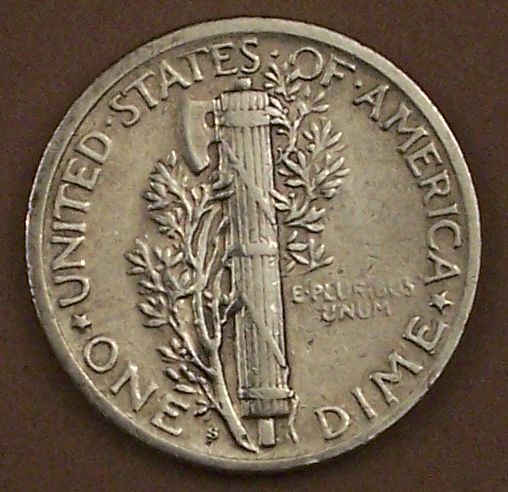 |
|
Pillar of the Community
United States
4085 Posts |
Those last two are some pretty dang good pictures - I especially like the second. Nice work!
|
|
Moderator
United States
23522 Posts |
Ding! We're getting there. You are probably approaching your camera's physical limits now. The exposure bracketing has been a trick to keep from having to go into fully-manual camera settings; this will be the next objective because coins of different color and luster will require different photography approaches. Do you know anything about postprocessing in software? If not, it can be the next thing we discuss, should you like to learn. I'm guessing this coin has little remaining luster. If you have a Mint State example, slide it under the camera to see what comes out. I suspect it'll want different lighting or different settings. Now, to address your original reason for posting this thread. I'd like to see the obverse, too, but at this moment I tend to agree with your opinion that it seems a little "too clean." Your best bet is to get the coin outdoors, under bright, direct sunlight, and move it around under a loupe. If there are hairlines from brushing, you will eventually find the angle which reveals them. Sunlight is harsh. If it's been chemically cleaned, it won't show with this test. That's just a matter of experience. The open areas of the fields are a little too bright compared to the darker areas close to the letters, but it is possible for honest circulation to cause the same effect. I think chemical cleaning would not leave this condition - it would clean the tight areas just the same as the open. Not quite enough information to be sure yet. |
|
Pillar of the Community
United States
844 Posts |
Thank you KenKat! I literally spent all day fine tuning this camera to take quality pics. I have to give credit where it's due. SuperDave helped soo much. I think with a little more time I'll be able to get the photo to look more like the coin. Right now it looks kind of dull, and it's really not. It's as shiny as a new dime. I swear I love Coin Community! I've learned more in the past few weeks than I have in the past 21 years of collecting.  |
|
Moderator
United States
23522 Posts |
Quote:
It's as shiny as a new dime Definitely cleaned, then. Obviously, the goal of photographing coins is to make the picture look "just like the coin." Keep in mind, though, that coin will look different in your hand under a table lamp in the living room, under fluorescent light in the kitchen, and outdoors under the sun. The camera will always bring out details you don't notice, except under a loupe, and it will make marks appear bigger than they actually are. So, you almost learn a second set of standards - what a coin looks like in-hand, and what the same coin looks like in a carefully-composed and well-lit photograph. |
|
Pillar of the Community
United States
844 Posts |
SuperDave, I know nothing of post processing software. Are you talking about photoshop?
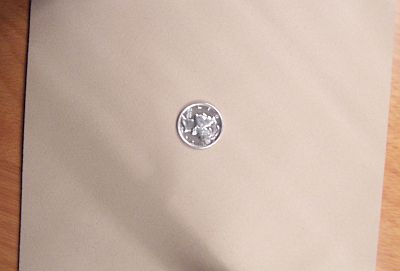
If you look at the first set of pictures there is two that are shown from a distance. That is really what the coin looks like. I did not spot any brush marks on the surface.
The thing that concerns me is that the condition of the surface of the coin looks to be slightly worn on the "E Pluribus Unum". Besides the contact marks there is also the second "T" in States (shown in the photo) It appears to be broken? It just seems to me these indicate a coin that was in circulation for some time. I would not believe that it still has this kind of mint luster.
In my Krause book (2010) This coin MS-60 is $28.00 and it jumps to MS-65 being $115.00 Quite a difference that I'm trying to find where this coin fits.
I'll post the Obverse side.
|
|
Pillar of the Community
United States
844 Posts |
1945 micro s. 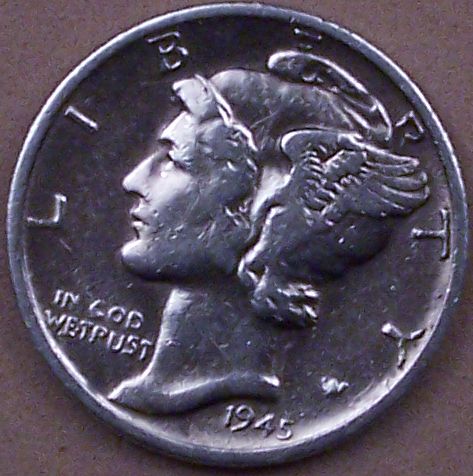 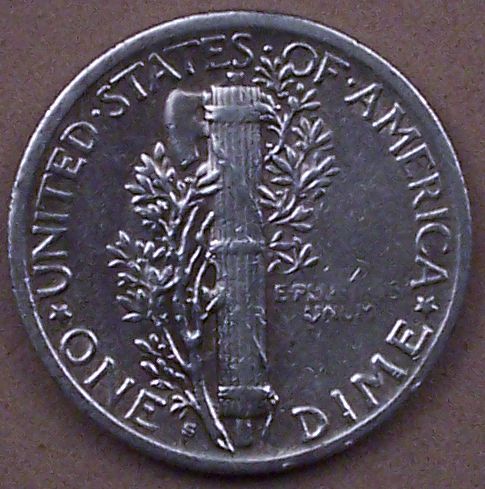 Obviously the T isn't broken. Sure looked like it in the photos. |
|
Moderator
United States
23522 Posts |
The coin is definitely worn - I'm no grader of Mercurys but I don't see it exceeding VF-EF, so the value is negligible. You are quite correct in believing that there should be no remaining luster. I was referring to Photoshop or the equivalent; I use the Gimp, which is just as capable as Photoshop at a much better price - free. The reason I mention postprocessing is because it would allow you to settle for less than "prefect" in terms of color and sharpness, and correct the deficiencies later. |
|
Page 2 of 2
|
Replies: 21 / Views: 3,598 |
Page 2 of 2
|




 First Page


 Posted 12/23/2010 11:30 am