"We are poor little lambs...who have lost our way...Baa...Baa...Baa"
In memory of those members who left us too soon... In memory of Tootallious March 31, 1964 - April 15, 2020 In memory of crazyb0 July 27 2020. RIP. In memory of T-BOP Oct. 12, 1949 - Jan. 19, 2024
The optimizer didn't go anywhere, surprisingly enough; it's just been replaced by an alternate method for specifically CCF posting.
I will probably continue to use the optimizer (until it breaks) because CCF is not the only reason for me to optimize images; but I guess it's no longer useful for posting to CCF, and I will have to find an alternate option. (I heard Imgur is good this time of the year.)
If you are an iOS user, I can heartily recommend Round Photo for circular coin crops. You can set the pixel diameter, and the app gives an accurate size estimate of the resulting jpg. Image Size works a similar way, without the circle crop.
Linux, gimp still reigns supreme. Windows and Mac, not a clue, probably infinite free options.
On that note: it's apparently no longer possible in the CCF optimizer to crop below 200 pixels in either dimension. I'm pretty sure I've had reasons to crop smaller than that occasionally (e.g. for detail pictures cut out of larger photos), and it's really annoying to lack that option, even if I don't expect to need it often.
Quote: FYI, the Optimizer settings haven't changed since it was installed. You're just looking for things to complain about now.
I know I have uploaded some photos less than 200 pixels tall, but I guess I can't rule out it being done via some method other than the Optimizer. (And of course I have uploaded some photos under 200px from the Optimizer but that was over a decade ago and the whole thing worked very differently back then.)
[EDIT: of course they were over 200 when originally cropped and then resized to under 200. I forgot that was possible.] [EDIT 2: ...I tested and actually that's not possible either. Ugh. I don't know how I managed to do those.]
Quote: You can't crop photos? Every device I've ever had can crop photos.
I can, theoretically, crop photos, but it's actually pretty hard to crop a photo on a Samsung phone without either deleting the uncropped original (which I would really rather not) or horribly crippling the quality (even compared to the original), and also it's really hard to do anywhere near the precise detail cropping I can easily do in the Optimizer.
(MS Paint is theoretically an option on the laptop, but I'd really rather not trust their handling of JPEG compression.)
Quote: Every device I've ever had can crop photos.
I figured out the last 2 ways to post pics. I'll get this one. Once I do, all's good. Thanks bobby.
"We are poor little lambs...who have lost our way...Baa...Baa...Baa"
In memory of those members who left us too soon... In memory of Tootallious March 31, 1964 - April 15, 2020 In memory of crazyb0 July 27 2020. RIP. In memory of T-BOP Oct. 12, 1949 - Jan. 19, 2024
Quote: I can, theoretically, crop photos, but it's actually pretty hard to crop a photo on a Samsung phone without either deleting the uncropped original (which I would really rather not) or horribly crippling the quality (even compared to the original), and also it's really hard to do anywhere near the precise detail cropping I can easily do in the Optimizer.
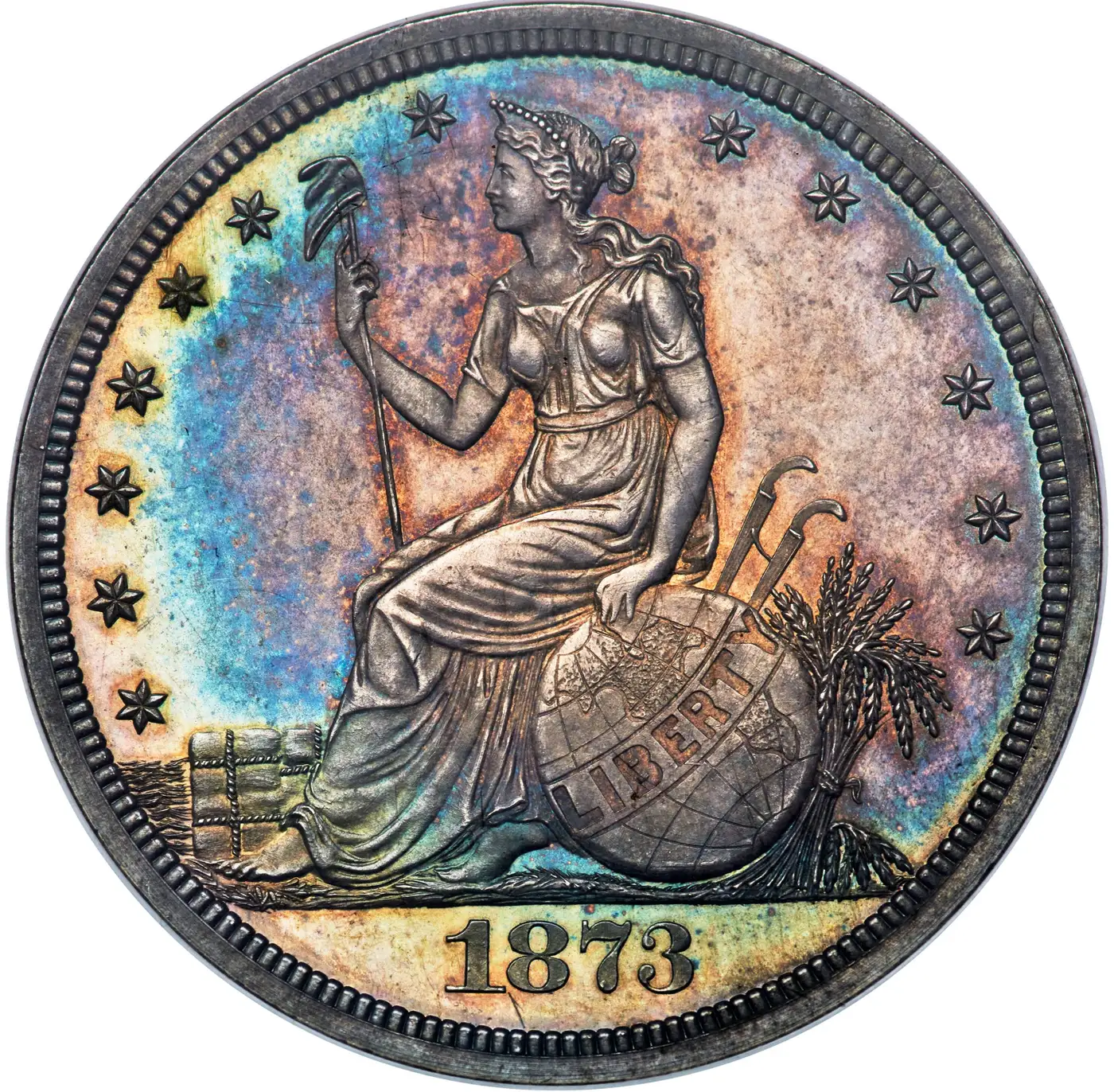
This is getting old, you're talking about crippling the quality. That's ridiculous. Below is a heritage image. Original is 3000px x 2975px and 2.6MB. I downloaded it and cropped it, then resized it twice by 30 pixels, which you say cripples the quality each time. Then I uploaded it, which resizes because the longest side is over 1400px, compresses it, and converts it to WebP. Crippled some more, right?
Does this look crippled to you? No, it's better than most here and perfectly fine for anything you need to do. So please just quit being so dramatic and upload images, they are not being crippled.
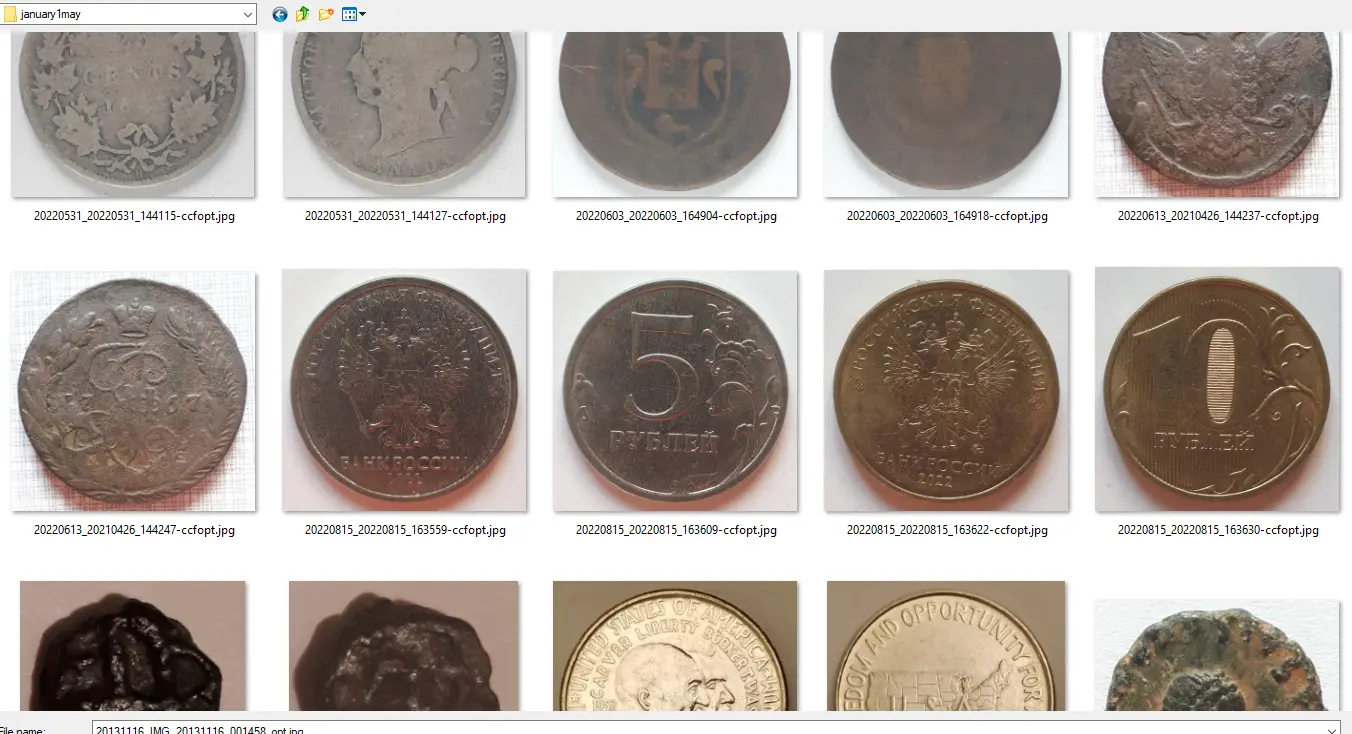
This is an overview of what you've been uploading here so I don't think the new uploader can do anything but help.
Quote: This is getting old, you're talking about crippling the quality. That's ridiculous.
I mean it, though; as far as I'm aware, the simple way to crop on a Samsung phone that does not replace the original (which I might want later) involves sending the image over Telegram or WhatsApp, which makes it a lot smaller (~700 pixels) and also significantly lowers the image quality (lots of JPEG artifacts).
There is probably some (more complicated) way to crop an image directly while also keeping the original, but if so I don't know how to do that (and will be happy to learn).
Cropping on the phone was a cinch. My 1st try at posting them was a success. Thanks bobby, that is so easy now.
"We are poor little lambs...who have lost our way...Baa...Baa...Baa"
In memory of those members who left us too soon... In memory of Tootallious March 31, 1964 - April 15, 2020 In memory of crazyb0 July 27 2020. RIP. In memory of T-BOP Oct. 12, 1949 - Jan. 19, 2024
Disclaimer: While a tremendous amount of effort goes into ensuring the accuracy of the information contained in this site, Coin Community assumes no liability for errors. Copyright 2005 - 2026 Coin Community Family- all rights reserved worldwide. Use of any images or content on this website without prior written permission of Coin Community or the original lender is strictly prohibited. Contact Us | Advertise Here | Privacy Policy / Terms of Use





 Posted 01/16/2026 07:25 am





 of course they were over 200 when originally cropped and then resized to under 200. I forgot that was possible.]
 Very nice pics too!


