With the image on the screen, like you get when you click the link you provided, right-click the picture and choose Properties. A box comes up titled Element Properties. The first entry in that box, Location, contains the exact URL that you'd cut and paste in between IMG tags, which you get by clicking the Insert Image button in the Reply screen. Or, you could just type in your own IMG tags. They'll look like IMG at the beginning and /IMG at the end, both encased in [] characters. Either upper case or lower case works. In the example below, I changed the very first bracket character to a parenthesis character, to "break" the link so you could see how it's typed:
(IMG]uploaded/ssuperddave/10003/2139obva.jpg[/img]
That's how I post images here. It might not be the easiest way, but it works.









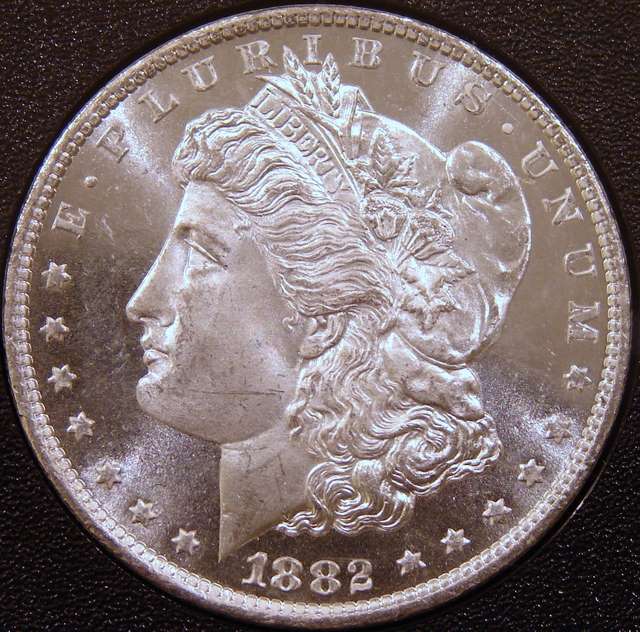 DSC00228.jpg
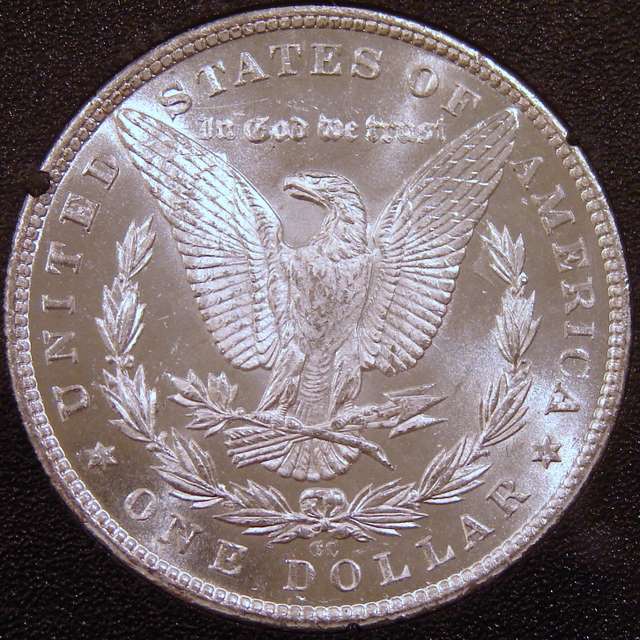 DSC00231.jpg
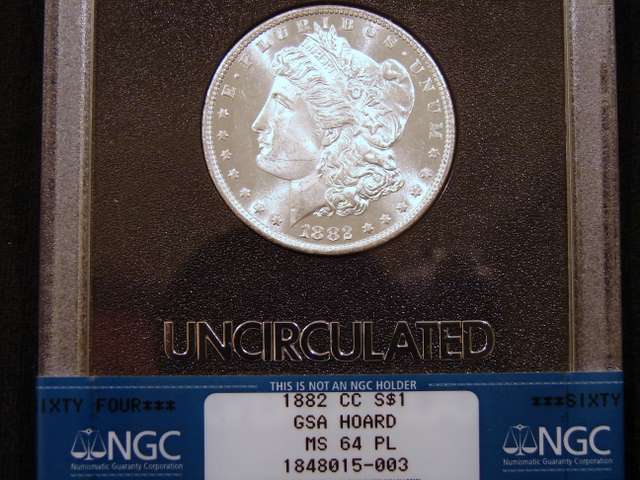 DSC00229.jpg

 Posted 03/09/2007 8:06 pm


