| Author |
 Replies: 25 / Views: 4,965 Replies: 25 / Views: 4,965 |
|
Pillar of the Community
United States
589 Posts |
Edited by johntookit
05/30/2014 04:42 am
|
|
|
|
Pillar of the Community
 United States
589 Posts |
|
|
Moderator
 United States
23522 Posts |
Are you shooting remotely? Some of the images are out of focus, which is essentially impossible if you manually focus the image on the computer monitor in front of you. And this rig is expressly designed for that usage. Also, it's time to develop the technique to post larger images here, because your rig is capable of far greater quality than can be illustrated in such small images.
|
|
Pillar of the Community
United States
589 Posts |
Quote:
Are you shooting remotely? Some of the images are out of focus, which is essentially impossible if you manually focus the image on the computer monitor in front of you. And this rig is expressly designed for that usage. Also, it's time to develop the technique to post larger images here, because your rig is capable of far greater quality than can be illustrated in such small images. I click the mouse to take the pictures. In uploading the images I have to get it under 100KB right? |
|
Pillar of the Community
United States
4051 Posts |
I'd recommend getting a Photobucket or similar hosting service so you can post larger images.
I agree with SD, if you're looking at the image on the screen it should be in focus. Note that the camera does not output very high resolution image to the screen, so it can fool you into thinking it's in focus. The trick is to use the magnifier/zoom function to do critical focusing. The magnifier gives you a 100% full pixel/full resolution and sharpness preview so you can make sure the image is in focus.
I also see duplicates of each image but with slightly different white balance. My recommendation is that you use the "tungsten" or "incandescent" setting (looks like a light bulb...). This matches the color temp of the Jansjos pretty closely and will at least be close, and more consistent even than manual white balance.
Contact me for photographic equipment or visit my home page at: http://macrocoins.com |
|
Moderator
United States
23522 Posts |
Quote:
In uploading the images I have to get it under 100KB right? Only if you use CCF's uploader. You can get an account at a site like Photobucket, and post images from there here at CCF. Here's a tutorial: https://goccf.com/t/53146Size the coin to 800 pixels in diameter or so. |
|
Pillar of the Community
United States
4051 Posts |
It looks like you might do well with some diffusion, especially on the very lustrous buffnick. Put a kleenex around the light, and try it more or less "baggy" to adjust the amount of diffusion. If you pull it tight against the lens, it will give a little diffusion but not much. As you increase the distance the tissue is away from the lens, the light source will appear to get bigger and bigger, increasing the diffusion.
As for settings to get the most out of the camera, I recommend:
White Balance: tungsten
Aperture: manually set at the lens to f8 for full coin shots
ISO: manually set it to 100. This will give you the best noise levels in the shadows
Av: Aperture priority. Camera will automatically adjust shutter speed to give consistent exposure
Ev: Vary this based on subject coin. If the coin has lots of reflective hotspots, make this as much as -2Ev (typically -.33 to -1Ev) to keep from overexposing hotspots
Sharpness: 0. Do no sharpening in-camera or on full-size images. Only sharpen after downsizing, if at all.
Contrast: Vary this based on the subject coin. You can always increase contrast in post-processing but you can never get back lost dynamic range
These settings assume you are doing jpg processing. If you do RAW, then sharpness, contrast, etc will be done in post-processing.
I'm sure SD will have alternate suggestions (I don't think he likes using Av for instance...) so YMMV...
Contact me for photographic equipment or visit my home page at: http://macrocoins.com |
|
Pillar of the Community
United States
589 Posts |
Thanks Ray and Superdave for your help. I will test it tonight right after I get done with my work.
|
|
Pillar of the Community
United States
4051 Posts |
One correction to the above...for Dollars and Halves, set the aperture to f8. For Quarters and smaller, set to f5.6...Ray
Contact me for photographic equipment or visit my home page at: http://macrocoins.com |
|
Pillar of the Community
United States
589 Posts |
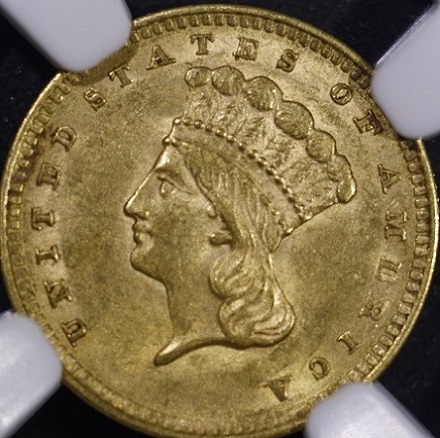
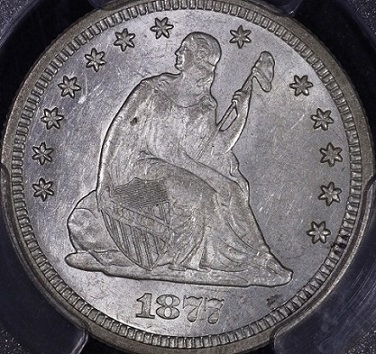
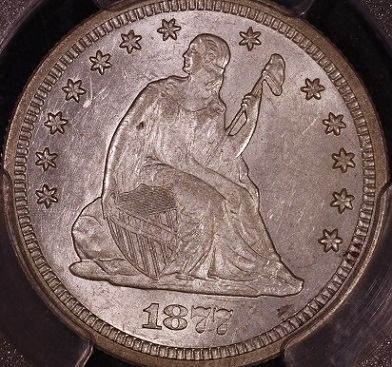
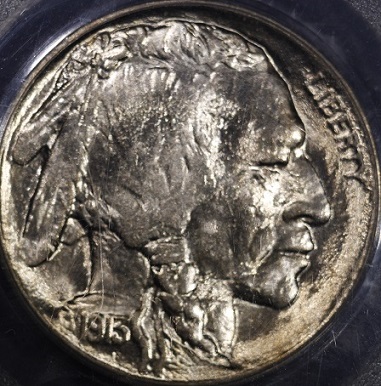
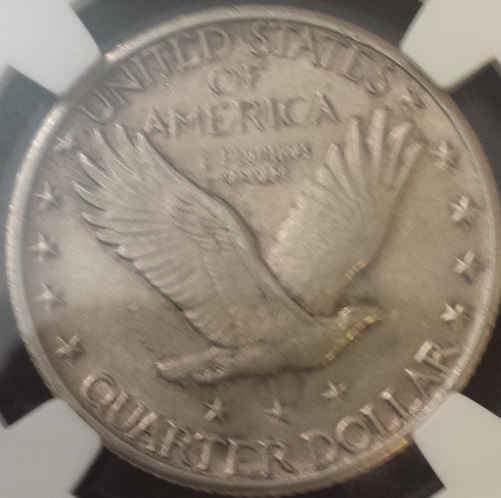
First adjusted the setting and lighting.   Now time for Photobucket. |
|
Pillar of the Community
United States
589 Posts |
|
|
Moderator
United States
23522 Posts |
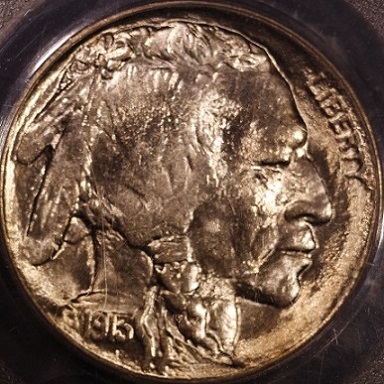
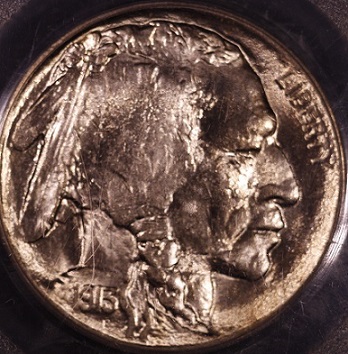
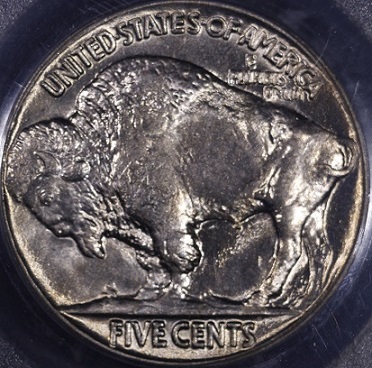
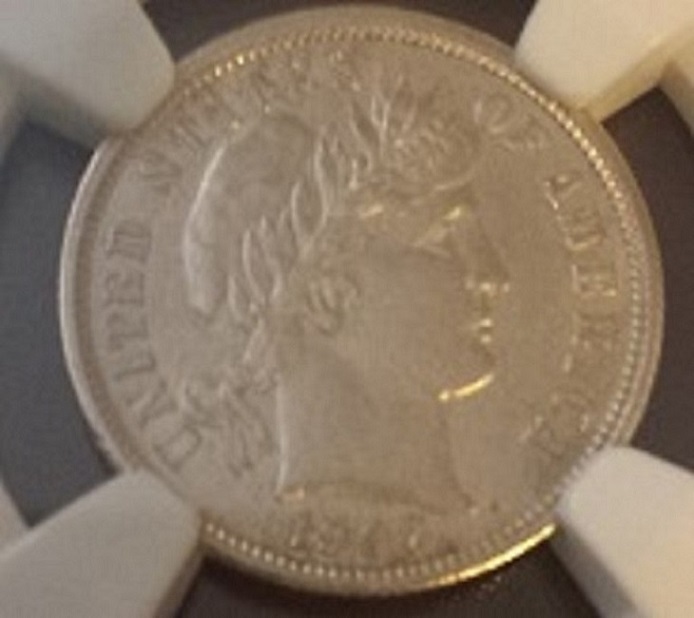
They look straight to me.  Much betterer. Do you know why you've lost focus on the reverse of the Trime and the IHC? |
|
Valued Member
United States
234 Posts |
Looks like you're getting some great photos. I especially like that SLQ.
What sort of stand are you using for the camera?
|
|
Moderator
United States
23522 Posts |
Quote:
What sort of stand are you using for the camera?
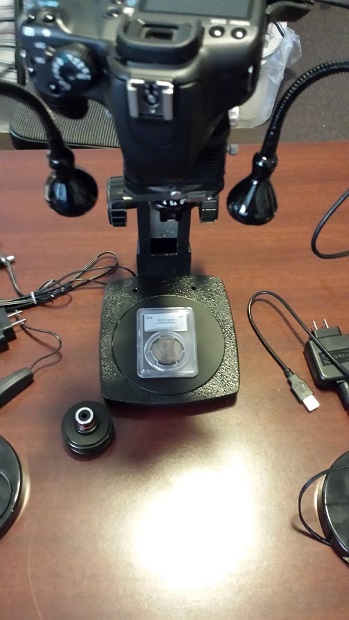
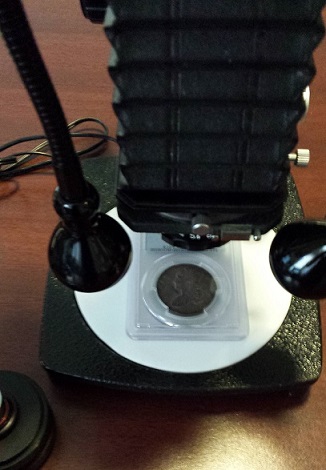
It's a modified microscope stand, custom-built by CCF member rmpsrpms. I have one of his stands as well. |
|
Pillar of the Community
United States
9810 Posts |
The tissue trick is one I also use with the jansjo lights, much better and even diffuse lighting.
Focus - Are you refocusing on each side of the coin? I refocus each time, sometimes (even at F/8) I still have trouble getting the entire coin in sharp focus, mainly the ones in slabs, the trouble is the coins are tilted inside the slab, so it's either adjust the slab or the camera to better get everything in focus sharply. I notice it the most on the older thick NGC slabs most often.
"Buy the Book Before You Buy the Coin" - Aaron R. Feldman - "And read it" - Me 2013! ANA Life Member #3288 in good standing since 1981, ANS, Early American Coppers Member (EAC), Colonial Coin Collectors Club member (C4), Conder Token Collector Club member (CTCC), Civil War Token Society (CWTS) member, Liberty Seated Collectors Club (LSCC) & Numismatic Bibliomania Society member (NBS), USMex, Member in good standing, 2¢ variety collector. See my want page: http://goccf.com/t/140440 |
|
Pillar of the Community
United States
4051 Posts |
BELLOWS SETUP TIP OF THE DAY: Framing your shot
With the Canon tethering software, when you are in live view on PC monitor, you can turn on a grid pattern that helps with coin rotational alignment. The grid pattern is also customizable, so you can make more or fewer horizontal or vertical lines (independently) as needed to get the alignment to a particular coin if you want.
Getting the coin nicely aligned is usually a bit tricky since there is vertical and horizontal positioning as well as rotation to consider. The quick and dirty way to get perfect alignment is to make your magnification just a little on the low side so the coin is well within the boundaries of the final image size. For instance, your Rebel XS sensor is 3888x2592 pixels. For a final image size of 800x800, you would plan on a 3x downsize. This brings the original down to 1296x864, giving you 496 pixels in X and 64 pixels in Y to crop away. If you make the coin a bit smaller, say 750-780 pixels, you can leave a little room around it for a more natural vignetting. This gives you some room to not be so perfect in the original framing, so the coin can be placed a little off-center in Y (and very sloppy in X) and still come out perfect after cropping.
The real trick is in the rotation, and is another reason a bellows setup is very desirable. If you loosen the camera mount just a bit, the camera rotates freely. Once you get the coin "close" to the right position, you can rotate the camera to line it up perfectly, using the grid pattern as your guide. This greatly speeds framing since you don't need to touch the coin, just do a quick rotation of the camera and snap the shot. A quick downsizing by 3x, followed by a crop to 800x800, and you have a perfectly-framed shot every time.
|
| |
Replies: 25 / Views: 4,965 |










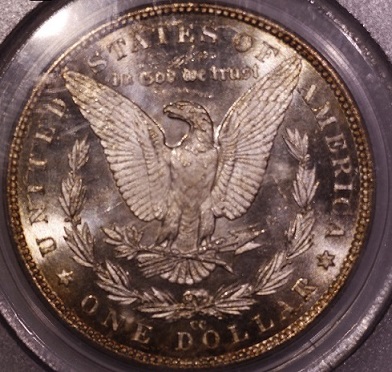
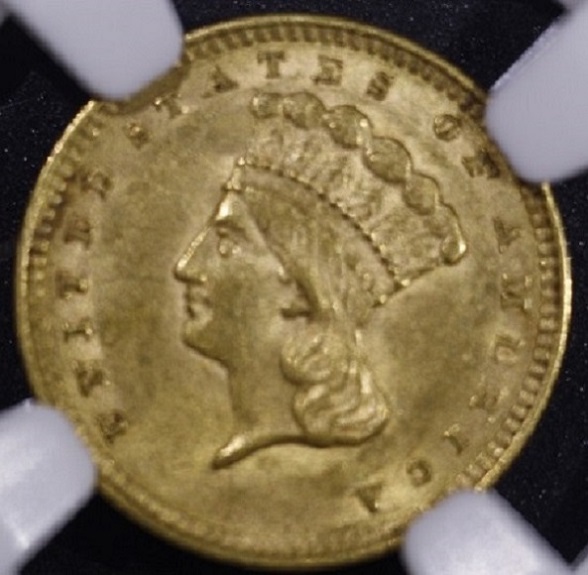
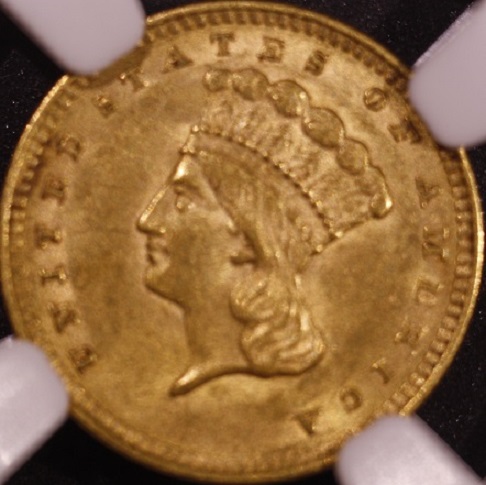
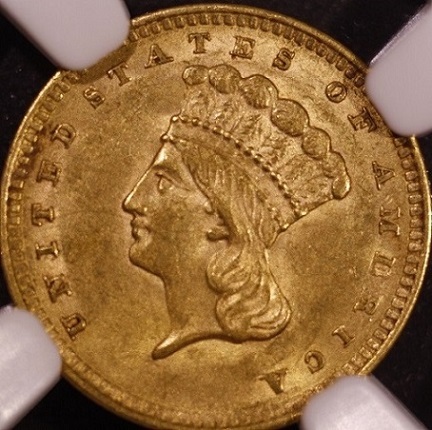


 Posted 06/01/2014 4:32 pm


