Coin Community Family of Web Sites Join Thousands of Coin, Bullion, & Money Collectors
Royal Canadian Mint products, Canadian, Polish, American, and world coins and banknotes. 300,000 items to help build your collection! Royal Estate Auctions - $1 Coin AuctionsSpecializing in Modern Numismatics Coin, Banknote and Medal Collectors's Online Mall Join Thousands of Coin, Bullion, & Money Collectors Vancouvers #1 Coin and Paper Money Dealer


Username:
Password:
Save Password
Forgot your Password?


This page may contain links that result in small commissions to keep this free site up and running.

Welcome Guest! Registering and/or logging in will remove the anchor (bottom) ads. It's Free!

How I Create My Images.

To participate in the forum you must log in or register.
Author Previous TopicReplies: 22 / Views: 2,036Next Topic
Page: of 2
Bedrock of the Community
coop's Avatar
United States
62064 Posts
 Posted 01/23/2015  9:02 pm  Show Profile   Bookmark this reply Add coop to your friends list Get a Link to this Reply
I tried to open your image but getting a message that it can't open it.
How-I-Create-My-Images.
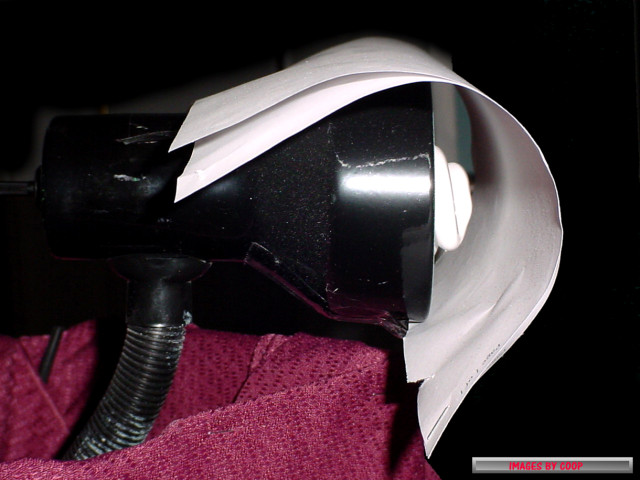
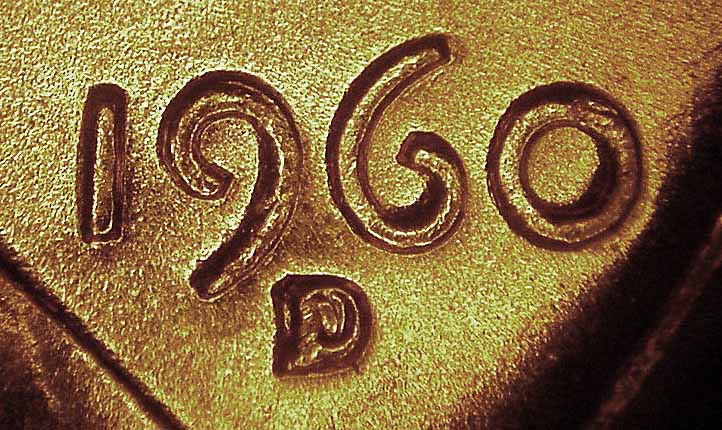
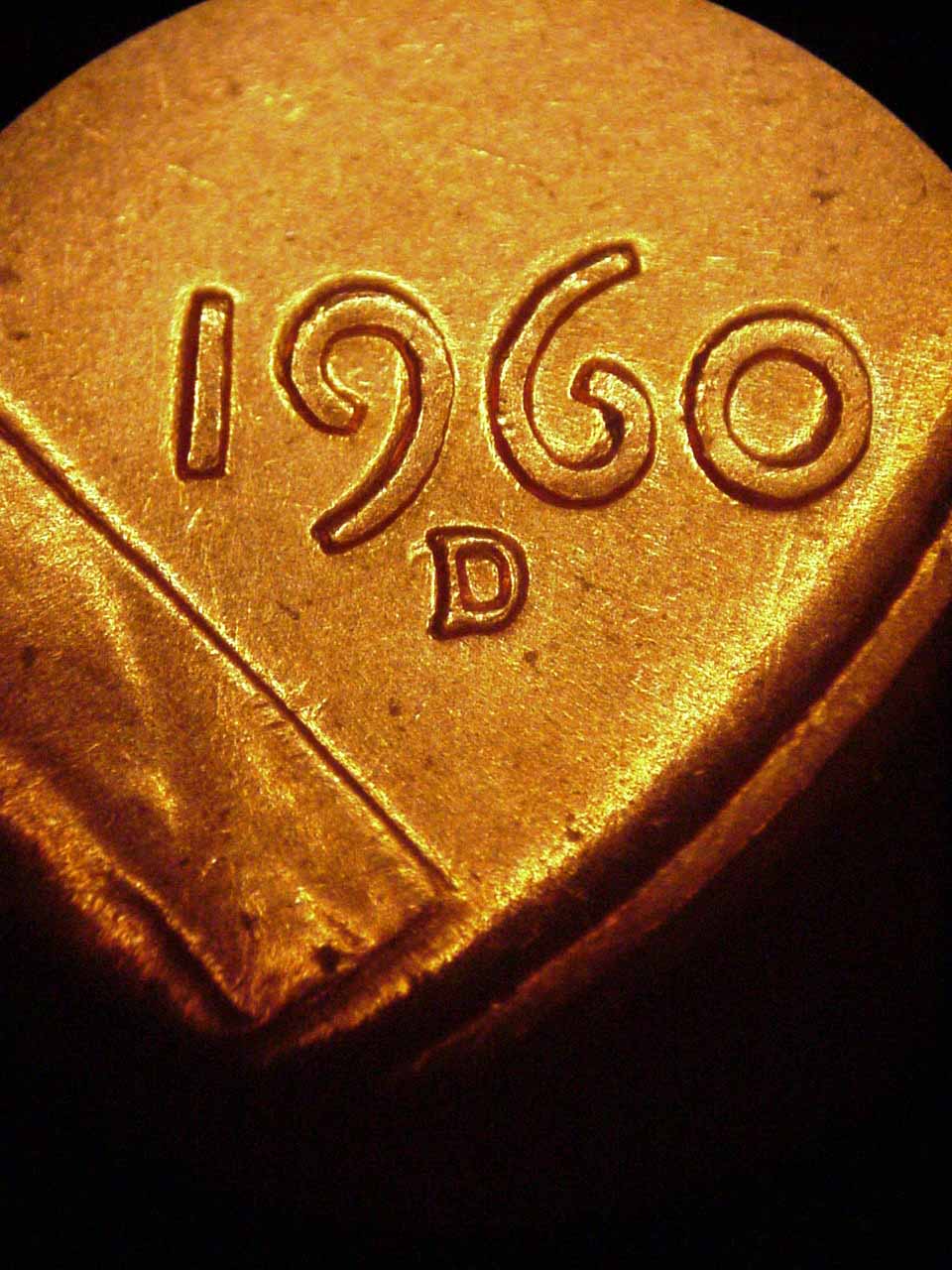
But you image is real close. There is an issue with glare when you take the image. You might try diffusing it with a plastic grocery back to remove the glare. If the light is too bight, you may have to diffuse it with bond paper or use a lower wattage bulb.

I use a 14 watt bulb on my microscope.
How-I-Create-My-Images.
A florescent 23 Watt bulb for full images of coins. (With 2 sheets of bond paper to diffuse it.)
How-I-Create-My-Images.
Bedrock of the Community
coop's Avatar
United States
62064 Posts
 Posted 01/23/2015  9:10 pm  Show Profile   Bookmark this reply Add coop to your friends list Get a Link to this Reply
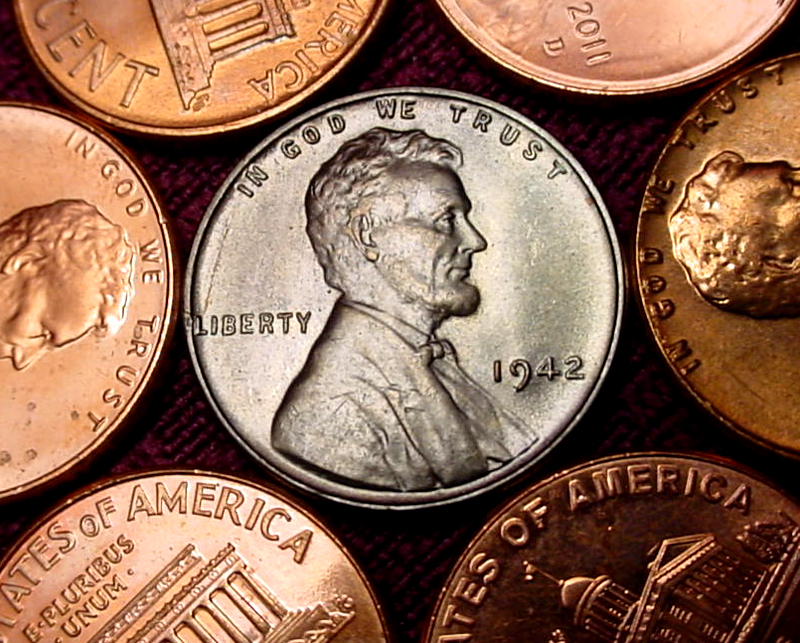
Scurry64: Color looks real close. I edit it first removing too much orange on cents if they are to gold colored. After reducing with the "Hue/Saturation" choice, then I remove some of the hue by reducing the color to brown the coin a bit (instead of gold colored). Then I add color with the "color balance" starting with red, magenta and then yellow to get the final color. If a coin is too dark, I use the "hue/saturation" on the top line to adjust it with a bit of yellow to enhance the darken color, then contrast it to get the desired color. (Looks like I need to make up a thread for this?)
Pillar of the Community
scurry64's Avatar
United States
900 Posts
 Posted 01/23/2015  9:15 pm  Show Profile   Bookmark this reply Add scurry64 to your friends list Get a Link to this Reply
I use 2 40 watt bulbs. I'll try defusing the light.
Bedrock of the Community
coop's Avatar
United States
62064 Posts
 Posted 01/23/2015  9:26 pm  Show Profile   Bookmark this reply Add coop to your friends list Get a Link to this Reply
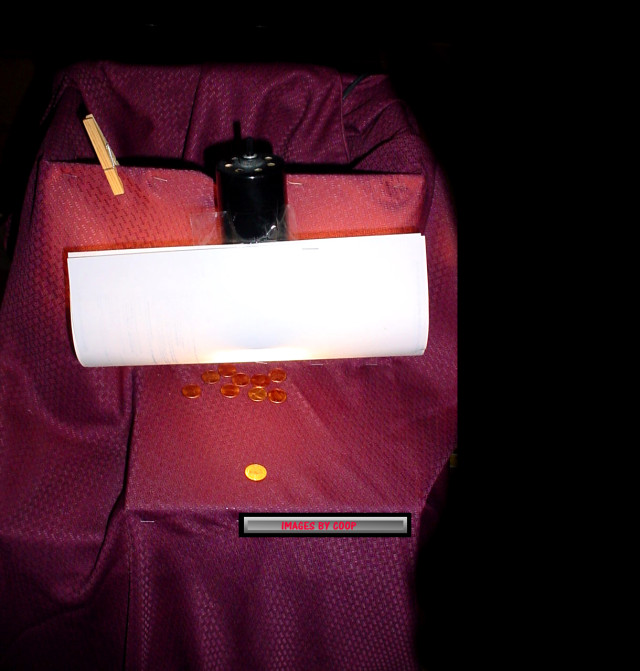
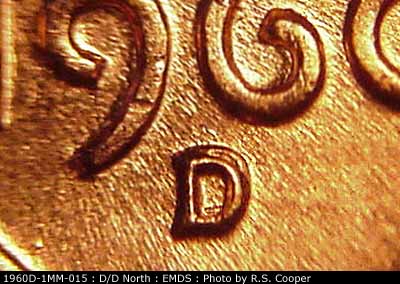
Why two bulbs? When you use two light sources, you create light on both sides of the devices and sometimes makes things appear that aren't really there. On a scope or a full image setup? Too much light is a disadvantage as it prevents light and shadow. Too much light/darkness hides varieties we really want to see the separation.
I experimented with a ring light for taking images under a microscope and the multiple light sources enhanced to much of the fields.
How-I-Create-My-Images.
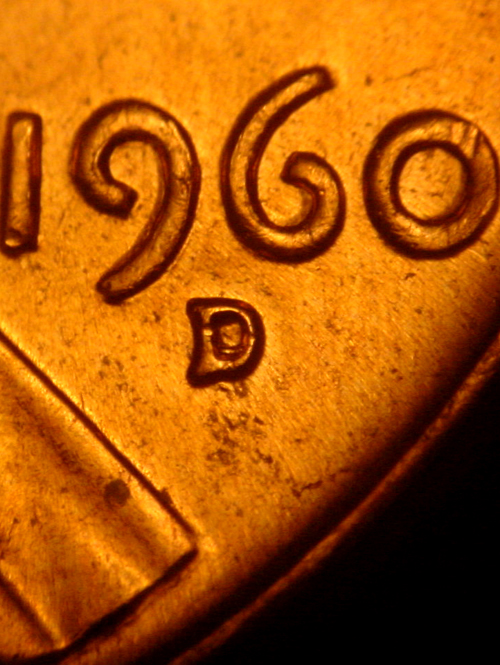
Note there is darkness around the devices, but not real helpful. Lowering the light and reducing the number of light sources helps the fields stay in the background:
How-I-Create-My-Images.
Edited by coop
01/23/2015 9:29 pm
Pillar of the Community
scurry64's Avatar
United States
900 Posts
 Posted 01/23/2015  10:29 pm  Show Profile   Bookmark this reply Add scurry64 to your friends list Get a Link to this Reply
I've read so much about people placing their lights at 10:00 zand 2:00. Their images looked better than mine, so I tried it. I'll keep experimenting.
Valued Member
david29's Avatar
United States
432 Posts
 Posted 01/23/2015  10:37 pm  Show Profile   Bookmark this reply Add david29 to your friends list Get a Link to this Reply
Real nice photos coop!
Bedrock of the Community
coop's Avatar
United States
62064 Posts
 Posted 01/23/2015  11:03 pm  Show Profile   Bookmark this reply Add coop to your friends list Get a Link to this Reply
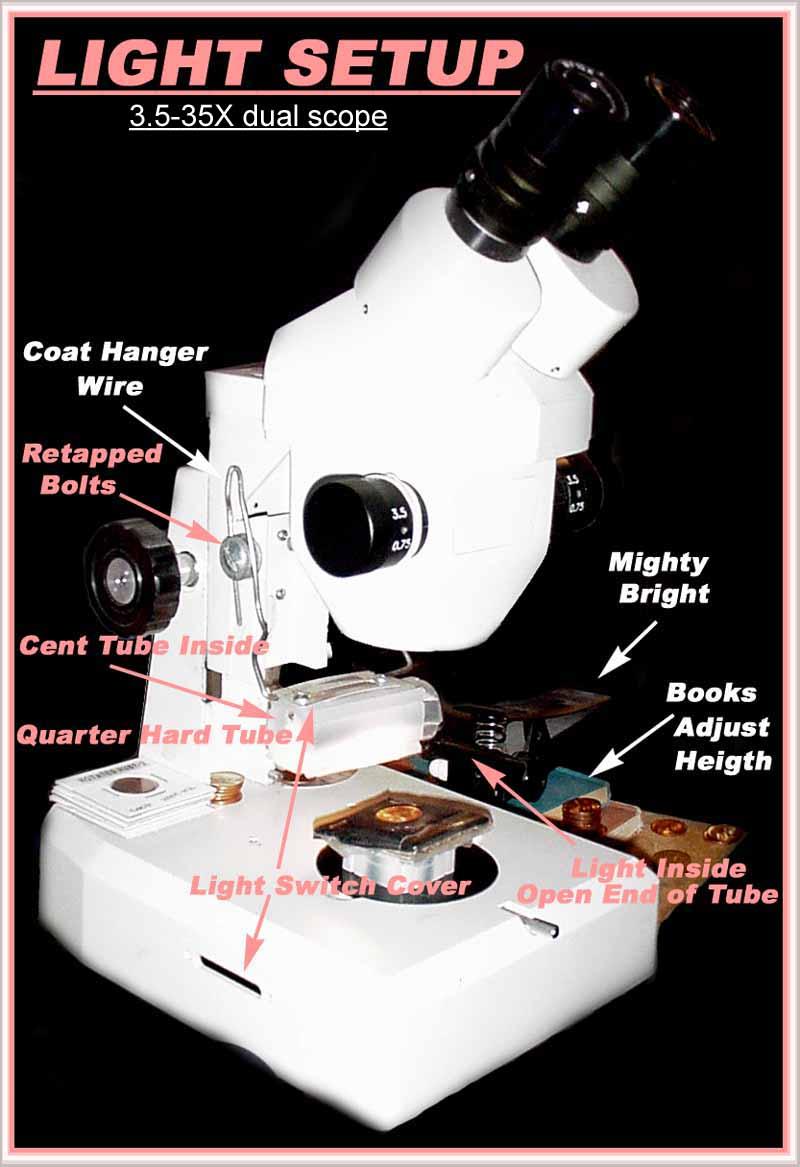
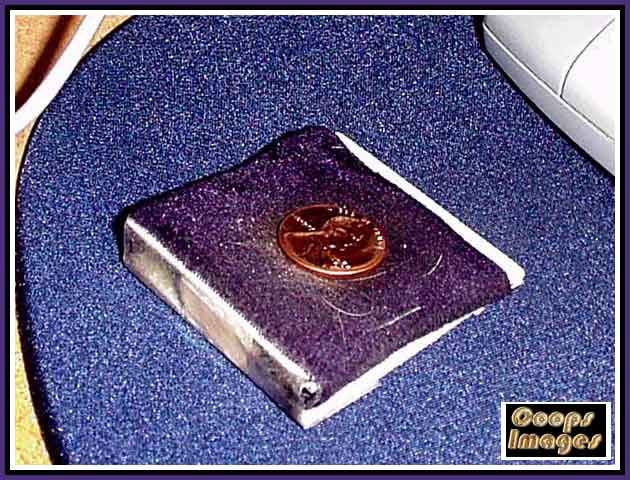
I prefer 12:00 with just one light source. Also in the image of my scope you can see a ramp I use to angle the light correctly into the microscope. Which I sometimes add a coin or two to make the light even over the hold coin.
How-I-Create-My-Images.
Just a 2X2 with a piece of cardboard on the open end, taped and covered with darker material to reduce glare. The indentations for the coins in the 2X2 adds also a bit more angle to get the light just right into the eyepiece.
  Previous TopicReplies: 22 / Views: 2,036Next Topic
Page: of 2

To participate in the forum you must log in or register.


Disclaimer: While a tremendous amount of effort goes into ensuring the accuracy of the information contained in this site, Coin Community assumes no liability for errors. Copyright 2005 - 2026 Coin Community Family- all rights reserved worldwide. Use of any images or content on this website without prior written permission of Coin Community or the original lender is strictly prohibited.
Contact Us  |  Advertise Here  |  Privacy Policy / Terms of Use

Coin Community Forum © 2005 - 2026 Coin Community Forums
It took 0.23 seconds to rattle this change. Forums