| Author |
 Replies: 7 / Views: 1,990 Replies: 7 / Views: 1,990 |
|
|
Valued Member
United States
374 Posts |
Hey, any tips for Barber halves? These are mosly VG-F condition, so not too reflective and fairly flat. I'm have some difficult with the color. The coins look different in different light, so it's hard to figure the true color. Maybe I have decent details and the photos are fairly clear, just wondering if there is some more I can do. I've been on this board a year or so ago. I have two Jansco (sp?) IKEA lights, I am diffusing the light. Shot with a Cannon D60 with a 100 mm macro lens at 5.6f. Mounted on a tripod, rigged up with the lens parallel to the plan of the coin. The processing is on photoshop with the photos in RAW format. 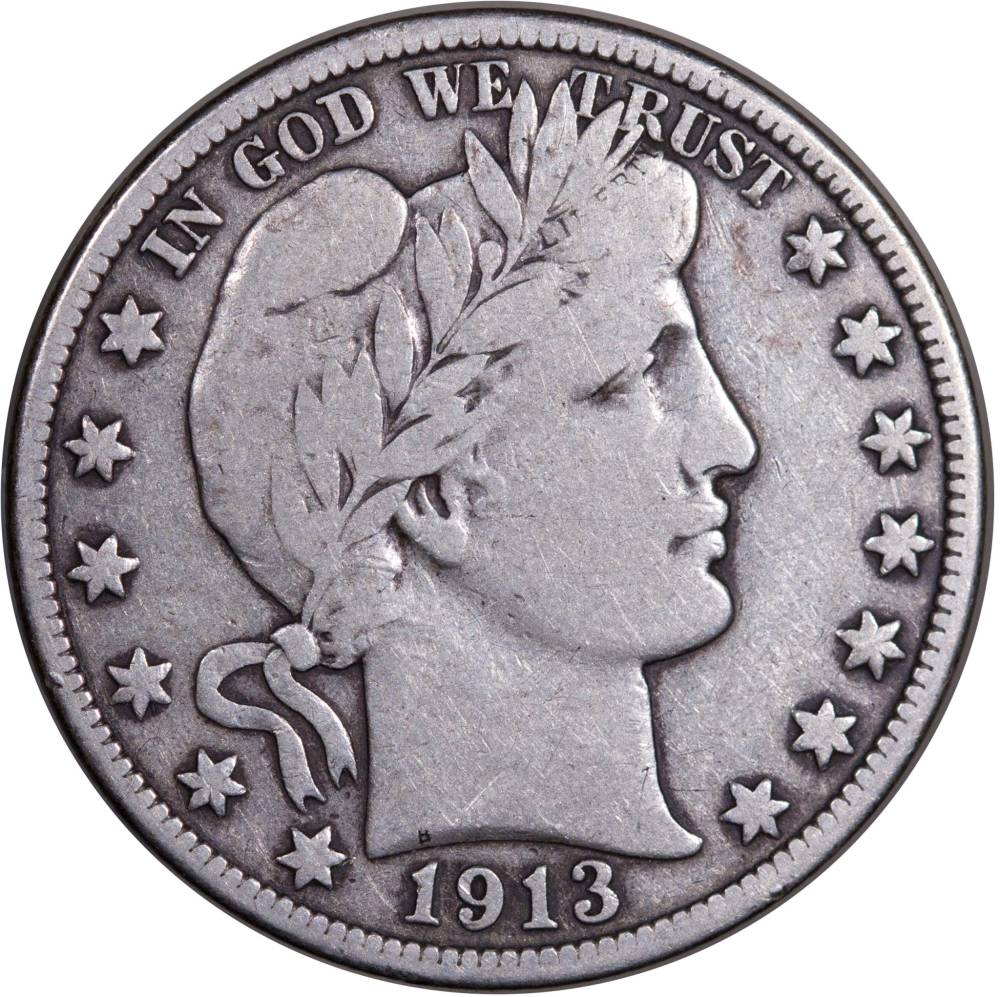 Edited by Bababooey
12/27/2015 02:45 am
|
|
|
|
Bedrock of the Community
Canada
10053 Posts |
I'm still in the learning process as well, but the pic looks great to me.
|
|
Valued Member
 United States
374 Posts |
|
|
Pillar of the Community
Canada
2784 Posts |
Bababooey first hello nice coin. your focus is very good. the coin has like a slight pink tone. myself I have photoshop as well don't like it at all. I use the DPP that is part of the software that comes with canon camera. your photo is very good. have a great one
|
|
Pillar of the Community
Canada
2784 Posts |
Bababooey thought I would shoot one of my old dimes. the colour must be my screen. my dime has a slight pink tone,. sorry my mistake here is a couple of my images. 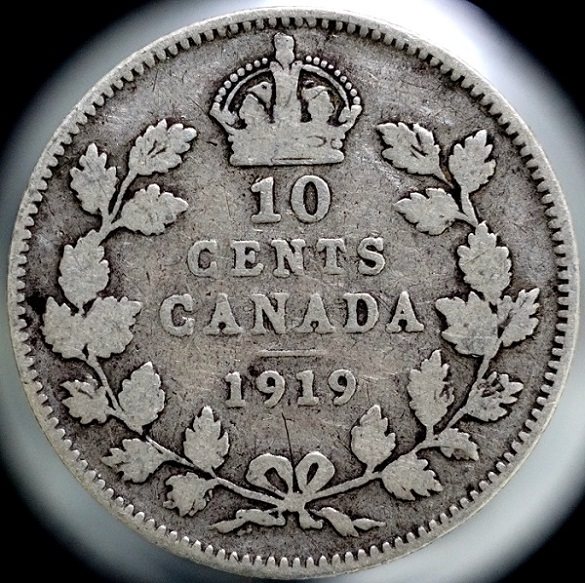 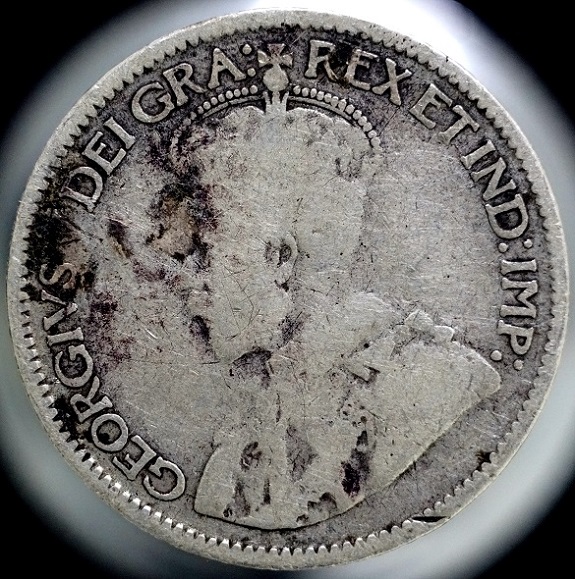 |
|
Valued Member
United States
374 Posts |
Rocky, I do notice the pinkish hue now that you mention It. I don't think it is your screen . Perhaps that what was bothering me, as the coin does not have that hue when you look at it while holding it. And thanks for the complements! Maybe I'll try the program than came with cannon, if I can find it...
Edited by Bababooey
12/27/2015 6:15 pm
|
|
Pillar of the Community
United States
3648 Posts |
The pinkish tone can be eliminated with a little work on the White Balance when you take the picture. Adjust the white balance to match the type of lighting you're using. You can also fix that in photo editing software if you wish.
|
|
Pillar of the Community
 United States
4051 Posts |
Bbb...nice looking pic. Since you're cropping the coin anyway, try shooting it on an index card or 18% grey card. You can then use the eyedropper function of DPP to modify the white balance on the pic itself just before circle cropping...For this size coin, you can go to f/8 with no worries, and if you are only going to publish online you can use f11. This will give you better depth of field and make it less critical to get perfect focus. Do your critical focusing wide open of course, but shoot at f8-f11...Ray
|
| |
Replies: 7 / Views: 1,990 |
|







 Posted 12/27/2015 2:52 pm


