| Author |
 Replies: 15 / Views: 1,478 Replies: 15 / Views: 1,478 |
|
|
Pillar of the Community
Canada
9927 Posts |
When you put text in a Photo like below, How do you erase the text to change it? Also how do you get it centered? 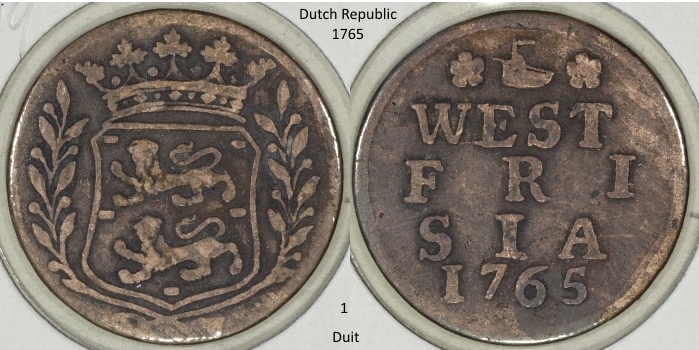 |
|
|
|
Rest in Peace
United States
17900 Posts |
it depends on what program you are using and storing your photos in.
What do use for photo adjustment?
|
|
Moderator
 United States
196572 Posts |
Do all of your text typing in a new layer so that you can easily cut/paste and align until you get it right. One you get it right you can merge the layer down onto the image.
|
|
Pillar of the Community
 United States
4622 Posts |
As JBuck says, and I'm expanding...
Bring the photo in and use a format that supports layers (for example Paint.Net's native pdn format). This will let you use the layers menu to turn on/off the text (I also find it helpful when I'm adding arrows or other attention marks).
Then when you are happy, do a SaveAs of the format you want (e.g. jpg) - you will be prompted to flatten the image as part of the save.
Other tricks.
Use the selection, then change to the move selection tool and you can move it one pixel at a time using the arrow keys.
For sizing the obverse/reverse, use the fixed selection option (it's on the tool bar after you choose the selection option) to set a fixed size as a nice multiple of your desired final size. Say you want 800x600 and have a 4000ish image. 3200 or 4000 - those will then scale down nicely.
Copy the reverse and paste as new layer. Expand the image canvas and position the reverse. Then flatten down.
-----Burton 50+ year / Life / Emeritus ANA member (joined 12/1/1973) Life member: Numismatics International, CONECA Member: TNA, FtWCC, NETCC, EveryCountry (online) coin club Owned by three cats and a wife of 40+ years (joined 1983) Author: 3rd Edition of the Sample Slabs book, https://www.sampleslabs.info/ |
|
Moderator
United States
196572 Posts |
Quote:
As JBuck says, and I'm expanding... Well done!  |
|
Pillar of the Community
 Canada
9927 Posts |
OK guys, thanks not sure I follow but will try to see what I can do tomorrow, will let you know.
Photos are taken with Canon software, then Paint.net to do side by side.
|
|
Pillar of the Community
Canada
9927 Posts |
I think I got it, this is with a layer for text, this old brain had to work hard to figure out what you guys are taking about. Thanks BSrauss3 for the extra help. 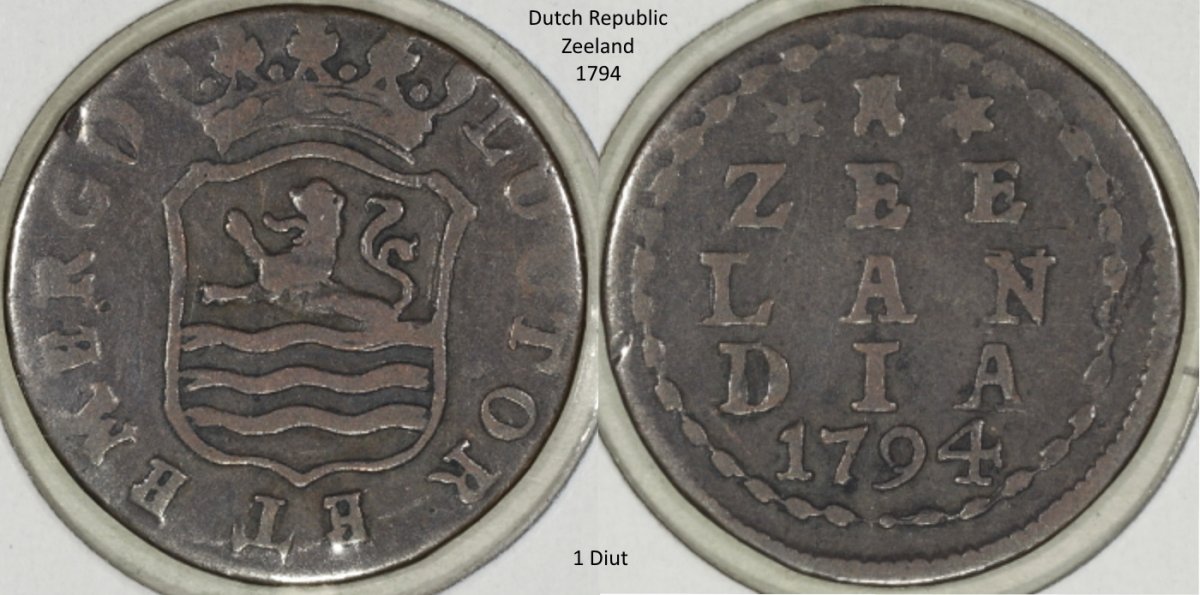 |
|
Moderator
United States
196572 Posts |
Looking good!  |
|
Bedrock of the Community
United States
12477 Posts |
You have to switch your brain into "interdimensional" mode.  In Memory of Crazyb0 12-26-1951 to 7-27-2020
In Memory of Tootallious 3-31-1964 to 4-15-2020
In Memory of T-BOP 10-12-1949 to 1-19-2024
|
|
Moderator
United States
196572 Posts |
Quote:
You have to switch your brain into "interdimensional" mode. My default position.  |
|
Pillar of the Community
Canada
9927 Posts |
Mine has a hard time getting past the 'brain fart mode'  |
|
Pillar of the Community
Canada
9927 Posts |
I have a new problem, how do I get White letters on the black background ? I have tried the 'colour window' and white is the secondary colour but does not work for me.  |
|
Moderator
United States
196572 Posts |
You need to set white to the primary colour. If black is primary and white is secondary, just hit the swap arrows between the two squares showing the colours.
|
|
Pillar of the Community
Canada
9927 Posts |
|
|
Pillar of the Community
Canada
9927 Posts |
Got it, stupid little arrow help didn't tell me that.
Thanks again jbuck.
|
|
Moderator
United States
196572 Posts |
Glad you got it.  |
| |
Replies: 15 / Views: 1,478 |
|







 Posted 12/27/2017 5:42 pm





