Coin Community Family of Web Sites Join Thousands of Coin, Bullion, & Money Collectors
Royal Estate Auctions - $1 Coin AuctionsVancouvers #1 Coin and Paper Money Dealer Royal Canadian Mint products, Canadian, Polish, American, and world coins and banknotes. Specializing in Modern Numismatics 300,000 items to help build your collection! Coin, Banknote and Medal Collectors's Online Mall Join Thousands of Coin, Bullion, & Money Collectors


Username:
Password:
Save Password
Forgot your Password?


This page may contain links that result in small commissions to keep this free site up and running.

Welcome Guest! Registering and/or logging in will remove the anchor (bottom) ads. It's Free!

Coin Photography Setting

To participate in the forum you must log in or register.
Author Previous TopicReplies: 15 / Views: 1,378Next Topic  
Valued Member

Panama
62 Posts
 Posted 09/08/2019  1:37 pm Show Profile   Bookmark this topic Add armandog07 to your friends list Get a Link to this Message Number of Subscribers
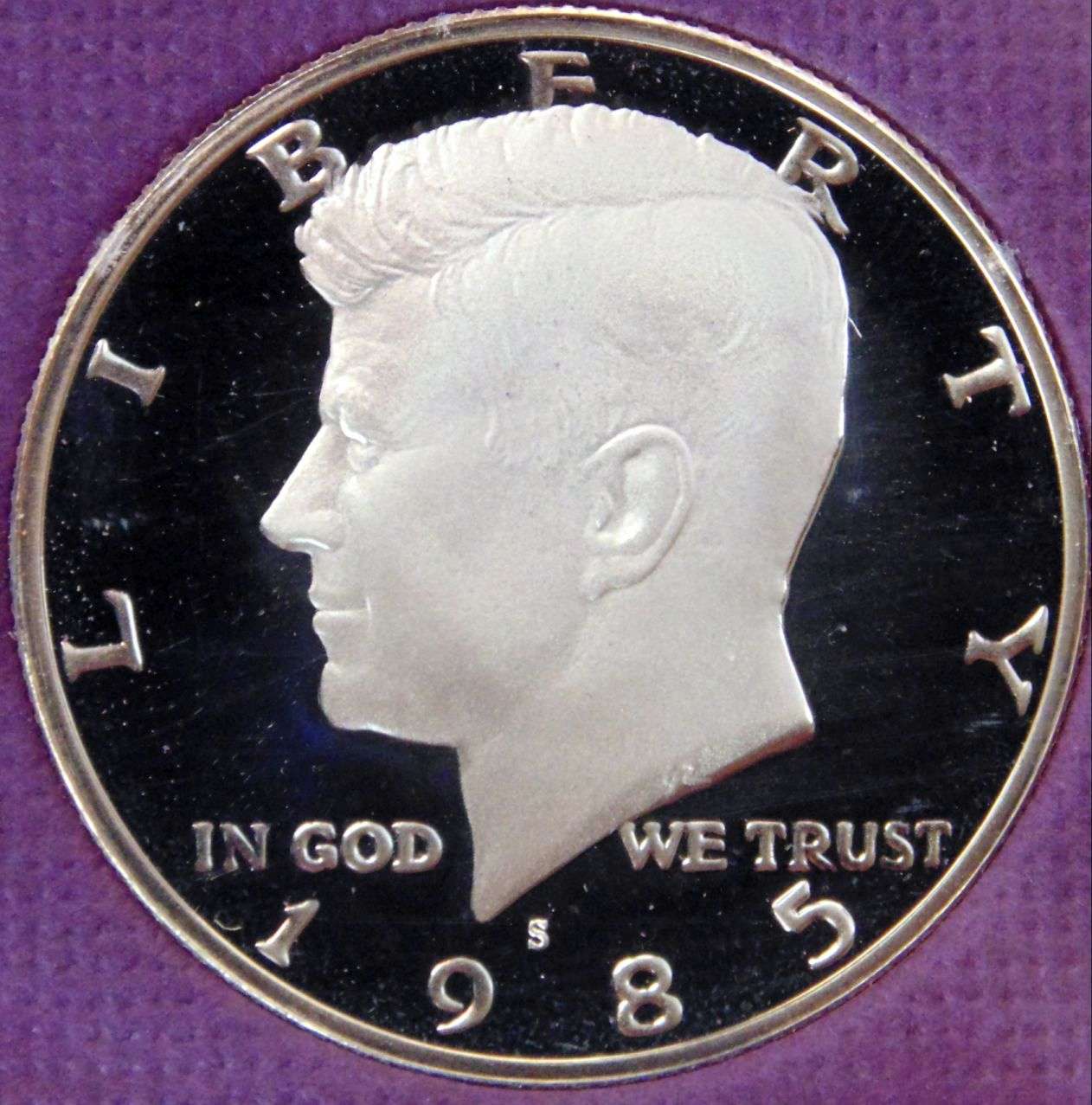
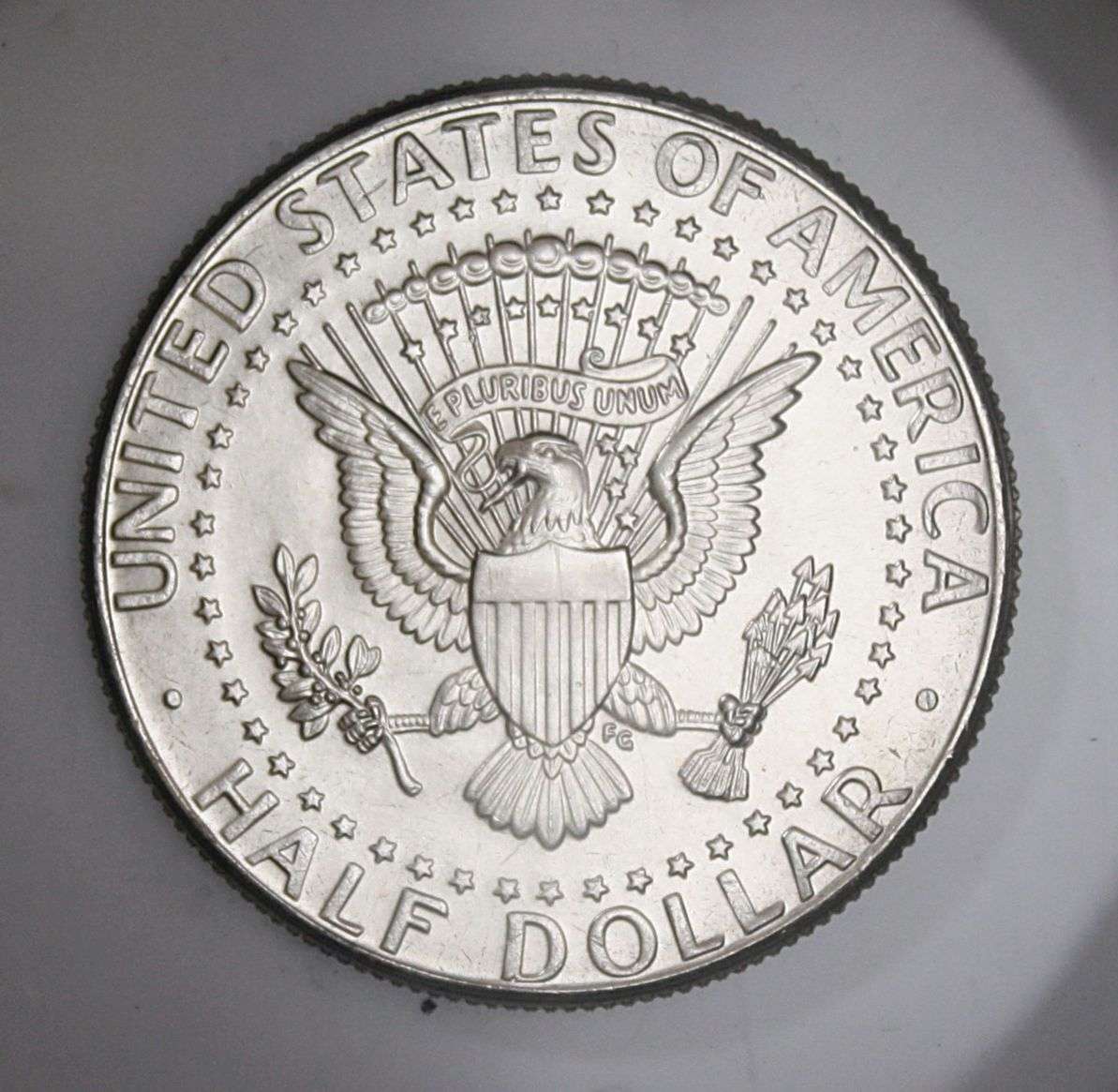
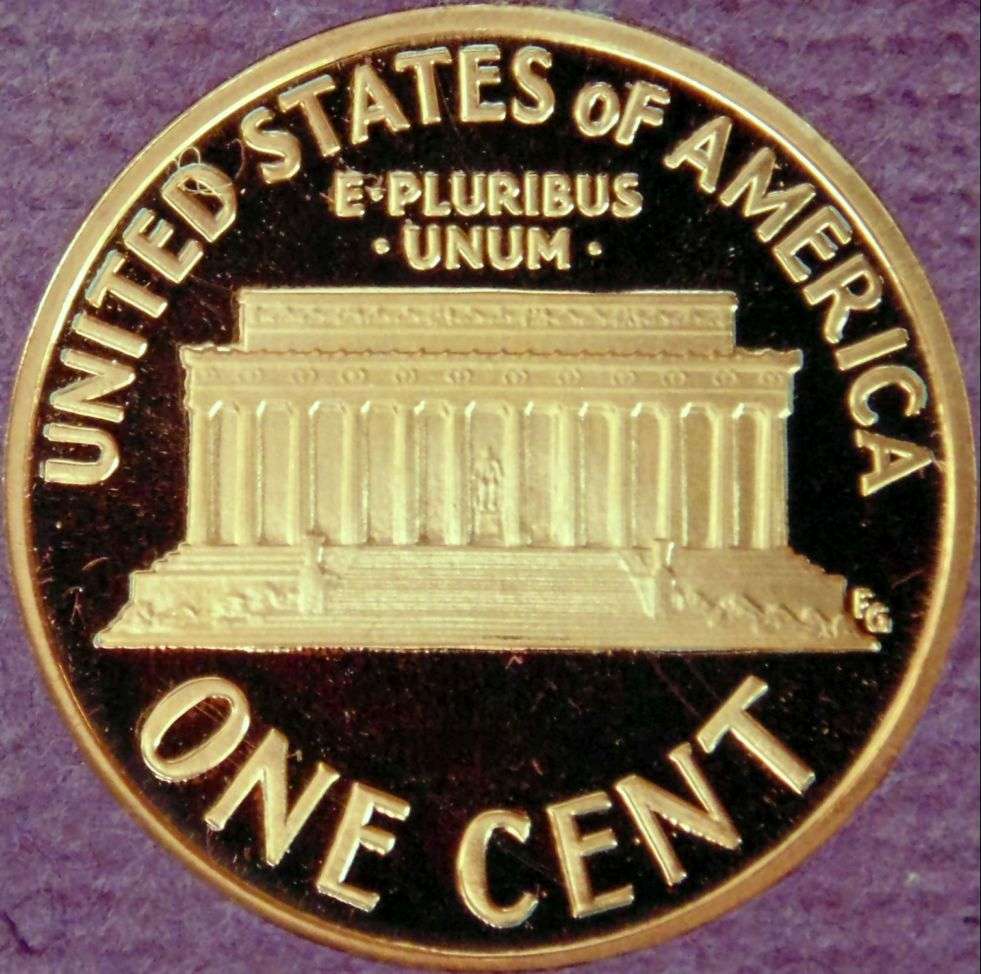
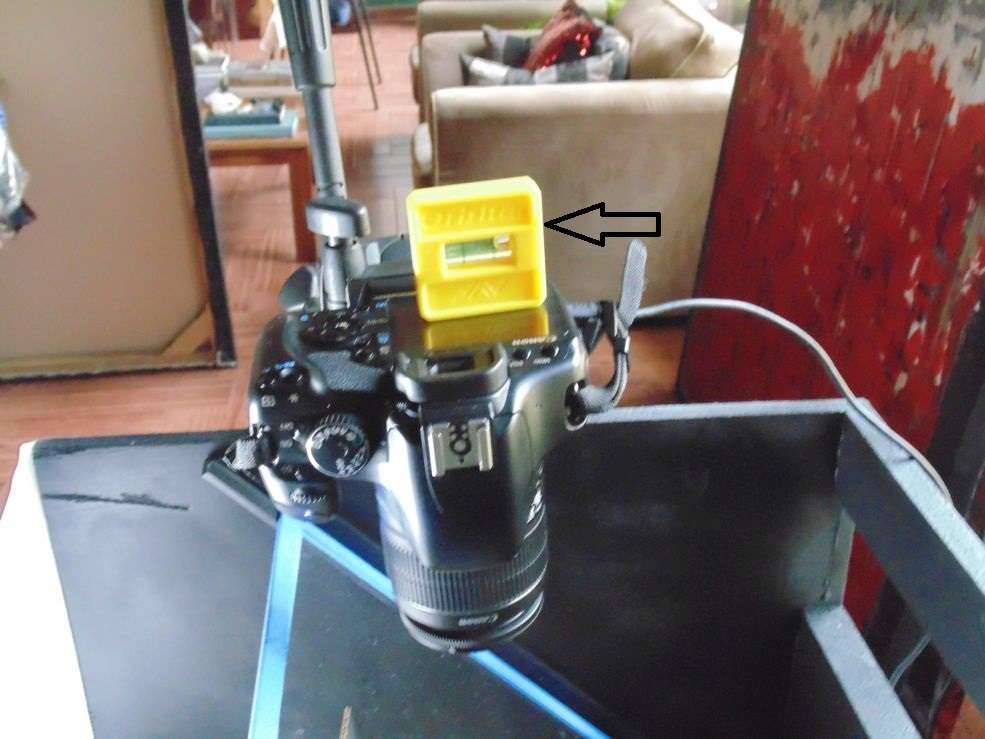
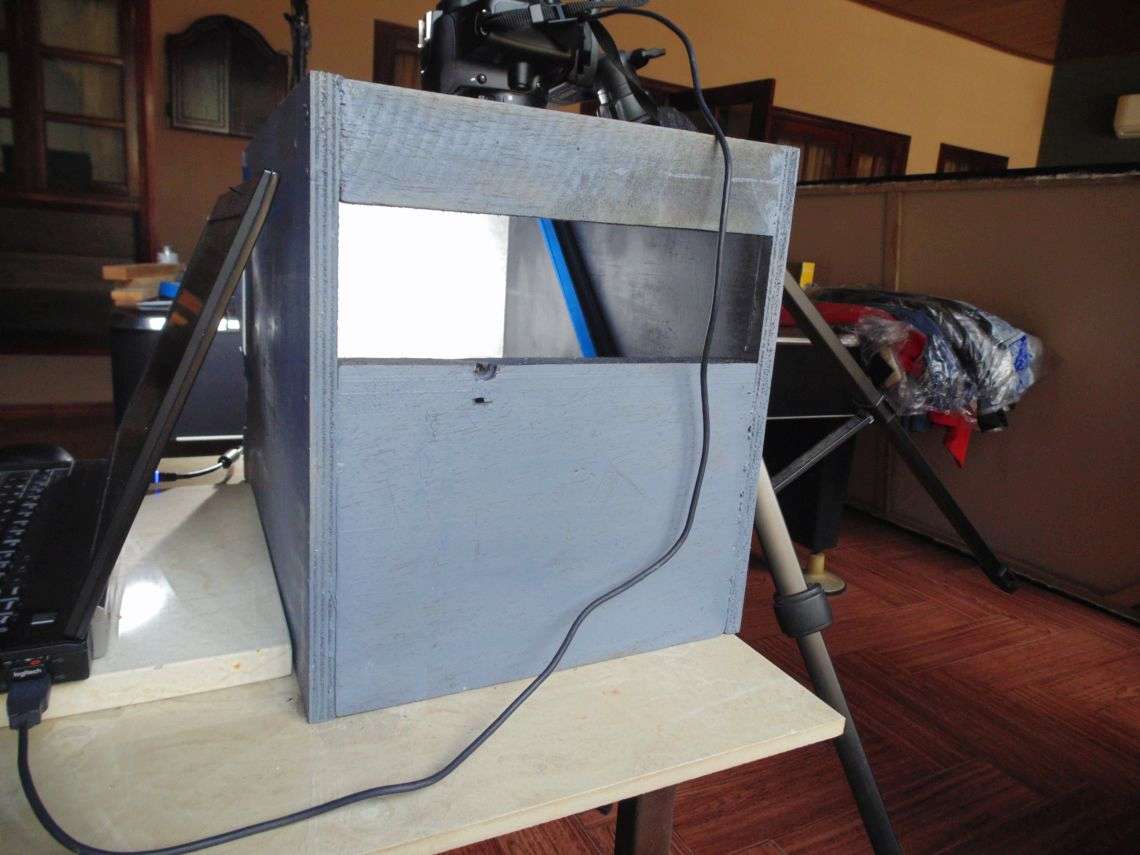
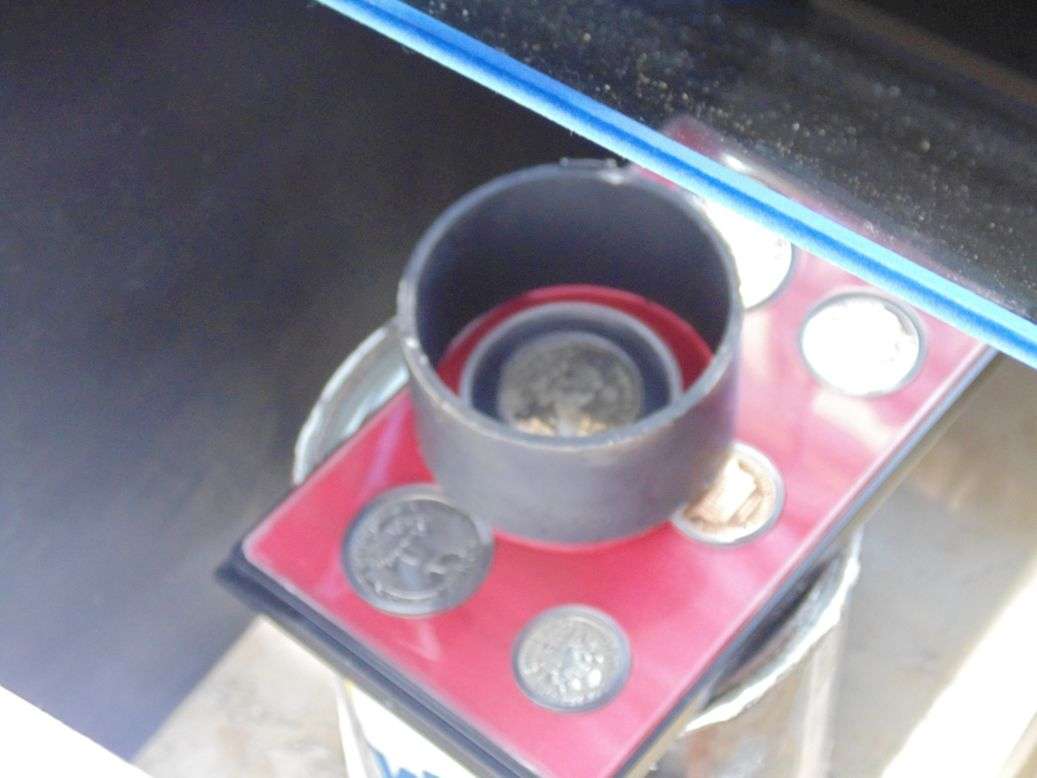
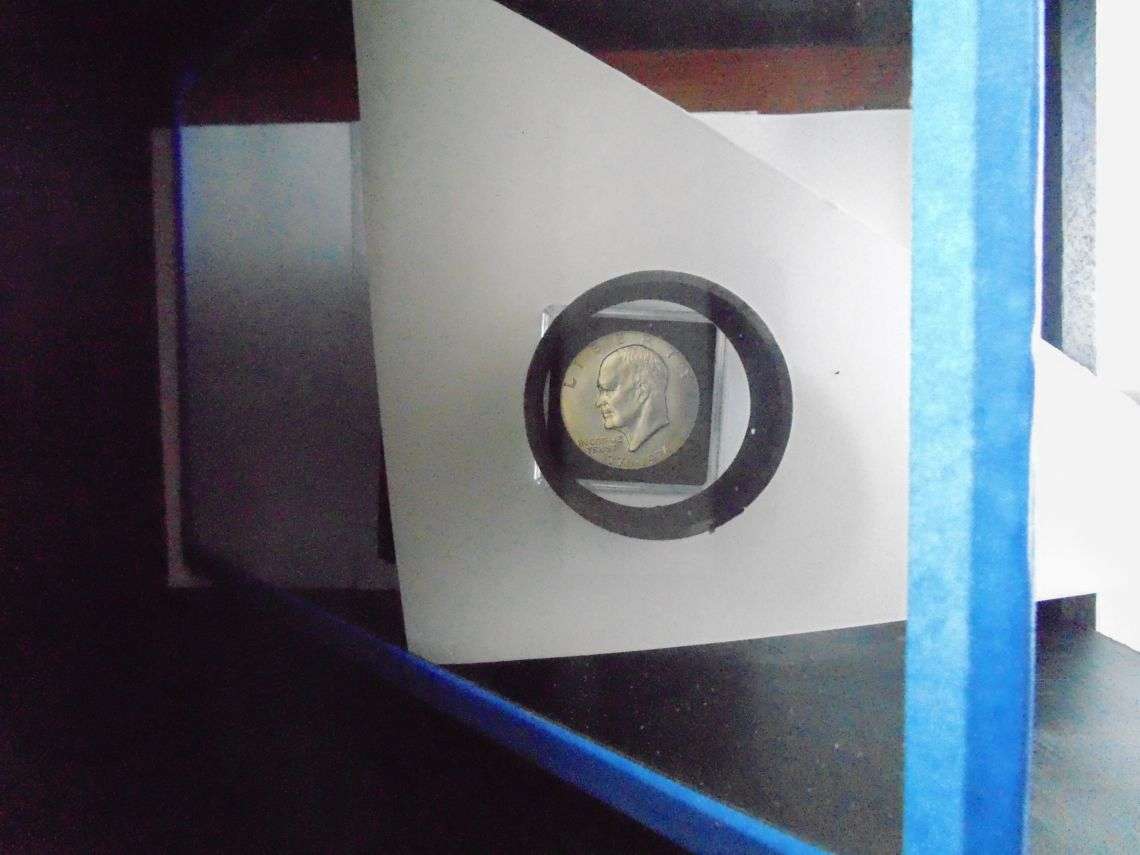
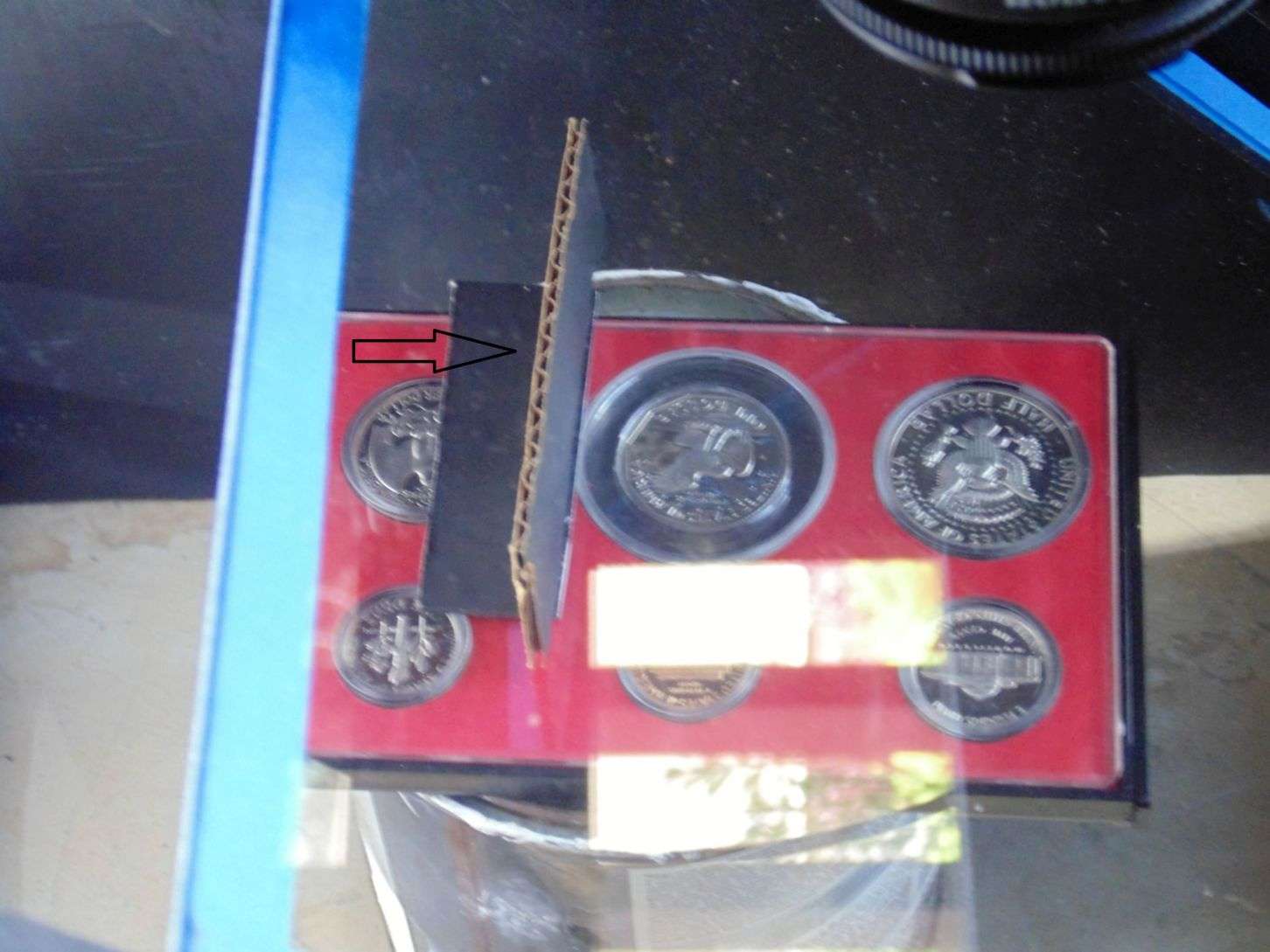
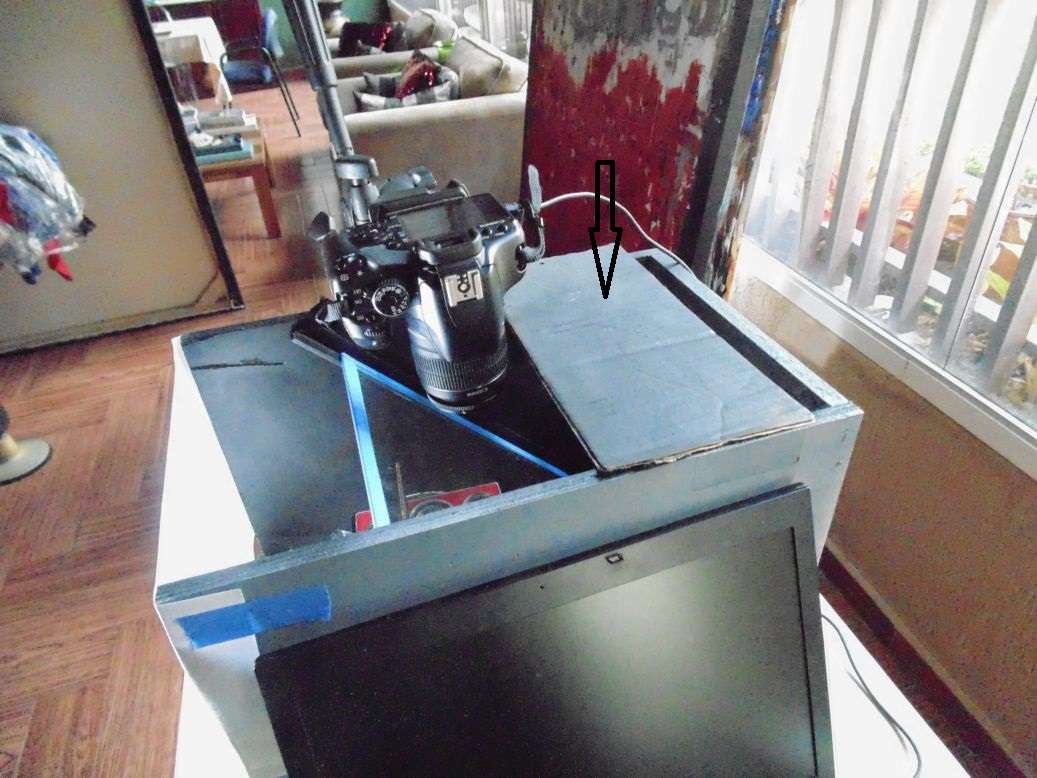
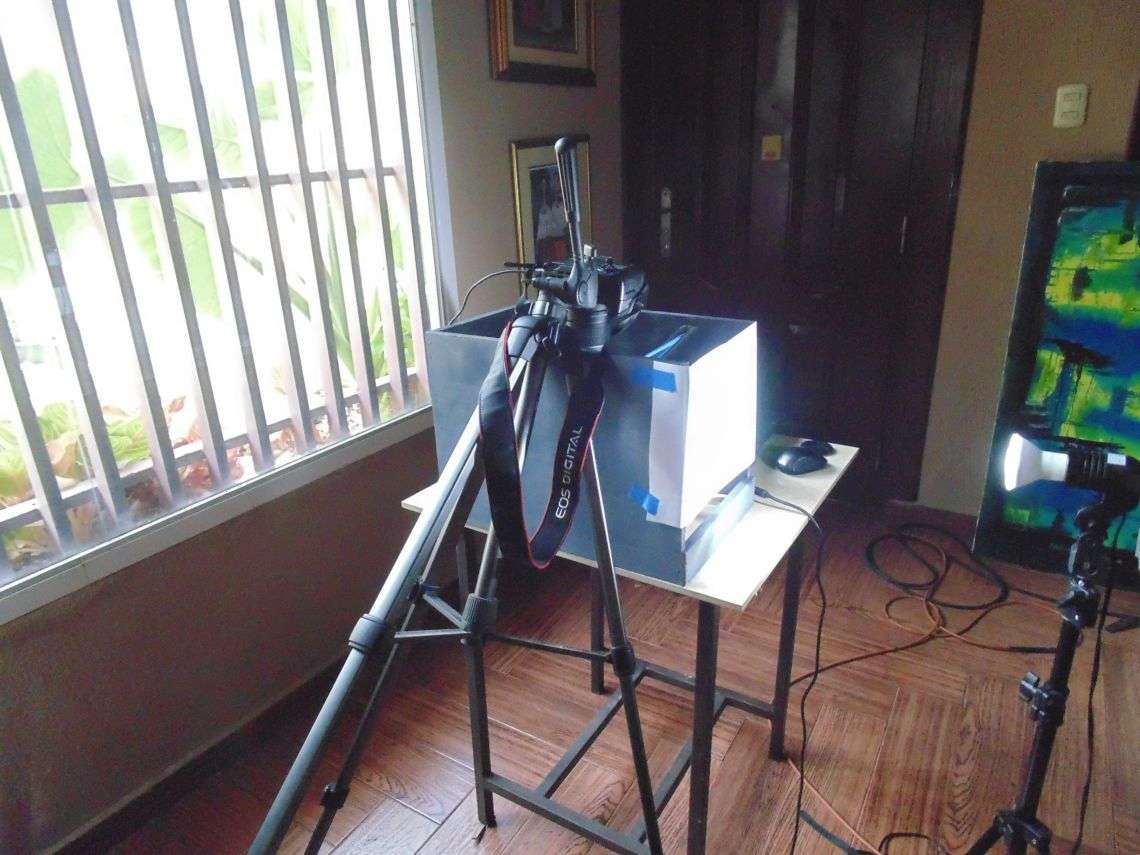
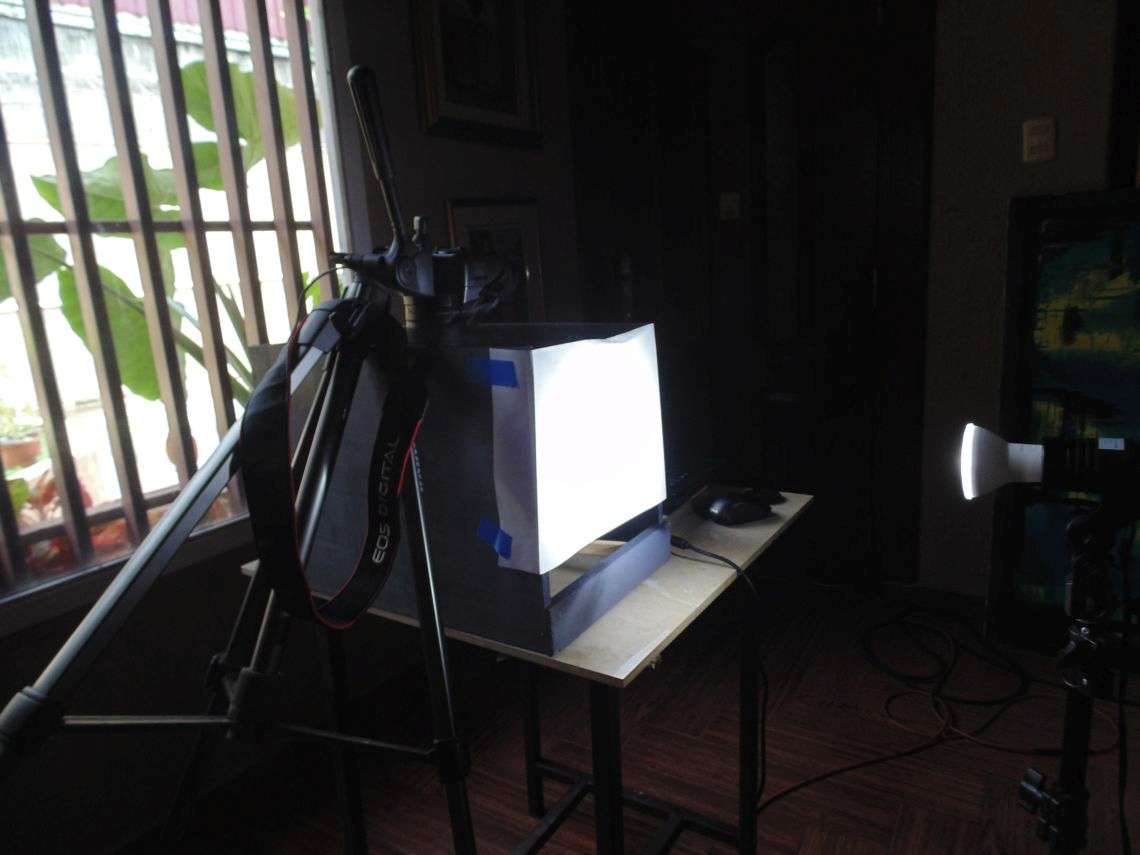
A couple of days ago, Stan asked me to share my setting used to take coin photos such as the ones shown herein.
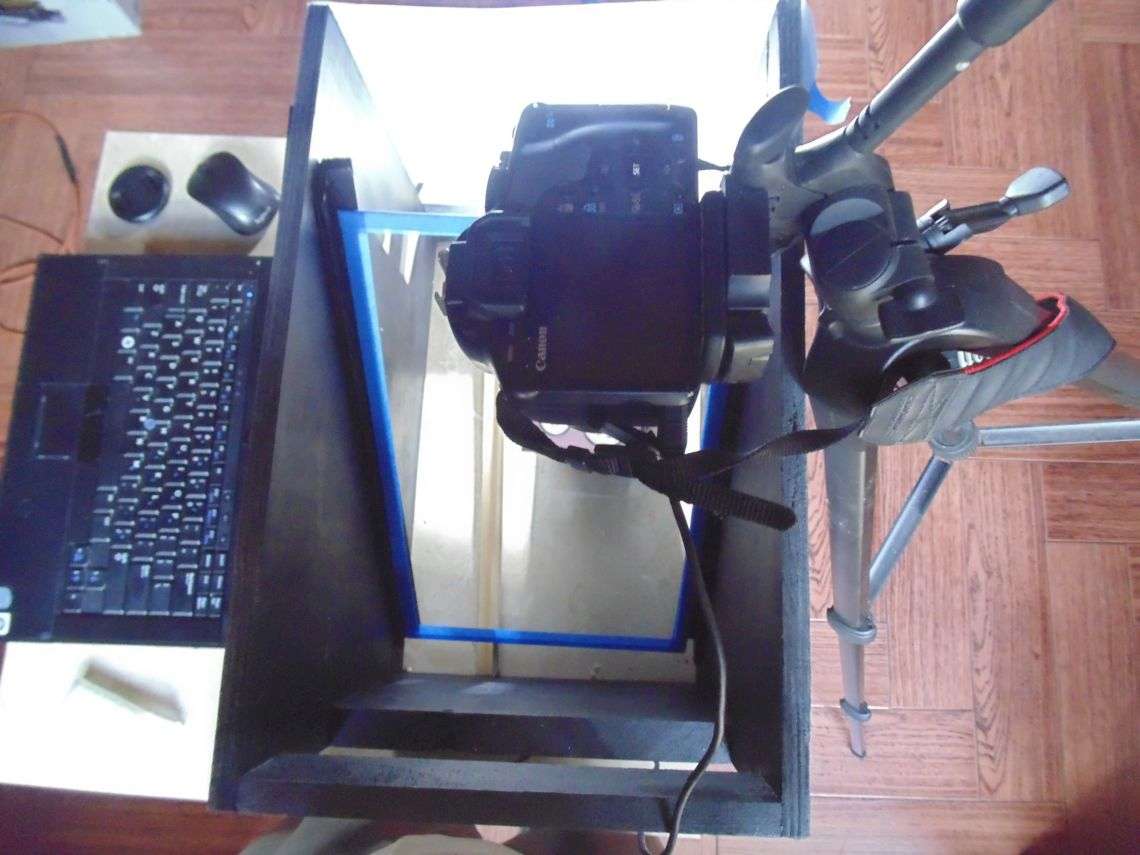
I am attaching photos of the home made setting, in case it might be of help to others. Size can be made to fit any particular need
Coin-Photography-Setting
Valued Member
Panama
62 Posts
 Posted 09/08/2019  2:00 pm  Show Profile   Bookmark this reply Add armandog07 to your friends list Get a Link to this Reply
Correction : It was Evan 7 the person who asked for details, not the member Stan
Pillar of the Community
stoneman227's Avatar
United States
2376 Posts
 Posted 09/08/2019  2:40 pm  Show Profile   Bookmark this reply Add stoneman227 to your friends list Get a Link to this Reply
Excellent! Where did you source your glass
Pillar of the Community
United States
1070 Posts
 Posted 09/08/2019  2:51 pm  Show Profile   Bookmark this reply Add Evan7 to your friends list Get a Link to this Reply
Your pictures are truly excellent! Thank you for sharing your set up
Pillar of the Community
levelsofmadnes's Avatar
United States
3003 Posts
 Posted 09/08/2019  3:09 pm  Show Profile   Bookmark this reply Add levelsofmadnes to your friends list Get a Link to this Reply
Photographs are in the top 5 in CCF... IMO.
Valued Member
Panama
62 Posts
 Posted 09/08/2019  3:17 pm  Show Profile   Bookmark this reply Add armandog07 to your friends list Get a Link to this Reply
Went to a glass shop and they cut it for me. Cost was about $6.00.
There are several sites in the Web from who you could also buy custom cut
Valued Member
Panama
62 Posts
 Posted 09/08/2019  3:21 pm  Show Profile   Bookmark this reply Add armandog07 to your friends list Get a Link to this Reply
I have the drawings in Power Point but do not know how to upload it in this post.
Could you guide me through?
Valued Member
Panama
62 Posts
 Posted 09/08/2019  3:27 pm  Show Profile   Bookmark this reply Add armandog07 to your friends list Get a Link to this Reply
By the way, I took the pictures of the Kennedy reverse coin with a Canon Eos XS1, using EF-S 18-55mm f/3.5-5.6 lens (cannot get the frost and cameo reflections with the Canon) lens.Did not use macro. Learned via Web that the trick is to use axial lighting.It took some experimenting until I found correct adjustments to lighting positioning which at the end is the trick.
I have also used a Sony DSC-H200, 20.1 mega pixels with which I have been able to obtain the cameo and frost reflections
Canon camera was $187 in Amazon ( used in perfect condition with 5,482 shutter count)
Pillar of the Community
United States
1070 Posts
 Posted 09/08/2019  3:36 pm  Show Profile   Bookmark this reply Add Evan7 to your friends list Get a Link to this Reply
^^^ the problem is that I know NOTHING about cameras or photography for that matter . I am planning on investing in a good camera one of theses days
Pillar of the Community
stoneman227's Avatar
United States
2376 Posts
 Posted 09/08/2019  5:46 pm  Show Profile   Bookmark this reply Add stoneman227 to your friends list Get a Link to this Reply
Have you measured the angle of the glass to the focal plain? Would love to duplicate it.
Valued Member
antmark3d's Avatar
United States
425 Posts
 Posted 09/08/2019  6:45 pm  Show Profile   Bookmark this reply Add antmark3d to your friends list Get a Link to this Reply
Thanks for sharing, always wondered about a thread like this
Valued Member
Panama
62 Posts
 Posted 09/08/2019  9:23 pm  Show Profile   Bookmark this reply Add armandog07 to your friends list Get a Link to this Reply
To Stoneman227
I measured the angle with a woodworker's square as you will see in the attached drawings (photo taken from the computer screen for the glass. The ideal focal plane from lighting to the glass is also 45 degrees. I have obtained different effects by changing the angle (raising or lowering the light stand and also, by making little changes to the light angle to 43 degrees or even 50 degrees, depending upon the the coin and, also, depending on environmental lighting conditions. I covered much of the environmental light to make the area as ark as possible, but up to a point where I can still see and also adjust the camera ISO and shutter timing, as needed setting in my terrace
Coin-Photography-Setting
Valued Member
Panama
62 Posts
 Posted 09/08/2019  9:29 pm  Show Profile   Bookmark this reply Add armandog07 to your friends list Get a Link to this Reply
To: Evan7
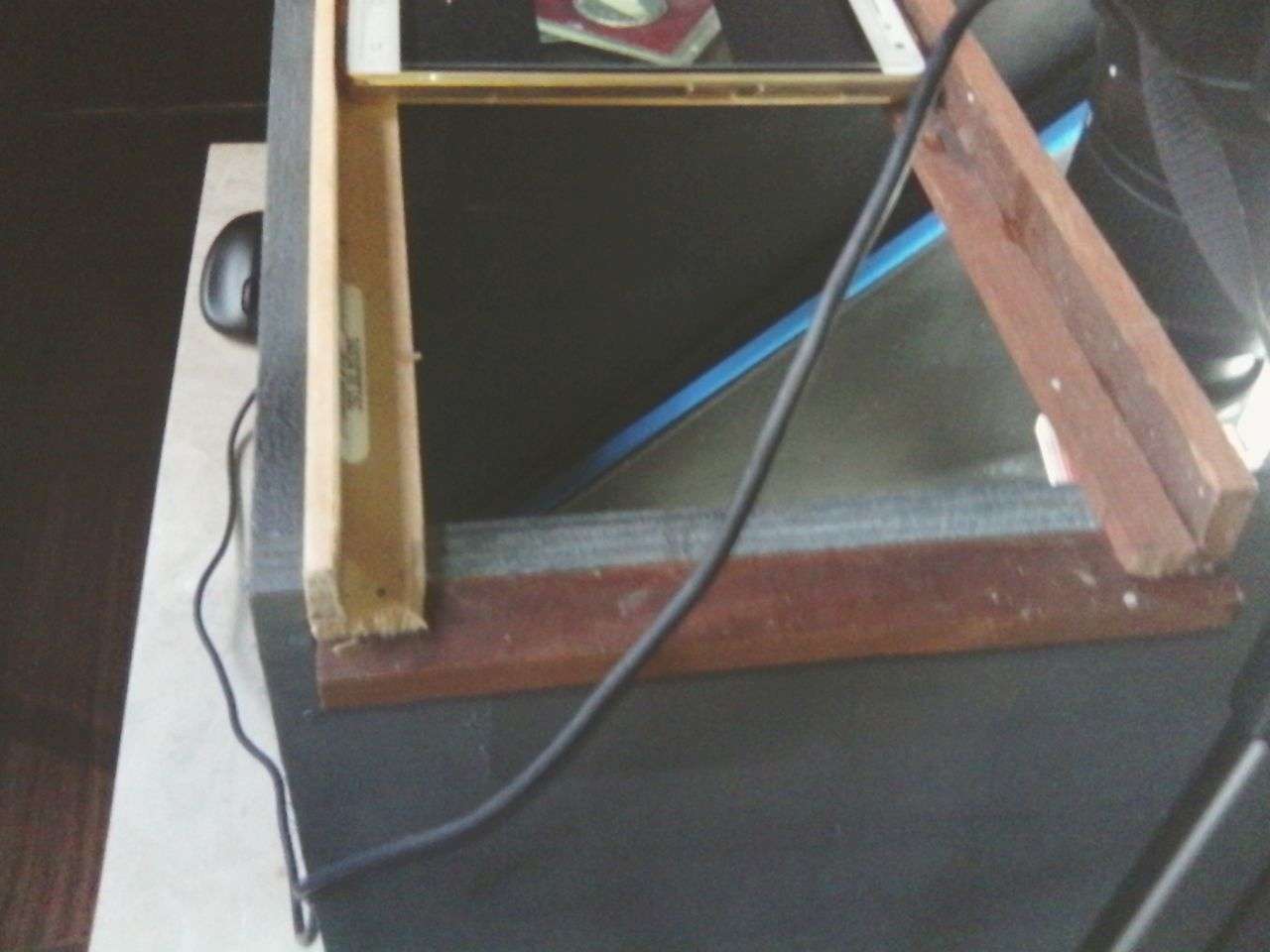
I will make a fixture for a cell phone, will test it and if it works fine, will post it. I believe it is only a matter of installing two 90 degree angled wood strips at the top of the box to securely place the cell phone and make the adjustments from thereon, using the same or similar setting shown in the drawings
Pillar of the Community
levelsofmadnes's Avatar
United States
3003 Posts
 Posted 09/08/2019  9:45 pm  Show Profile   Bookmark this reply Add levelsofmadnes to your friends list Get a Link to this Reply
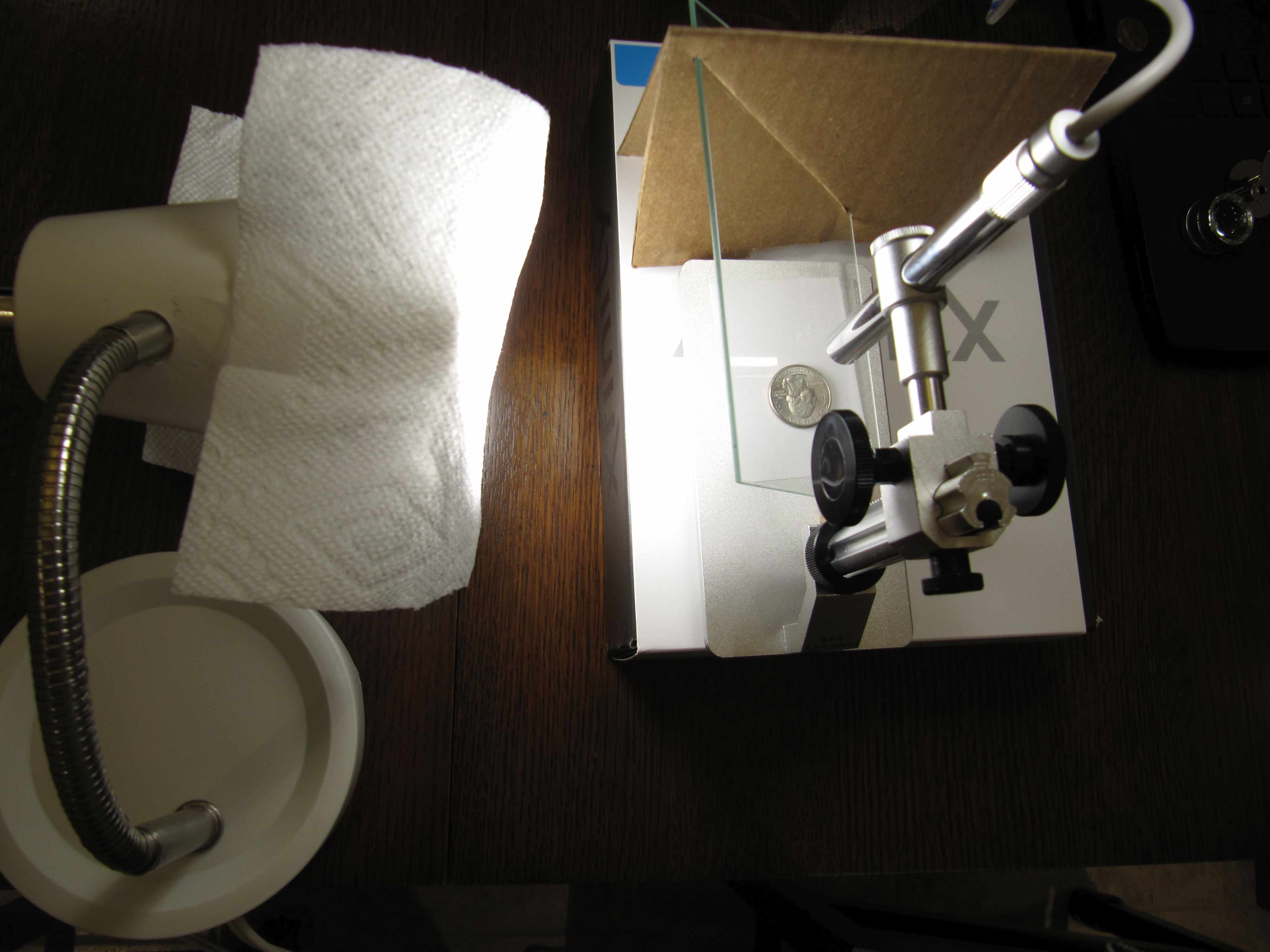
Here is my ghetto axial setup... maybe sometimes in the future I will upgrade.

Coin-Photography-Setting

Searched axial lighting and found this: https://www.dpreview.com/forums/thread/3681196
Valued Member
Panama
62 Posts
 Posted 09/09/2019  3:34 pm  Show Profile   Bookmark this reply Add armandog07 to your friends list Get a Link to this Reply
TO: Evan7
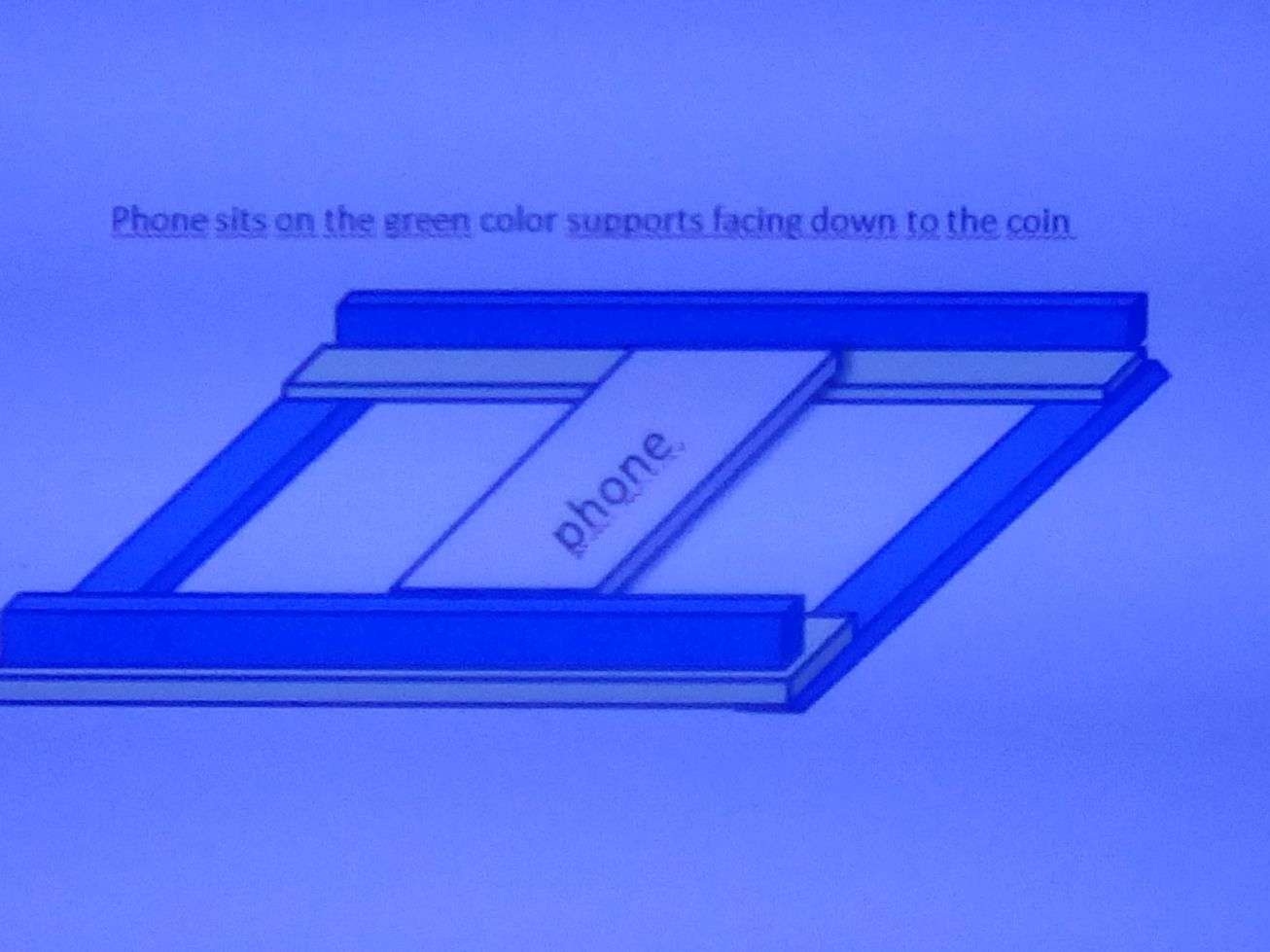
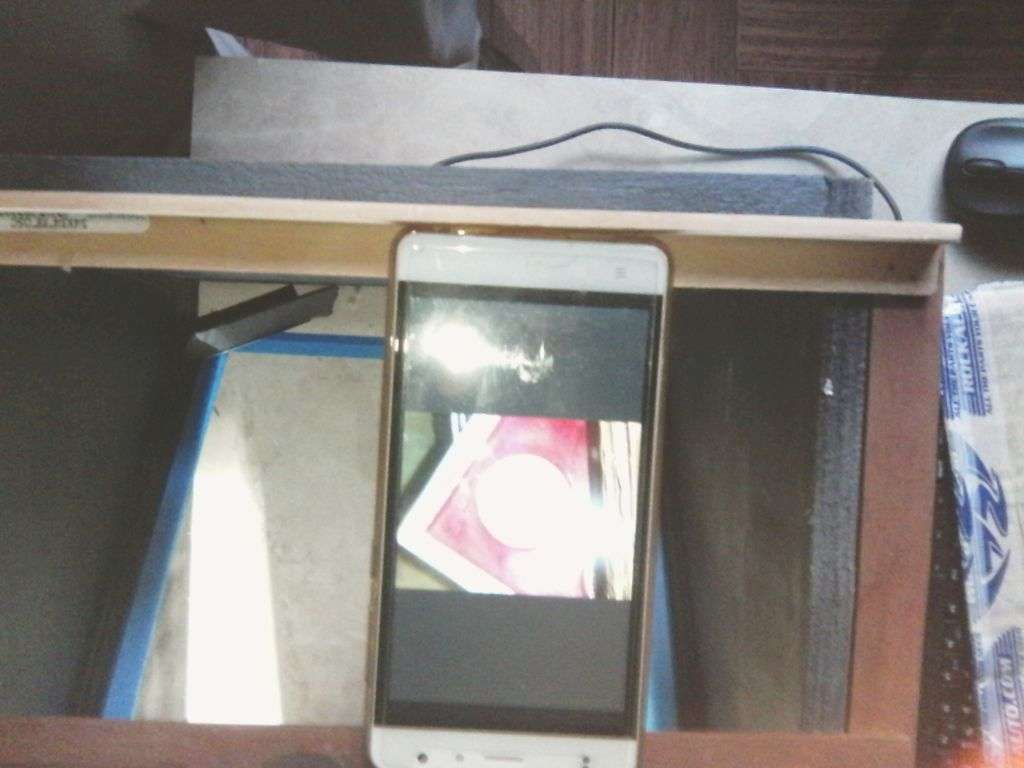
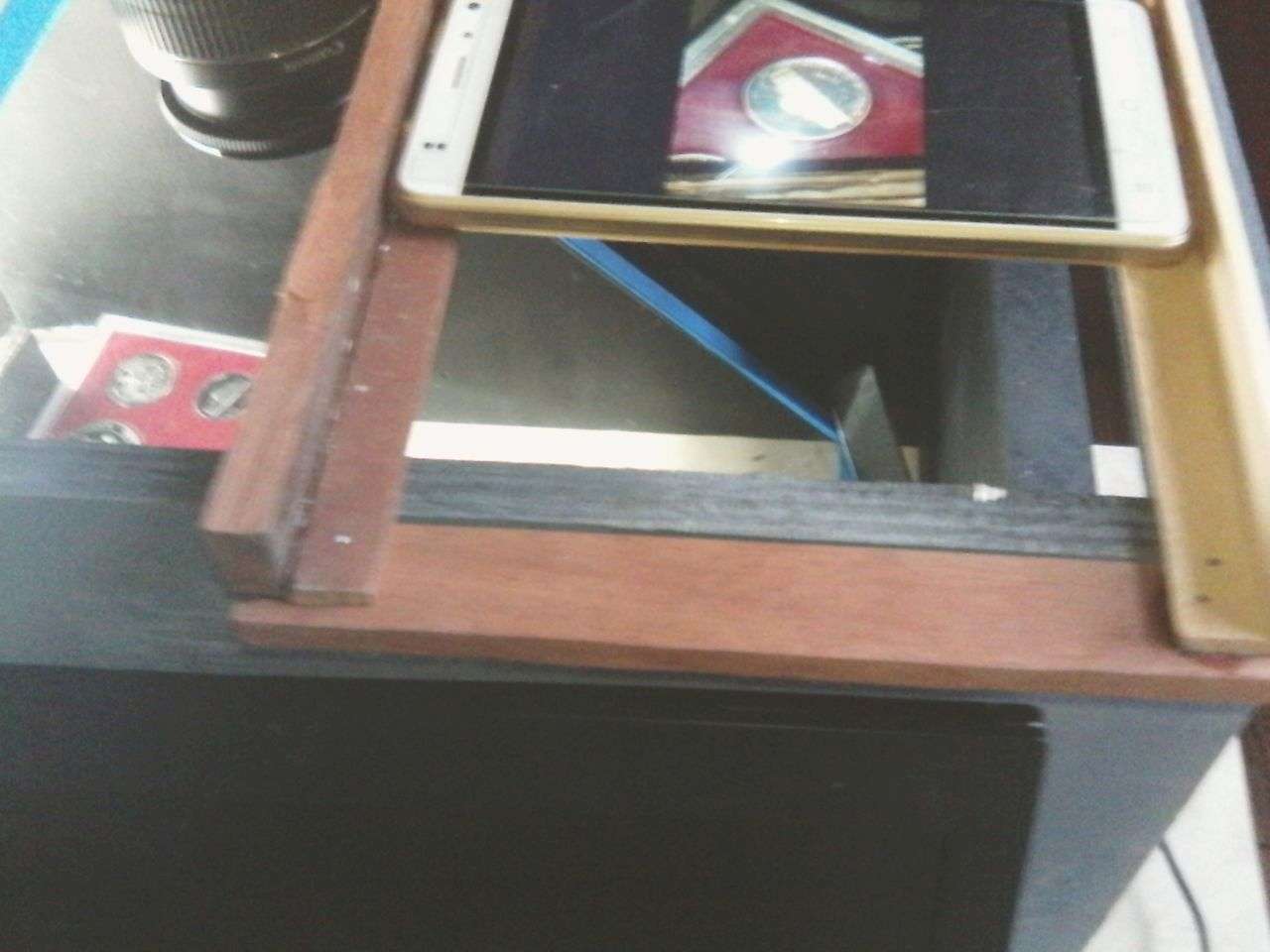
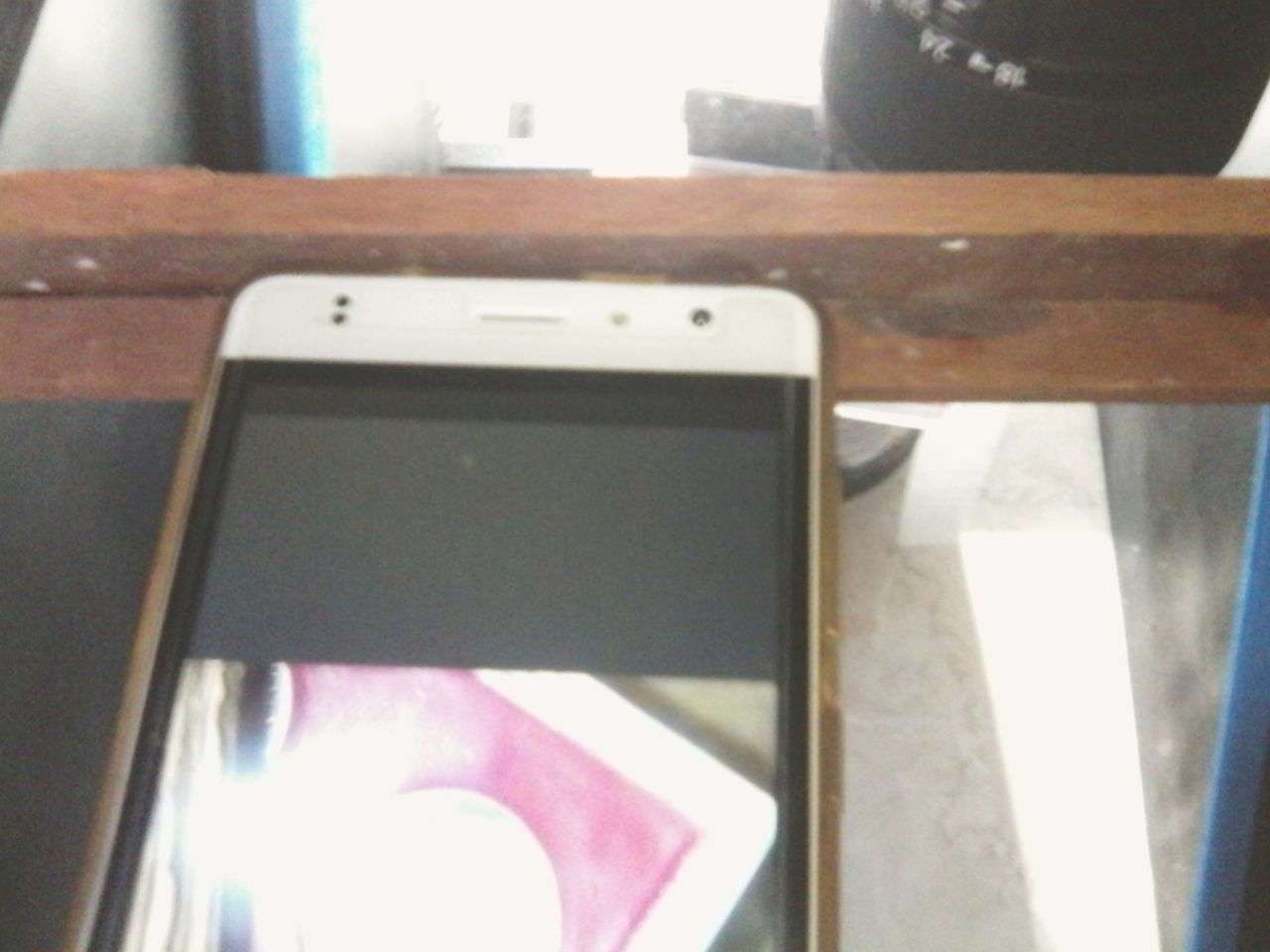
Drew a sketch (attached + 4 photos) for you to mount a cell phone into the photo setting I posted. Tested it and works fine
If not a woodworker, you may find one who will surely make the box and the jig to mount the phone to take pictures
Coin-Photography-Setting
Pillar of the Community
United States
1070 Posts
 Posted 09/09/2019  4:11 pm  Show Profile   Bookmark this reply Add Evan7 to your friends list Get a Link to this Reply
Armandog07, I appreciate you sharing. I'm gonna see what I can do
  Previous TopicReplies: 15 / Views: 1,378Next Topic  

To participate in the forum you must log in or register.


Disclaimer: While a tremendous amount of effort goes into ensuring the accuracy of the information contained in this site, Coin Community assumes no liability for errors. Copyright 2005 - 2026 Coin Community Family- all rights reserved worldwide. Use of any images or content on this website without prior written permission of Coin Community or the original lender is strictly prohibited.
Contact Us  |  Advertise Here  |  Privacy Policy / Terms of Use

Coin Community Forum © 2005 - 2026 Coin Community Forums
It took 0.37 seconds to rattle this change. Forums