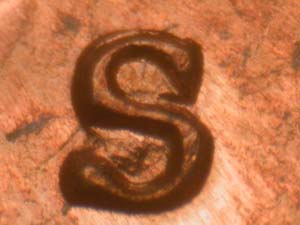
Something I noticed with these images from Variety Vista.
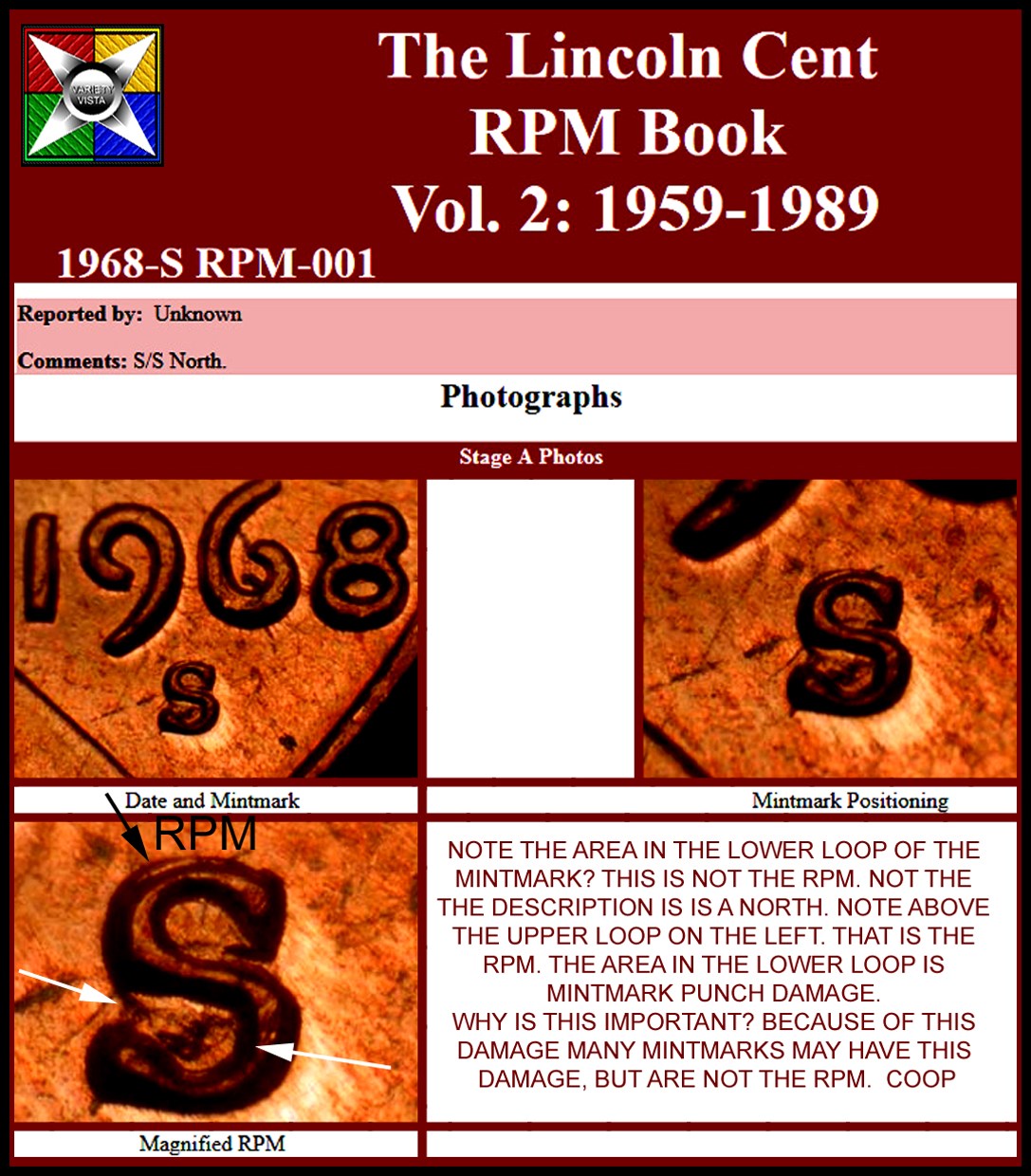
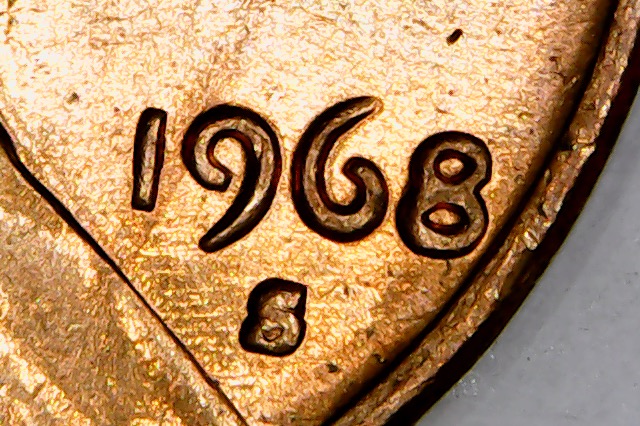
Note I added a comment on the image about the RPM location and mintmark punch damage on the lower loop.
Always look at the descriptions on Variety Vista to know what is the variety. Sometimes they include normal devices as well on the page. So you may think you have the variety because of the normal devices match your coin. So always look at the description to know what
is the variety. The other images are helpful for other devices to check for die markers on the un-affected ones. Just a heads up.










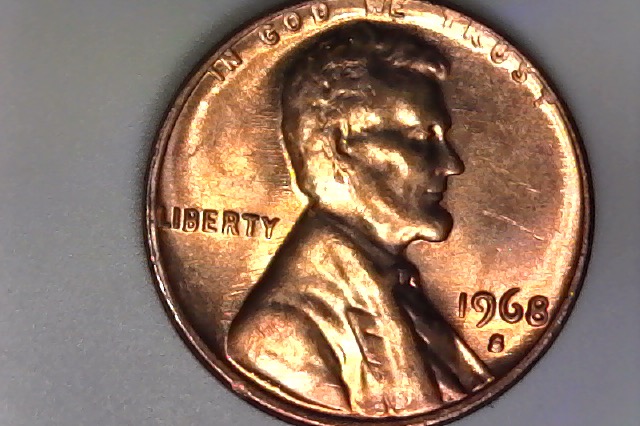
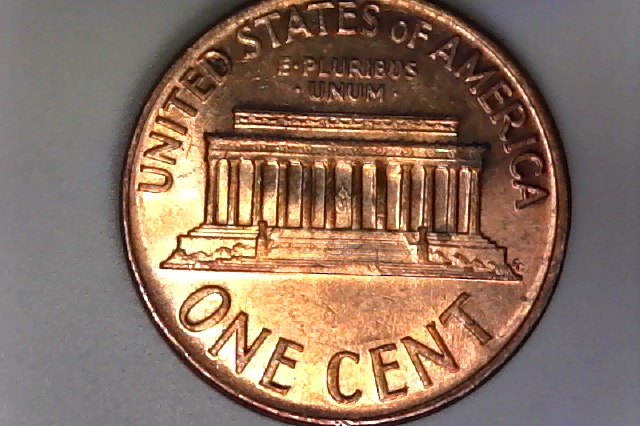


 Posted 11/04/2019 4:30 pm


 to CCF. Does not look like a RPM to me. What attribution number to you think it is?