| Author |
 Replies: 10 / Views: 1,173 Replies: 10 / Views: 1,173 |
|
|
New Member
United States
49 Posts |
|
|
|
|
Moderator
 United States
56855 Posts |
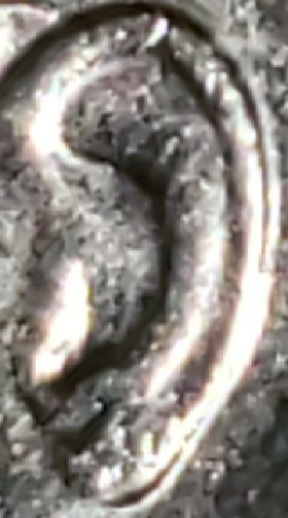
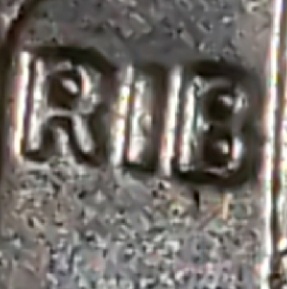
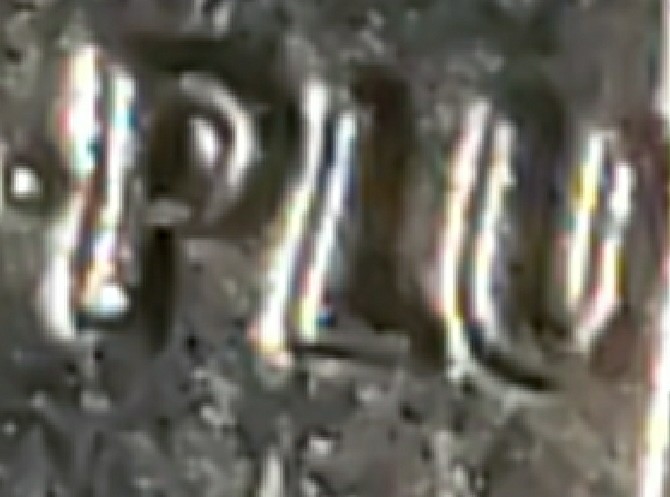
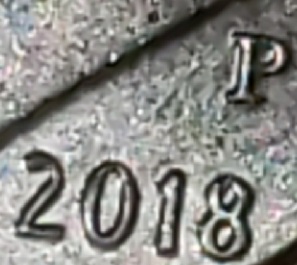
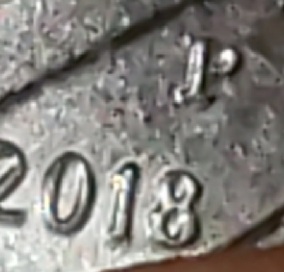
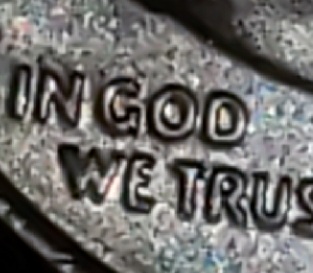
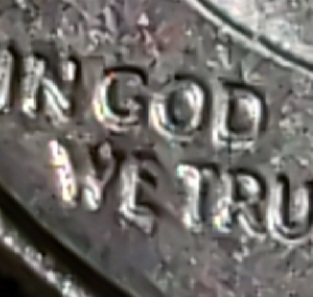
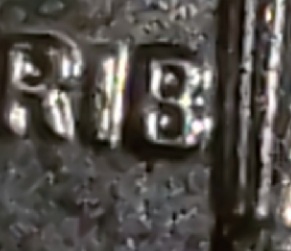
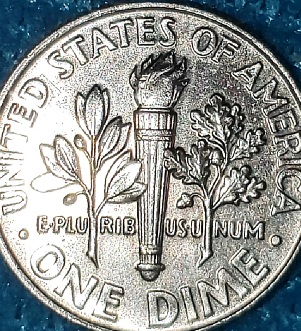
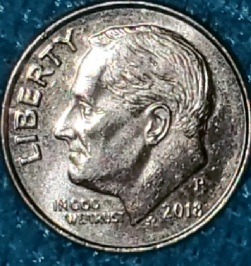
Not seeing doubling with these photos. Too much glare and out of focus,sorry. John1  |
|
Moderator
United States
34572 Posts |
@frank, as these pics become quite pixelated when I try to enlarge them can you tell us which design elements are doubled with the coin in hand? Is it the date? IGWT? PLURIBUS? The ear? Or all of them? Please give us a little direction. Thx.
"If you climb a good tree, you get a push."
-----Ghanaian proverb
"The danger we all now face is distinguishing between what is authentic and what is performed."
-----King Adz
|
|
New Member
 United States
49 Posts |
Sorry. The pics definitely are not very helpful. I was trying to show that when looking straight on at the coin, the edges of the date and lettering are rounded with a darker shade on the edge, and then at an angle or closer up, doubling can be seen. Looking straight on at the coin itself, there are no "shelves". DD increases the size and MD decreases aspects of the date and lettering. Correct? With MD the "shelf" on the edge should have no shading difference. Is that correct or am I still confused? I thought I was beginning to understand. Maybe not.  I showed the ear because I see an extra line following the shape of the ear. I really need to figure out how to "fix the pix" though. Thanks for the help and your patience while I try to learn. |
|
Moderator
United States
110203 Posts |
I'll be waiting for some better pictures.
|
|
New Member
United States
49 Posts |
Just trying to post better pics. Any better?   |
|
Moderator
United States
56855 Posts |
Why does the obverse pic look copper? John1 |
|
New Member
United States
49 Posts |
Hi John1. I take numerous pics and try to edit and resize for the clearest ones. Sometimes, that means going back at a different time of day when the lighting is different. The actual shade of the dime on the obverse is the same one as the reverse. Sorry about that. Is the clarity any better? I'm trying out a different editing app. The "free image optimizer" offered here on coin community, although appreciated, is difficult for me to use.
|
|
Moderator
United States
56855 Posts |
IMHO, a bit too much glare and a bit out of focus.As to color,best to post color as close to the real coin color because that dime looking copper makes me think it was missing a clad layer. John1 Edited by John1
11/29/2021 1:12 pm
|
|
Bedrock of the Community
United States
10635 Posts |
Practice your coin photography before posting and only show us sharp, clear images. If you need help, there is a whole section here on CCF devoted for coin photography. Please, no screen shots, they are too pixelated to use and show us nothing. Coin photography isn't easy, but once you get it down you'll have great photos. As far as studying doubled dies, have you looked at past posts here in the error and variety threads, again here on CCF? Lots and lot of great examples therein. Bonne chance!  |
|
New Member
United States
49 Posts |
Your instruction and advice is appreciated. The pics, except for the shading, always look sufficient and even excellent on this end, but based on the feedback I'm getting, the quality of the pics are lost when I post them. Apologies. As far as not posting pics until I am able to post better pics, well the dilemma is that I don't know that I haven't mastered the presentation until they reach you, because they do look clear on this side. I do click preview before I post. Frustrating. I am trying to become more proactive on learning the intricacies of identifying errors and anomalies so that I can weed out some of the unremarkable. I have found some coins that I think are worthwhile, but I will work on better pics before I post. Thanks again.  |
| |
Replies: 10 / Views: 1,173 |
|








 Posted 11/28/2021 06:02 am


