Coin Community Family of Web Sites Join Thousands of Coin, Bullion, & Money Collectors
Vancouvers #1 Coin and Paper Money Dealer Royal Canadian Mint products, Canadian, Polish, American, and world coins and banknotes. 300,000 items to help build your collection! Join Thousands of Coin, Bullion, & Money Collectors Shop for APMEX Bullion on eBay!Specializing in Modern Numismatics Coin, Banknote and Medal Collectors's Online Mall


Username:
Password:
Save Password
Forgot your Password?


This page may contain links that result in small commissions to keep this free site up and running.

Welcome Guest! Registering and/or logging in will remove the anchor (bottom) ads. It's Free!

Posting Photos

To participate in the forum you must log in or register.
Author Previous TopicReplies: 5 / Views: 769Next Topic  
Pillar of the Community
chris12018's Avatar
United States
2130 Posts
 Posted 01/28/2009  09:45 am Show Profile   Bookmark this topic Add chris12018 to your friends list Get a Link to this Message Number of Subscribers
Hello, How do I post photos that can be enlarged to see detail.
Pillar of the Community
QuickSilver's Avatar
United Kingdom
1077 Posts
 Posted 01/28/2009  10:03 am  Show Profile   Bookmark this reply Add QuickSilver to your friends list Get a Link to this Reply
Provided they do not exceed the KB restriction they can be as big as you like. The other option is to have them hosted elsewhere such as photobucket.
Pillar of the Community
SeatedNut's Avatar
United States
2797 Posts
 Posted 01/28/2009  10:10 am  Show Profile   Bookmark this reply Add SeatedNut to your friends list Get a Link to this Reply
chris,

Most pics that are under the 90kb restriction won't enlarge. They are as big as they are going to get. There are two ways around this: 1. Use a photohosting site (photobucket) and link the photo or 2. Set up a gallery here on CCF after you get 50 quality posts (you'll get an email from the forum Mom after 50 posts).
Pillar of the Community
daviscfad's Avatar
United States
4541 Posts
 Posted 01/28/2009  12:15 pm  Show Profile   Bookmark this reply Add daviscfad to your friends list Get a Link to this Reply
your gonna have to post a link to a picture or have a site like photobucket where you can host the picture there and link it here example...
At photobucket below the picture you uploaded it has the following options

Email & IM:http://smg.photobucket.com/albums/v...action=view&
Direct Link:http://img.photobucket.com/albums/v...titled-1.jpg
HTML Code:[url="http://smg.photobucket.com/albums/v307/daviscfad
IMG Code:[IMG]http://img.photobucket.com/albums/v...titled-1.jpg[/IMG]

You are gonna want to copy the IMG Code and paste it in the thread... Then it will show the picture...
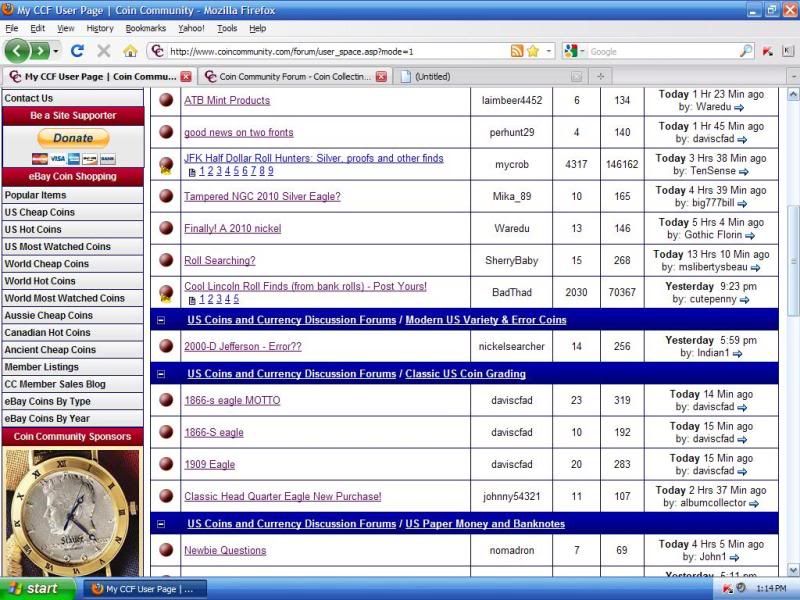
When you paste it in the thread it will look like this
Posting-Photos
Edited by daviscfad
01/28/2009 12:16 pm
Pillar of the Community
QuickSilver's Avatar
United Kingdom
1077 Posts
 Posted 01/28/2009  1:44 pm  Show Profile   Bookmark this reply Add QuickSilver to your friends list Get a Link to this Reply
You can get pretty big pics under the 90kb rule. I suppose it depends how big you want them!
Edited by QuickSilver
01/28/2009 1:44 pm
Pillar of the Community
QuickSilver's Avatar
United Kingdom
1077 Posts
 Posted 01/28/2009  1:49 pm  Show Profile   Bookmark this reply Add QuickSilver to your friends list Get a Link to this Reply
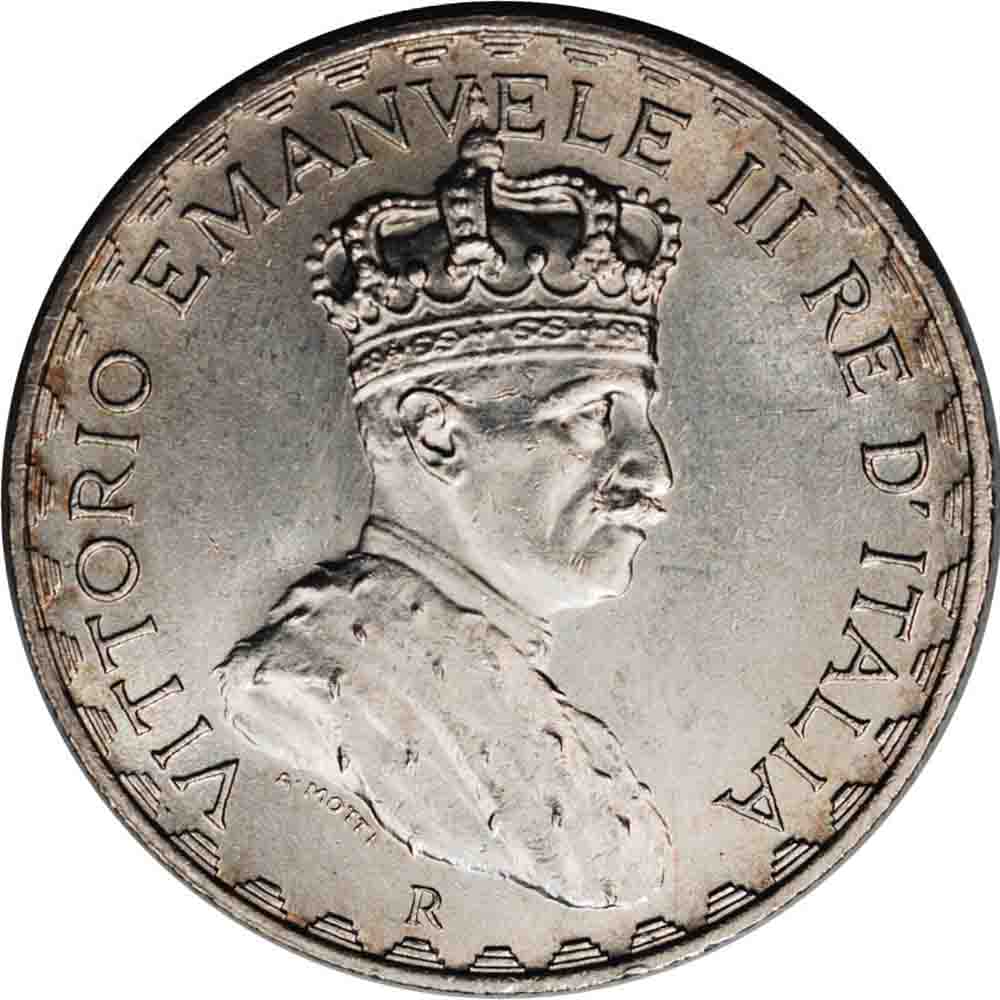
Example


Posting-Photos
  Previous TopicReplies: 5 / Views: 769Next Topic  

To participate in the forum you must log in or register.


Disclaimer: While a tremendous amount of effort goes into ensuring the accuracy of the information contained in this site, Coin Community assumes no liability for errors. Copyright 2005 - 2026 Coin Community Family- all rights reserved worldwide. Use of any images or content on this website without prior written permission of Coin Community or the original lender is strictly prohibited.
Contact Us  |  Advertise Here  |  Privacy Policy / Terms of Use

Coin Community Forum © 2005 - 2026 Coin Community Forums
It took 0.23 seconds to rattle this change. Forums