
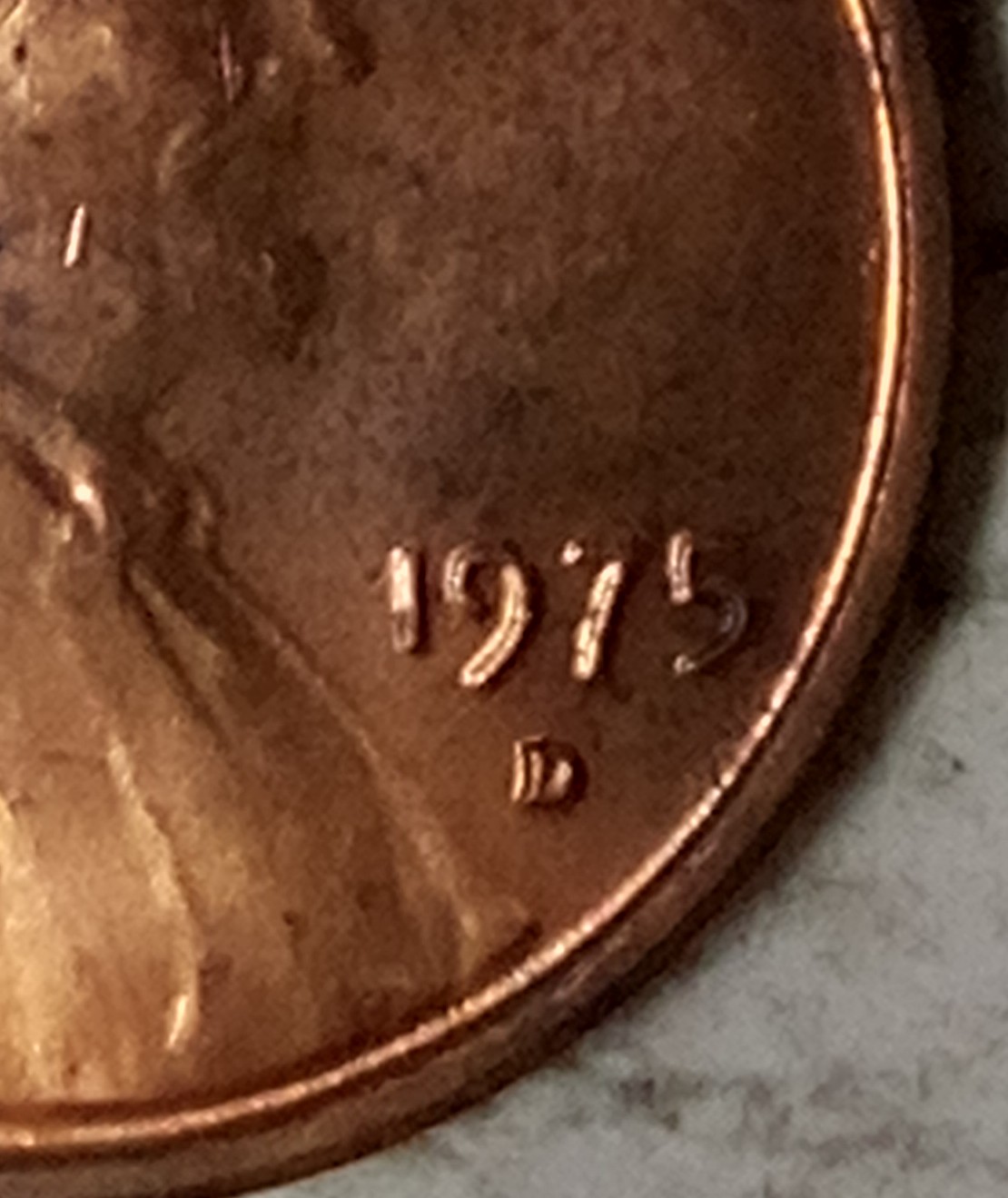
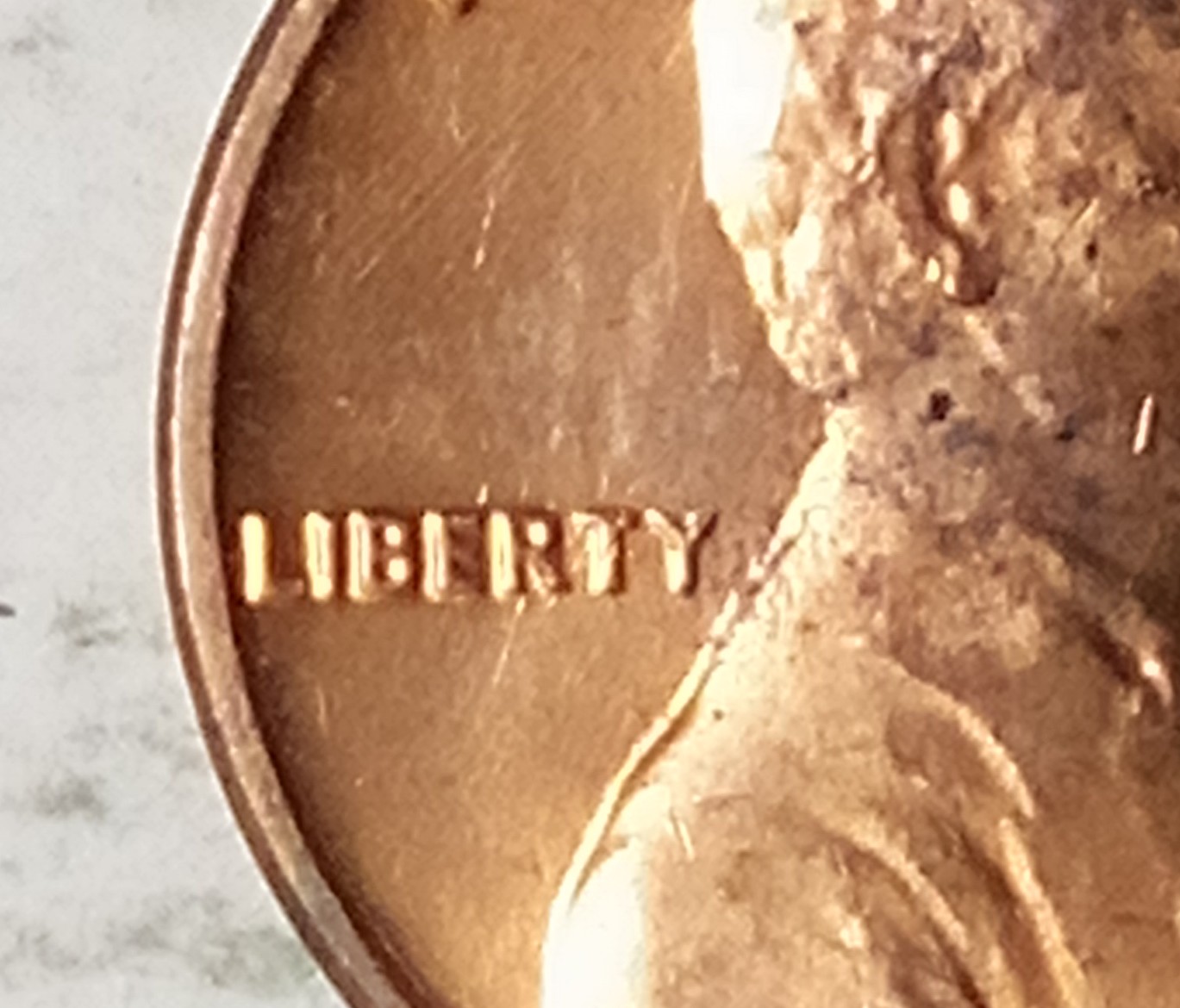
The angle of light is too low on your images. All we are seeing is the left side of the devices. The light needs to be closer in and more centered to see what you are wanting us to see. So far the coin looks normal with the light reflecting off the edges of the devices.
Also the light is too bright. You need to diffuse the light with a filter, something as simple as bond paper or a light curtain of a plastic grocery bag. This will remove glare. Glare hides what you see on your coin, and hides it in the images. We have to invert the colors sometimes to let this show on editing the images:
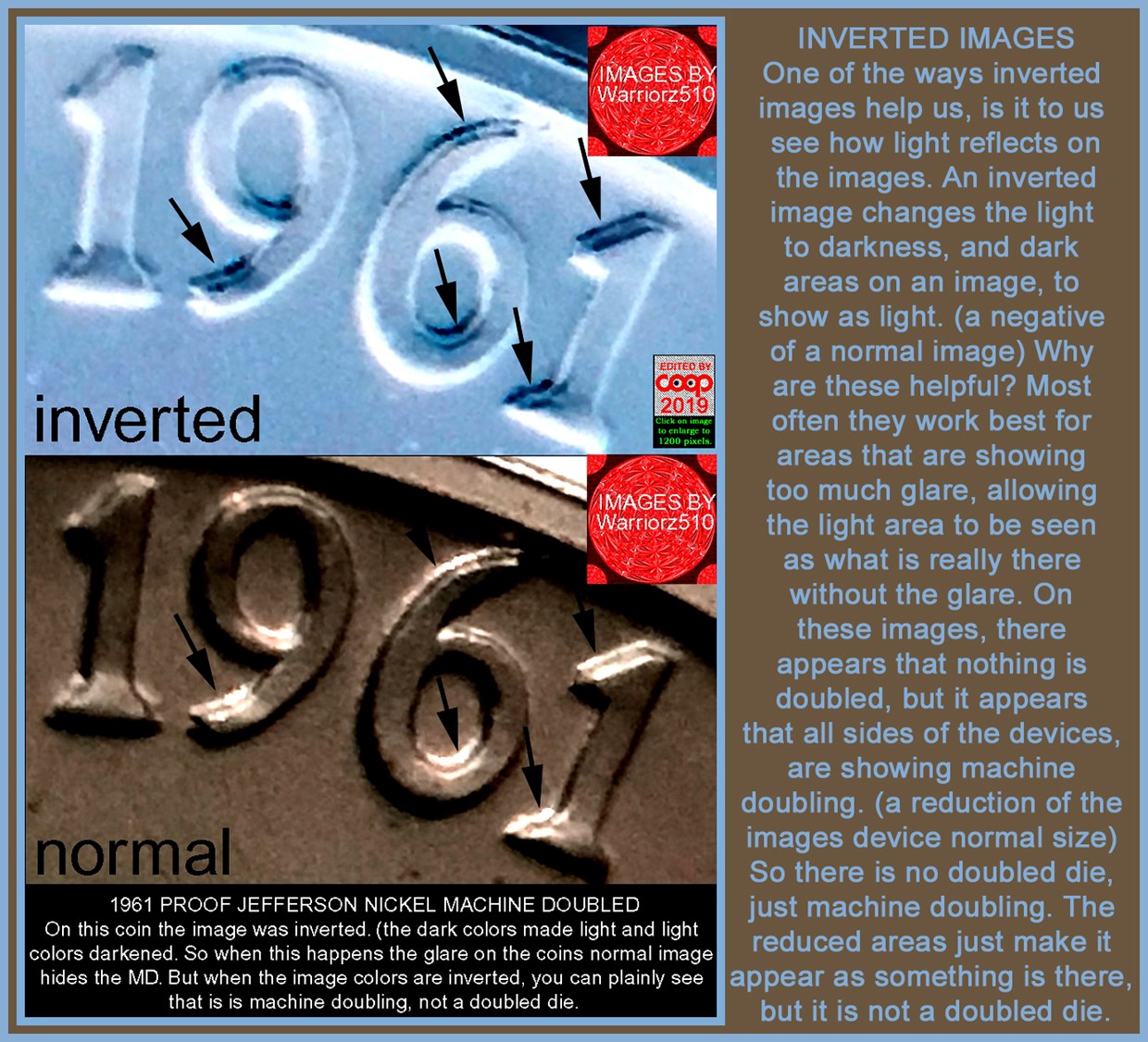
The bottom image was the submitted image and by inverting the colors I was able to see what was hiding in the glare with the top image. That was what the sender was seeing, but the glare hid this. But this happens a lot on
Machine Doubling. Note the top image, you can see the
Machine Doubling on the inverted image. That was what he was seeing. The bottom image was what we were seeing. So by using a diffuser on the light source then we can see what you are seeing.
If you have a wire coat hanger, you can make a curtain to place between the light source and the coin. This will remove glare:
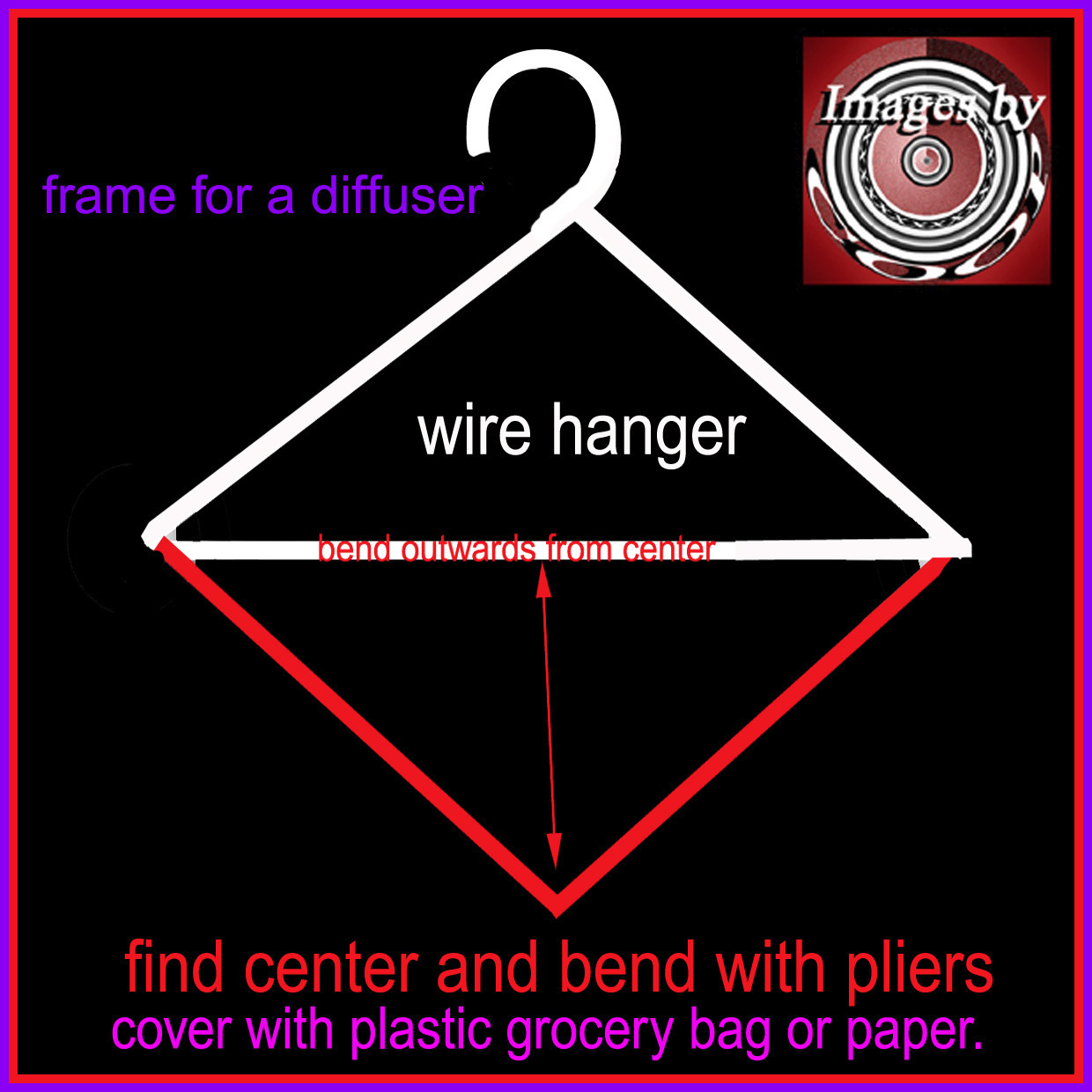
If you just need a single layer, then tape it to the hanger. Or if you need both layers, put the plastic bag in over the bent hanger. This way you still get the light, without the glare.
Single light sources are better for micro images. It allows light and shadows to show the variety you are wanting to show us. Here is how I use light to help show how light and shadows can show what we need to see on a doubled die:
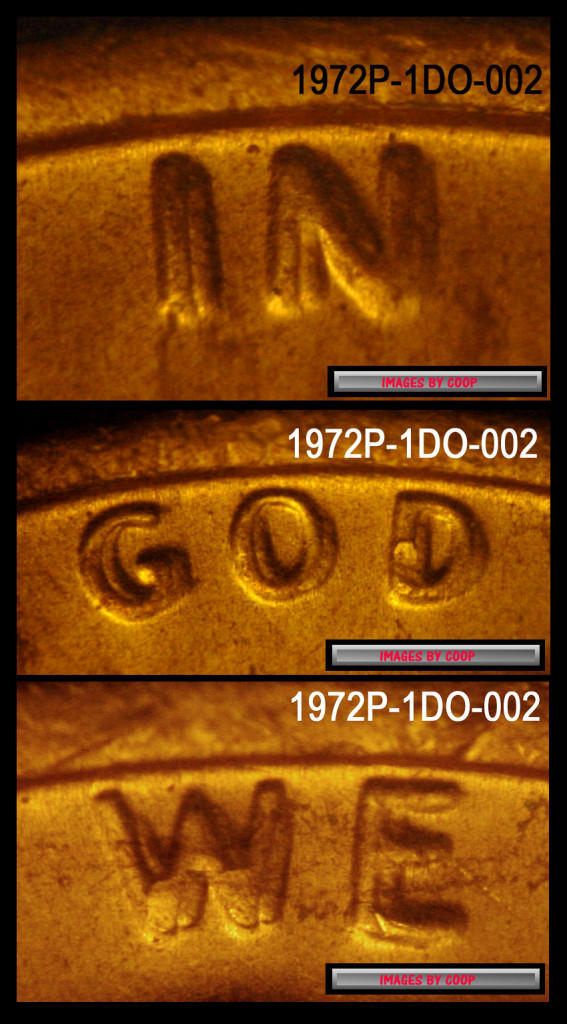
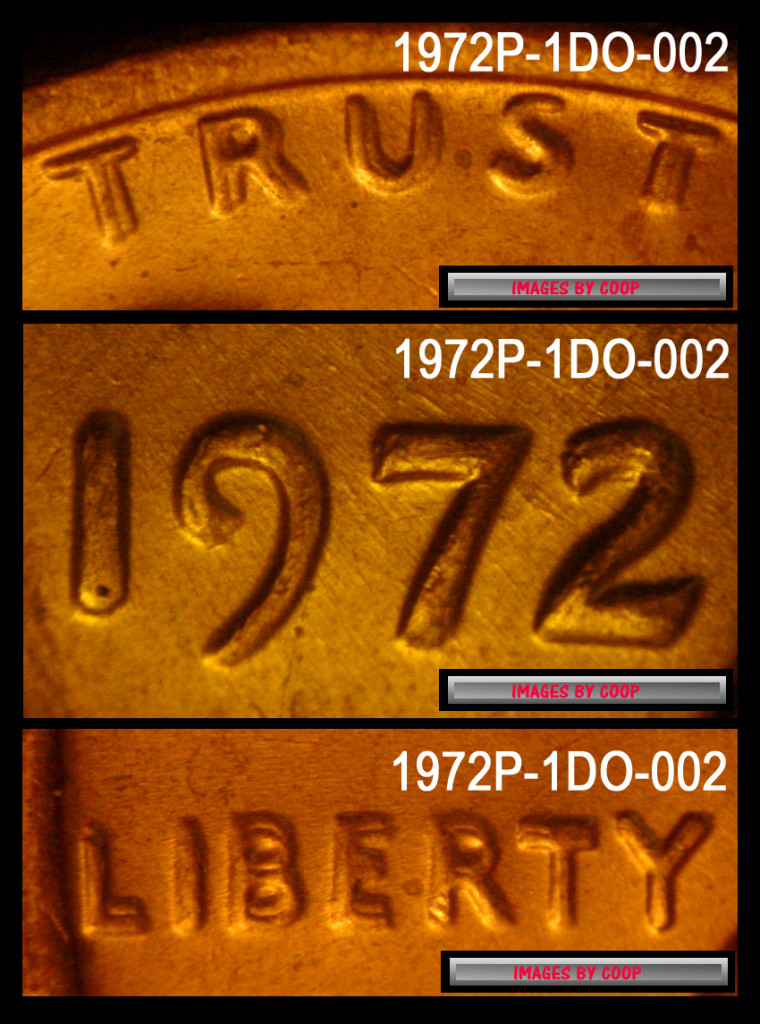
Shining a too bright light is like using a spot light. It reflects. So the single light source allows the light and shadows to make the image show what we need to see better.
CoopHome:
How can I improve my images with a light source? light and shadows works best












 Posted 07/18/2022 4:56 pm


 with above. Coop just explained it quite well for you.


