| Author |
 Replies: 23 / Views: 2,019 Replies: 23 / Views: 2,019 |
|
Pillar of the Community
United States
911 Posts |
I have long been struggling to capture whole coin images suitable for presentatation to the grading forums. I have spent the past few days trying to improve my images. Your opinions and suggested areas that still need some work would be quite helpful. I am not interested in a grading opinion here, but only in the quality of these images for those purposes. But feel free to toss in a grade if you wish. Thanks. 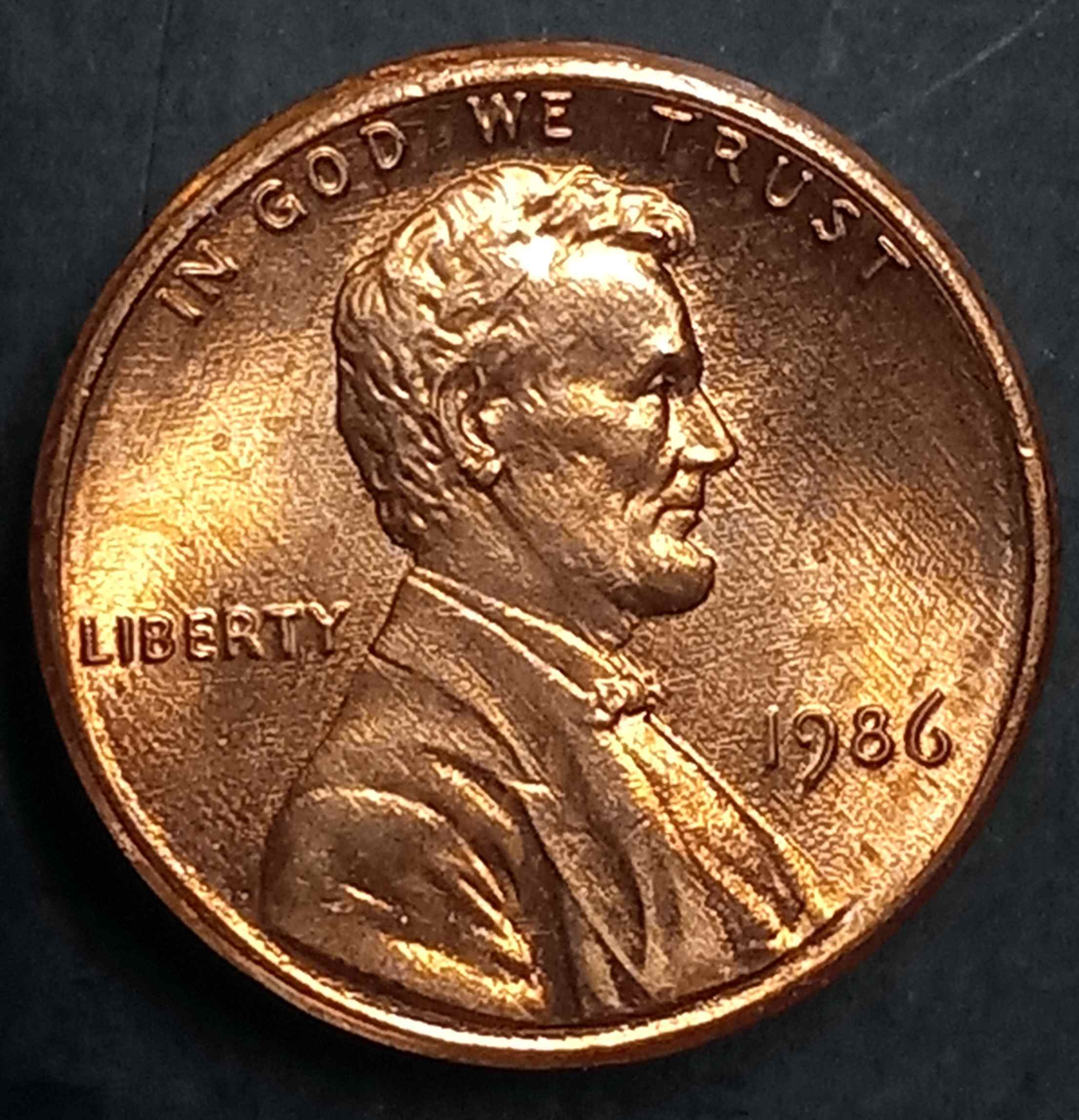 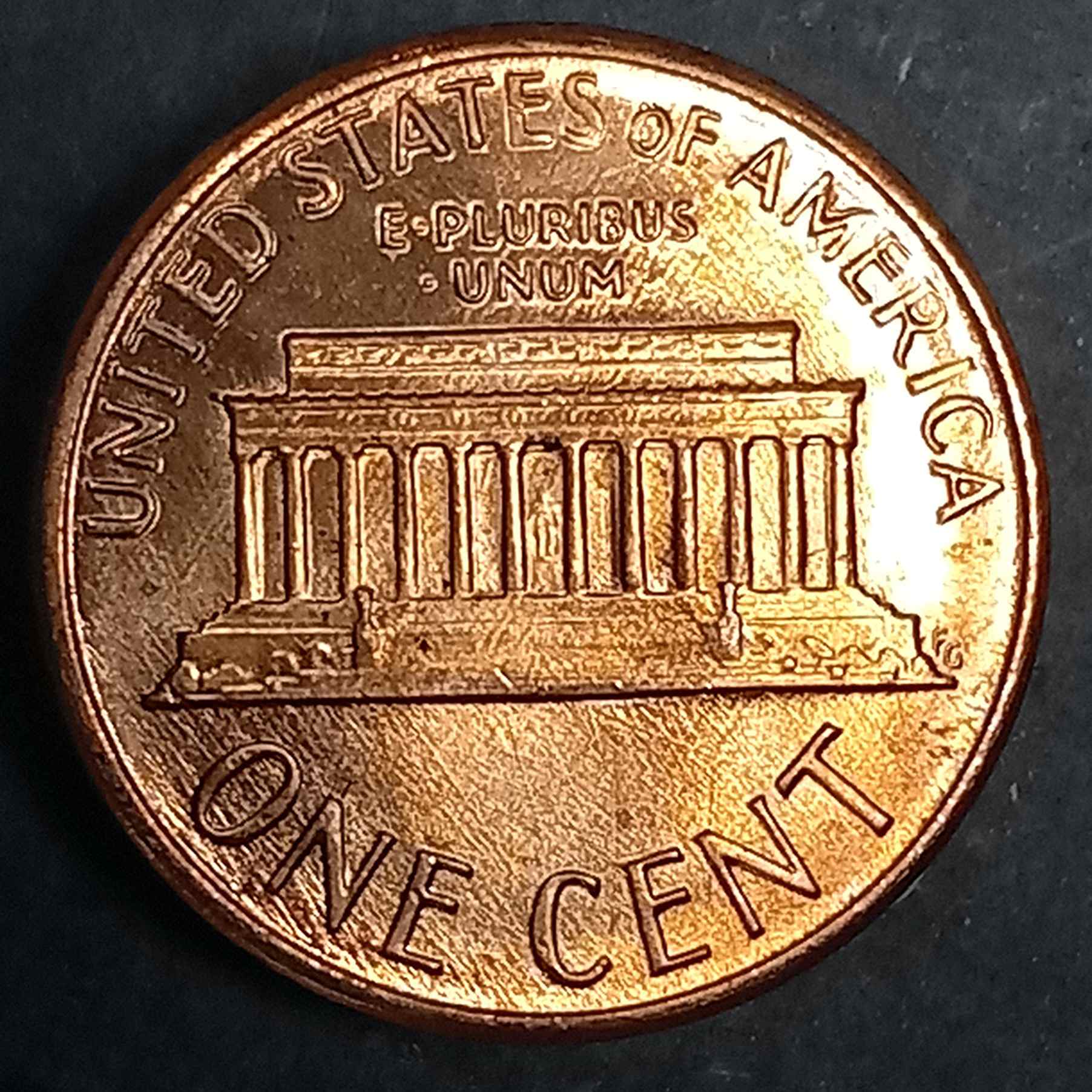 |
|
|
|
Moderator
 United States
56855 Posts |
You need to filter your light. John1  |
|
Valued Member
United Kingdom
418 Posts |
I agree with John1. Get a "daylight" bulb for your desk lamp. You'll then find truer reproduction of any colours. They're slightly blue, just like indirect daylight. Good luck!
|
|
Pillar of the Community
 United States
911 Posts |
My next best attempt. Any improvement? 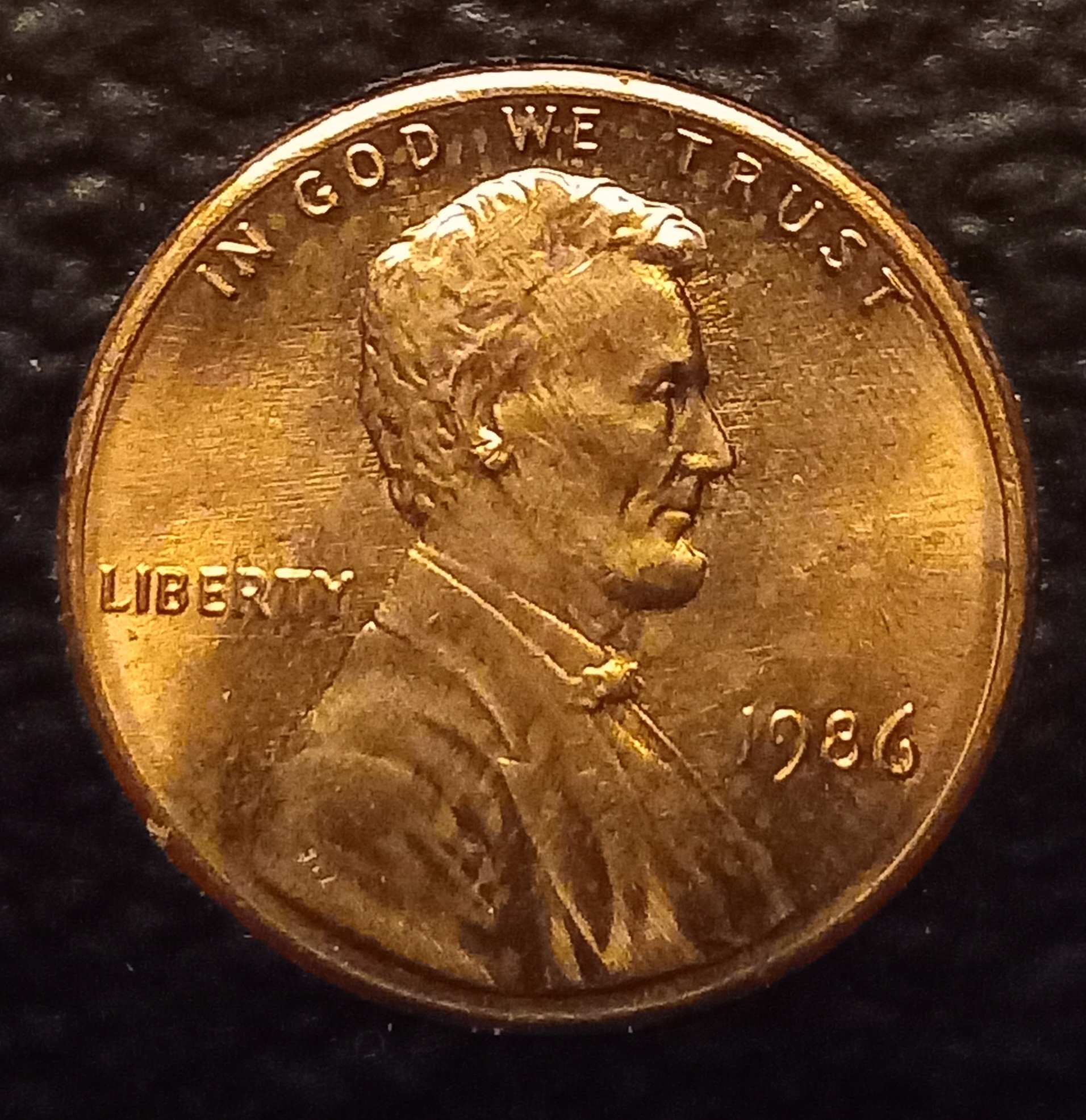 |
|
Forum Dad
United States
24243 Posts |
This is an editing issue.
Your images are almost 2,000 pixels square with a compression of 48. Make them 800px square with a compression of 70. I can almost guarantee they will be immensely better. Plus, crop them closer.
|
|
Pillar of the Community
United States
911 Posts |
My editing skills are limited. If changing the pixels is the same as changing the resolution, I think I can do that. I do not know how to adjust compression. Not familiar with these terms. My photography skills are probably rated -10.
There is no computer here. This is all on my phone. Any apps that may assist might help.
Thanks for the feedback.
|
|
Forum Dad
United States
24243 Posts |
Can you go into your camera settings and see where the quality is set? I'm guessing it's low.
|
|
Pillar of the Community
United States
911 Posts |
Just set to HDR. Is that better?
|
|
Pillar of the Community
United States
911 Posts |
It seems I have a lot to learn and a long way to go. Time for some homework and you all have sent me in the right direction. Give me time to digest it all and I'll pop back up after some trial and error. Much appreciated.
Advice here always teaches me something here.
|
|
Forum Dad
United States
24243 Posts |
Quote:
Just set to HDR. Is that better? What are the options? You want whatever your phone calls medium. |
|
Pillar of the Community
United States
911 Posts |
Quote:
Your images are almost 2,000 pixels square with a compression of 48. Make them 800px square with a compression of 70. I can almost guarantee they will be immensely better. Plus, crop them closer.
. I believe this photo meets those parameters. Any noticeable difference to you? 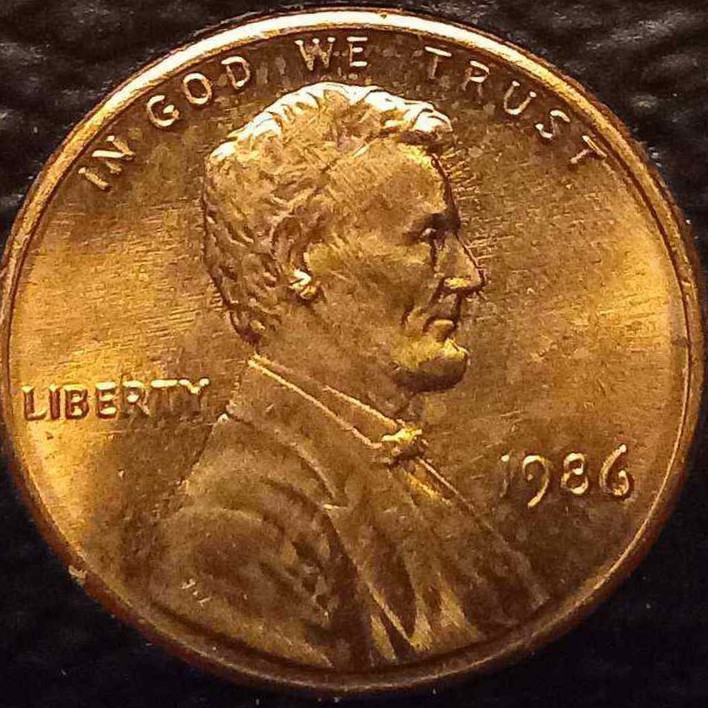 |
|
Forum Dad
United States
24243 Posts |
Still kind of pixelated. What kind of phone are you using? I think maybe your phone camera just isn't that good unless something is moving when you snap it.
|
|
Pillar of the Community
United States
911 Posts |
It is a rather cheap Galaxy A12. It must be the phone,there is no movement occurring during capture.
|
|
Bedrock of the Community
United States
19672 Posts |
To me, one of the most important factors is lighting--using diffused lighting helps to reduce glare and fills in dark areas (to a degree). Of course, the physical limitations of a camera phone come into play in an unforgiving manner.
|
|
Forum Dad
United States
24243 Posts |
Yeah, that may be the issue. I have a Pixel 7 with the quality set to medium and it takes great pics.
|
|
Moderator
United States
197600 Posts |
Quote:
It must be the phone,there is no movement occurring during capture. Are you using a timer? If not, the slight touch of pressing the button to take picture, no matter how stable the phone seems to be, may be enough to ruin the shot. I always use a 3 second timer now. |
| |
Replies: 23 / Views: 2,019 |




 Posted 12/04/2023 04:39 am





