









 Posted 04/02/2024 09:33 am


 to the CCF
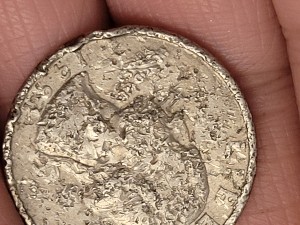
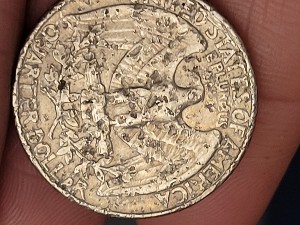
This is a badly damaged coin. Perhaps it spent some time in a parking lot being ground into the pavement.
However it occurred it's just damage. Value is 25 cents.
Take a look at my other hobby ... http://www.jk-dk.art


 severe road rash more likely


