

 Posted 12/19/2009 3:13 pm


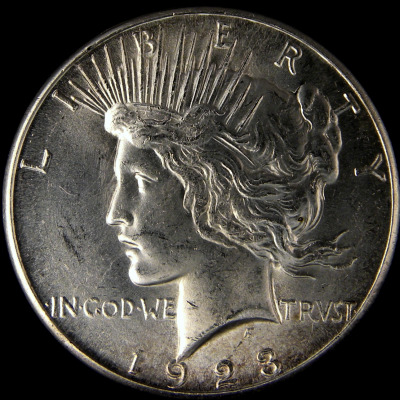
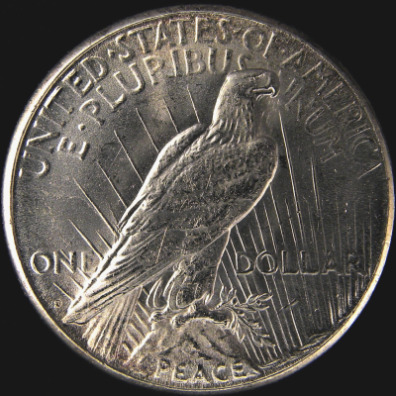
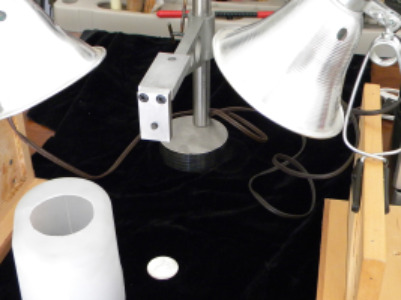
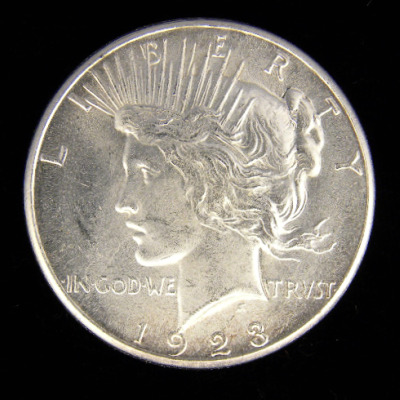
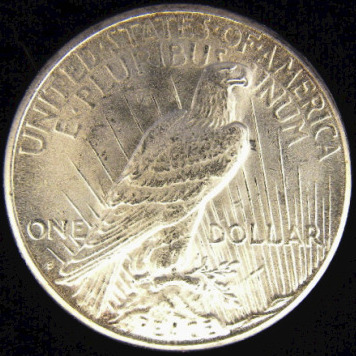
Yep, the pic looks a bit contrasty. If the camera has exposure adjustment, I'd underexpose by 1/3 stop and finish up in Photoshop.
Agreed--easier to work on full-size pics. Shoot me an email and I'll process this one for you--with notes on what to do.
Agreed--easier to work on full-size pics. Shoot me an email and I'll process this one for you--with notes on what to do.
Edited by DVCollector
12/19/2009 3:17 pm
12/19/2009 3:17 pm