Coin Community Family of Web Sites Join Thousands of Coin, Bullion, & Money Collectors
Vancouvers #1 Coin and Paper Money Dealer Shop for APMEX Bullion on eBay!Royal Canadian Mint products, Canadian, Polish, American, and world coins and banknotes. Coin, Banknote and Medal Collectors's Online Mall Join Thousands of Coin, Bullion, & Money Collectors 300,000 items to help build your collection! Specializing in Modern Numismatics


Username:
Password:
Save Password
Forgot your Password?


This page may contain links that result in small commissions to keep this free site up and running.

Welcome Guest! Registering and/or logging in will remove the anchor (bottom) ads. It's Free!

Photo Marrying?

To participate in the forum you must log in or register.
Author Previous TopicReplies: 10 / Views: 2,301Next Topic  
Pillar of the Community
nlp coins's Avatar
United States
2373 Posts
 Posted 08/03/2010  5:28 pm Show Profile   Bookmark this topic Add nlp coins to your friends list Get a Link to this Message Number of Subscribers
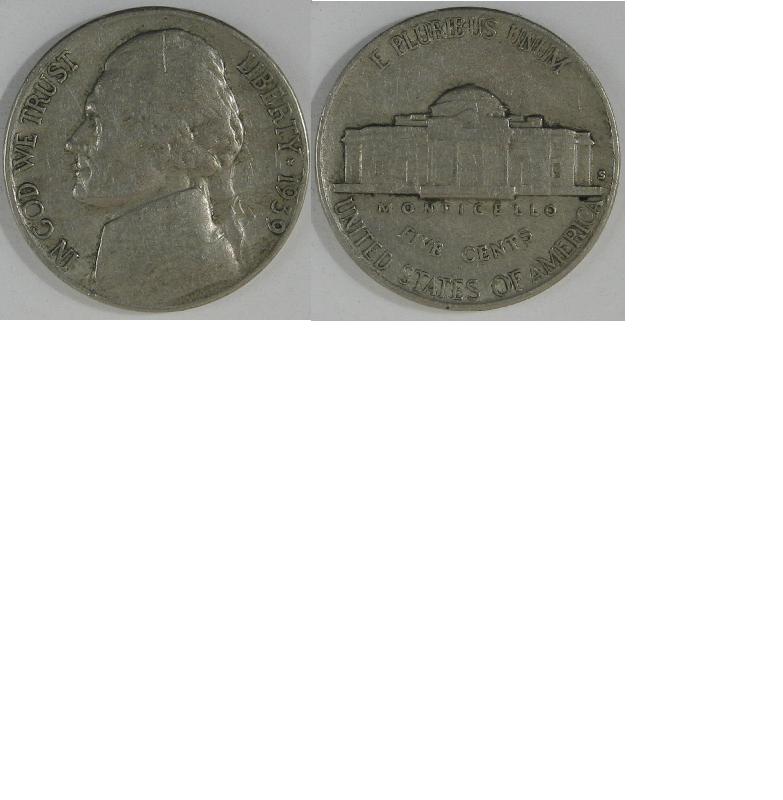
Can anyone tell me how to take the obv and rev image and put them in one image to use on ebay format or other websites. How large(800x800)? I have paint and paint.net on my computer with XP OS. Thanks. This is driving me nuts. I've googled everything but a set of instructions how to do this. nlp
Valued Member
United States
110 Posts
 Posted 08/03/2010  5:35 pm  Show Profile   Bookmark this reply Add Griffin Coins to your friends list Get a Link to this Reply
I just used paint. open the first picture, then take the little box in the lower right corner and make the overall canvas big enough for both coins. Then "Paste From" and choose the reverse of the coin. It should have the selection box around it, and will allow you to hol the left mouse button down and move next to the obverse. Go back to the lower right hand corner, and make the canvas the right size for both pics
Pillar of the Community
nlp coins's Avatar
United States
2373 Posts
 Posted 08/03/2010  5:59 pm  Show Profile   Bookmark this reply Add nlp coins to your friends list Get a Link to this Reply
I think I got it with your help. Now to experiment with sizes of pics so I wont have all the editing to do. Here is my first sample. Thank you berry berry much. nlp
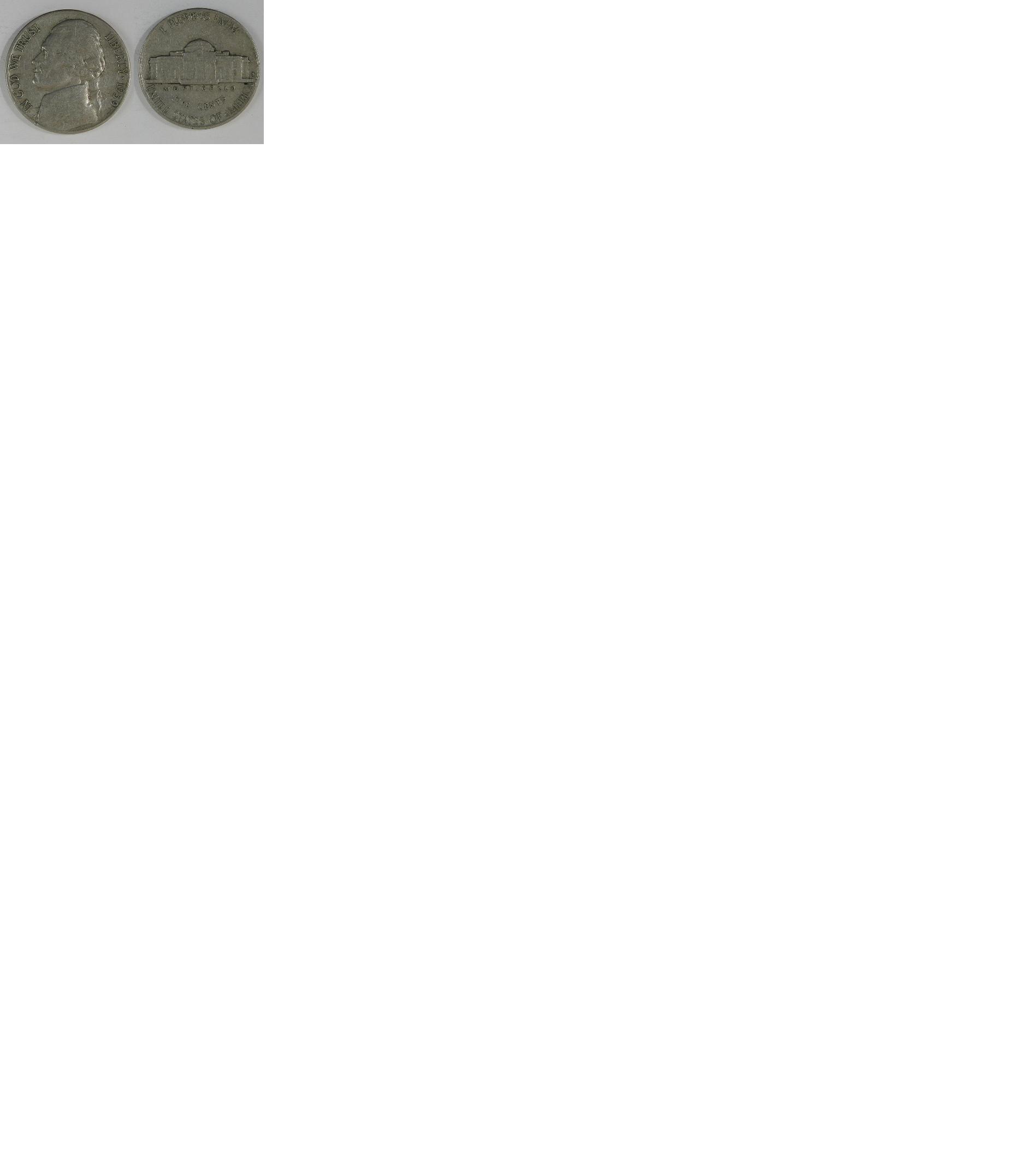
Photo-Marrying???
Pillar of the Community
nlp coins's Avatar
United States
2373 Posts
 Posted 08/03/2010  6:13 pm  Show Profile   Bookmark this reply Add nlp coins to your friends list Get a Link to this Reply
Try another shot for size


Photo-Marrying???
Pillar of the Community
steve199's Avatar
United States
1882 Posts
 Posted 08/03/2010  6:19 pm  Show Profile   Bookmark this reply Add steve199 to your friends list Get a Link to this Reply
Be sure to crop it when you're done...all that white space is still in your .jpg.

Pillar of the Community
nlp coins's Avatar
United States
2373 Posts
 Posted 08/03/2010  7:17 pm  Show Profile   Bookmark this reply Add nlp coins to your friends list Get a Link to this Reply
Yeah steve. I've been playing with that for an hour now. It seems more complicated cropping in paint than in my hp photo. Man, what a chore. nlp
Pillar of the Community
nlp coins's Avatar
United States
2373 Posts
 Posted 08/03/2010  7:23 pm  Show Profile   Bookmark this reply Add nlp coins to your friends list Get a Link to this Reply
Here is one I just played with. Seems like I have to play with the horizontal and verticle numbers rather than slide the mouse and line up to your target point and release. I just chopped off a piece of another pic by overcompensating. Gotta be an easier way. Geeks are way smarter than this. nlp
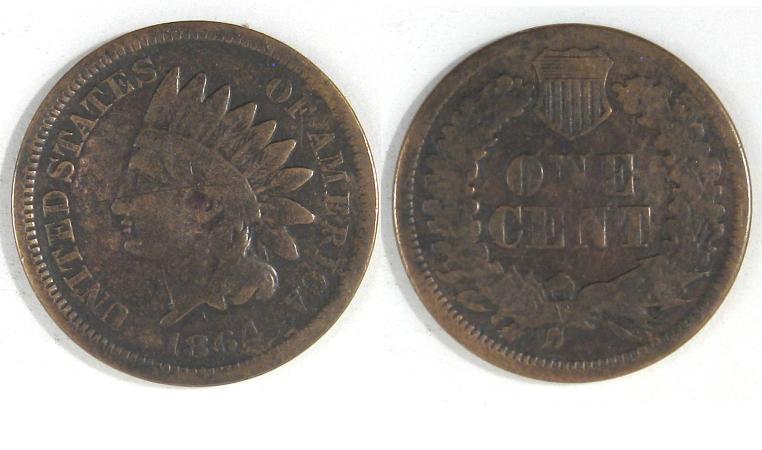

Photo-Marrying???
Pillar of the Community
steve199's Avatar
United States
1882 Posts
 Posted 08/03/2010  8:19 pm  Show Profile   Bookmark this reply Add steve199 to your friends list Get a Link to this Reply
I use gimp, it is free. It has a bigger learning curve, because it does a lot of stuff. I don't know how to use it to do very much, but I did finally figure out how to quickly put two pictures side by side in it.

Pillar of the Community
Tim Stroud's Avatar
United States
2661 Posts
 Posted 08/04/2010  6:07 pm  Show Profile   Bookmark this reply Add Tim Stroud to your friends list Get a Link to this Reply
Photoscape is free also and does a pretty good job. Here is an example I did with it.


Photo-Marrying???
Moderator
Learn More...
jbuck's Avatar
United States
187862 Posts
 Posted 08/05/2010  11:46 am  Show Profile   Bookmark this reply Add jbuck to your friends list Get a Link to this Reply
I will throw my recommendation for Paint.net. It is also free.

Think of it as Windows Paint on steroids.

For the record, I use Gimp on my Linux boxes.
Pillar of the Community
nlp coins's Avatar
United States
2373 Posts
 Posted 08/05/2010  12:55 pm  Show Profile   Bookmark this reply Add nlp coins to your friends list Get a Link to this Reply
I finally figured out Paint. Now to tackle paint.net, it looks like it has more suffium. nlp
  Previous TopicReplies: 10 / Views: 2,301Next Topic  

To participate in the forum you must log in or register.


Disclaimer: While a tremendous amount of effort goes into ensuring the accuracy of the information contained in this site, Coin Community assumes no liability for errors. Copyright 2005 - 2026 Coin Community Family- all rights reserved worldwide. Use of any images or content on this website without prior written permission of Coin Community or the original lender is strictly prohibited.
Contact Us  |  Advertise Here  |  Privacy Policy / Terms of Use

Coin Community Forum © 2005 - 2026 Coin Community Forums
It took 0.39 seconds to rattle this change. Forums