Coin Community Family of Web Sites Join Thousands of Coin, Bullion, & Money Collectors
Vancouvers #1 Coin and Paper Money Dealer Royal Canadian Mint products, Canadian, Polish, American, and world coins and banknotes. 300,000 items to help build your collection! Coin, Banknote and Medal Collectors's Online Mall Specializing in Modern Numismatics Shop for APMEX Bullion on eBay!Join Thousands of Coin, Bullion, & Money Collectors


Username:
Password:
Save Password
Forgot your Password?


This page may contain links that result in small commissions to keep this free site up and running.

Welcome Guest! Registering and/or logging in will remove the anchor (bottom) ads. It's Free!

Help Requested.

To participate in the forum you must log in or register.
Author Previous TopicReplies: 2 / Views: 1,220Next Topic  
Pillar of the Community
dbrablec's Avatar
United States
1944 Posts
 Posted 12/03/2010  07:15 am Show Profile   Bookmark this topic Add dbrablec to your friends list Get a Link to this Message Number of Subscribers
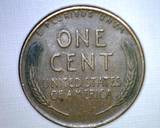
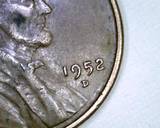
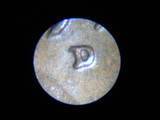
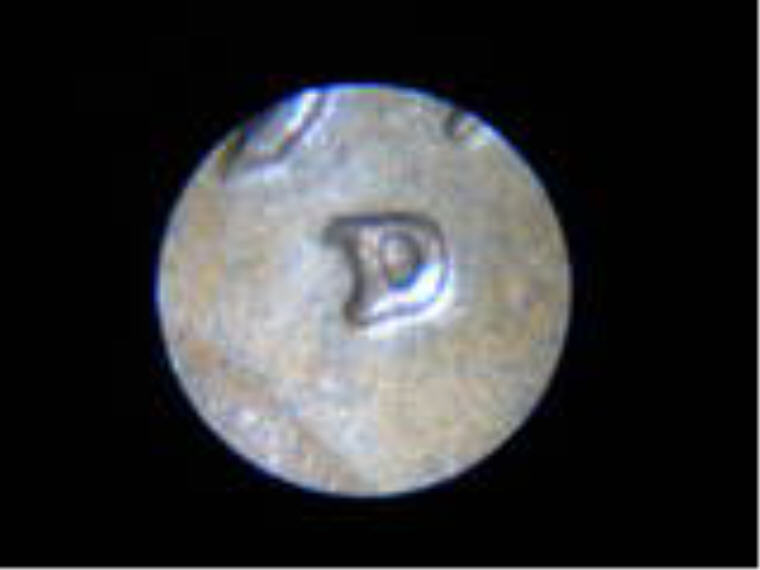
ive been trying several things, but so far not much success. I am unable to produce, and post images large enough to be effective. I recently posted these images, and no on was able to commen because they are too small. how do I get larger photos. 1-3 were taken originall with a clelstron usb scope. they were 159kb and 1280 x 1024. (too large to post here. 4 was taken with a nikon, through an inexpensive micorscope. it was 98kb and 640 x 480.

i uploaded them all to photobucket, and re-saved them. and this is the result.

help with saving and posting larger, clear images is appreciated. thanks.
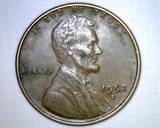
Help-Requested.

Help-Requested.

Help-Requested.

Help-Requested.
Pillar of the Community
cwb1877's Avatar
United States
1659 Posts
 Posted 12/03/2010  09:04 am  Show Profile   Bookmark this reply Add cwb1877 to your friends list Get a Link to this Reply
When you upload your pics to Photobucket, make sure you have the correct size selected. Click the "Upload Now" button. You should see somewhere on the page that says "Customize your upload options". If you click that, you can select how big you want your images in Photobucket. It looks like you currently have the 160 X 120 box selected which tells Photobucket to resize your uploaded images to this size, which is why they appear so small.

I use 640 X 480 which seems to work well. Hopefully this helps
Bedrock of the Community
Bryan1315's Avatar
United States
14454 Posts
 Posted 12/03/2010  11:47 am  Show Profile   Bookmark this reply Add Bryan1315 to your friends list Get a Link to this Reply
I enlarged one of the pictures you have and uploaded it but if you have any problems you can email me the originals and I will edit your post and post the pictures for you. you can send it to Bryan1315 at coincommunity.com

Help-Requested.
  Previous TopicReplies: 2 / Views: 1,220Next Topic  

To participate in the forum you must log in or register.


Disclaimer: While a tremendous amount of effort goes into ensuring the accuracy of the information contained in this site, Coin Community assumes no liability for errors. Copyright 2005 - 2026 Coin Community Family- all rights reserved worldwide. Use of any images or content on this website without prior written permission of Coin Community or the original lender is strictly prohibited.
Contact Us  |  Advertise Here  |  Privacy Policy / Terms of Use

Coin Community Forum © 2005 - 2026 Coin Community Forums
It took 0.2 seconds to rattle this change. Forums