| Author |
 Replies: 11 / Views: 3,050 Replies: 11 / Views: 3,050 |
|
|
Moderator
 United States
54298 Posts |
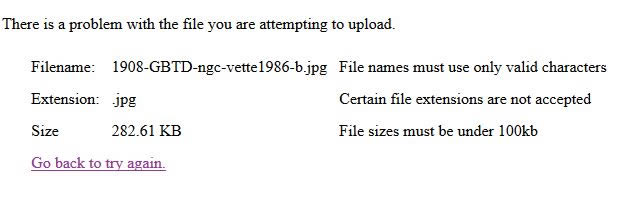 If I rename the file to abc.jpg, it still is telling me there is a problem (the same problem, whatever it actually is). This was uploading to the Counterfeit World Coins forum. I ran it through the optimizer and it got it to 130kb, and it uploaded fine. Note, this error message still says the file limit is 100kb. When I try to upload a file that REALLY is over 300kb, I get this error message instead. 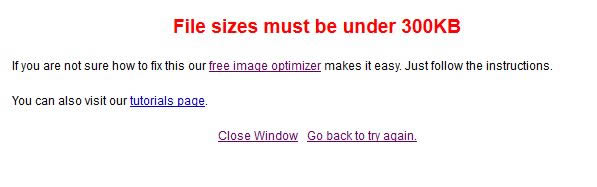 Show your financial support of the Coin Community Family (click here)See my topic on Mexican Numismatic Medals (click here) |
|
|
|
Forum Dad
United States
24234 Posts |
Ugh, I'll look at it later today.
|
|
Valued Member
United States
259 Posts |
Wow, I feel like a doof. I thought the file limit was still 200K
|
|
Pillar of the Community
 United States
5828 Posts |
Yeah I got the same error on my iPhone last night, thought it was just my device  |
|
Forum Dad
United States
24234 Posts |
Quote:
Wow, I feel like a doof. I thought the file limit was still 200K Well 99% of the time you don't need more than 150K. The image below is only 107KB so how badly does an image really need to be 300KB or even 200KB? Usually anything over 150K is just a waste of server space. 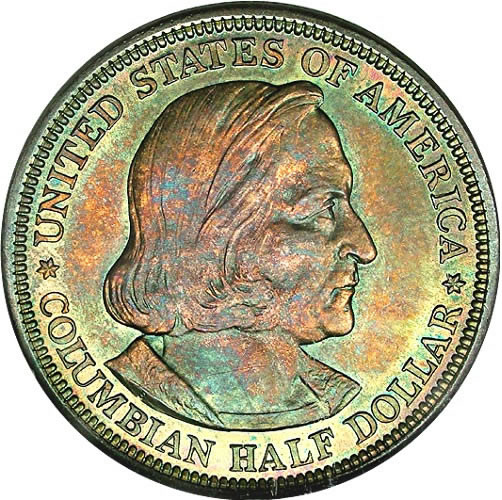 This one is only about 130KB... 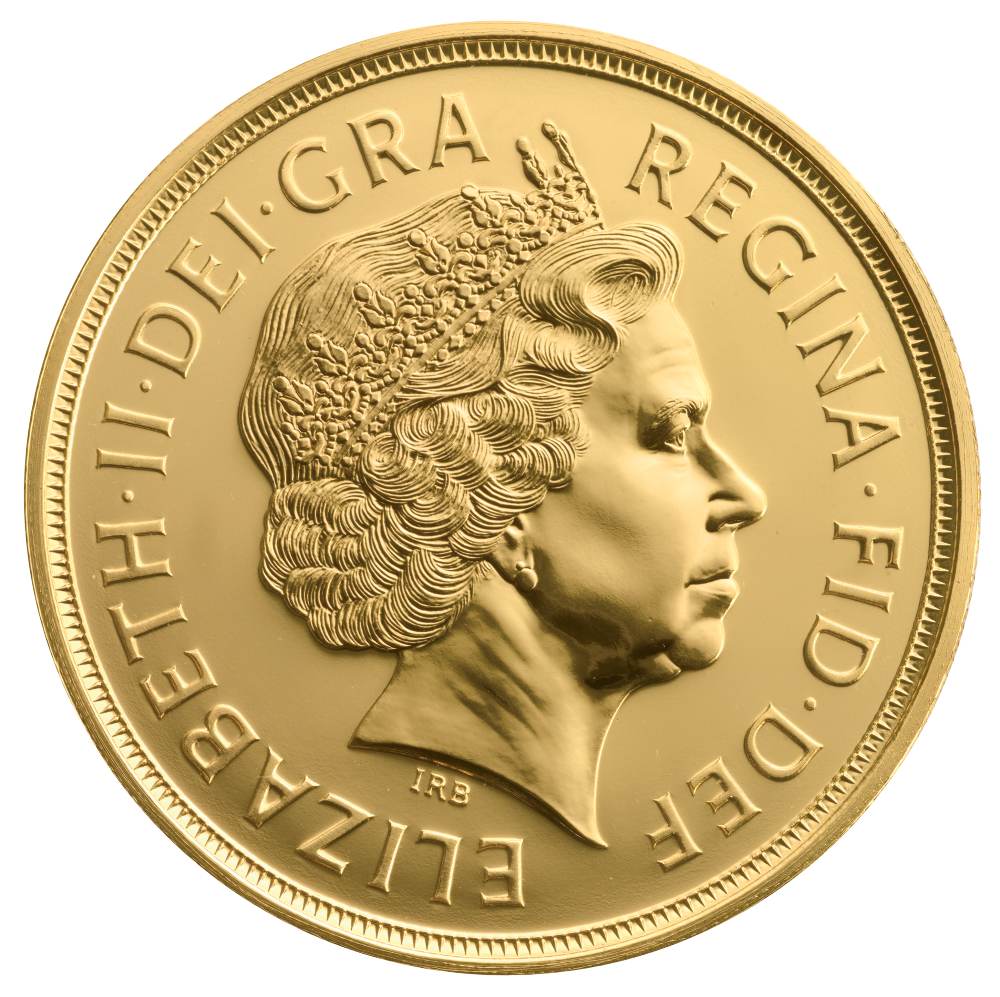 |
|
Forum Dad
United States
24234 Posts |
Test:  |
|
Forum Dad
United States
24234 Posts |
Ok NSS, try that same image now.
|
|
Moderator
 United States
54298 Posts |
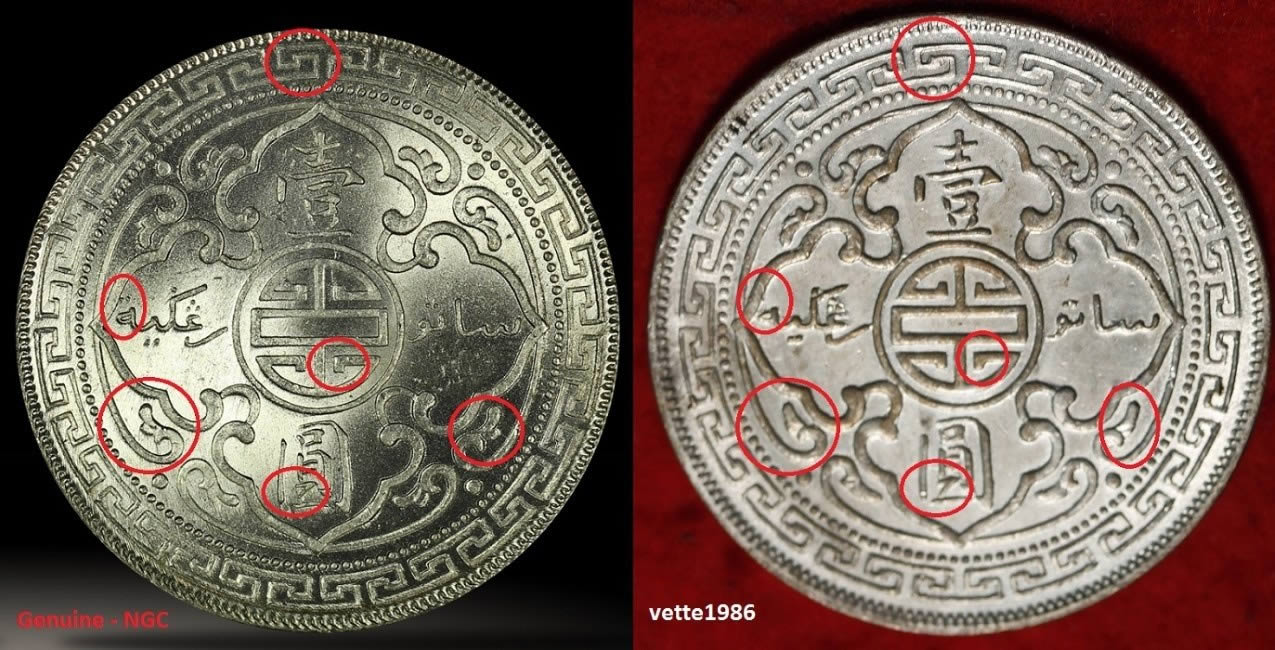 Worked. Thanks for looking into and fixing whatever the problem was. I wanted a bit larger image since it was comparing small details on two coins side by side. Show your financial support of the Coin Community Family (click here)See my topic on Mexican Numismatic Medals (click here)Edited by nss-52
06/18/2016 4:58 pm
|
|
Forum Dad
United States
24234 Posts |
Now look at this one... 150KB. Just sayin'  |
|
Pillar of the Community
United States
2403 Posts |
Quote:
Usually anything over 150K is just a waste of server space.
Is there recommended sizes for particular uses? I.e grading vs Errors/VAMs. I usually try to keep them right at 200kb but have felt like my pics were larger than most. I always though it was because of the equipment I use and how I shot the picture. While I'm on the subject, I have noticed the revers of a lot of coins ends up being a larger file size than the obverse. Even though they are taken from same distance and are same size in circumference. Is this because there is more detail in most reverses? Edited by MontCollector
06/18/2016 5:20 pm
|
|
Forum Dad
United States
24234 Posts |
There's no steadfast rules. Big enough to show what you need to show. Just please crop images to the coin. I downloaded just two members images today and cropped them and reuploaded and knocked 4MB off.  |
| |
Replies: 11 / Views: 3,050 |
|







 Posted 06/18/2016 3:33 pm





