| Author |
 Replies: 13 / Views: 902 Replies: 13 / Views: 902 |
|
|
Pillar of the Community
 United States
2484 Posts |
Can someone help me with how to remove Images in my "Upload Folder"?
Thanks!
|
|
|
|
Forum Dad
United States
24243 Posts |
You can't. Why would you need to remove them?
|
|
Pillar of the Community
 United States
2484 Posts |
Quote:
You can't. Why would you need to remove them? Because I was trying to tweak my image to fit and show correctly on a page, I kept reposting on the same post... An Option that should be implemented to keep user picture files more organized.. I wonder what those members who play and post 6 to maybe 10 (Geography, Acquisitions, etc., etc. coin pictures a day every day look like..  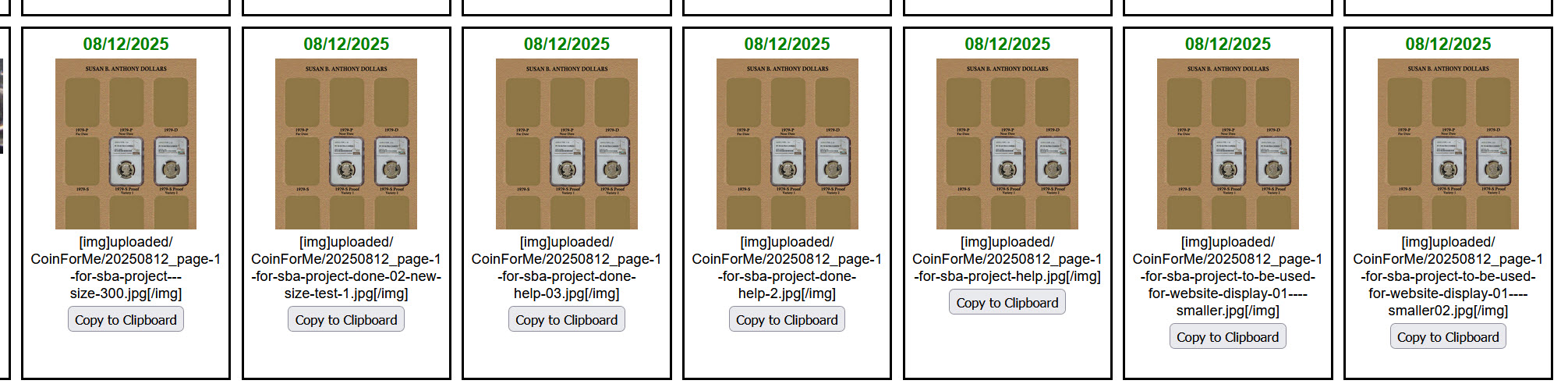 |
|
Forum Dad
United States
24243 Posts |
Quote:
Because I was trying to tweak my image to fit and show correctly on a page, I kept reposting on the same post... There's no need to upload them to see what they will look like. They will look exactly the same as on your device. Nothing will change during the upload. If you don't crop them, they won't be cropped. Quote:
An Option that should be implemented to keep user picture files more organized.. Sorry, that will never happen. We can't have users deleting images; it will render topics completely useless. That's one of the reasons we don't allow outside image hosts; tons of people don't understand how the internet works. We literally lost thousands of topics when PB screwed everyone and went to a paid platform. |
|
Forum Dad
United States
24243 Posts |
You don't have to worry about the physical pixel dimensions; the software will resize with a click to enlarge depending on the screen size. This is 2600 pixels across and 293KB. 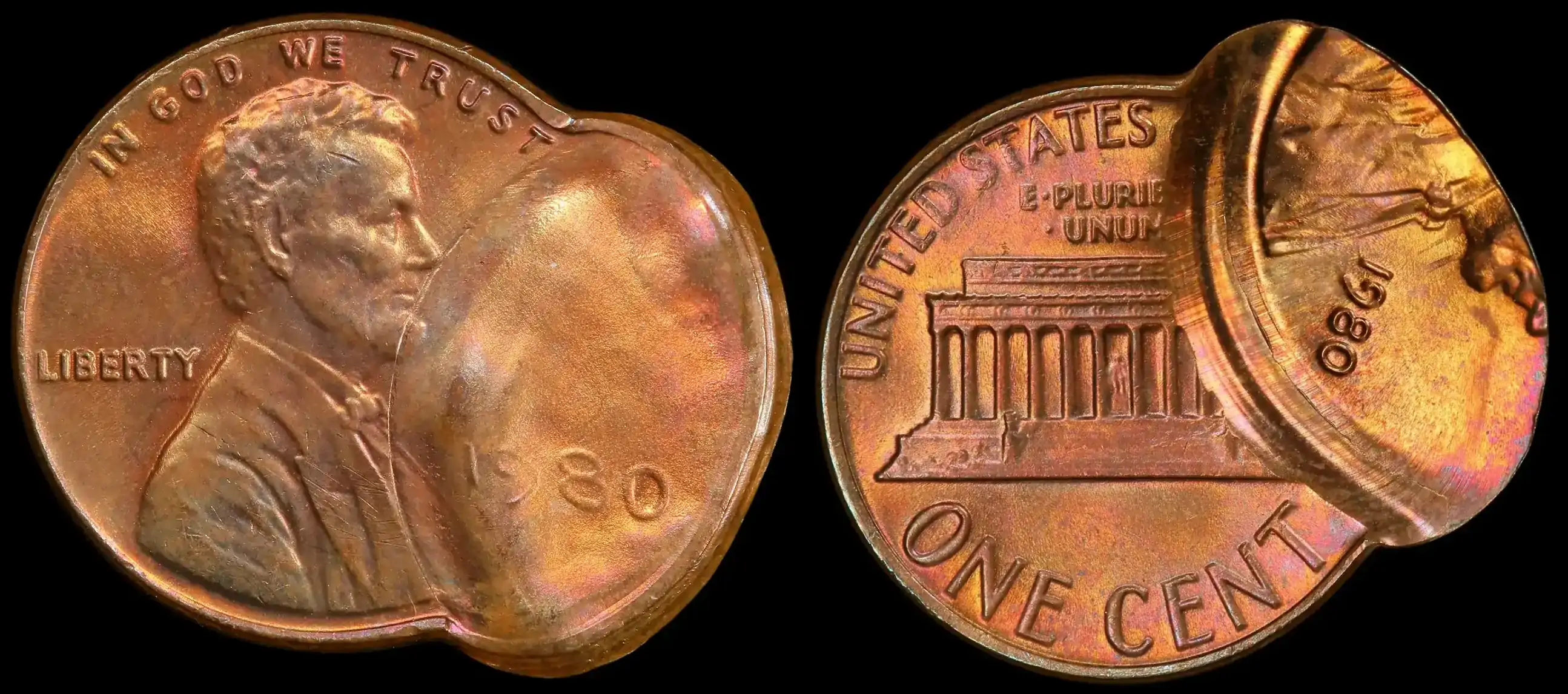 |
|
Pillar of the Community
United States
2484 Posts |
Quote:
Sorry, that will never happen. We can't have users deleting images; it will render topics completely useless. Yes, I understand, it could be a dilemma if a picture is gone when it is the main topic of the conversation!  Quote:
You don't have to worry about the physical pixel dimensions; the software will resize with a click to enlarge depending on the screen size. I was resizing pics with InfanView, setting the new size of the pictures to Width 800, which I see the system says no larger than 800. That's where I'm confused.. Thanks for your help... |
|
Bedrock of the Community
United States
27514 Posts |
CoinForMe, if you don't like how a picture looks, edit it and re-upload. If you use the same file name before midnight forum time, the old file will be overwritten and vanish.
Inordinately fascinated by bits of metal with strange markings and figures
|
|
Forum Dad
United States
24243 Posts |
Quote:
I was resizing pics with InfanView, setting the new size of the pictures to Width 800, which I see the system says no larger than 800. That's where I'm confused.. To be honest, that's more of a guideline for single sides of a coin and more for newbies who really don't understand picture editing. The system will not reject images based on pixel dimensions. It will reject anything over 300KB. I added a note to the tutorial. Quote:
CoinForMe, if you don't like how a picture looks, edit it and re-upload. If you use the same file name before midnight forum time, the old file will be overwritten and vanish. There are some exceptions. Some devices (Apple, I think) will automatically save a copy when you save the edit and change the file name. |
|
Pillar of the Community
United States
2484 Posts |
Quote:
The system will not reject images based on pixel dimensions. It will reject anything over 300KB. I added a note to the tutorial. Thank you bobby131313 I get it now, it's not the "Width" of the picture but the "Size" of the image that is being uploaded. |
|
Bedrock of the Community
United States
27514 Posts |
Quote:
There are some exceptions. Some devices (Apple, I think) will automatically save a copy when you save the edit and change the file name. I meant that the file saved on the server will be overwritten. Inordinately fascinated by bits of metal with strange markings and figures
|
|
Forum Dad
United States
24243 Posts |
Quote:
I meant that the file saved on the server will be overwritten. If the file name is the same. Some devices don't keep it the same if you edit it. |
|
Pillar of the Community
United States
6957 Posts |
You do have the option to name the image file. Can't you just copy and paste the image name for an overwrite?
Tbh, it sounds like a bad idea to even try that. There have been very few times when I have realized that an image has to be redone after upload. They can just be orphaned, no single file will break the bank at 300kB.
|
|
Forum Dad
United States
24243 Posts |
Quote:
Can't you just copy and paste the image name for an overwrite? Yes, you can. If you rename it on the upload form and put the same file name, it will replace it on the same day. Easy for me when it happens, my browser remembers it. |
|
Pillar of the Community
United States
2484 Posts |
Thank you bobby131313 & Hondo, I can't wait to try this on my next upload.... |
| |
Replies: 13 / Views: 902 |
|







 Posted 08/12/2025 4:22 pm


