| Author |
 Replies: 25 / Views: 2,950 Replies: 25 / Views: 2,950 |
Page 2 of 2
|
|
|
|
Forum Dad
 United States
24234 Posts |
Quote:
but then this program saved my file in *.png format. What is this program you are referring to? |
|
Moderator
United States
34564 Posts |
this program = CCF's optimizer here is a screen shot of the error message: 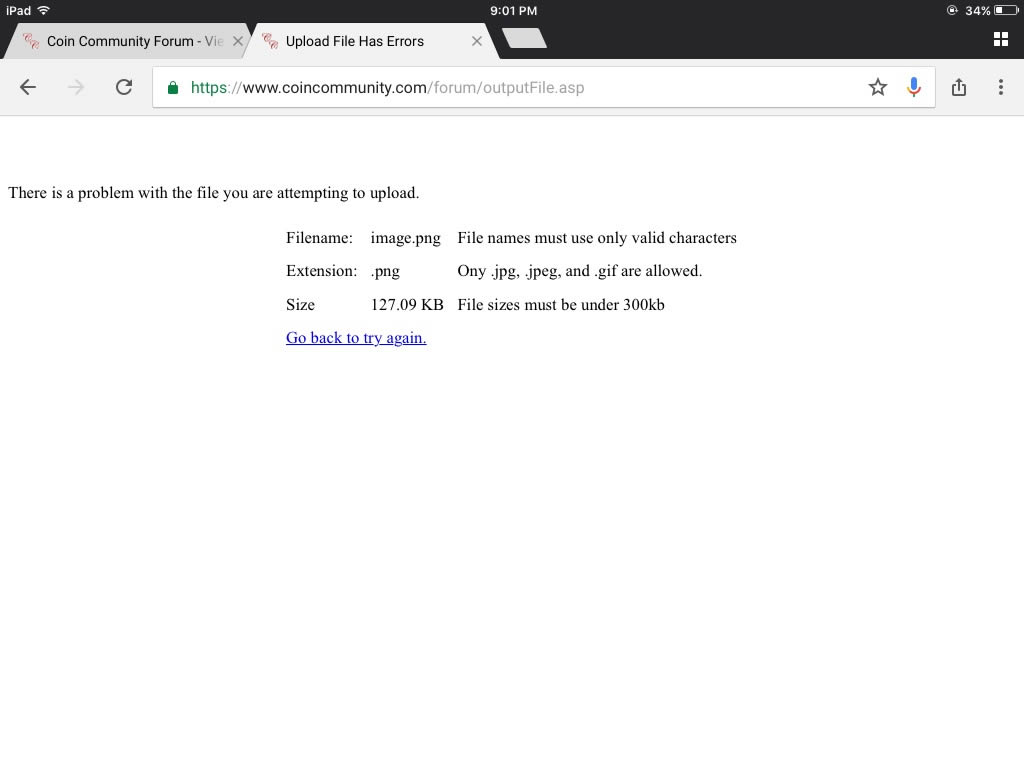 "If you climb a good tree, you get a push."
-----Ghanaian proverb
"The danger we all now face is distinguishing between what is authentic and what is performed."
-----King Adz
Edited by Spence
08/02/2017 9:05 pm
|
|
Forum Dad
United States
24234 Posts |
Yes, it's a PNG file, won't upload.
|
|
Moderator
United States
34564 Posts |
The filename of the coin that wouldn't upload is img_0192.png. The filename of the original screenshot is img_0194.png, but I couldn't post it to this thread because of the file extension. I had to open the screenshot with MS paint to save it as a *.jpg to post it so the filename of the actual posted screenshot is img_0194.jpg. Is that what you need?
"If you climb a good tree, you get a push."
-----Ghanaian proverb
"The danger we all now face is distinguishing between what is authentic and what is performed."
-----King Adz
|
|
Forum Dad
United States
24234 Posts |
Yes, it must not be a PNG.
I cannot replicate the optimizer outputting a PNG file on any equipment I have here. I upload a jpg, I get a jpg back.
|
|
Forum Dad
United States
24234 Posts |
In fact, if I upload a PNG, it will give me back a JPG, here's the PNG map above resized to 3000px across at 70% compression by the Optimizer and it looks just fine and functional..... 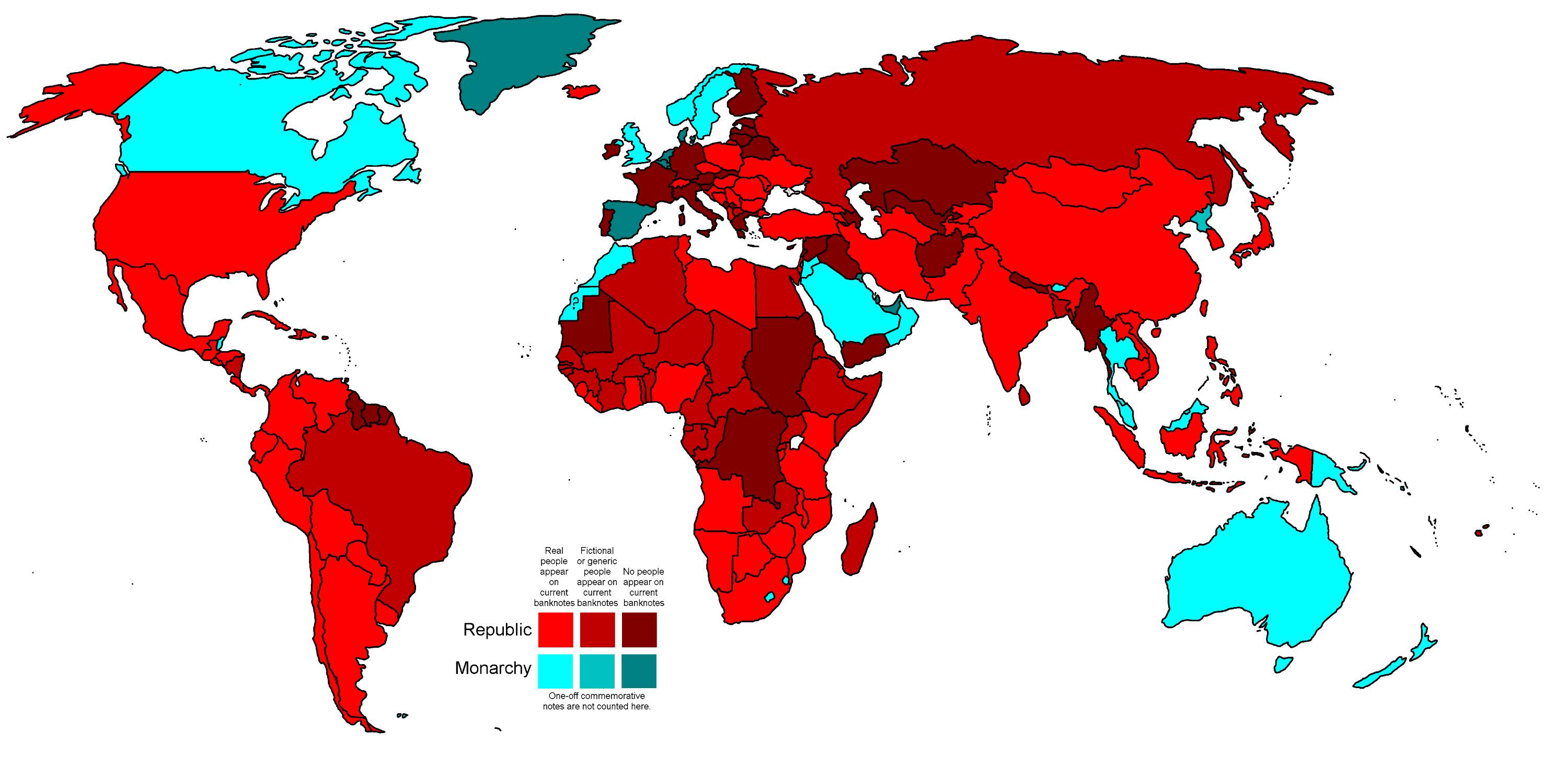 |
|
Moderator
United States
34564 Posts |
Ok yes, I just tried the optimizer program on my desk top and it works fine (see below). It is only for images that I process with my iPad that it seems to be switching file extensions.  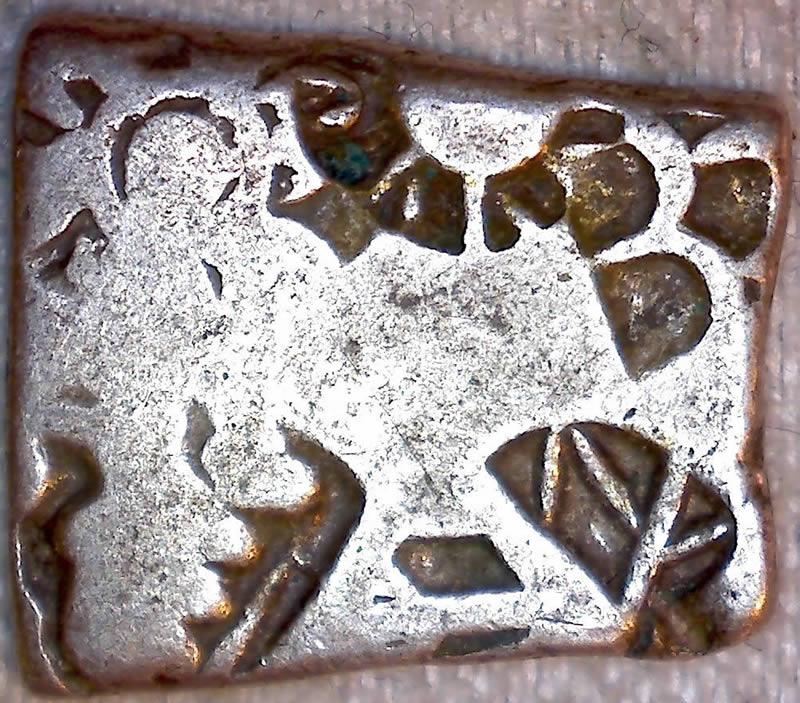 "If you climb a good tree, you get a push."
-----Ghanaian proverb
"The danger we all now face is distinguishing between what is authentic and what is performed."
-----King Adz
|
|
Moderator
United States
54298 Posts |
|
|
Bedrock of the Community
 United States
94367 Posts |
I most appreciate input from Bobby and Spence. I just tried again, scanned a new image in jpeg, but when I resized it on the Image Optimizer and saved it to my computer it showed up in png format. At wits ends, but at least I understand the problem - upload has to be in jpeg. Now how to get there.
|
|
Moderator
United States
34564 Posts |
@nss, it is an old punchmarked silver coin from India. I hadn't posted it to CCF yet, so the file was still larger than the 300K max. There are several informative threads on CCF about these coins, but here is one from @ancientnoob: http://goccf.com/t/134767@CF, yes I agree that it is good to know what the problem is. For some weird reason, I only run into the optimizer changing the file extension when I use it on my old iPad. As a short-term solution, I wonder if there is some other program that you can use to reduce the size of the files? "If you climb a good tree, you get a push."
-----Ghanaian proverb
"The danger we all now face is distinguishing between what is authentic and what is performed."
-----King Adz
|
|
Forum Dad
United States
24234 Posts |
I sent an email to the author of the program to see if he's aware of the issue with the iPads. I tend to think it's an iPad issue though. We'll see if I get a response.
|
|
Moderator
United States
34564 Posts |
Ok thanks Bobby. What makes it strange [to a technophobe like myself] is that it only started doing this in the last week or two.
"If you climb a good tree, you get a push."
-----Ghanaian proverb
"The danger we all now face is distinguishing between what is authentic and what is performed."
-----King Adz
|
|
Forum Dad
United States
24234 Posts |
Well in my past experience, when there's an issue that only affects iPads, it's usually the iPad's fault.
|
|
Bedrock of the Community
United States
94367 Posts |
Spence - I agree. I had no problem using the new Image Optimizer on my laptop until about 10 days ago, and then everything went kaput.
|
|
Bedrock of the Community
United States
94367 Posts |
Finally got it down, and I want to thank Bobby in particular for his patience in helping me learn how to use off-site image editing sources.
|
|
Page 2 of 2
|
Replies: 25 / Views: 2,950 |
Page 2 of 2
|








 First Page


 Posted 08/02/2017 8:58 pm


