| Author |
 Replies: 25 / Views: 2,948 Replies: 25 / Views: 2,948 |
|
Bedrock of the Community
United States
94367 Posts |
I have successfully uploaded dozens and dozens of images in the past without difficulty but have been unable to do so in the past week, no matter what the size (not even 100kb). I was able to use the new system for a short time (see recent Paper Money Forum posts) but no longer.
I used to get a red/green indicator when I was uploading, but now I get a box with nonspecific rejection reasons, including the 300kb rule, even though the same box shows the image is way under 300kb.
Any help would be most appreciated. I am an older guy and not very computer savvy - just can't figure out why things have changed so suddenly.
|
|
|
|
Moderator
 United States
34564 Posts |
@cf, I had this same issue fir the first time early this am, but chalked it up to using an iPad with spotty wifi signal. It looked to me like the photos were being looked at as *.png files rather than *.jpg files. I haven't had a chance to try again, but will later again tonite.
"If you climb a good tree, you get a push."
-----Ghanaian proverb
"The danger we all now face is distinguishing between what is authentic and what is performed."
-----King Adz
|
|
Forum Dad
United States
24234 Posts |
PNGs are no longer allowed, they are grossly inefficient for the web. One of your PNG files 347KB... 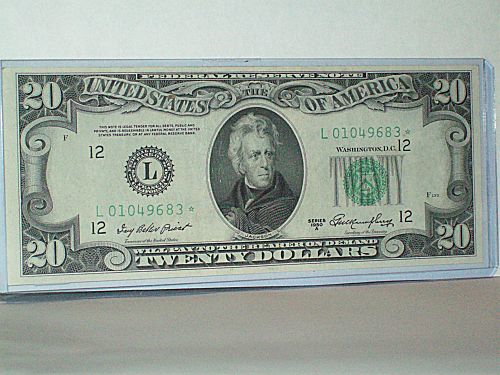 Same image in jpg 59KB... 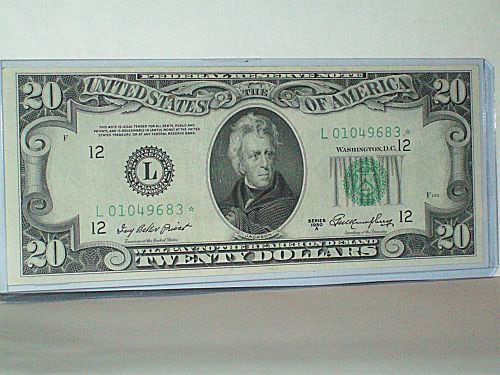 83% smaller 83% smaller and looks the same. |
|
Bedrock of the Community
 United States
94367 Posts |
Bobby - Thanks for the reply, this is the first thing I've actually understood.
I now see that all of my original images are jpeg, but when I shrink them on the new Image Optimizer and save them to my photo file, they are automatically saved in png format. When I name the file, I am only offered BMP as an option to png format. There is no jpeg option.
At least I finally understand the underlying problem.
Advice at this point?
|
|
Forum Dad
United States
24234 Posts |
I'm not sure what to say, every image I update using the optimizer downs in the same file format that I uploaded?
Wat browser/operating system are you using?
|
|
Pillar of the Community
United States
4211 Posts |
@Coinfrog and @Spence I have had a lot of practice with this new system as I just recently photoed my Jefferson nickels and Silver Eagle albums using the optimizer on all the photos. I would get the same message, but only on some of them even tho the size in almost all cases was less than 100 and in green when I first saved them. But sometimes a second click on a photo showed like 414 as the size on the original photo up top. So I would retype over the 85% image quality and when I did that it would go right back down to like 79. Now, I just automatically click on everything again before I hit save and make sure they are all less than 100. Hope that helps! |
|
Bedrock of the Community
United States
94367 Posts |
Bobby - Windows 10/IE. At least I now understand that png images don't work, even though all my saved and formatted pics for the CCF are, amazingly, in this format despite the originals. Saving to file only offers the BMP option.
|
|
Forum Dad
United States
24234 Posts |
I have IE 11 on my computer just like you and I just tested it. I uploaded a jpg, edited it, clicked Save Image(s), then the green download arrow and it downloaded a perfectly edited jpg.  |
|
Pillar of the Community
Russian Federation
5186 Posts |
Quote:
PNGs are no longer allowed, they are grossly inefficient for the web. That's a pain, because the inefficiency really depends on what the picture is. For most photos, yes, this is the case, but if the image is effectively a line drawing (such as a map, or a screenshot that doesn't include a photo), a PNG image might well be smaller, and will almost certainly be of much better quality. Effectively, a map like the one in the linked thread might well never be posted again to CCF - I doubt that a JPG file of it would be able to fit within the upload limits without being of obvious horribly low quality. I was hit by this a few days ago - wanted to upload a tiny screenshot, saved it in Paint as a PNG (my main go-to format for non-photo images)... not allowed. Tried BMP... nope. Had to suck it up and do JPG, even though I know that JPG files made by Paint are almost always of very low quality. (The PNG was 2 KB, and the JPG was 5 KB, by the way.) |
|
Forum Dad
United States
24234 Posts |
First off there is zero reason for an image to be 4500 pixels wide. That being said, PNG, 203KB...  GIF, 150KB 25% Smaller and looks virtually the same. Colors are just a tad different.... 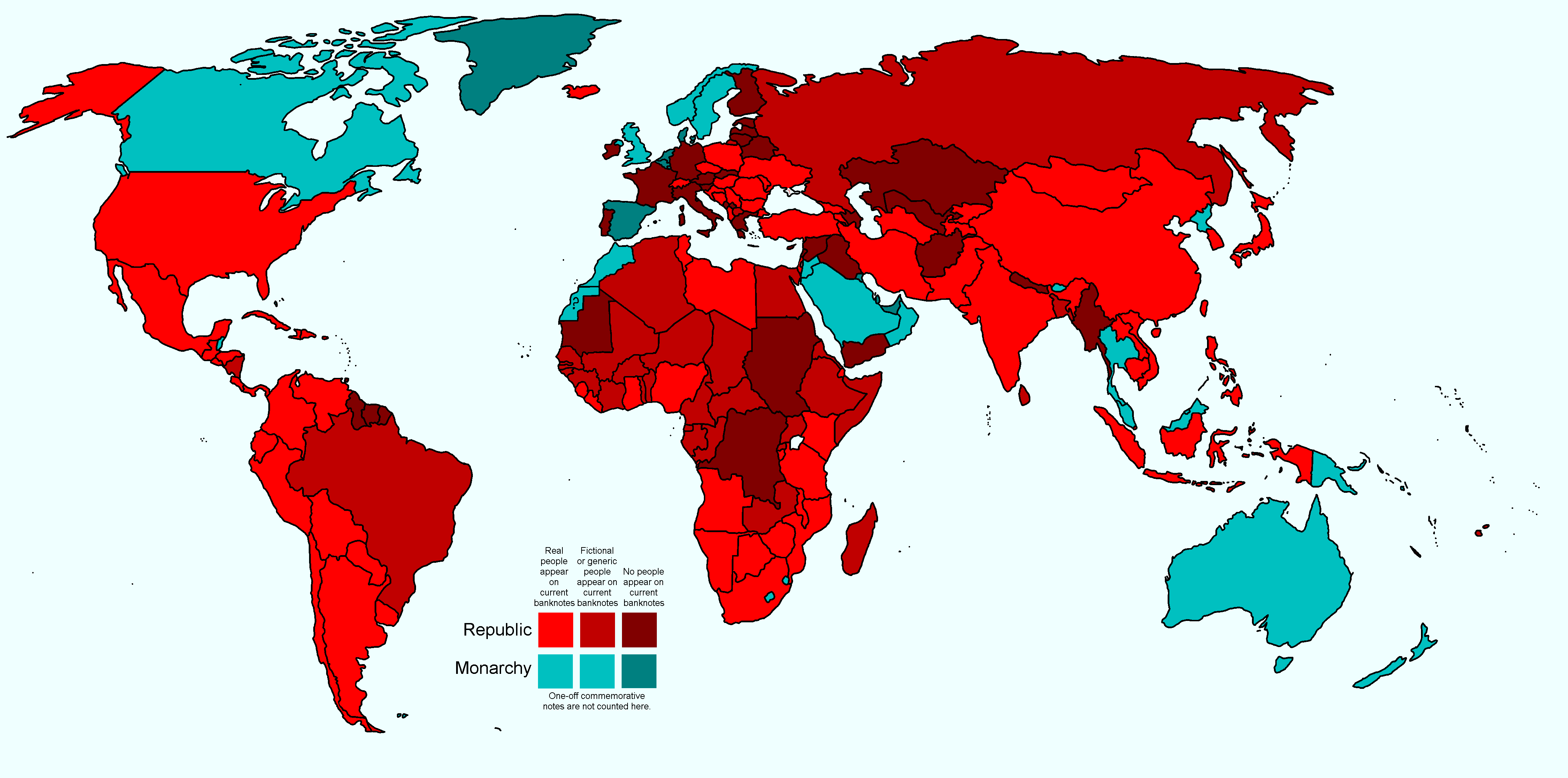 |
|
Moderator
United States
34564 Posts |
Ok yes, I had the same problem as CF. I had a *.jpg file which was a little over 300K and so got it reduced using the CCF optimizer, but then this program saved my file in *.png format. This was on an iPad and is the same route that I have used previously with hundreds and hundreds of photos.
On my desktop computer at home now and am able to post pics. I use MS Office 2010 program to open my *.jpg files, reduce them slightly to get them below the 300K threshold and then am all set.
"If you climb a good tree, you get a push."
-----Ghanaian proverb
"The danger we all now face is distinguishing between what is authentic and what is performed."
-----King Adz
Edited by Spence
08/02/2017 8:43 pm
|
|
Forum Dad
United States
24234 Posts |
Quote:
but then this program saved my file in *.png format. What is this program you are referring to? |
|
Moderator
United States
34564 Posts |
this program = CCF's optimizer here is a screen shot of the error message: 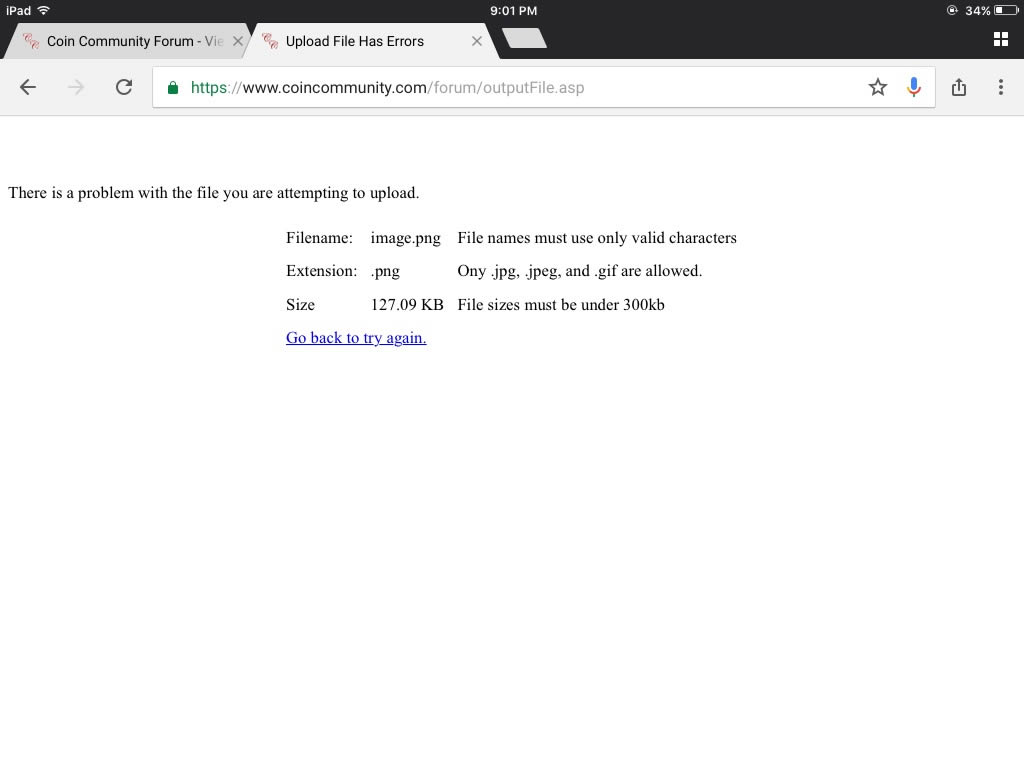 "If you climb a good tree, you get a push."
-----Ghanaian proverb
"The danger we all now face is distinguishing between what is authentic and what is performed."
-----King Adz
Edited by Spence
08/02/2017 9:05 pm
|
|
Forum Dad
United States
24234 Posts |
Yes, it's a PNG file, won't upload.
|
|
Moderator
United States
34564 Posts |
The filename of the coin that wouldn't upload is img_0192.png. The filename of the original screenshot is img_0194.png, but I couldn't post it to this thread because of the file extension. I had to open the screenshot with MS paint to save it as a *.jpg to post it so the filename of the actual posted screenshot is img_0194.jpg. Is that what you need?
"If you climb a good tree, you get a push."
-----Ghanaian proverb
"The danger we all now face is distinguishing between what is authentic and what is performed."
-----King Adz
|
|
Forum Dad
United States
24234 Posts |
Yes, it must not be a PNG.
I cannot replicate the optimizer outputting a PNG file on any equipment I have here. I upload a jpg, I get a jpg back.
|
| |
Replies: 25 / Views: 2,948 |










 Posted 08/02/2017 6:06 pm


