| Author |
 Replies: 30 / Views: 2,414 Replies: 30 / Views: 2,414 |
|
|
|
Forum Dad
 United States
24234 Posts |
Right. And here's the same image compressed 75% instead of your 92%  , 146KB , 48% smaller than your 278KB and looks NO different. 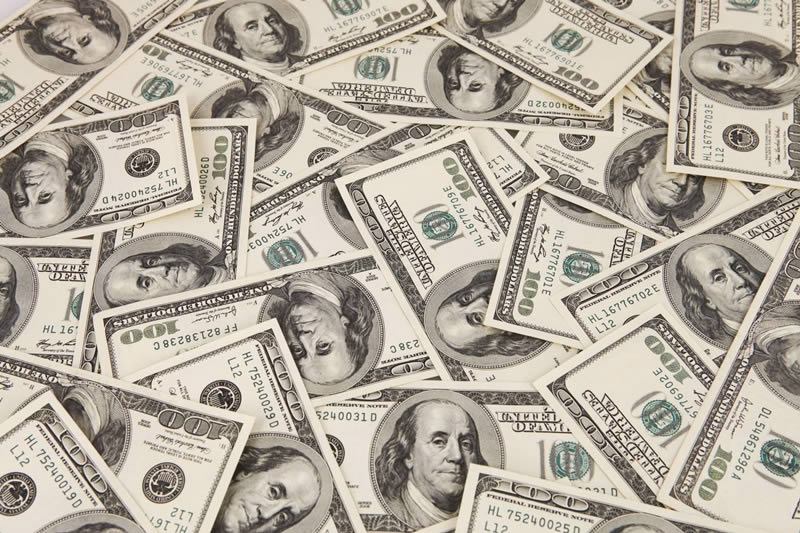 |
|
Bedrock of the Community
 United States
10284 Posts |
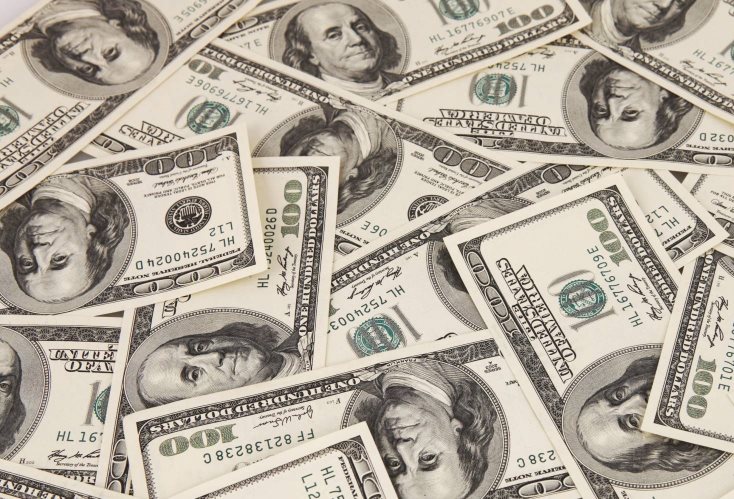
This worked well enough after I cleared my cookies, deleted my file, signed off and resigned in.
If you have cable ... you probably don't see anything except a very brief resize. If you have satellite, the whole page will be out of whack with a scroll bar at the bottom until the top image resized and this is only about 567KB.
|
|
Bedrock of the Community
United States
10284 Posts |
You got me bobby131313 ... Thank you very much. And here's the serial number I wanted to show everyone in the image. Roughly 79KB 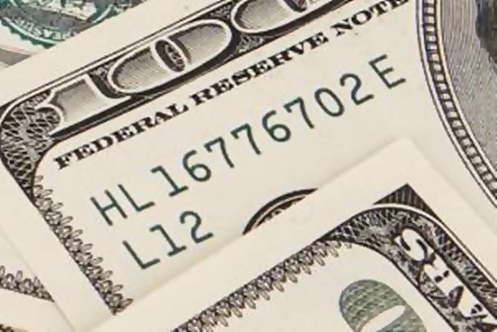 |
|
Pillar of the Community
 United States
4623 Posts |
-----Burton 50+ year / Life / Emeritus ANA member (joined 12/1/1973) Life member: Numismatics International, CONECA Member: TNA, FtWCC, NETCC, EveryCountry (online) coin club Owned by three cats and a wife of 40+ years (joined 1983) Author: 3rd Edition of the Sample Slabs book, https://www.sampleslabs.info/ |
|
Forum Dad
United States
24234 Posts |
Quote:
Resizing by non-integral factors causes a large drop in quality. Yeah sure quality drops, but a large drop? No, for our purposes it's just fine, 99% will see NO difference whatsoever. We're not building rocket ships here. |
|
Moderator
United States
196572 Posts |
Exactly.  If you are worried about missing some detail (like something that needs 10x or stronger to see in person), then crop the original hires image to that detail. No harm in having two photos, one of the full coin, one zoomed and cropped to what is important. A lot of people seem to accomplish this just fine.  |
|
Pillar of the Community
United States
4623 Posts |
No, I'n not talking about the compression factor, I'm talking about the actual resizing of the image that was performed first.
If you take an image and resize it to 50%, it's actually 1/4th the size - 50% height and 50% width. But because it's an integral reduction, each block of 4 pixels is averaged to a single resulting pixel.
At a non-integral resize, there is high order maths applied to the reduction, including fractions of pixels and that reduces... maybe quality is the wrong word... edge sharpeness.
-----Burton 50+ year / Life / Emeritus ANA member (joined 12/1/1973) Life member: Numismatics International, CONECA Member: TNA, FtWCC, NETCC, EveryCountry (online) coin club Owned by three cats and a wife of 40+ years (joined 1983) Author: 3rd Edition of the Sample Slabs book, https://www.sampleslabs.info/ |
|
Forum Dad
United States
24234 Posts |
Quote:
No, I'n not talking about the compression factor, I'm talking about the actual resizing of the image that was performed first. I knew exactly what you were talking about. For our purposes here, it's virtually irrelevant. I just took a 1000 square swatch from a Heritage image. I resized the first one to 500 square (4 to 1 pixels exacty) and the second one to 473 pixels (high order math applied to the reduction, including fractions of pixels) square. Please tell me what you could interpret from the first image that you can't from the second. 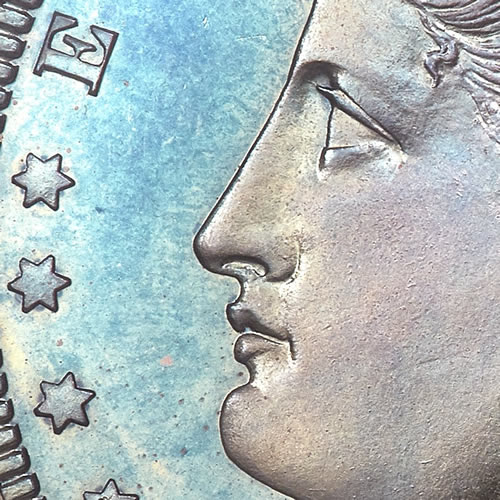 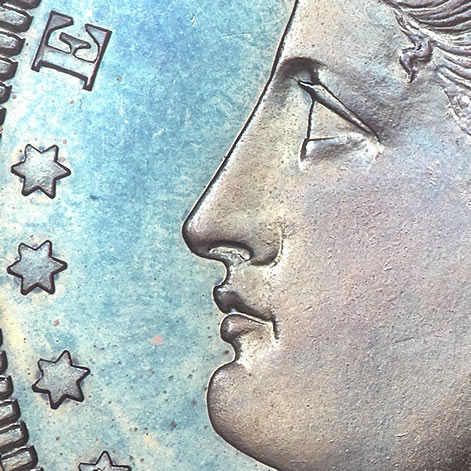 Like I said, what you are saying is irrelevant for our purposes. |
|
Pillar of the Community
United States
5905 Posts |
In the printing industry I been in forever, if I received a bad image file, no matter the size or resolution, if it is bad to start with, it usually ends bad.
The bottom line.
Garbage in. Garbage out!
The same applied here, you have clear sharp contrast image, it will reduce fine without any noticeable difference.
|
|
Moderator
United States
196572 Posts |
Quote:
At a non-integral resize, there is high order maths applied to the reduction, including fractions of pixels and that reduces... maybe quality is the wrong word... edge sharpeness. I think saving a raw image as JPEG probably does more to "ruin" an image than resizing at odd intervals. |
|
Pillar of the Community
United States
4623 Posts |
For sure. And for most pictures when displayed as a small part of a 1920x1080 monitor the compression doesn't matter. When you try to zoom in to see details is where you do see the artifacts of all of the processing that happens.
-----Burton 50+ year / Life / Emeritus ANA member (joined 12/1/1973) Life member: Numismatics International, CONECA Member: TNA, FtWCC, NETCC, EveryCountry (online) coin club Owned by three cats and a wife of 40+ years (joined 1983) Author: 3rd Edition of the Sample Slabs book, https://www.sampleslabs.info/ |
|
Moderator
United States
196572 Posts |
Quote:
When you try to zoom in to see details is where you do see the artifacts of all of the processing that happens. Which is why I said "If you are worried about missing some detail... then crop the original hires image to that detail..." |
|
Forum Dad
United States
24234 Posts |
But then, as jbuck stated earlier, you just crop out the "Zoom In" section you need from the original and post it as a separate image.
|
|
Forum Dad
United States
24234 Posts |
|
|
Moderator
United States
196572 Posts |
|
| |
Replies: 30 / Views: 2,414 |








 First Page


 Posted 08/09/2017 11:03 am