| Author |
 Replies: 14 / Views: 2,516 Replies: 14 / Views: 2,516 |
|
|
Pillar of the Community
United States
801 Posts |
Edited by AMB
09/05/2014 9:08 pm
|
|
|
|
Moderator
 United States
15884 Posts |
Truly wondering how all your photos come together to make an educational post for our members.  David |
|
Pillar of the Community
 United States
801 Posts |
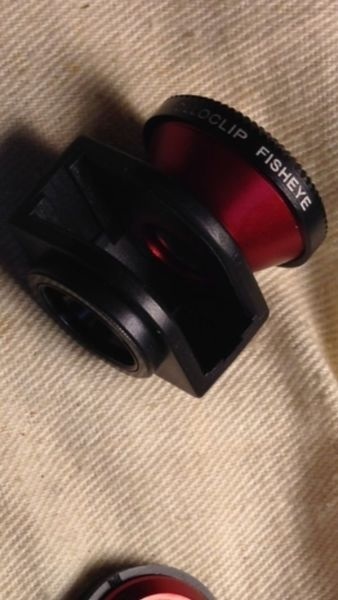
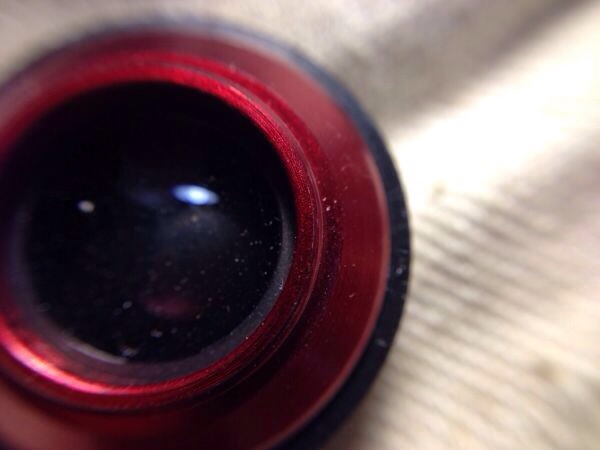
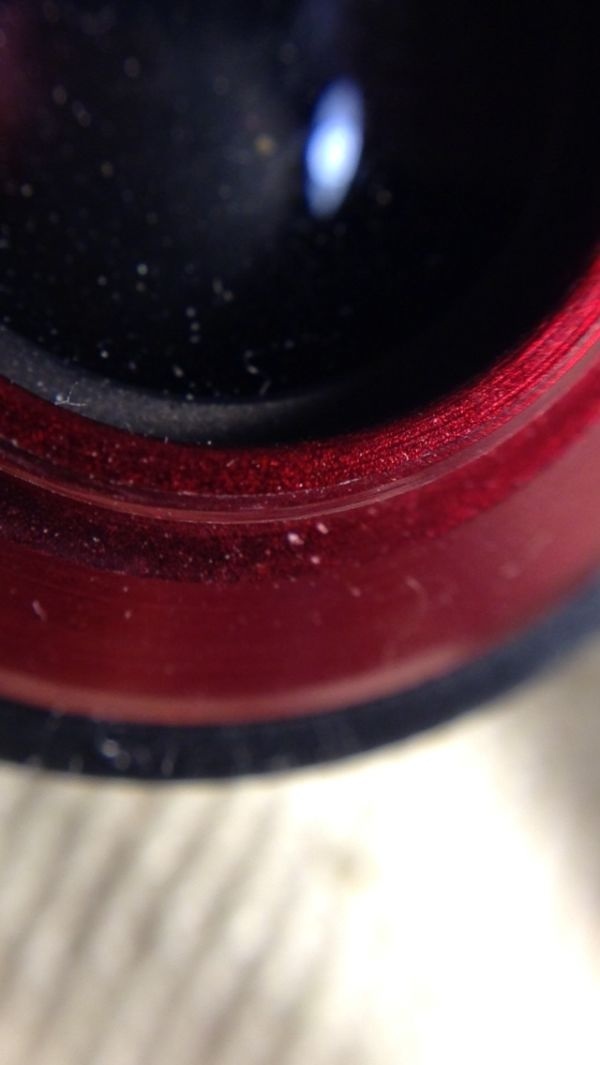
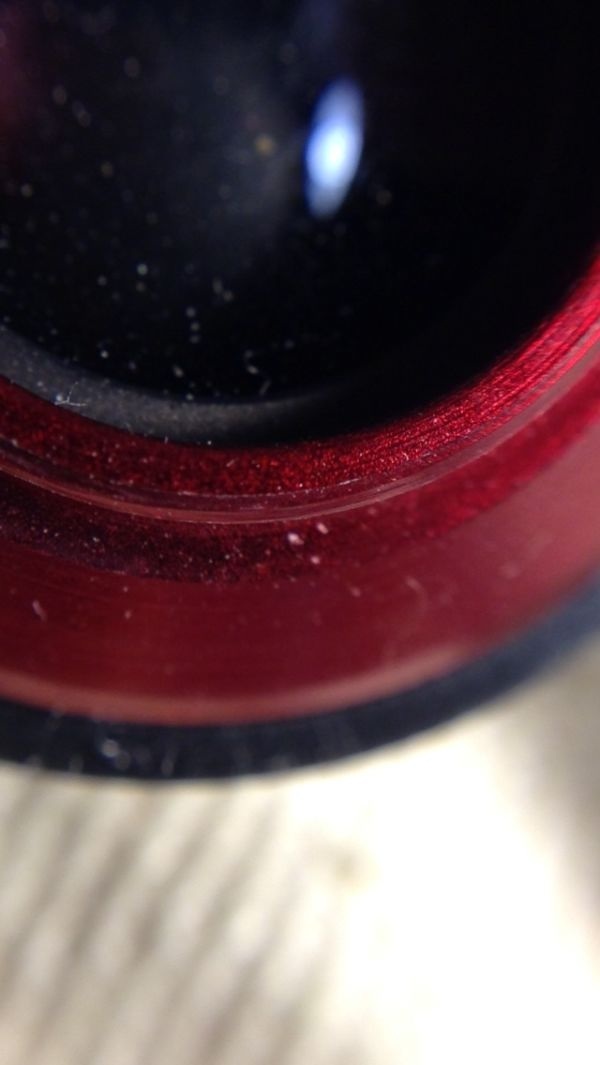
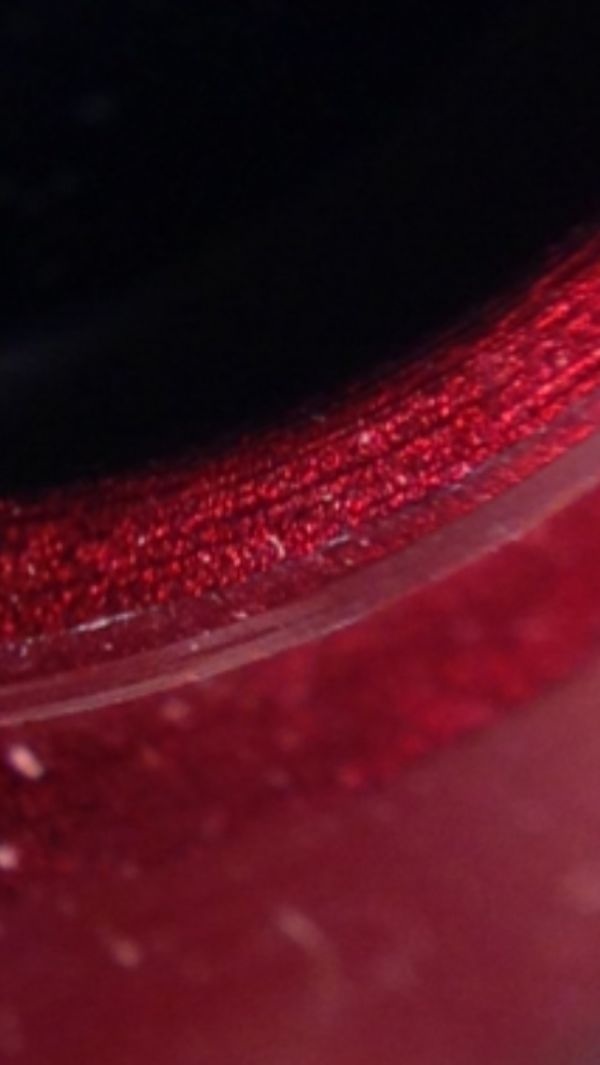
Well, it's an inexpensive device that allows exceptional close up views as you can see by the progression of the dust spec on the lens...shooting pics of errors at a close up view is an absolute necessity for identification. That's all. Thought people came here looking for info how to take the pics...just wanted to share this method as an alternate to expensive routes. 😊
|
|
Pillar of the Community
United States
4050 Posts |
Interesting add-on lenses. Can you show some pics of coins that you've taken with it? I'm a variety guy so if you have any RPMs or Doubled Dies would love to see pics to show what the setup can do. And what kind of working distance do you get with the close-up lens?
I also have always wanted to ask...what makes an iphone with an add-on lens an inexpensive way to take pics? Don't iPhones cost $600 or more?
Edited by rmpsrpms
09/05/2014 11:43 pm
|
|
Pillar of the Community
United States
801 Posts |
@RMP... If you want you can purchase models of iPhones that are not current models for $50-60...some people practically toss them out after they've upgraded...I've gone from the iphone 3 to the current 5 and as of sept 9 moving on to the 6...anyway an older model will work and you just use it as a computer, forget cellular data, just hook up to wifi and voila you have a coin camera-computer-picture editor-and forum posts-all in one. I was just getting ready to post a 1953 RPM...here it is: And just for fun I've taken the picture into free apps to edit too, a split up down two picture comparison app and an arrow pointer app: So everything done on the Iphone. Let me know if you want to see more. Thx 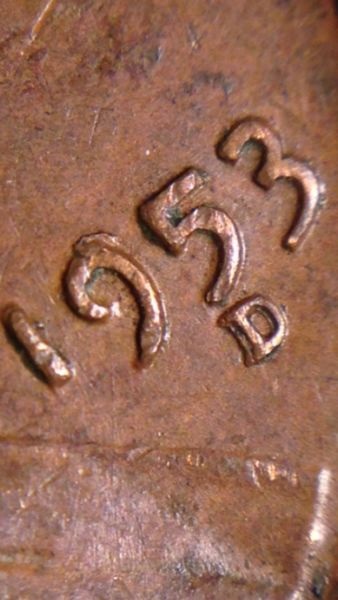 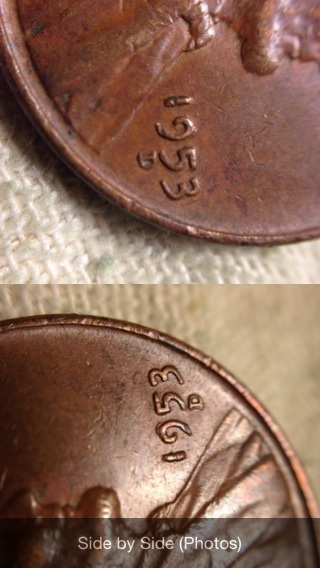 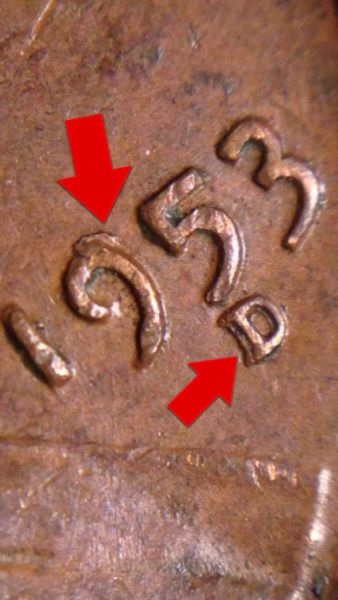 |
|
Valued Member
440 Posts |
In the top and bottom pics the periphery looks a little out of focus (the 1 & 3 digits). But still pretty amazing for a phone camera. How do you access the "arrow" & "comparison" apps on the i-phone?
|
|
Moderator
United States
23522 Posts |
We've already proven that iPhones - at least as far back as the 4 - are capable of excellent full-face coin imagery. And iPhone 4's are easily found for less than $100.
|
|
Pillar of the Community
United States
4050 Posts |
Well, that's why I didn't ask before, I figured had the wrong perspective. I've never had a phone that lasted long enough to get any real value from.
The results from the Apple and Samsung phones is very good indeed. The image quality is of course completely dependent on the quality of the add-on lens that is used. The theory is the same as using "stacked lenses" on a DSLR or MILC. The lens attached to the camera is the "tube" lens, and is focused near infinity, while the add-on is the "objective", which does all the heavy lifting. I've been meaning to do some testing with a GS4 using some good enlarging lenses to see how far I could take it. Maybe some day soon...
|
|
Moderator
United States
56855 Posts |
AMB, You do take some great photos  John1  |
|
Pillar of the Community
United States
801 Posts |
Thanks John!
As asked above the apps (which are free) have access to your photos and open the photos independently in the app. The arrow app is just for putting arrows on pictures. The side by side app that's all it does...but the finished photo is saved back in your original photos app. The convenience is really impressive. I can use my phone to zoom in on a coin before I even snap a pic. It's a microscope in that respect too. I can line up coins and scan over them in a row supper fast before seeing a specimen I want to look at. So there are many features and advantages...as well as posting within 30seconds of taking a pic.
Sorry if I'm rambling...working today 😁
|
|
Valued Member
440 Posts |
What are the names of the apps in the app store?
|
|
Pillar of the Community
United States
801 Posts |
Right off my phone...here are the apps: 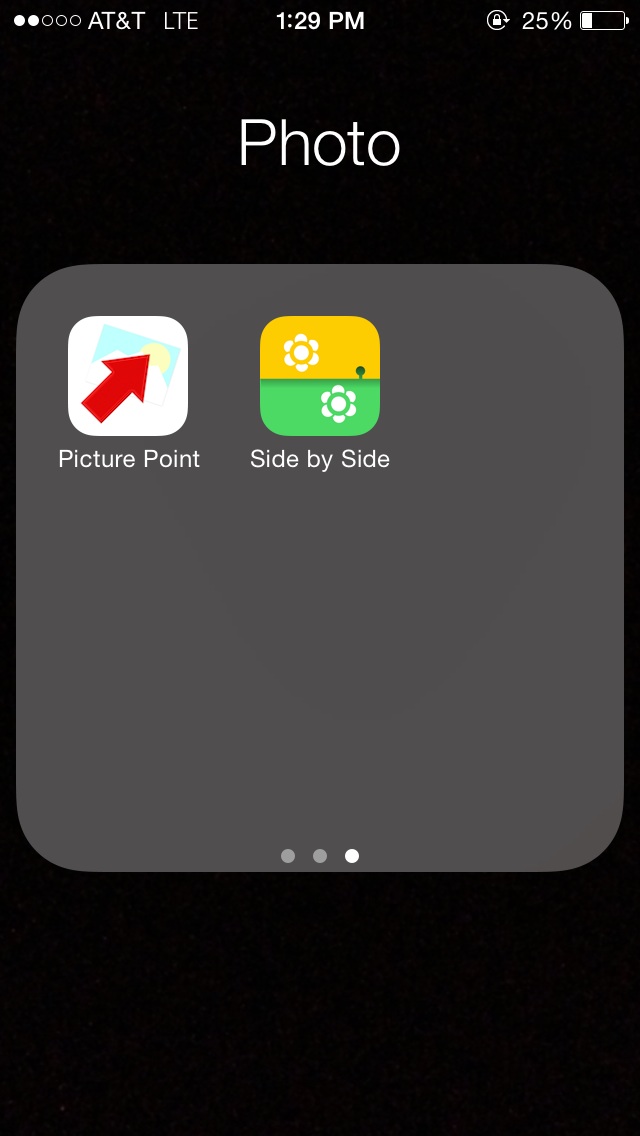 |
|
Valued Member
Canada
147 Posts |
What is your setup for taking macro iphone shots? I've got the cheap knockoff olloclip and it does fairly well, but the peripheral unfocus is much more pronounced in most of my shots. I also don't have a proper tripod/stand for my phone, so it loses focus very easily. (Also, through 2x2)   |
|
Pillar of the Community
United States
801 Posts |
Try holding the coin rather than having it flat. The camera will focus better on the coin and dismiss the periphery...then on the iphone open the picture and "finger zoom" in on the spot of the coin you are interested. Push the home button and sleep button down at the same time and it will take a screen shot of the zoomed image. I'll post a view while holding a coin. You can see how good the focus is...it's the same image zoomed in via the iphone zoom and screen shot feature. 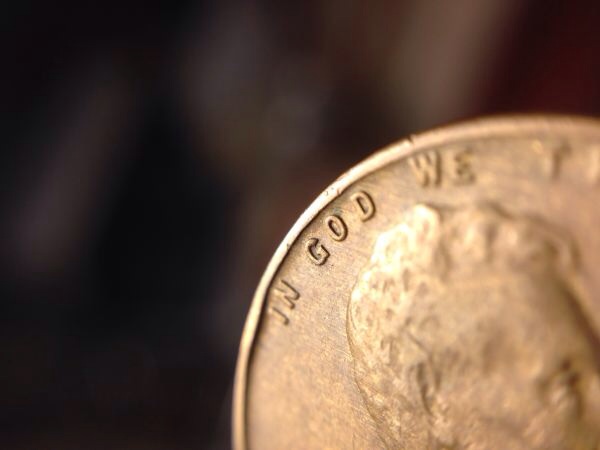 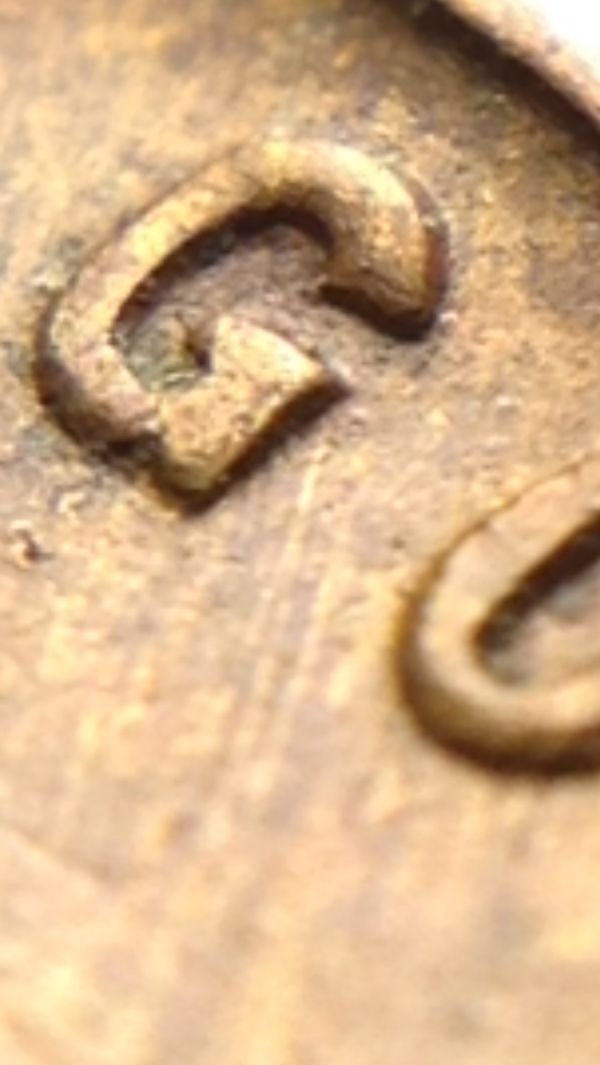 Edited by AMB
09/08/2014 7:59 pm
|
|
Pillar of the Community
United States
801 Posts |
Sorry I just re-read your question...macro pics I don't use the added lens at all. Just get a focused picture no matter how small your coin looks and after you take the picture, go to the photo app, find your image and finger zoom to the size you want and take a screen shot (click home button and sleep button down together). I don't use the lens for any macro shots, only micro. AMB
|
| |
Replies: 14 / Views: 2,516 |
|









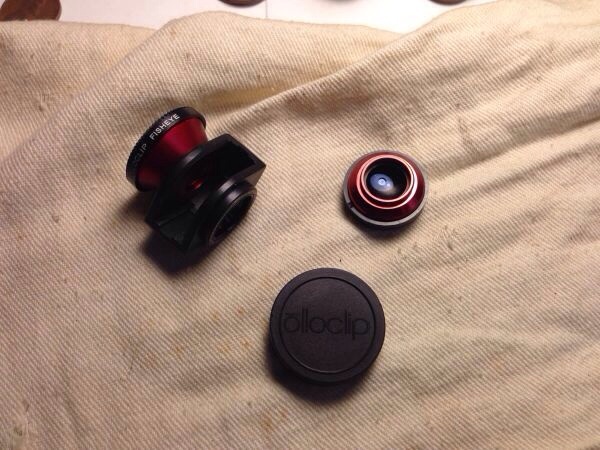
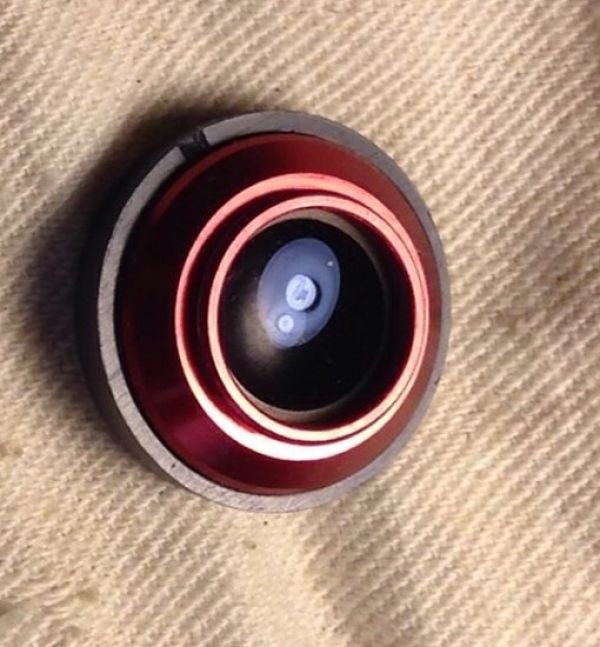



 Posted 09/05/2014 8:53 pm


