| Author |
 Replies: 11 / Views: 1,363 Replies: 11 / Views: 1,363 |
|
|
Bedrock of the Community
United States
62064 Posts |
|
|
|
|
Pillar of the Community
United States
2824 Posts |
|
|
Rest in Peace
United States
17900 Posts |
Well I think...  too! |
|
Pillar of the Community
United States
3644 Posts |
|
|
Valued Member
United States
434 Posts |
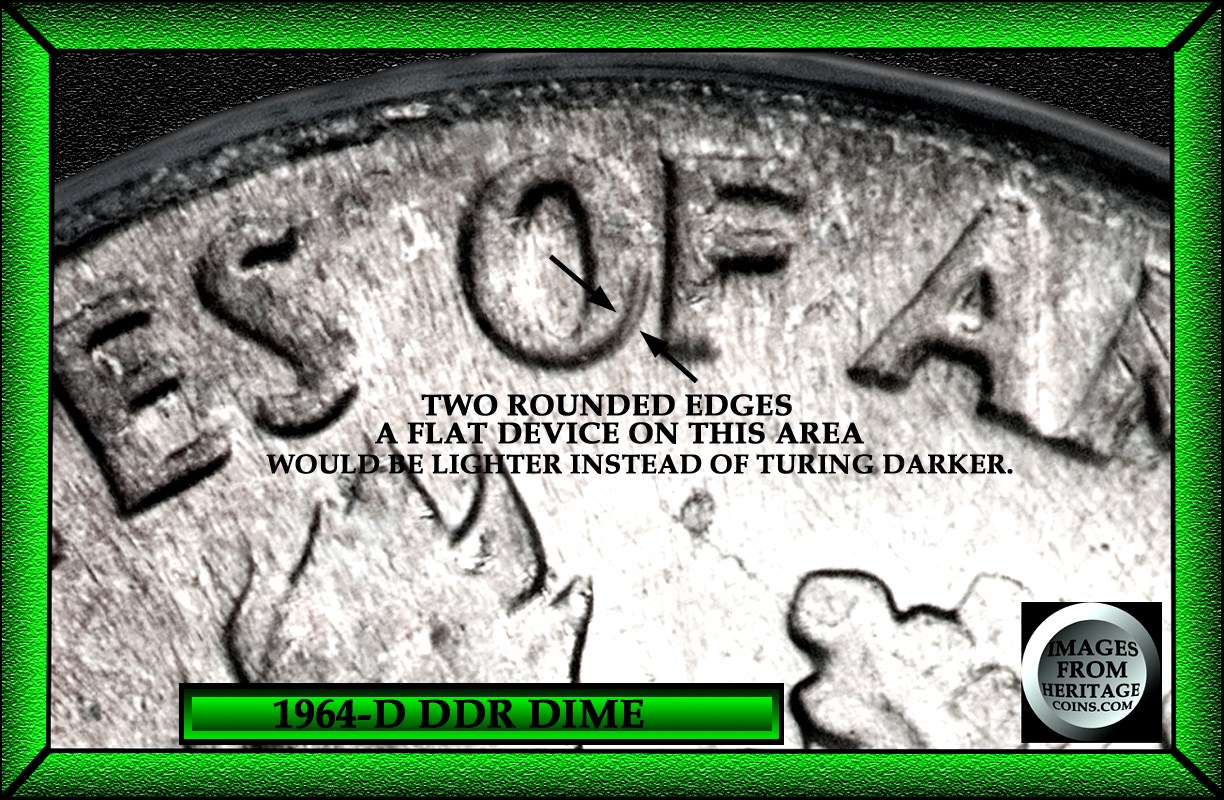
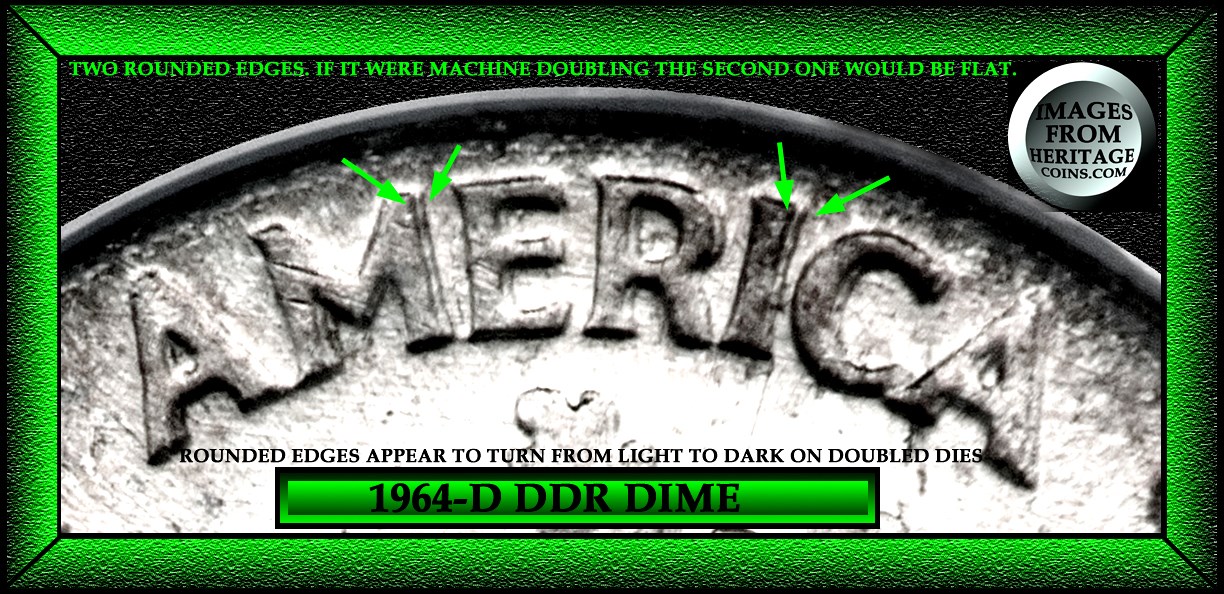
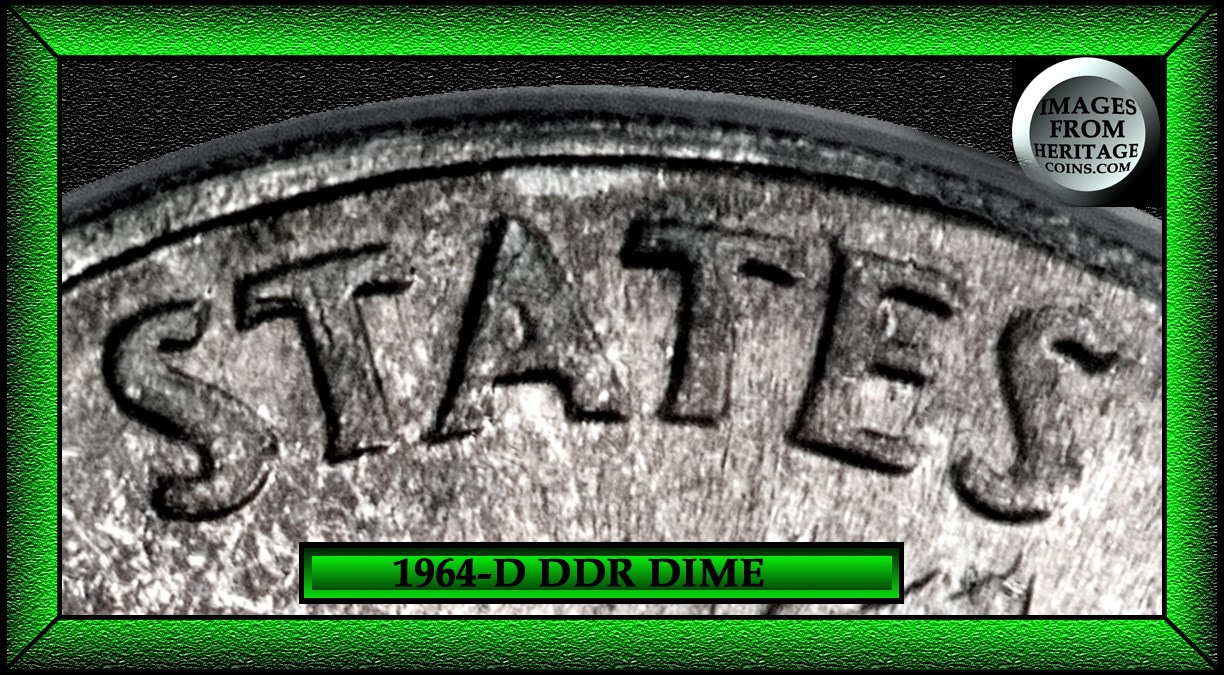
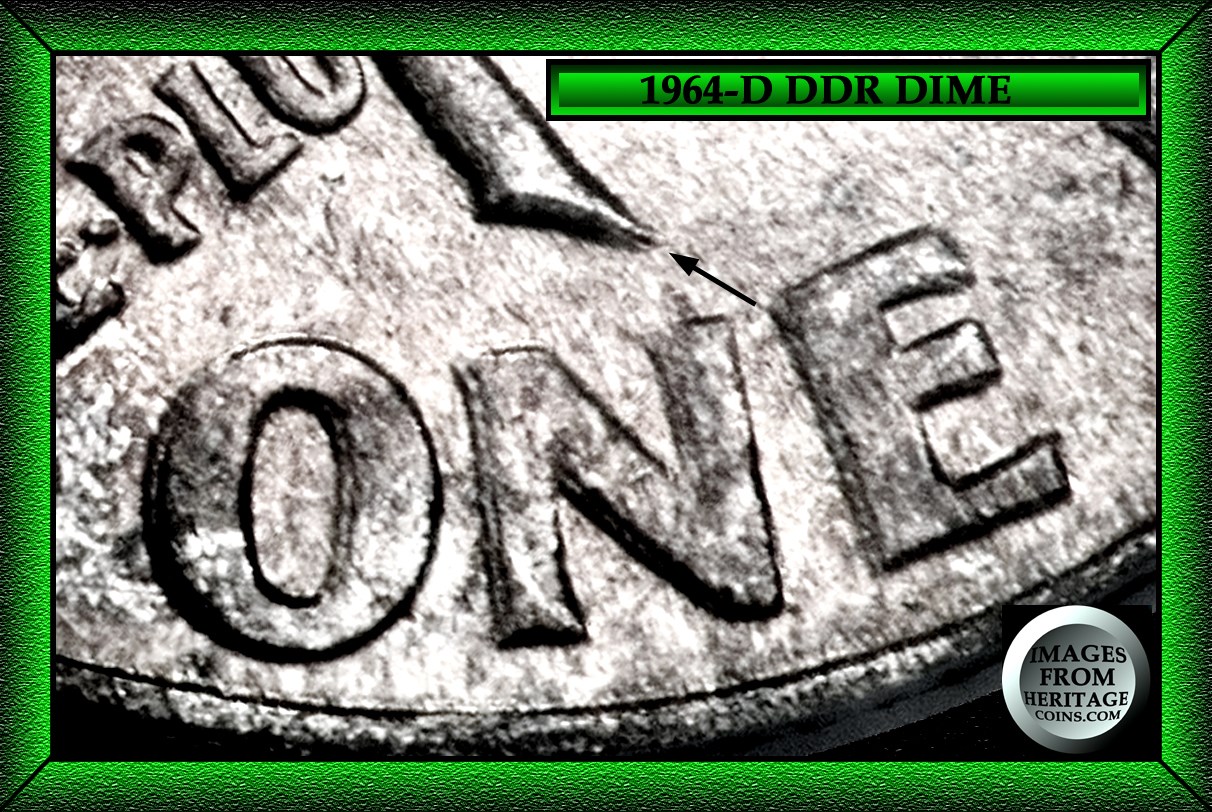
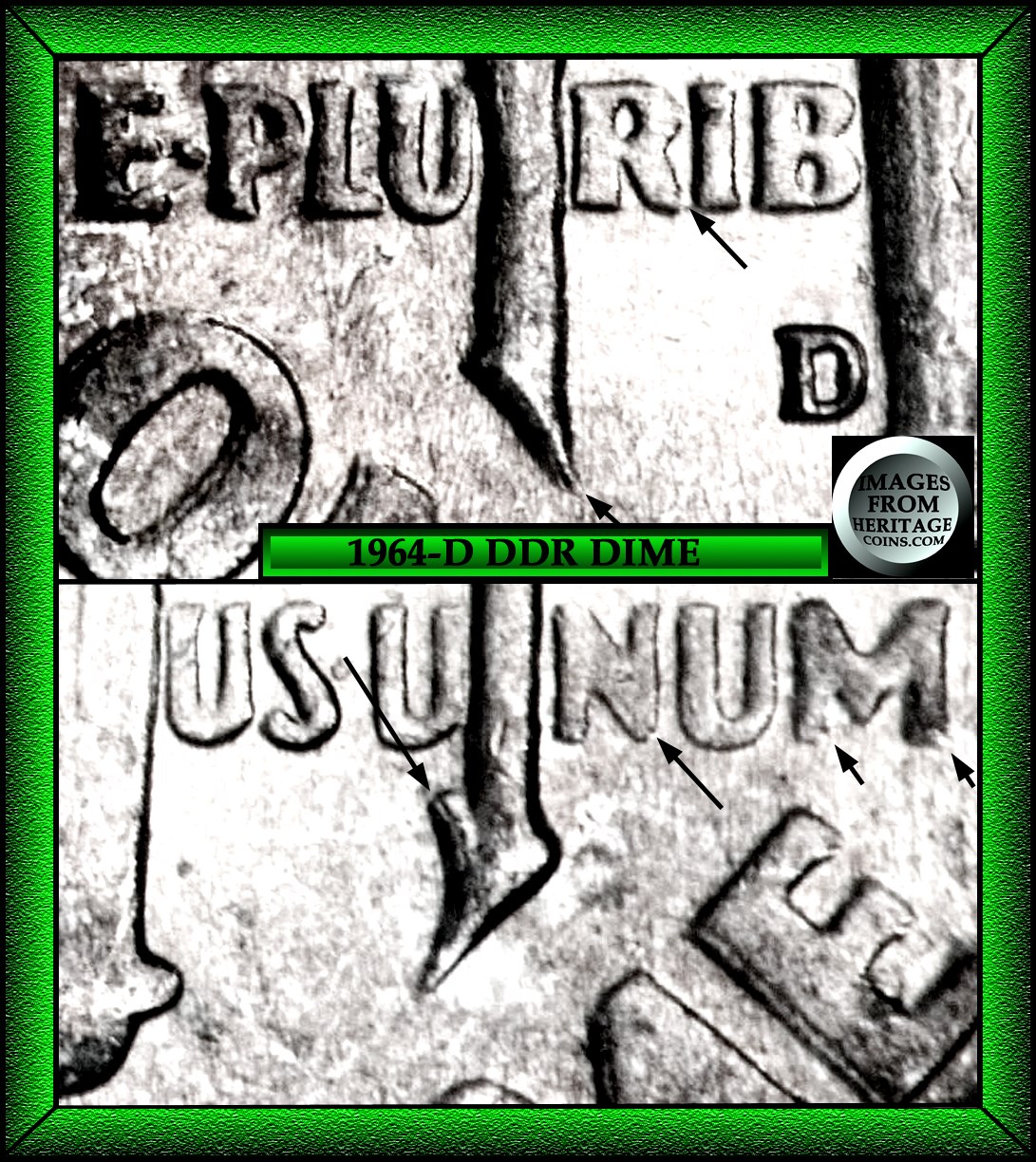
These are tricky. I have a hard time spotting the difference with double dies and rpms. Some listed rpms I see with pictures don't look like rpms to me they look like flat Machine Doubling. And some non rpms with raised metal are damage. I stare at mintmarks and don't know what to think when I see a light shadow around them. Hopefully this post will help me better understand. :) This coin I can see going either way, and I base that on the confirmed varieties I have seen. Edited by MS70Error5
11/18/2015 7:55 pm
|
|
Bedrock of the Community
 United States
62064 Posts |
|
|
Pillar of the Community
United States
2824 Posts |
|
|
Pillar of the Community
United States
2824 Posts |
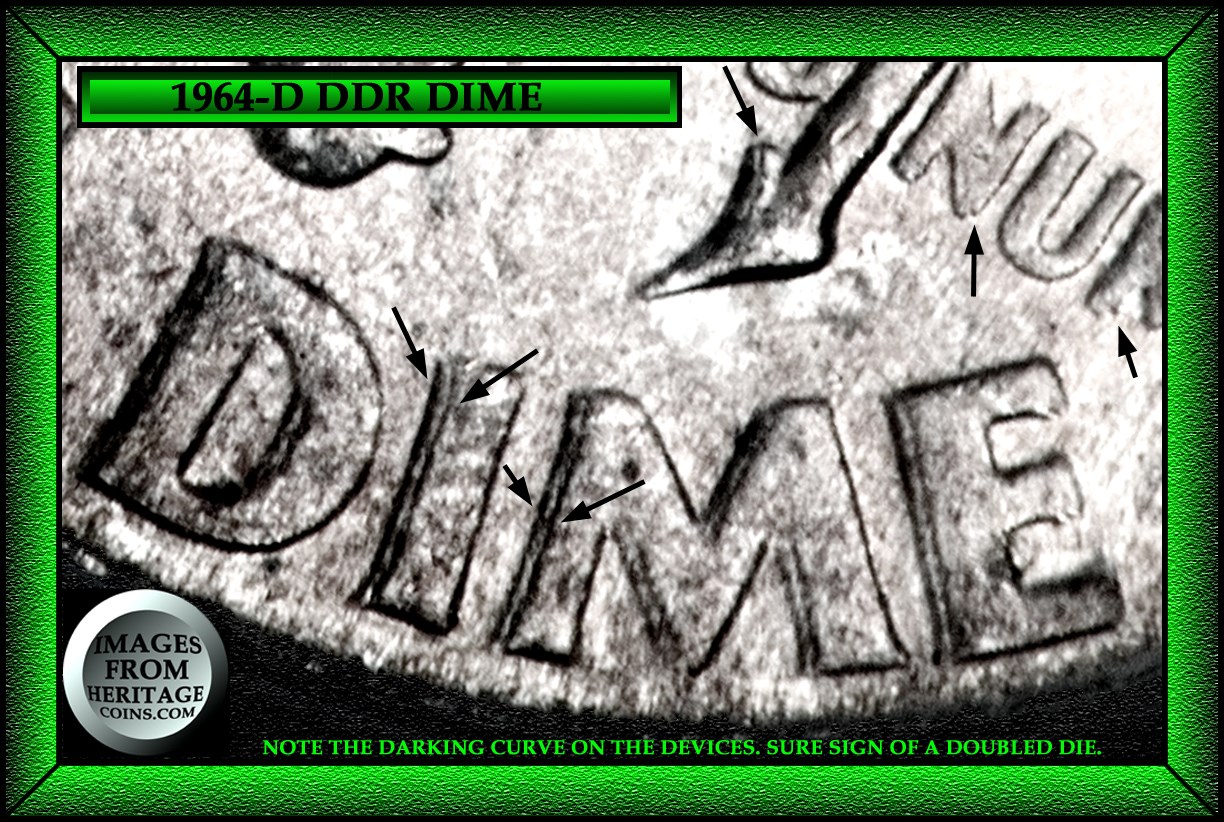
So for example that would make this 1964-d on ebay Machine Damaged? 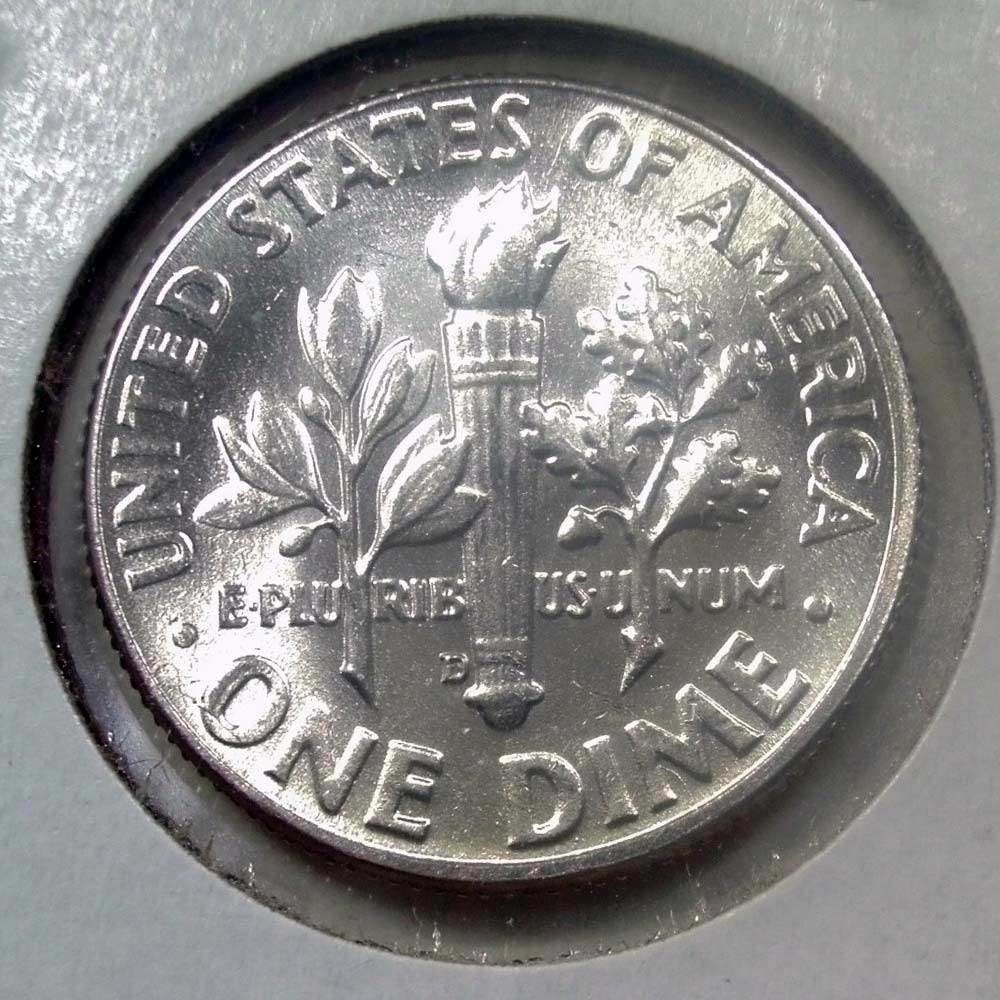 mint mark the O in One last a in America IM in Dime 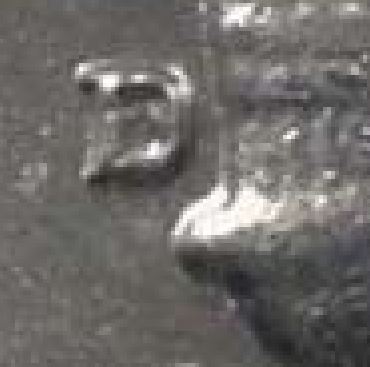 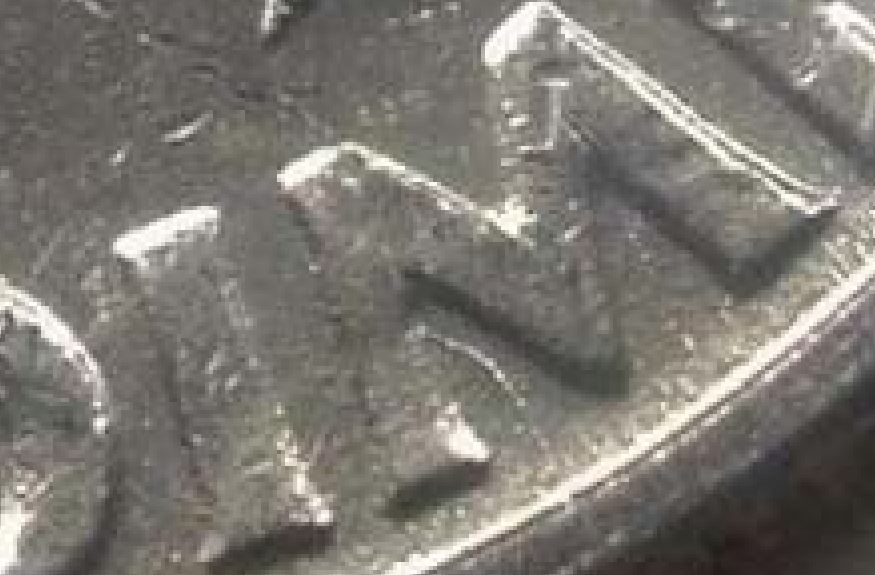 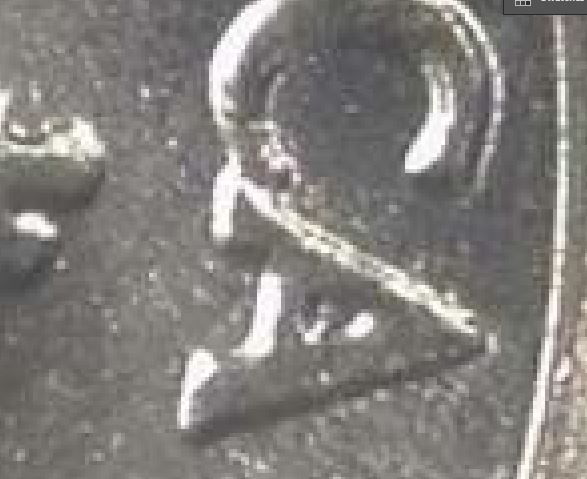 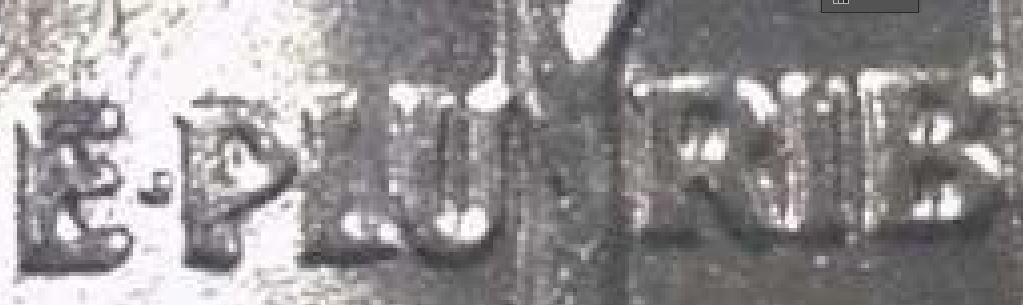 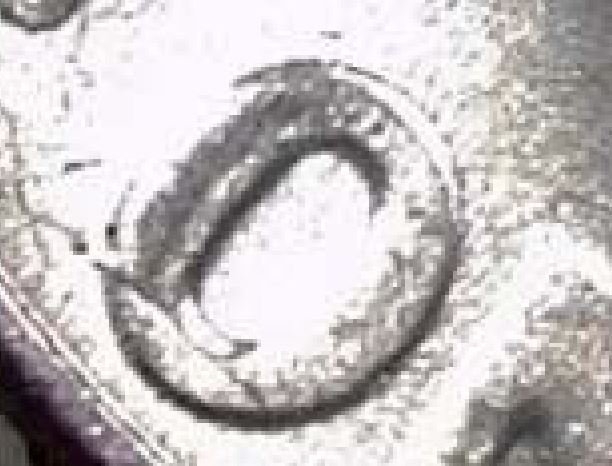 |
|
Bedrock of the Community
United States
62064 Posts |
Correct. Take a look at the "O" on ONE. You can see it is reduced by the MD on the top of that device.
|
|
Pillar of the Community
United States
2824 Posts |
 slowly getting there... |
|
Valued Member
United States
434 Posts |
Thanks all! Those pictures and the information about the doubled edges going from light to dark on the outside help a lot.
|
|
Bedrock of the Community
United States
62064 Posts |
Thank you MS70Error5. That is what I was hoping to accomplish. The light to dark issue on doubled dies and the lack of that on a normal coin, but altered and now not able to create this illusion to see because of the MD.
|
| |
Replies: 11 / Views: 1,363 |
|







 Posted 11/18/2015 1:17 pm