






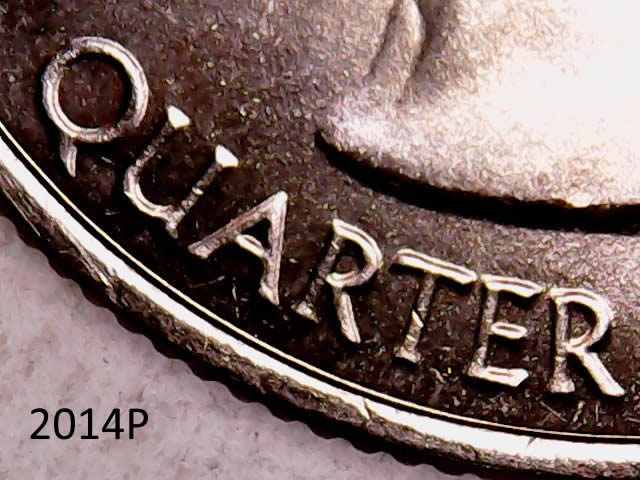
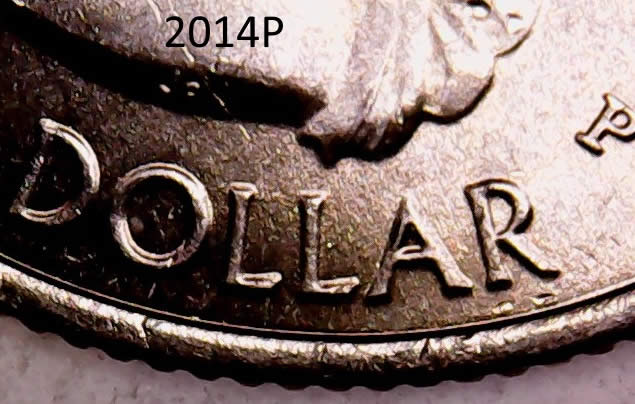
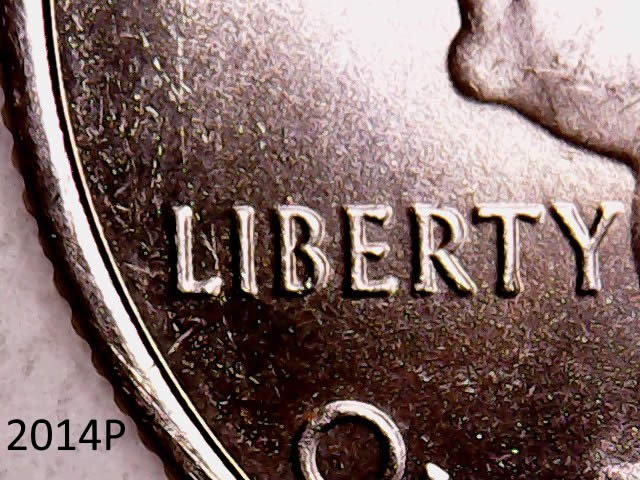


 Posted 12/15/2015 11:01 am


Very slight amount of machine damage on the "T" on LIBERTY. The rest looks normal from what I can see. Keep in mind that glare is an issue with your coin. When you take an image with the light strong on a certain side of the devices, that glare hides what you are wanting to show. Best to let the light fall over the devices creating light and shadows. So try to take the image 90+ degrees to show the light fall over the devices instead of creating a glare that hides what you want to show.
Try to diffuse the light a bit more and turn the coin to allow the light to fall over the devices and not spotlight what you want to show:
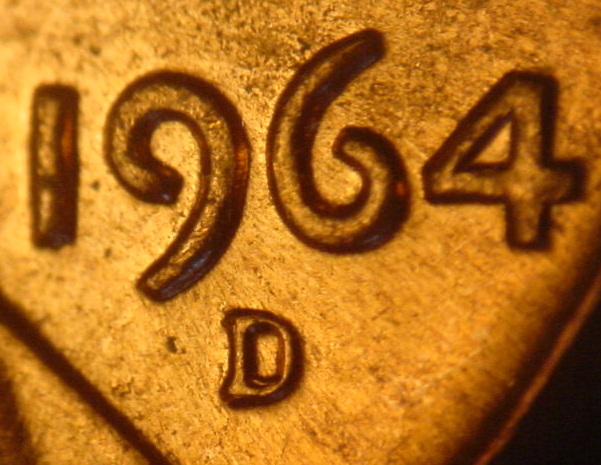
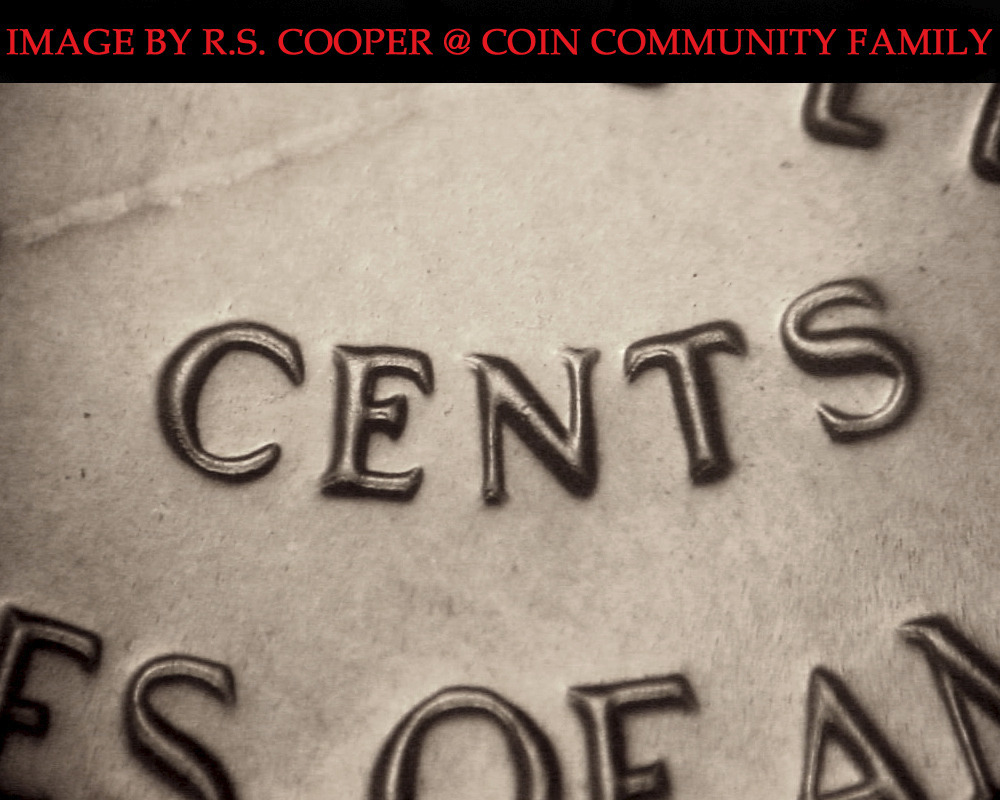
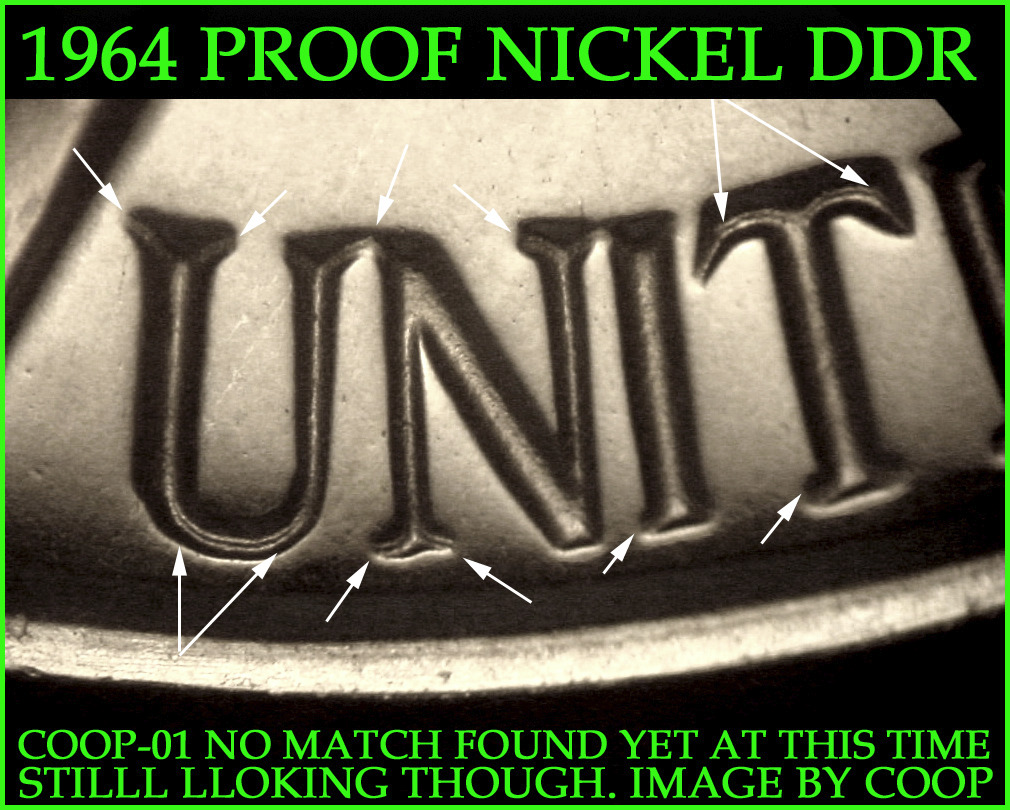
The quality of your camera is already there. Just adjust the technique a bit. Diffuse and rotate the coin to get the light at a different angle so that what you want to show is not spotlighted, but allow the light to fall over the devices. Remember light and shadows make images more desirable. So give that a try next time you are taking images.
Try to diffuse the light a bit more and turn the coin to allow the light to fall over the devices and not spotlight what you want to show:
The quality of your camera is already there. Just adjust the technique a bit. Diffuse and rotate the coin to get the light at a different angle so that what you want to show is not spotlighted, but allow the light to fall over the devices. Remember light and shadows make images more desirable. So give that a try next time you are taking images.


